Viaduct
Run any Chrome extension in Safari directly from Webstore
Safari is genuinely good now. It's fast, easy on the battery, and built for the Mac in a way Chrome never bothered to be. But almost everyone hits the same wall when they switch. Their extensions aren't there. Half the tools you rely on in Chrome never shipped for Safari, and probably never will.
Apple technically lets you convert them, but the manual route is rough. You need Xcode installed. You copy folders around in the terminal, run the converter by hand, then dig through the Develop menu to allow unsigned extensions. Then about a week later Safari drops the extension anyway, because on a free Apple account a self built one is only trusted for roughly seven days. So you do the whole thing again. Most people try once, hit an error, and give up.
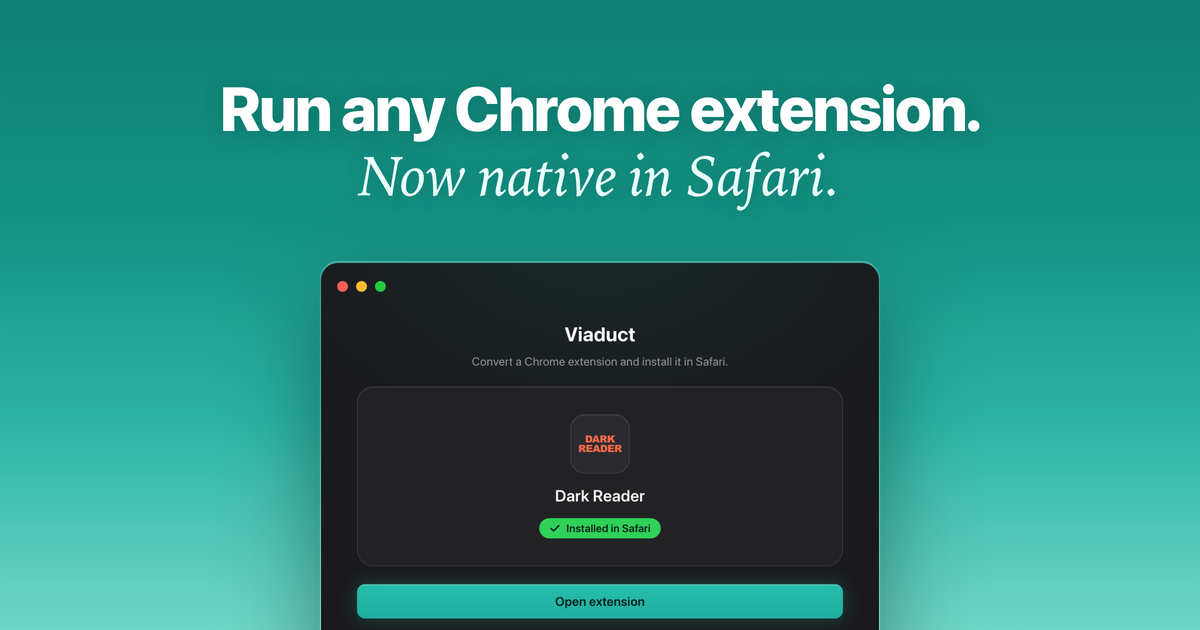
Viaduct is that entire process in one click. You drag in a Chrome extension, or paste a Chrome Web Store link, and it builds a real native Safari extension, signs it, and installs it for you. No terminal, no Xcode project to babysit, no manifest editing. And because expiring signatures are the thing that makes the manual method so miserable, Viaduct quietly re signs your extensions before they lapse, so they just keep working instead of vanishing.
The conversion engine is open source if you'd rather script it yourself. The app is the paid part. It's the polished version that handles the annoying edge cases the raw converter chokes on. Your first two conversions are free, so you can prove it works on an extension you actually care about before paying. After that it's $19, one time. No subscription, no account, no catch.











