MacappSupply

Discover

Hot Latest Trending Supply Pick

Categories

View all

More

Icons Sponsor
Submit an app
MacappSupply
AppsCategoriesIcons
SponsorSubmit an app
Apps/Productivity/Keyameleon
Keyameleon app icon

Keyameleon

Productivity

Per-keyboard input source switcher for Mac

Visit website

Author

Federico Mastrini

Pricing

Open Source

Category

Productivity

Updated

—

Clicks

7
Is this your app? Claim it to edit the listing.
Keyameleon — image 1
Keyameleon — image 2
Keyameleon — image 3
Keyameleon — image 4

About Keyameleon

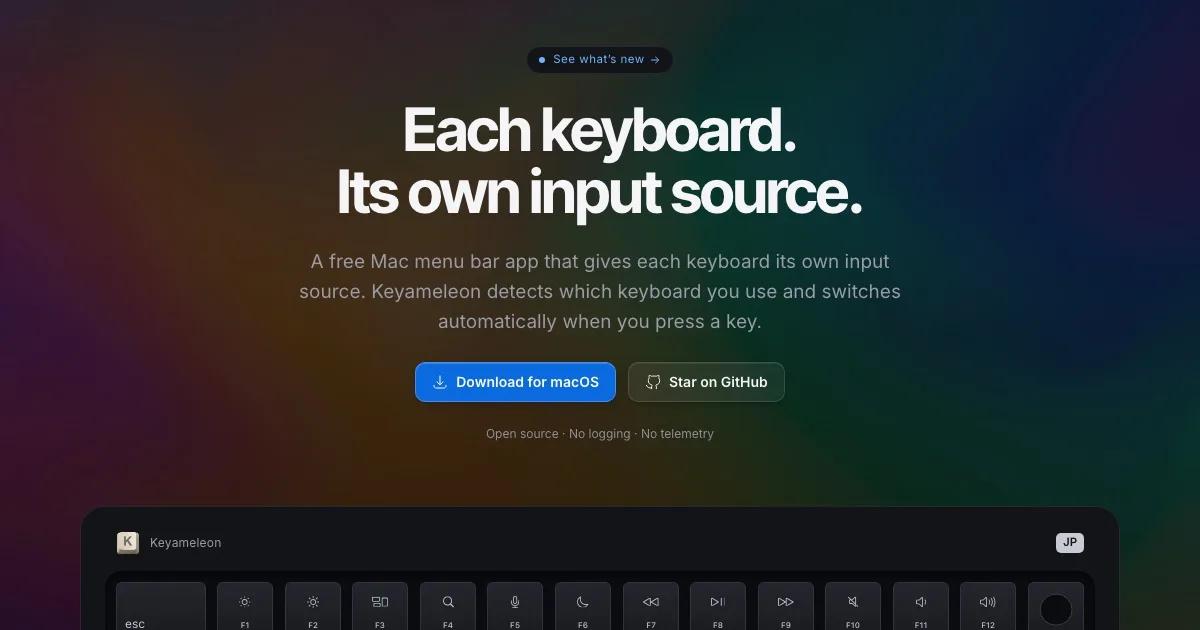
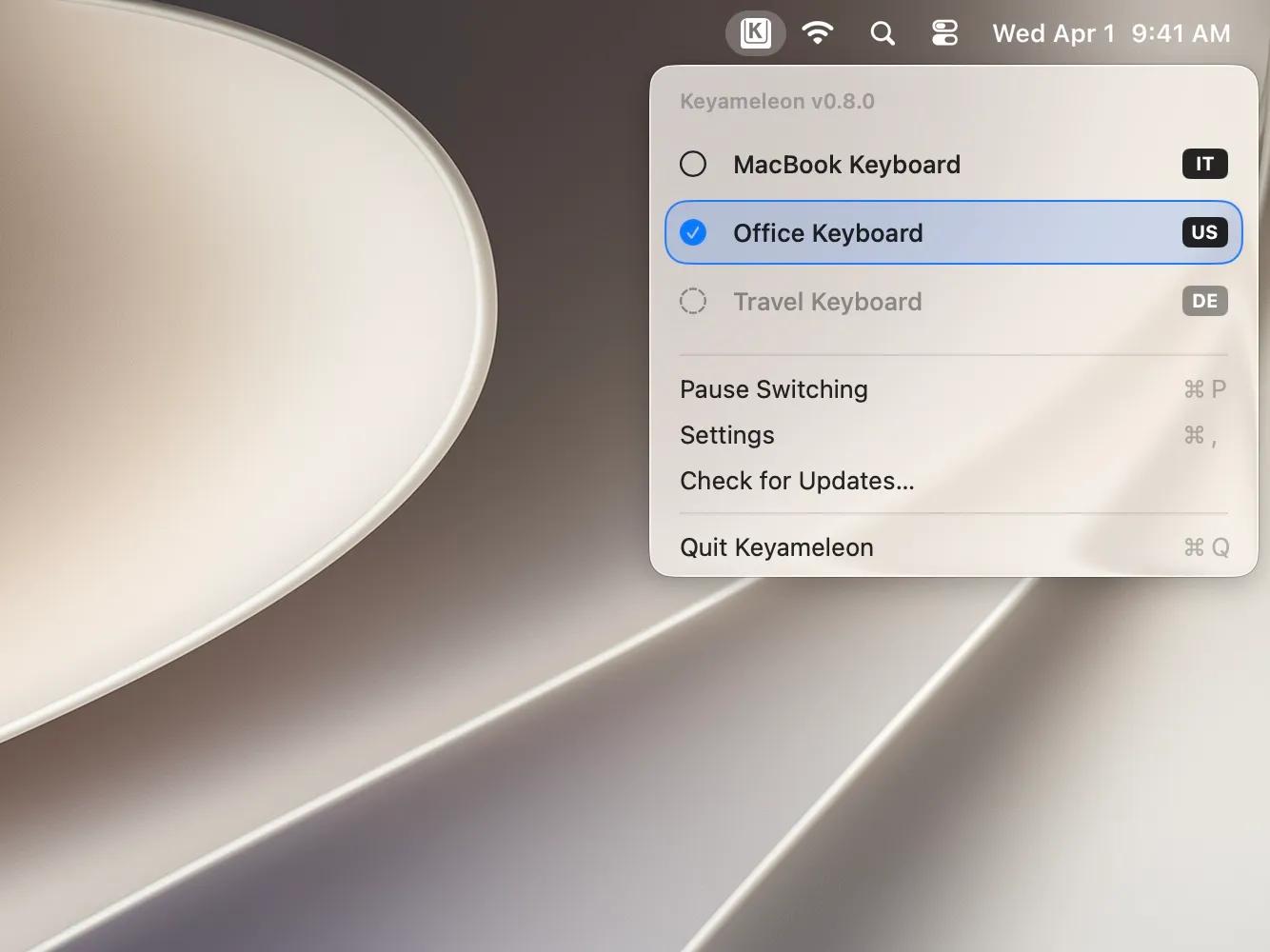
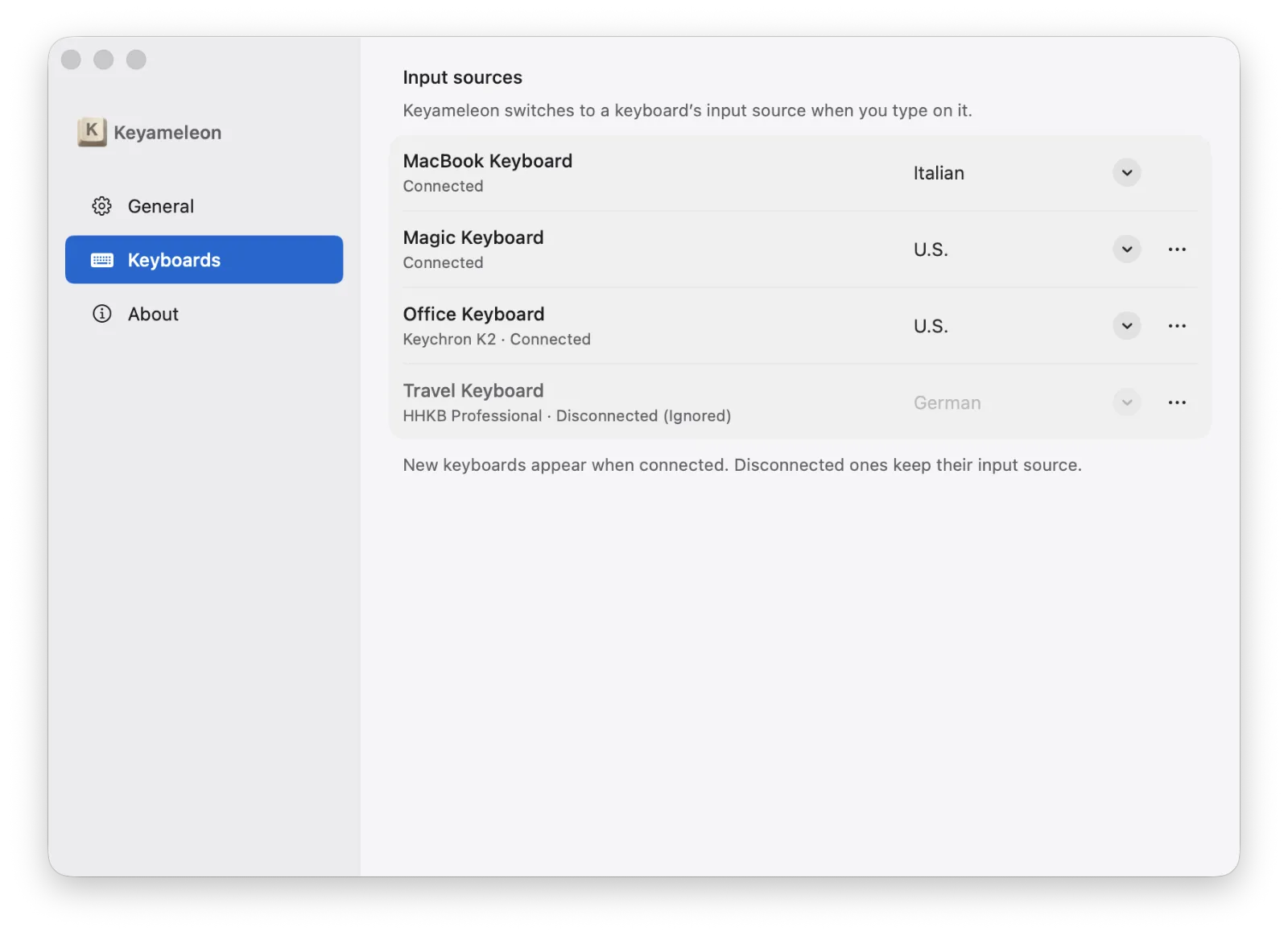
Keyameleon is a free, open-source macOS menu bar app that gives every physical keyboard its own input source. Plug in your external Italian, German, UK or JIS keyboard and Keyameleon switches to that layout the moment you start typing on it, while your MacBook's built-in keyboard stays on US. No shortcuts to remember and no manual switching in the menu bar.

Under the hood it watches which keyboard each keystroke comes from using Apple's CoreHID in listen-only mode, switches the input source, and verifies that the switch actually happened. It never modifies or injects keystrokes, and it collects no telemetry. Keyameleon is signed and notarized, updates through Sparkle with your approval, installs as a DMG or via Homebrew, and is MIT licensed. Requires macOS 26 or later.

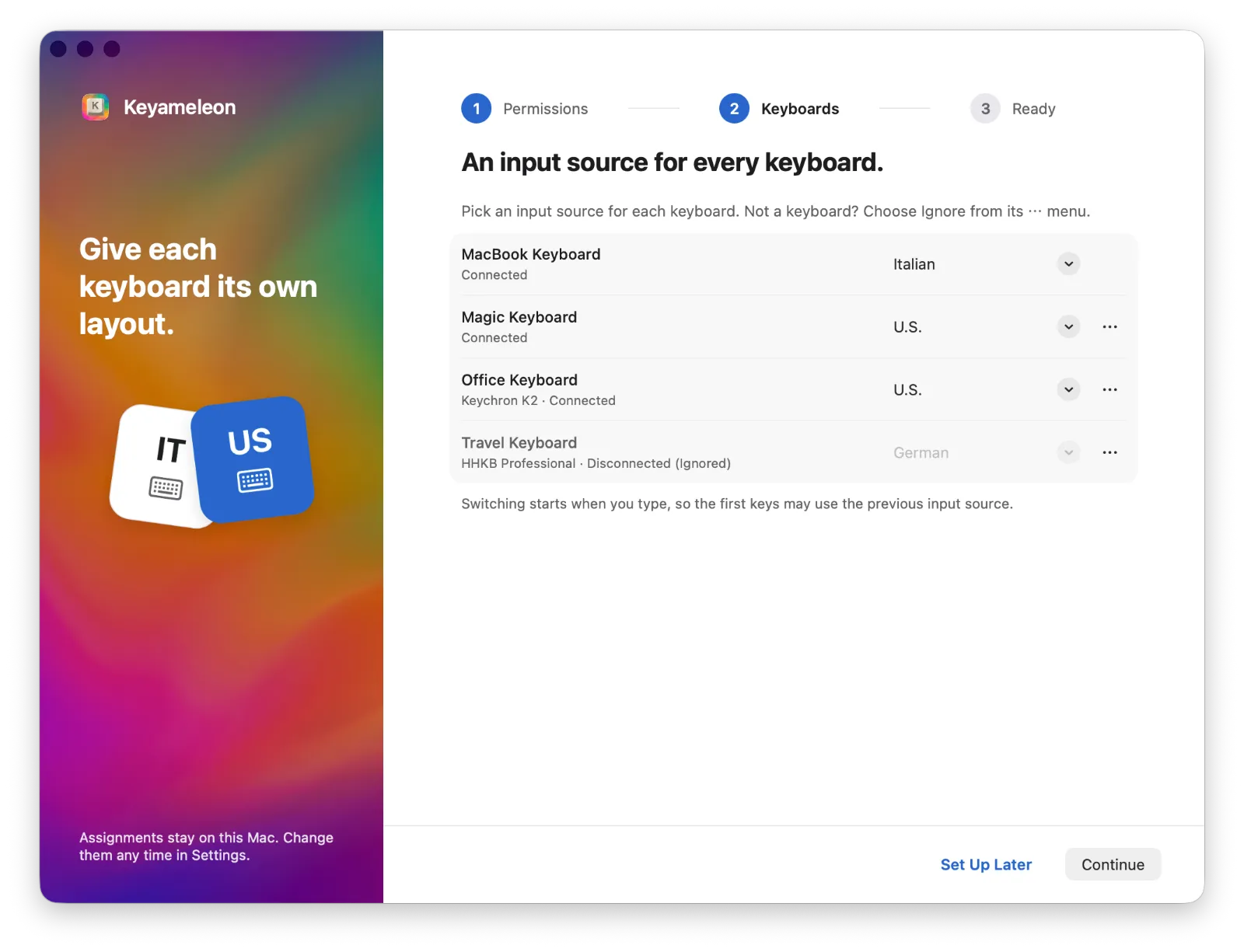
  • A dedicated input source for each physical keyboard
  • Automatic switching the moment you type, with verification
  • Never modifies or injects keystrokes; no telemetry
  • Lives in the menu bar, with guided setup
  • Signed and notarized, Sparkle auto-updates
  • Free and open source (MIT), DMG or Homebrew

More in Productivity

Woday app icon

Woday

Meet Woday, a beautifully designed daily planner for Mac.

Trailback: Find, Organize & Tidy Files on Mac app icon

Trailback: Find, Organize & Tidy Files on Mac

Search your Mac the way you remember it, then sort and tidy

Letterboxx app icon

Letterboxx

A dedicated reader for email newsletters.

Shortap app icon

Shortap

Quick tap gestures for your MacBook

Supaste app icon

Supaste

Clipboard and screenshot history

Cooldock app icon

Cooldock

Second Dock to your Mac with live widgets

ScreenPlace app icon

ScreenPlace

Effortlessly put every window in its place on your Mac.

Glance app icon

Glance

Native markdown editor for macOS

Featured apps

Woday app icon

Woday

Meet Woday, a beautifully designed daily planner for Mac.

Trailback: Find, Organize & Tidy Files on Mac app icon

Trailback: Find, Organize & Tidy Files on Mac

Search your Mac the way you remember it, then sort and tidy

Letterboxx app icon

Letterboxx

A dedicated reader for email newsletters.

Screen Movie app icon

Screen Movie

Screen Recording & Motion Editor for macOS

Shortap app icon

Shortap

Quick tap gestures for your MacBook

Supaste app icon

Supaste

Clipboard and screenshot history

Cooldock app icon

Cooldock

Second Dock to your Mac with live widgets

Subscribe for updates

Hear about new, useful, beautifully designed macOS apps as we add them to the shelf. No spam, unsubscribe anytime — by subscribing you agree to our Privacy Policy.

MacappSupply

A curated shelf of beautifully designed macOS apps.

Solt WagnerCurated bySolt Wagner

Menu

  • Home
  • Icons
  • Submit an app
  • Sponsor
  • Listing guidelines
  • Contact
  • Privacy
  • Terms

Categories

  • AI
  • Analytics
  • Audio
  • Business
  • Communication
  • Design
  • Dev
  • Entertainment
  • Finance
  • Lifestyle
  • Marketing
  • Photography
  • Productivity
  • Utility
  • Video
  • Writing

Featured

  • Woday app iconWoday
  • Trailback: Find, Organize & Tidy Files on Mac app iconTrailback: Find, Organize & Tidy Files on Mac
  • Letterboxx app iconLetterboxx
  • Screen Movie app iconScreen Movie
  • Shortap app iconShortap
  • Supaste app iconSupaste
  • Cooldock app iconCooldock

© 2026 Macapp Supply. All rights reserved.

RSS

A manually curated collection. Some outbound links may be affiliate links. Not affiliated with Apple Inc. — all app marks belong to their respective owners.