
Trailback: Find, Organize & Tidy Files on Mac
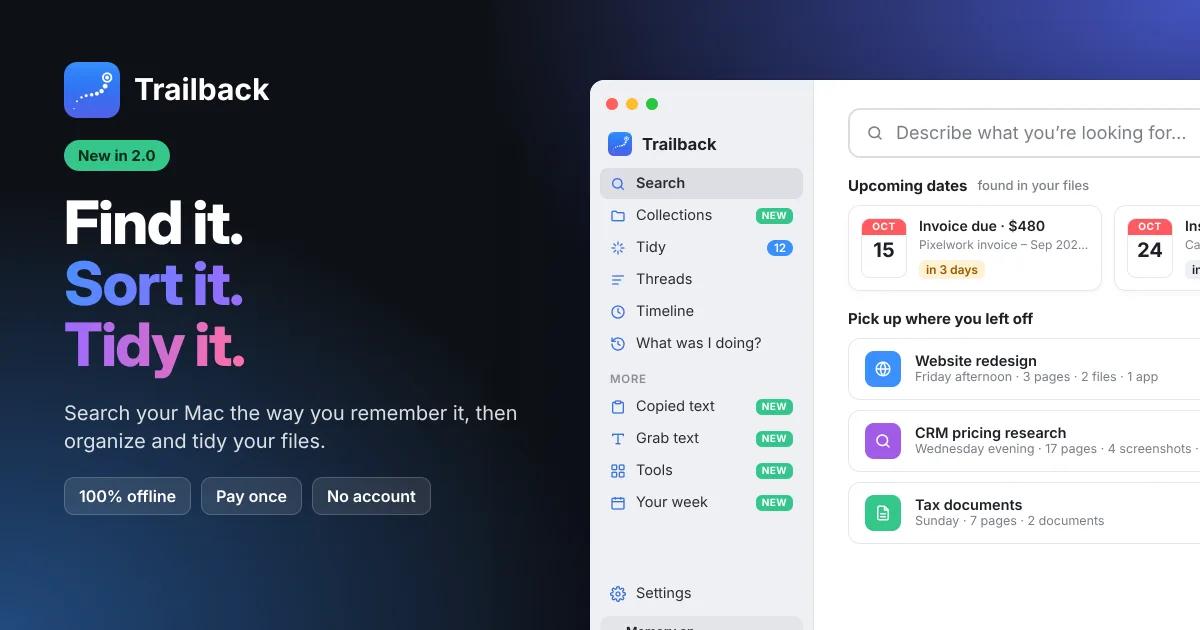
Search your Mac the way you remember it, then sort and tidy
Find any file, web page or screenshot on your Mac just by describing it.
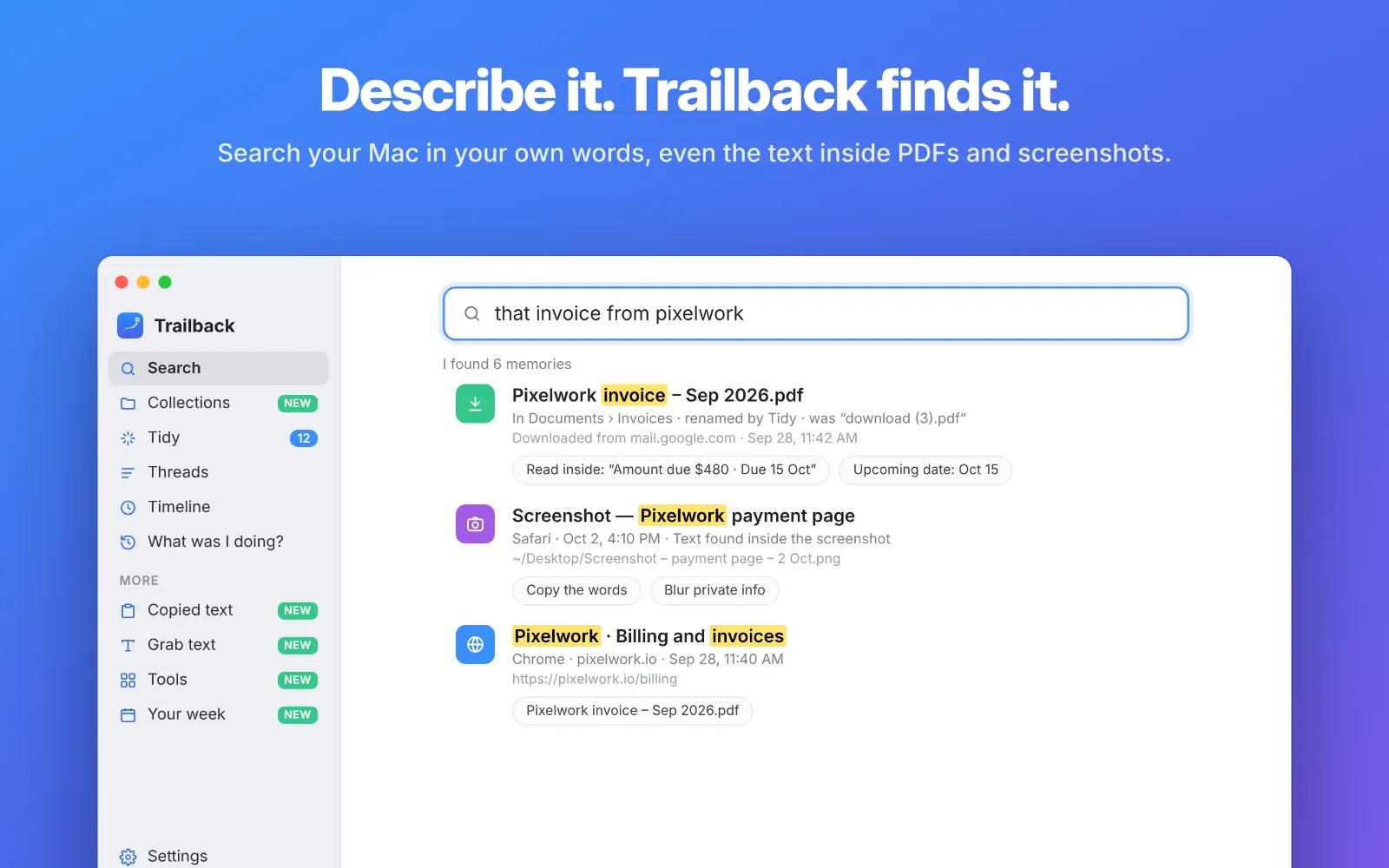
You don’t need the file name, the folder, the website or the date. Type what you remember, like “the invoice from Pixelwork” or “that screenshot with the error”, and Trailback finds it. It understands what you mean, not just the exact words.
What Trailback finds
- Files and PDFs by what’s inside them. Search the words in your documents, not just their names.
- Screenshots by the text in them. Type “connection refused” and get the exact screenshot, plus the app or website you had open.
- Web pages you closed days ago, in any browser. Private windows are never recorded.
- Downloads and where they came from. Trailback shows which website every file was downloaded from.
- Apps and documents you used, and when. “The spreadsheet from Thursday” is enough.
New in Trailback 2.0: organize and tidy your Mac
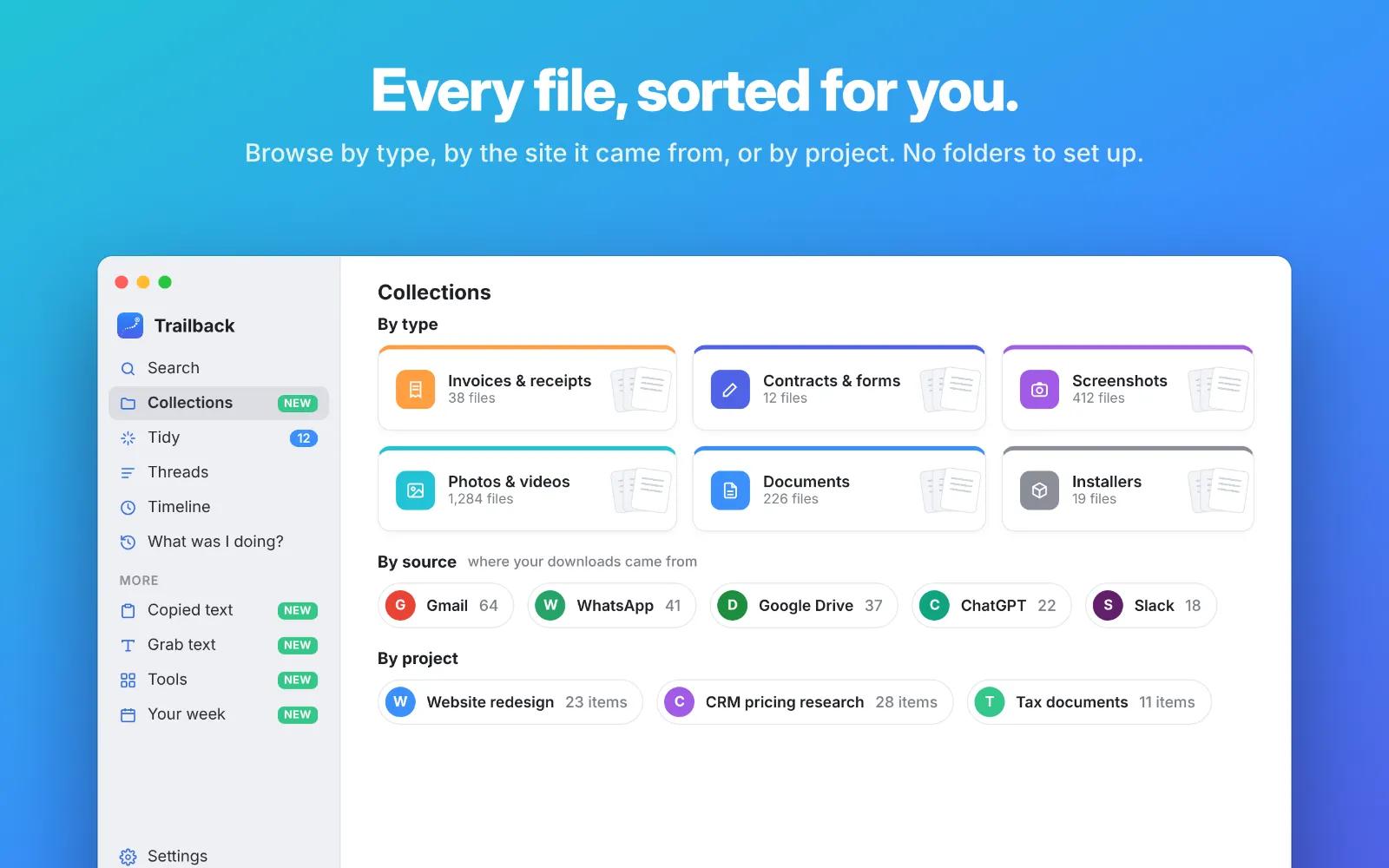
- Collections: your files sorted by type (invoices, contracts, screenshots, photos), by the website they came from, or by project. No folders to set up.
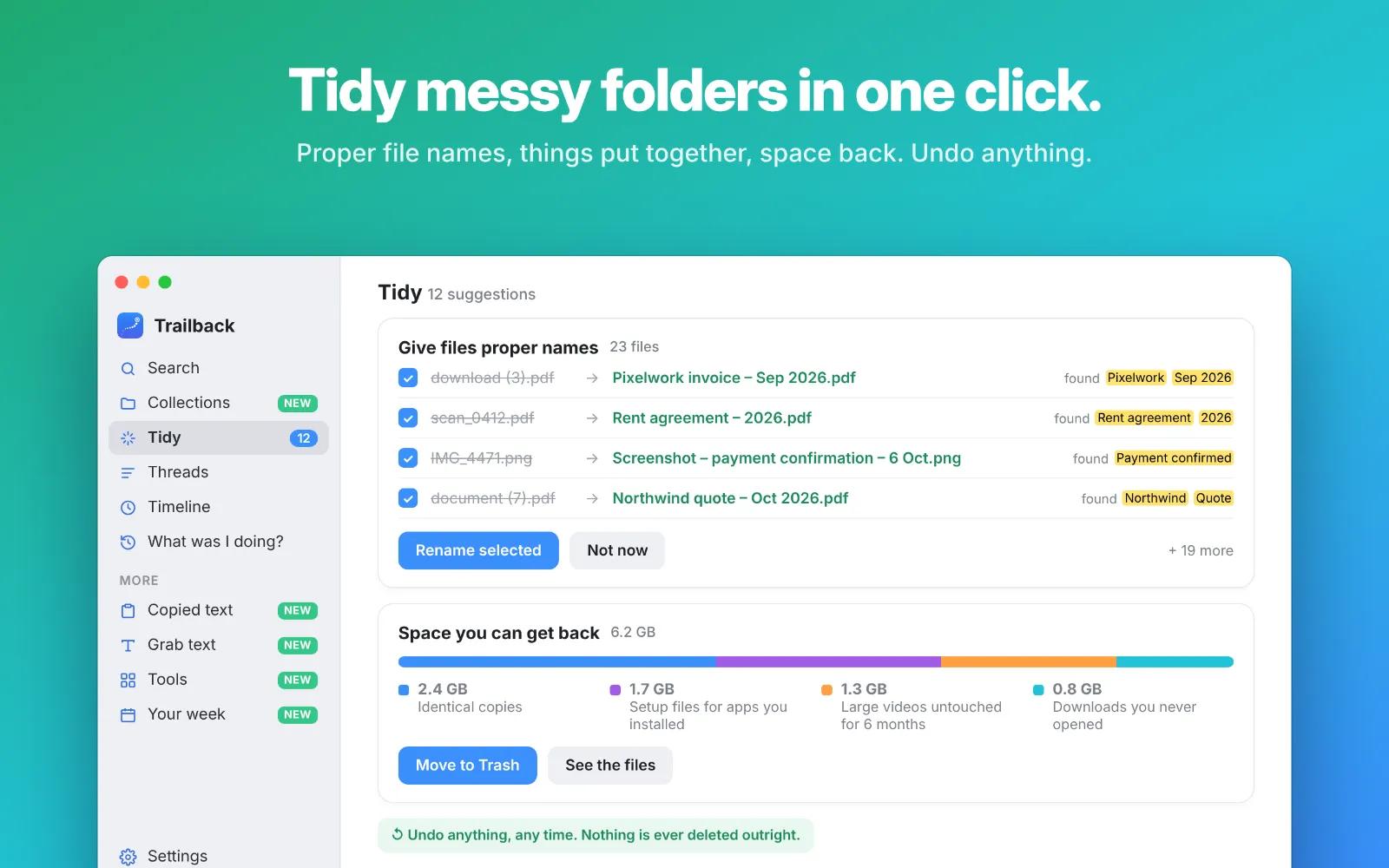
- Tidy: gives files like “download (3).pdf” proper names, puts related files together, and shows space you can get back. Nothing changes until you click, and every change can be undone.
- Grab text: copy the words out of any screenshot, photo or scanned PDF.
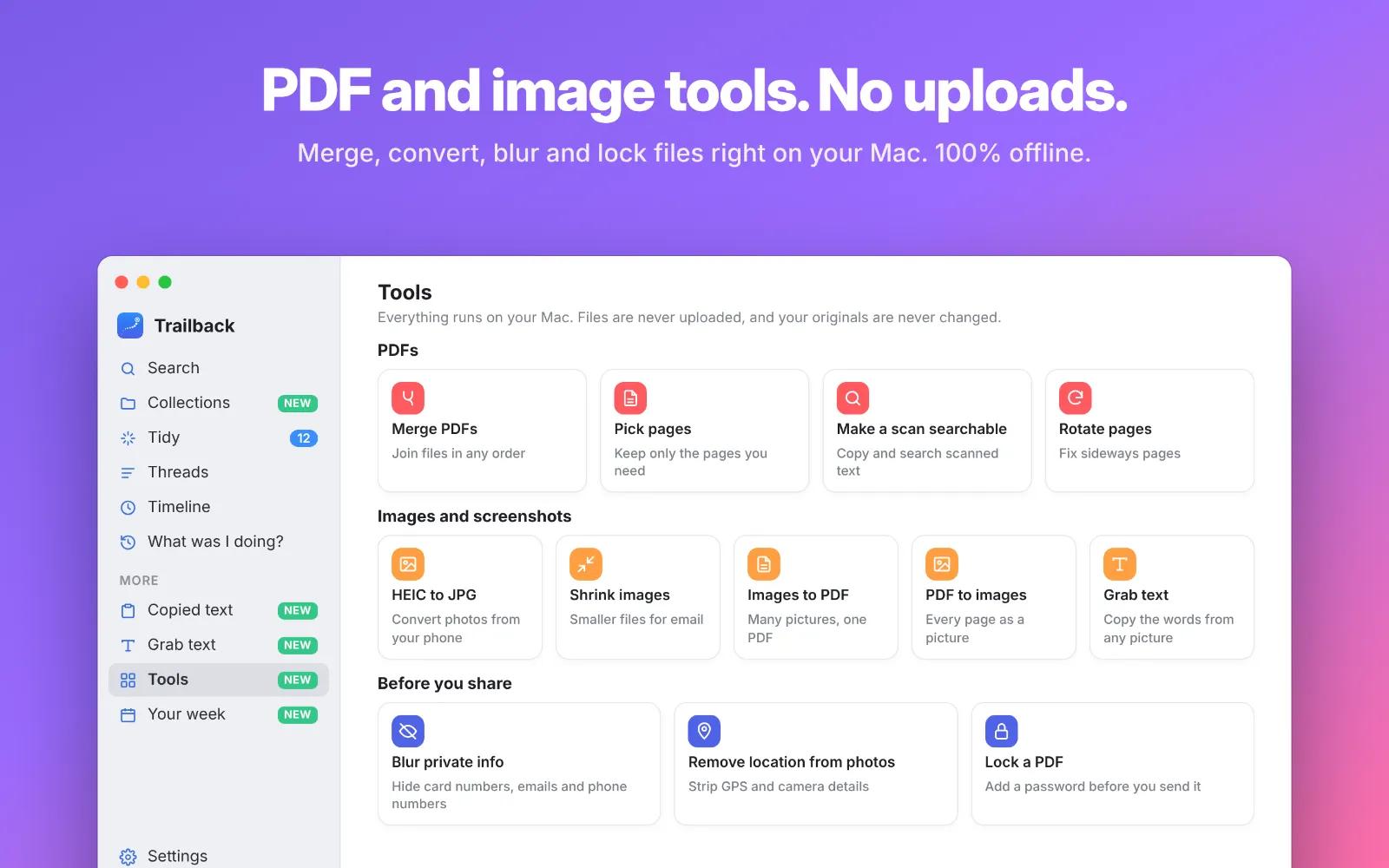
- Tools: merge PDFs, pick pages, make scans searchable, convert HEIC to JPG, shrink images, blur private info and lock PDFs, all on your Mac.
- Upcoming dates: due dates and renewals found inside your files, shown on the home screen.
- Copied text and Your week: find anything you copied, and get a weekly recap of what you worked on.
100% offline. 100% private.
- Everything runs on your Mac, and nothing is ever uploaded.
- No account, no cloud and no tracking.
- It never sees what you type, and passwords and card numbers are never saved.
One-time purchase, no subscription. Also available for Windows.
Open Trailback from anywhere with Option + Space.
Keywords / tags
find files on Mac, file search Mac, Spotlight alternative, offline search, search PDF contents, find screenshots by text, organize Downloads folder, rename files automatically, PDF tools Mac, HEIC to JPG, privacy, productivity










