
Letterboxx
A dedicated reader for email newsletters.
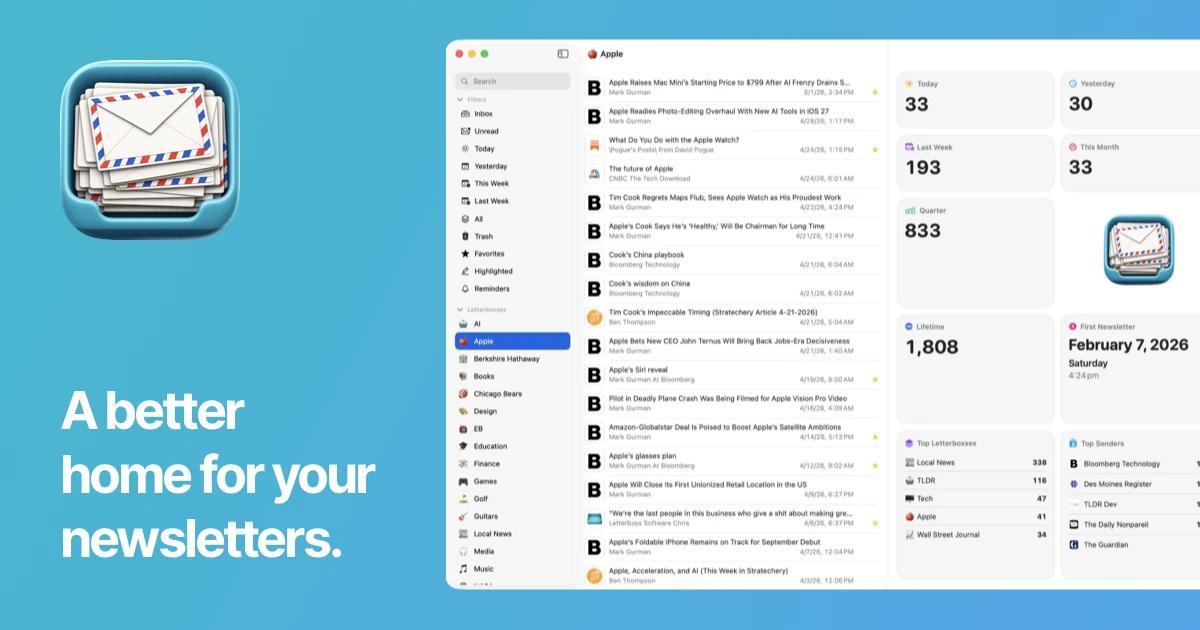
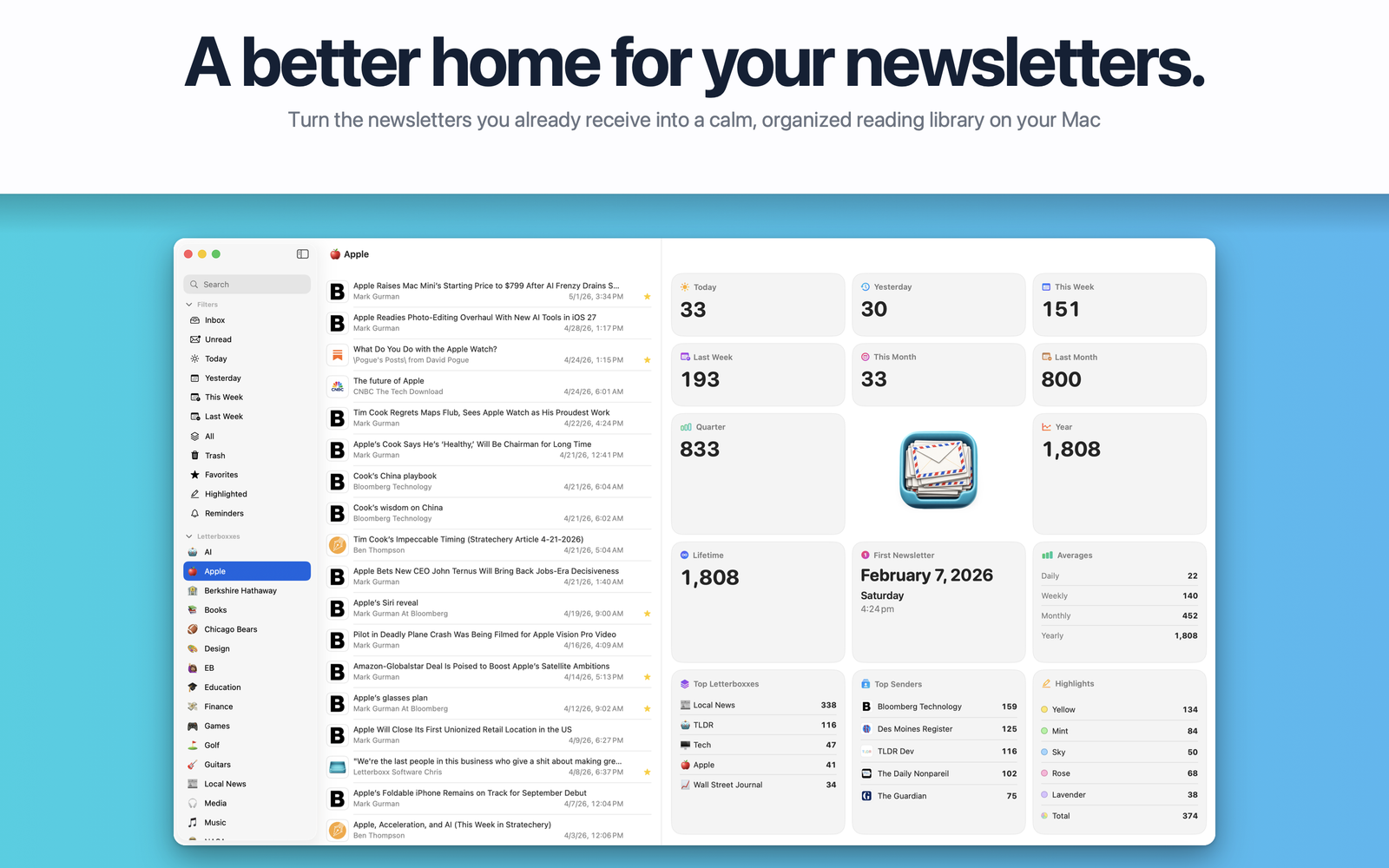
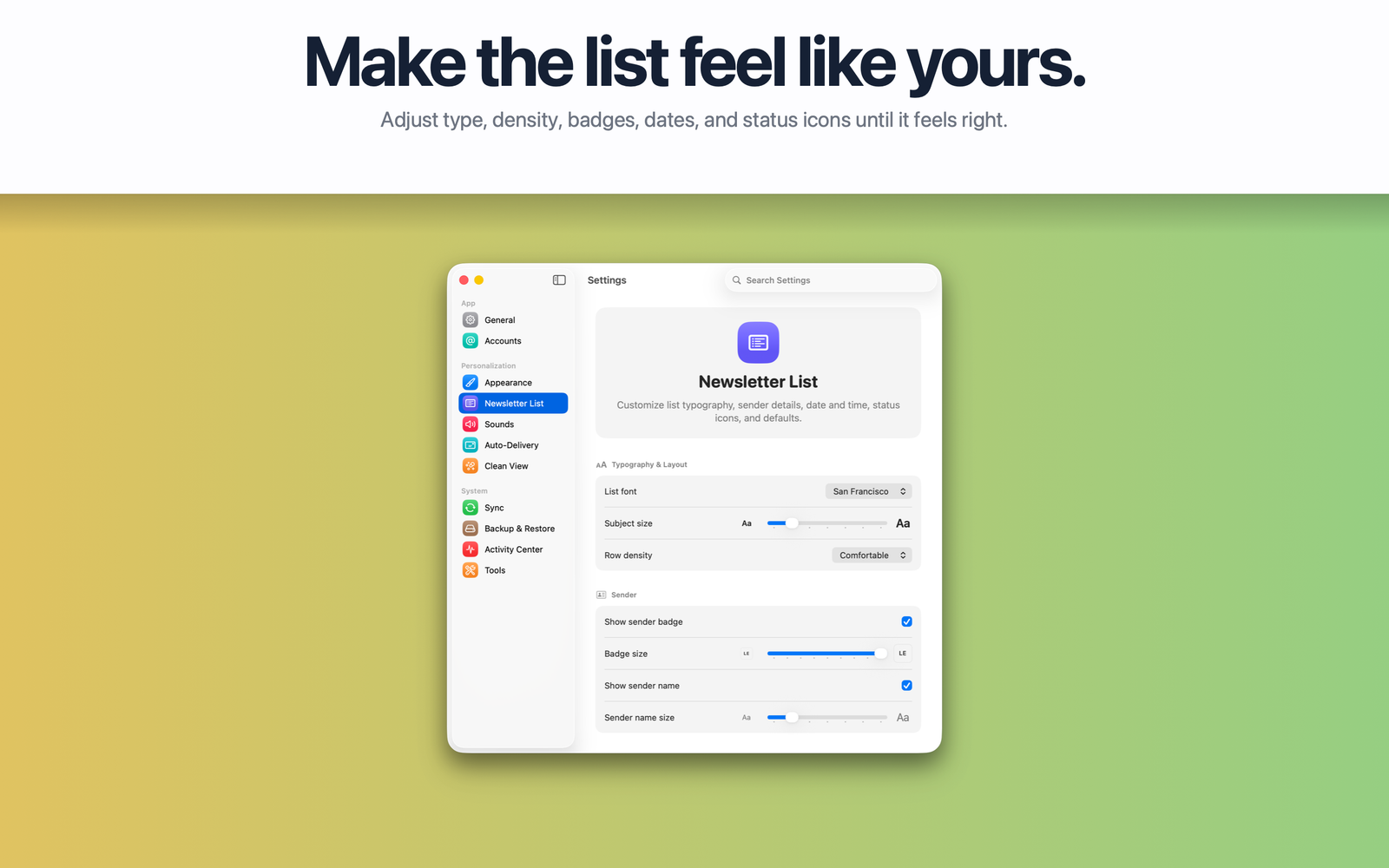
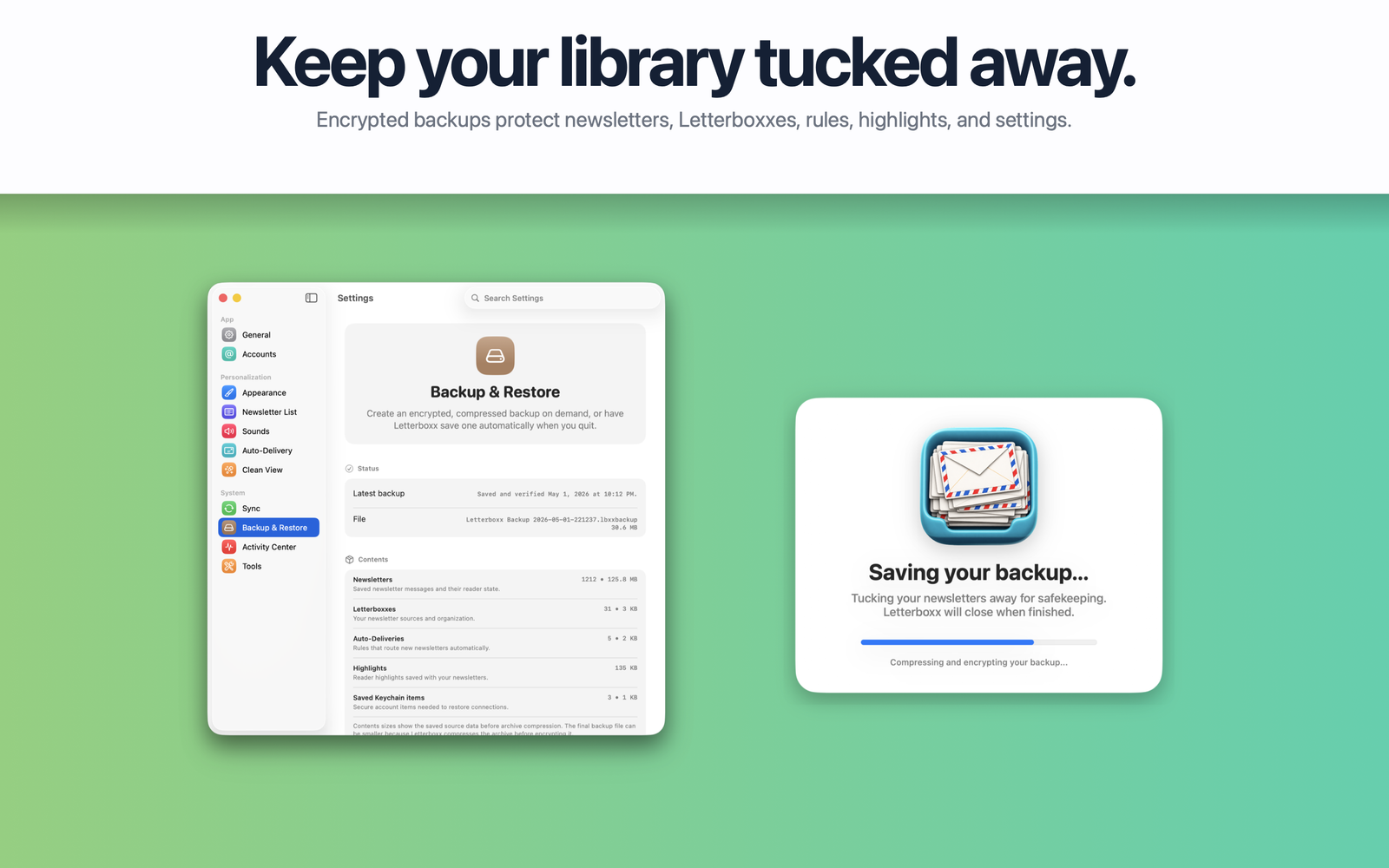
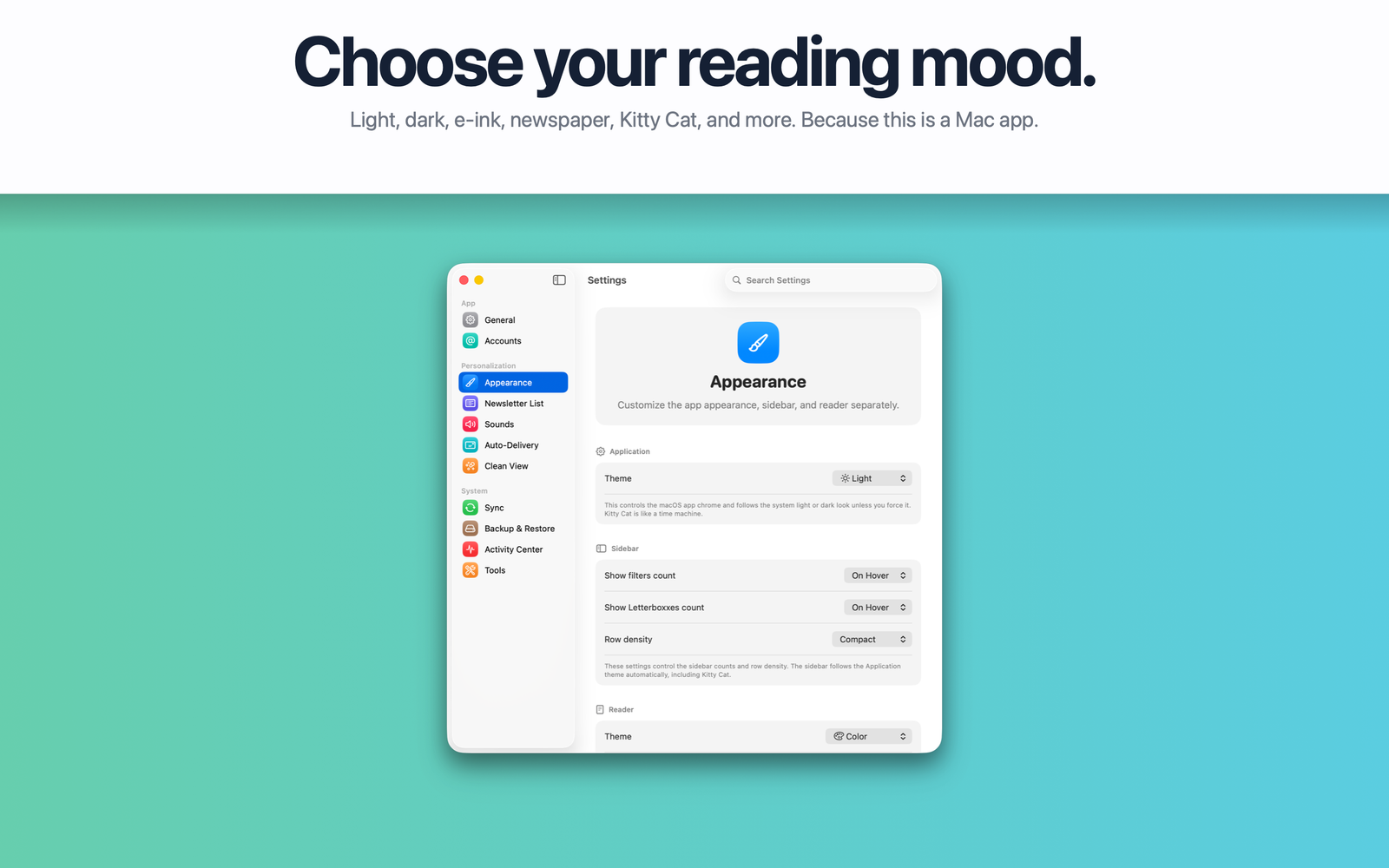
A better home for your newsletters.
Your inbox is where email arrives.
Letterboxx is where newsletters belong.
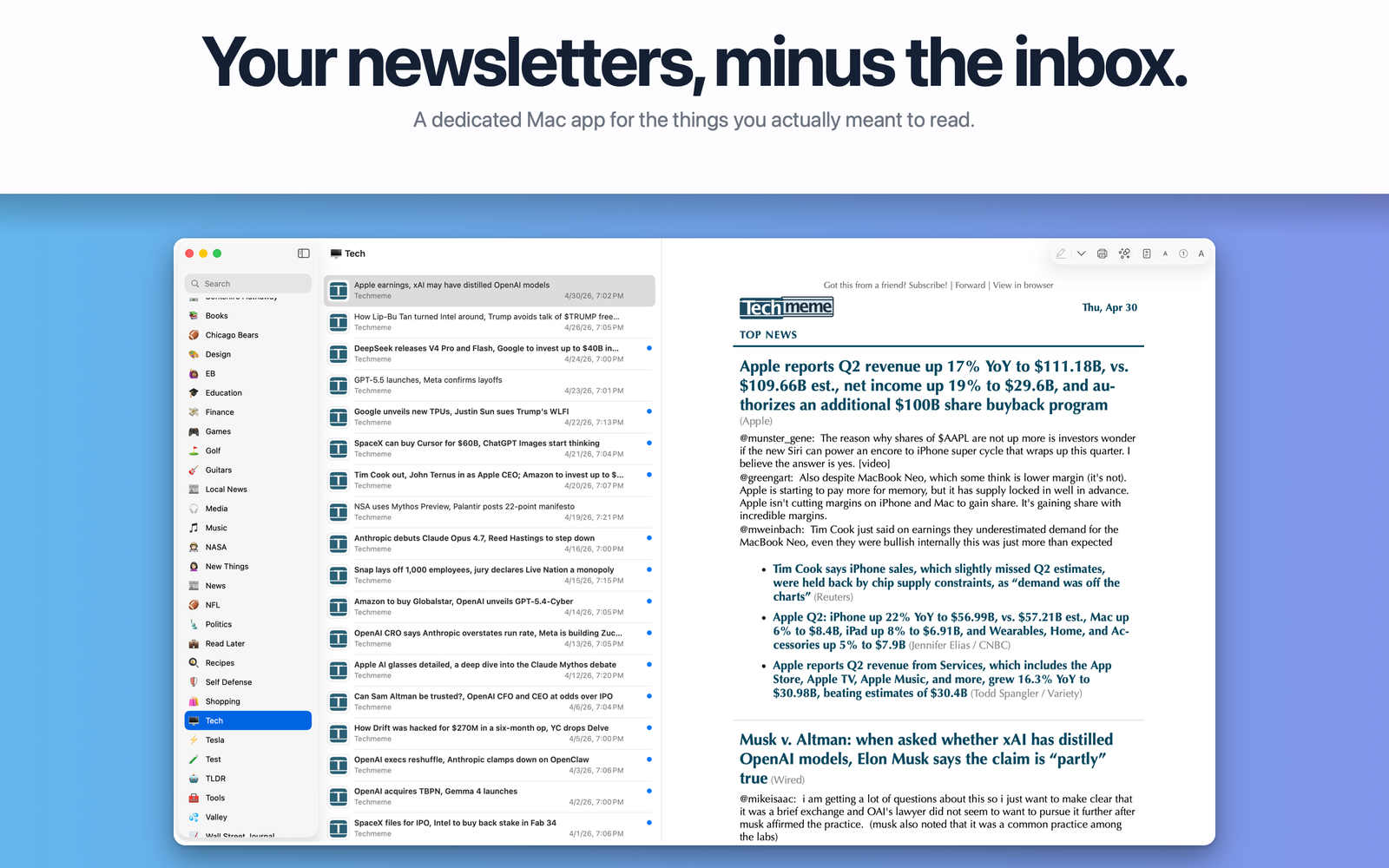
Letterboxx is a dedicated Mac app built specifically for reading email newsletters. It imports copies of newsletters from the email accounts and folders you choose, organizes them into a beautiful local library, and gives you a calm place to enjoy everything you signed up to read—but never quite found the time for because your inbox became a place for email triage.
If you've ever subscribed to thoughtful essays, morning digests, technology news, product updates, research, shopping deals, local news, or niche publications, Letterboxx gives them a home of their own. It's less like checking email and more like spending time in your own personal library of interests.
What Letterboxx helps you do
- Keep newsletters out of your inbox. Connect supported email accounts, choose the folders Letterboxx should monitor, and build a dedicated newsletter library on your Mac.
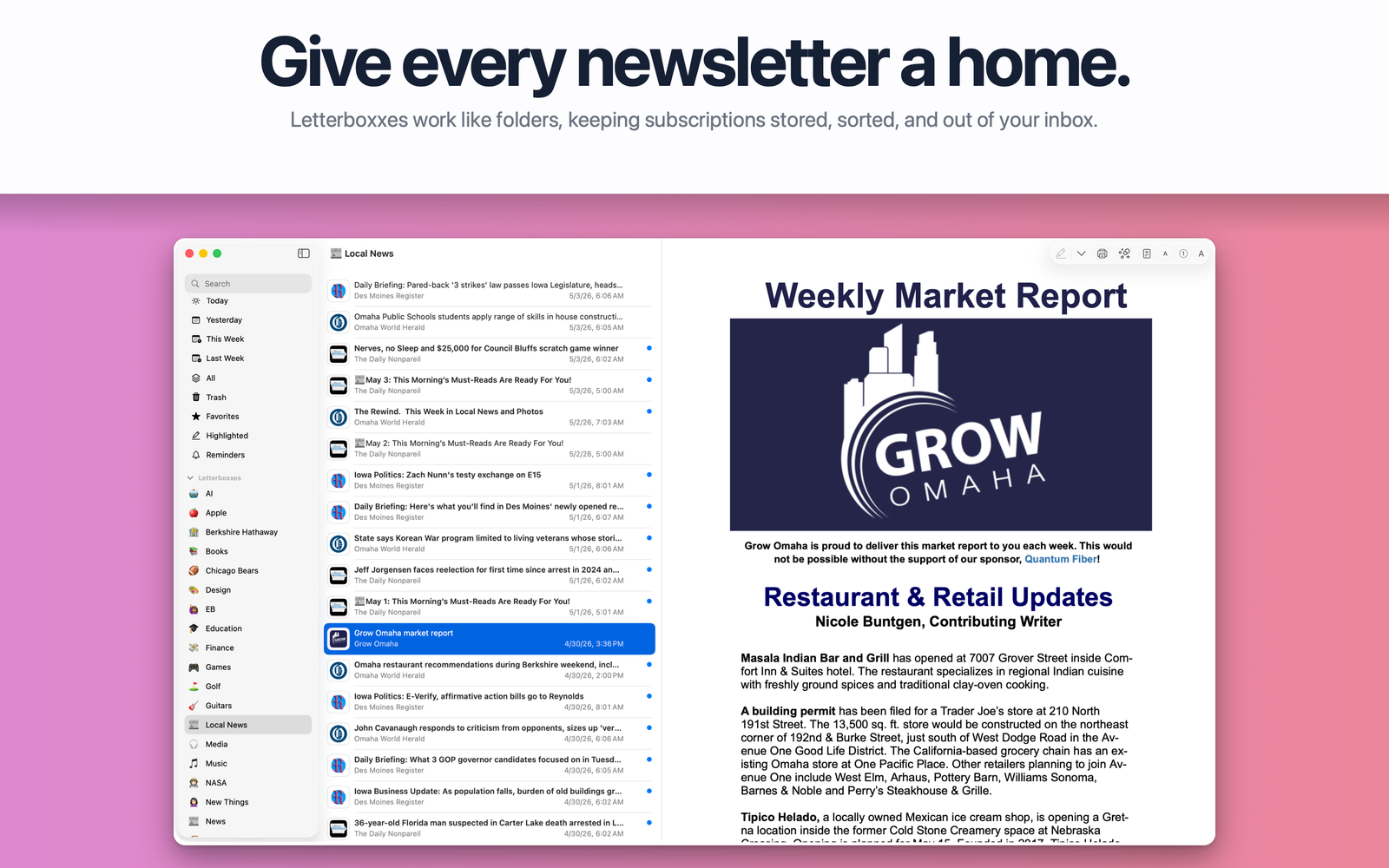
- Organize with Letterboxes. Create custom collections for publishers, projects, hobbies, shopping, research, or anything else you follow.
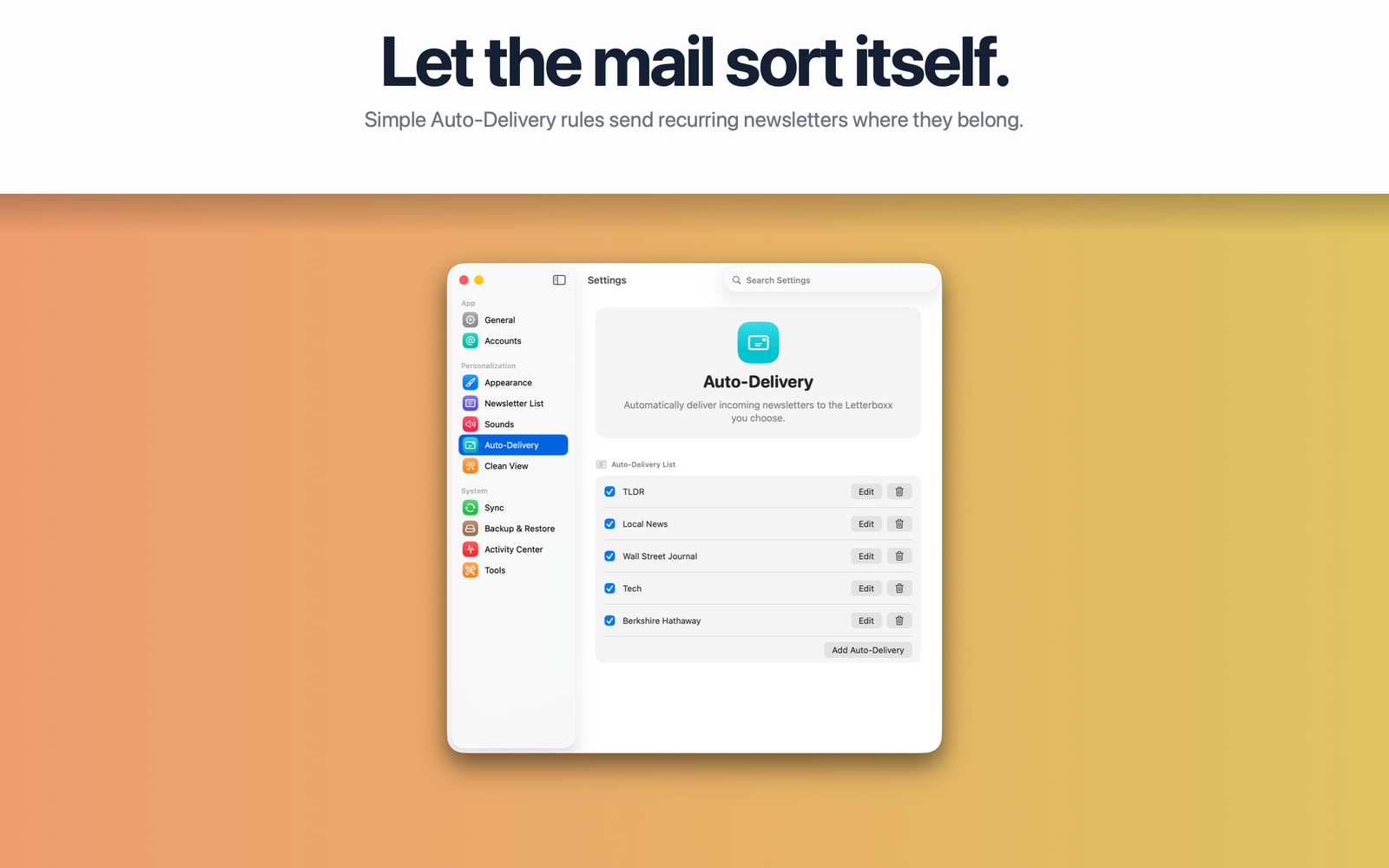
- Sort newsletters automatically. Auto-Delivery rules organize newsletters based on sender, recipient, subject, content, and other message details.
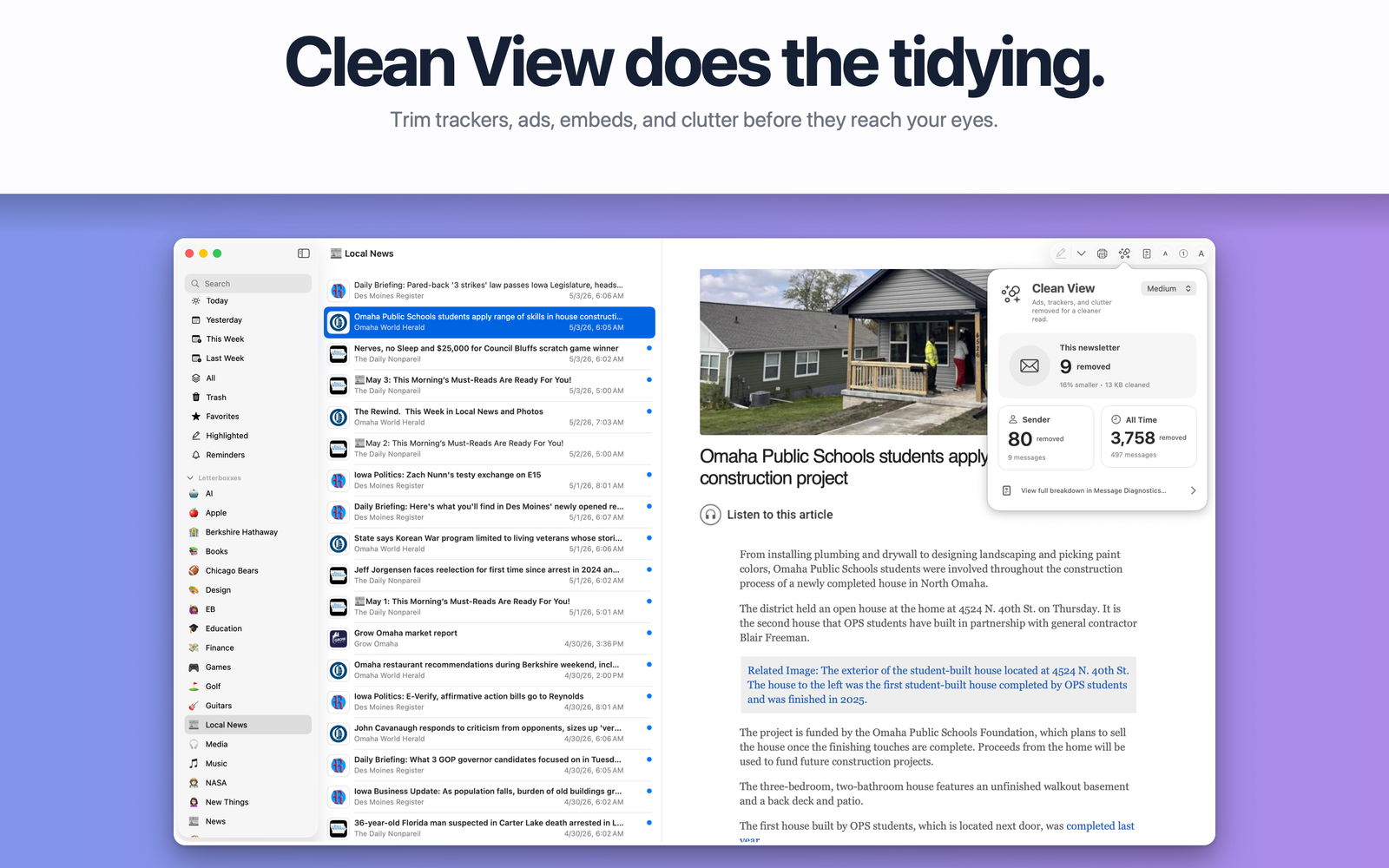
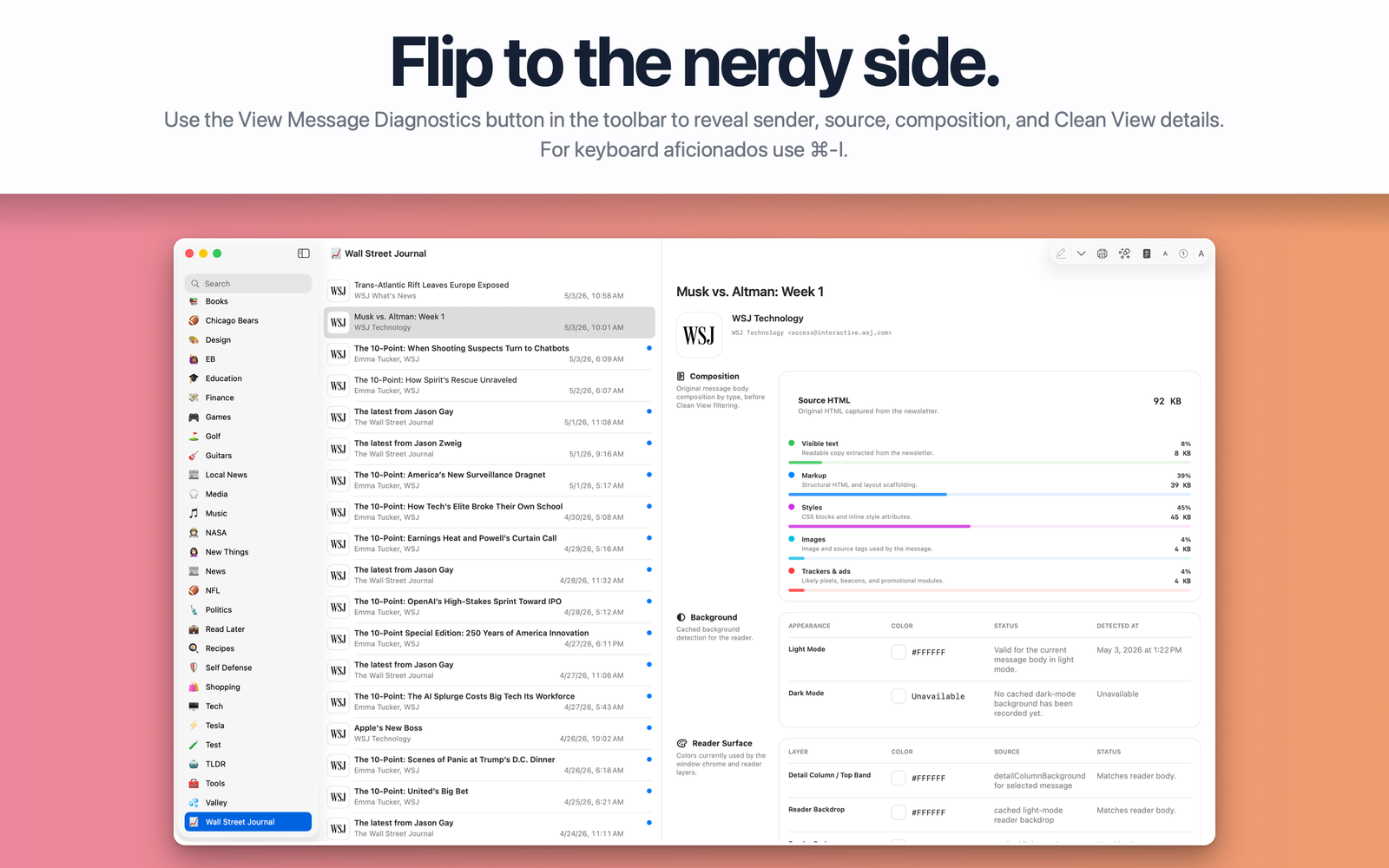
- Enjoy a cleaner reading experience. Clean View reduces advertising, tracking, and unnecessary clutter so the writing takes center stage.
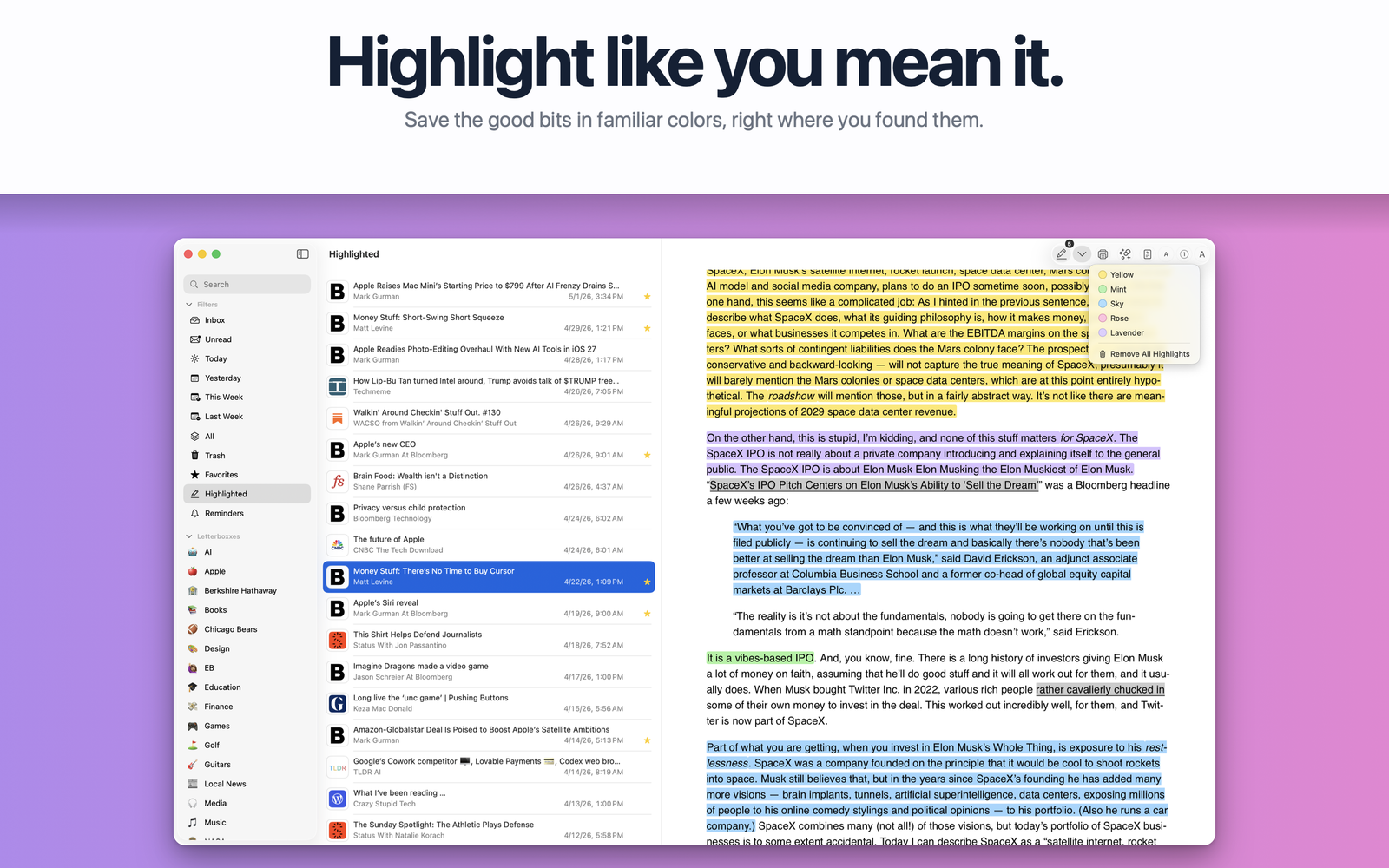
- Highlight what matters. Mark important passages with familiar highlighter colors and revisit them anytime.
- Save things for later. Unread status, favorites, reminders, highlights, quick filters, and search make it easy to pick up where you left off.
- Manage subscriptions more easily. When Letterboxx detects an unsubscribe link, it helps you get to the right place without hunting through a newsletter footer.
- Feel at home on macOS. Native controls, keyboard shortcuts, swipe actions, multiple themes, a familiar sidebar, and a focused reading pane make Letterboxx feel like a true Mac app.
How it works
- Connect one or more supported email accounts.
- Choose the folders Letterboxx should import from.
- Letterboxx creates a local library containing copies of your newsletters.
- Read, organize, highlight, favorite, search, and revisit them whenever you like.
- Continue using your favorite email app for everyday email.
Built differently
Letterboxx is not a general-purpose email client.
There is no composing, replying, forwarding, or inbox-zero pressure. It exists for one purpose: giving your newsletters a place where they can finally be enjoyed.
It works especially well with a dedicated newsletter email address, but you can just as easily connect an existing account and choose only the folders you want Letterboxx to use.
Private by design
Your newsletter library lives on your Mac.
Letterboxx doesn't include ads, social features, public user content, or data selling. During normal imports, your original messages remain safely in your connected mail account while Letterboxx builds a fast, local library for reading.
Give your newsletters the home they've always deserved.










