
Marko
A fast, native Markdown viewer for macOS
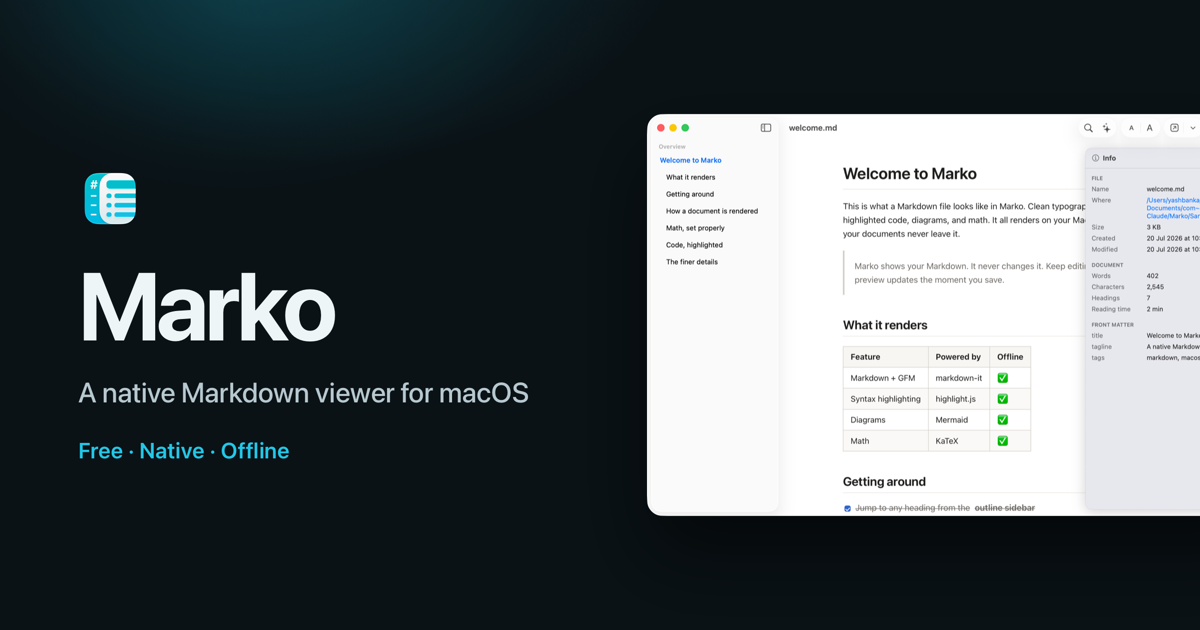
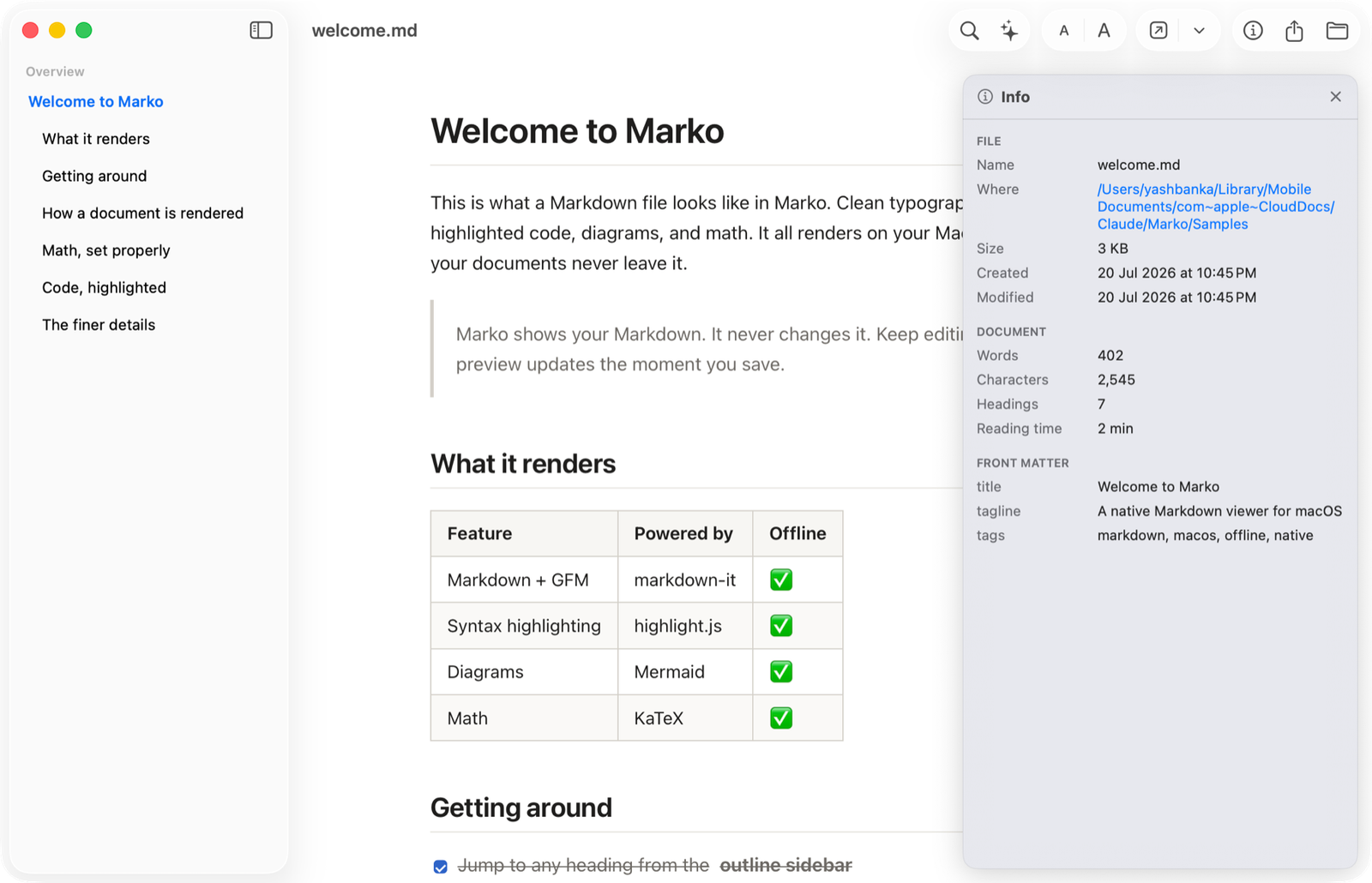
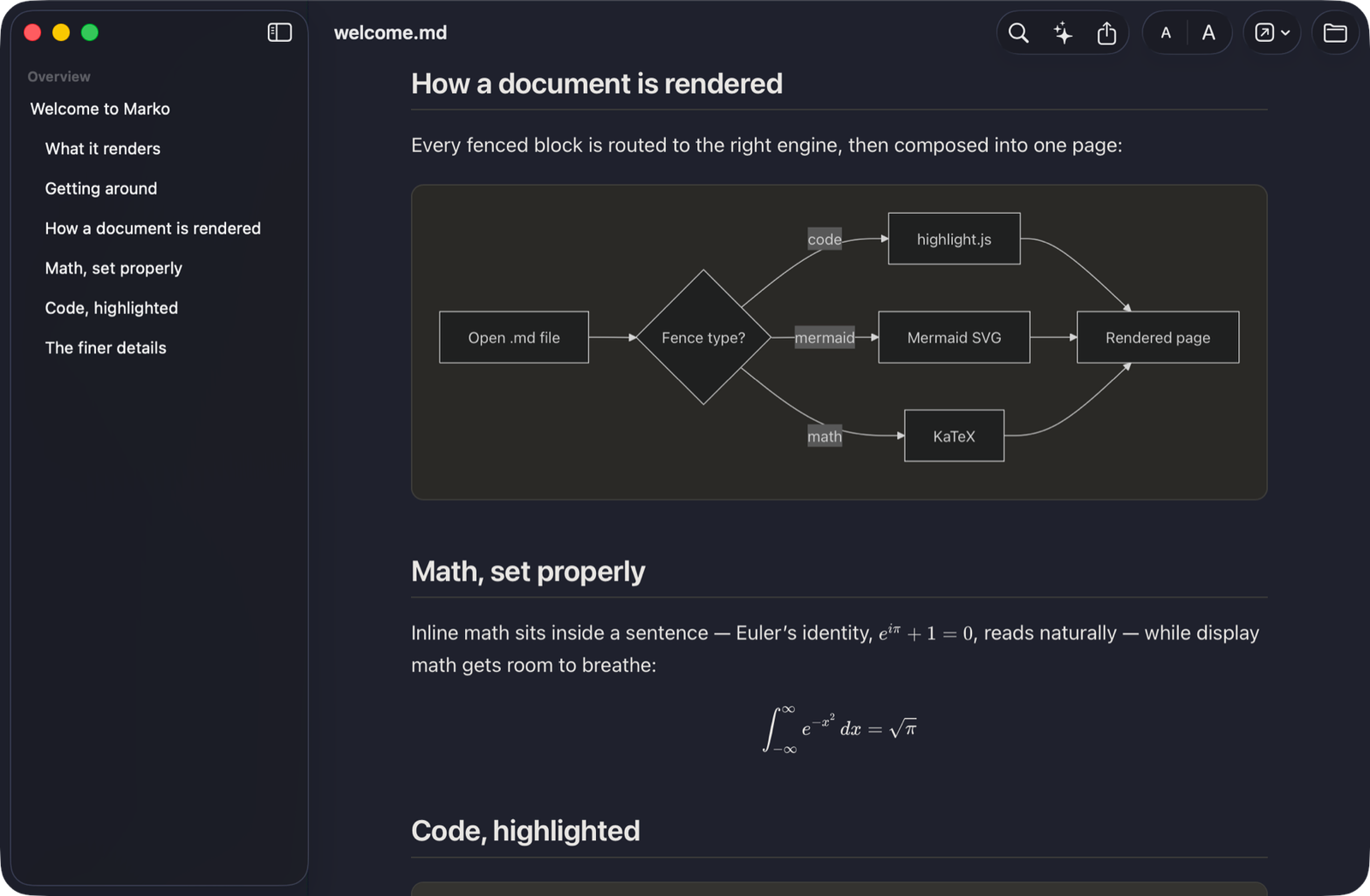
Marko is a fast, native Markdown viewer for macOS. Open any .md file and read it the way it was meant to look, with real typography, syntax-highlighted code, GFM tables and task lists, Mermaid diagrams, and KaTeX math. Everything renders on your Mac, with no network access, so your documents never leave it.
Marko is a viewer, not an editor. It never changes your files, and it live-reloads the moment you save in your own editor, so it sits alongside VS Code, Obsidian, or a terminal.
It is built for the Markdown you didn't write, too: the .md that AI tools like ChatGPT and Claude produce, generated READMEs, and agent output.
Highlights
- Native Swift and SwiftUI app with Finder-style window tabs, not Electron.
- Renders fully offline. Your documents never leave your Mac.
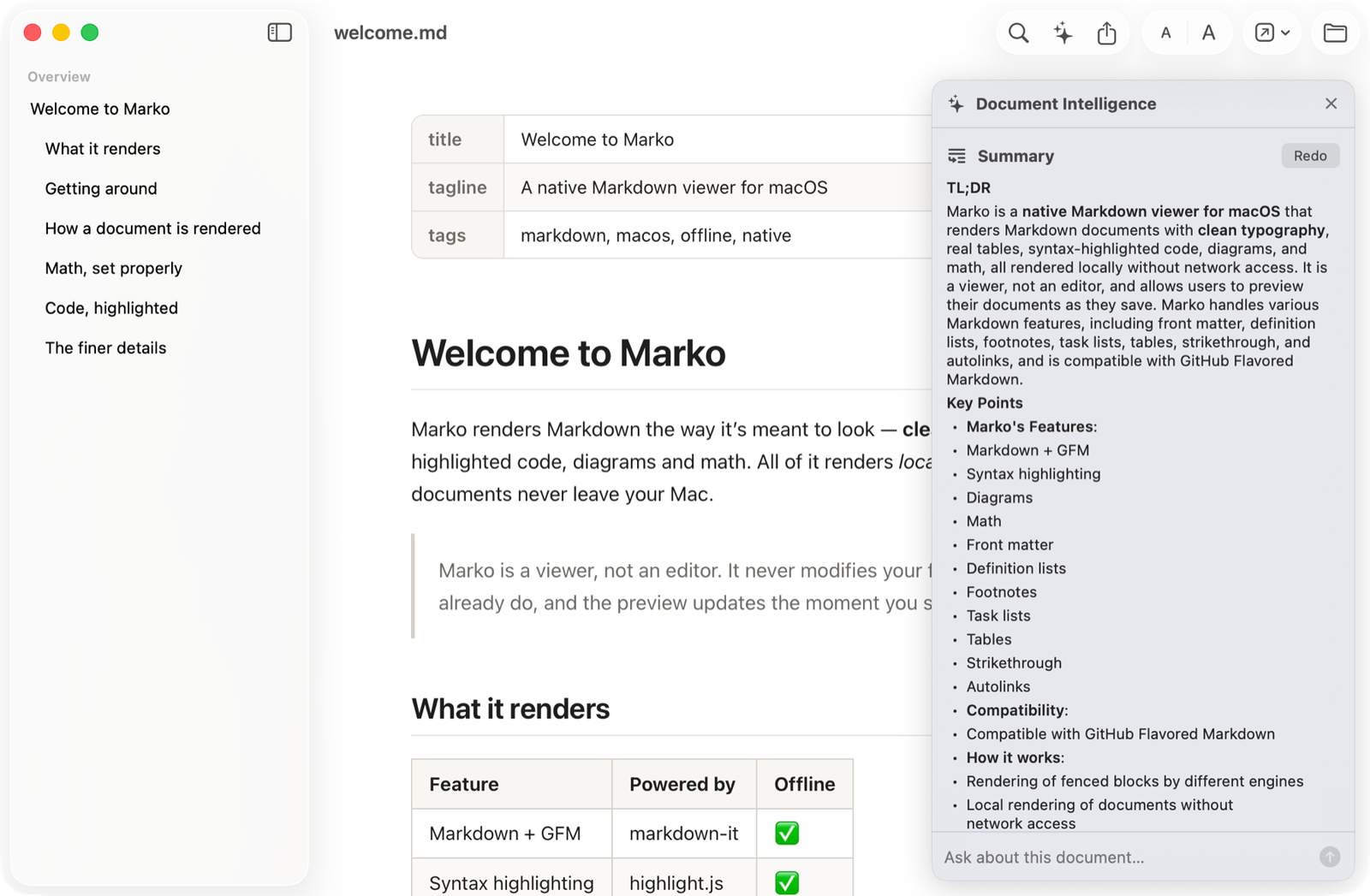
- Document Intelligence: summarize a document, ask questions about it, or explain a selection, all on device via Apple Intelligence (needs a Mac with Apple Intelligence).
- Outline sidebar, find in page, print and export to PDF, and an info panel with word and heading counts, reading time, and YAML front matter.
- Light, Dark, and System themes, with text zoom from 50% to 300%.
- Universal binary for Apple Silicon and Intel.
Signed with a Developer ID certificate and notarized by Apple, so it opens on a double-click with no security warning.
Free. Requires macOS 14 or later.










