PopNote
A single note in your menu bar, one click away.

# Macapp Supply — what to put in the form
Website URL * https://ilpetrakov.com/projects/popnote/ (then click Analyze, and fix the fields below if needed)
App name * PopNote
Short description A single note in your menu bar, one click away. (47/60)
Category * Productivity
Pricing * Free
Cover image * popnote-cover-1200x630.png
App icon * icon-light.png
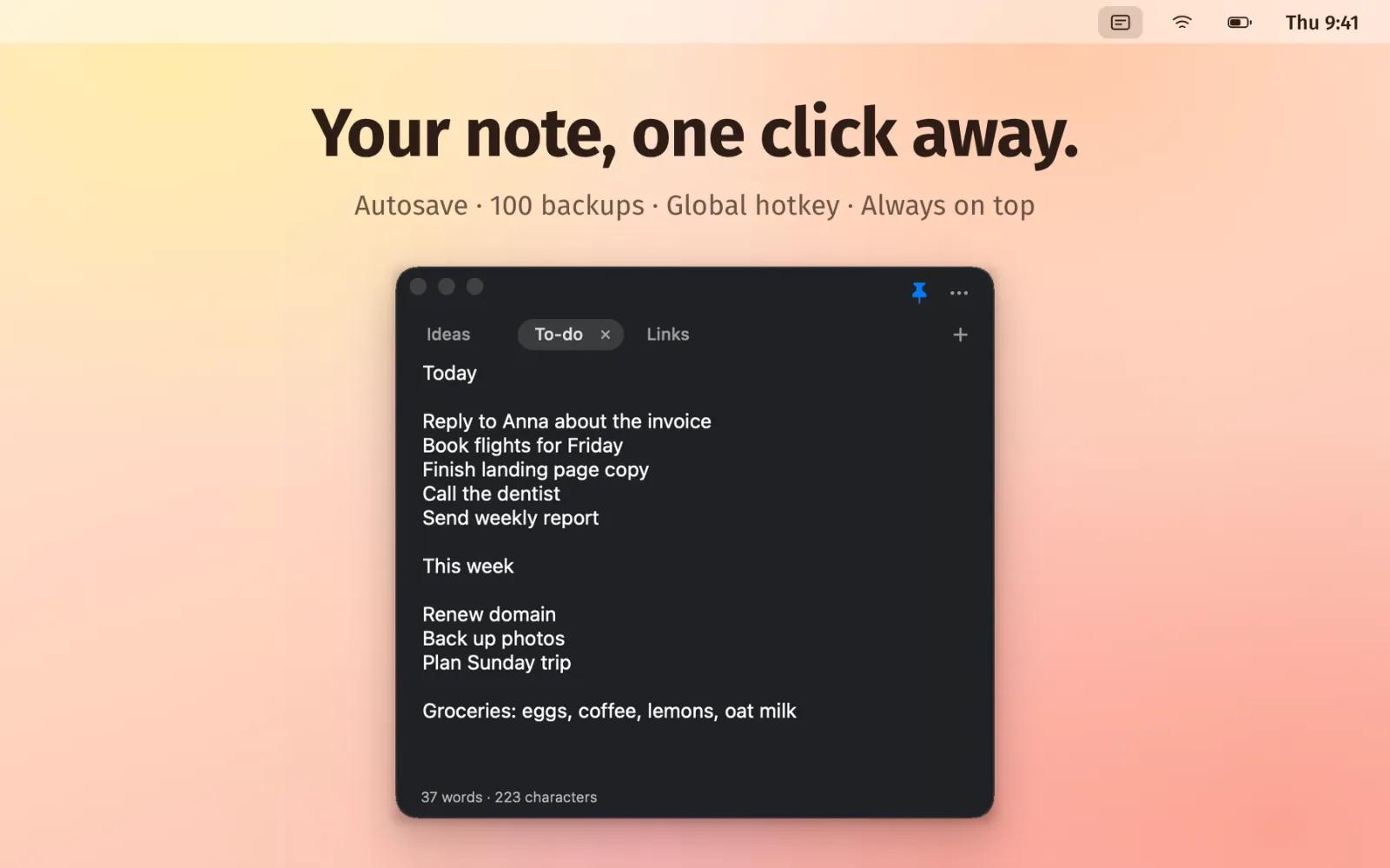
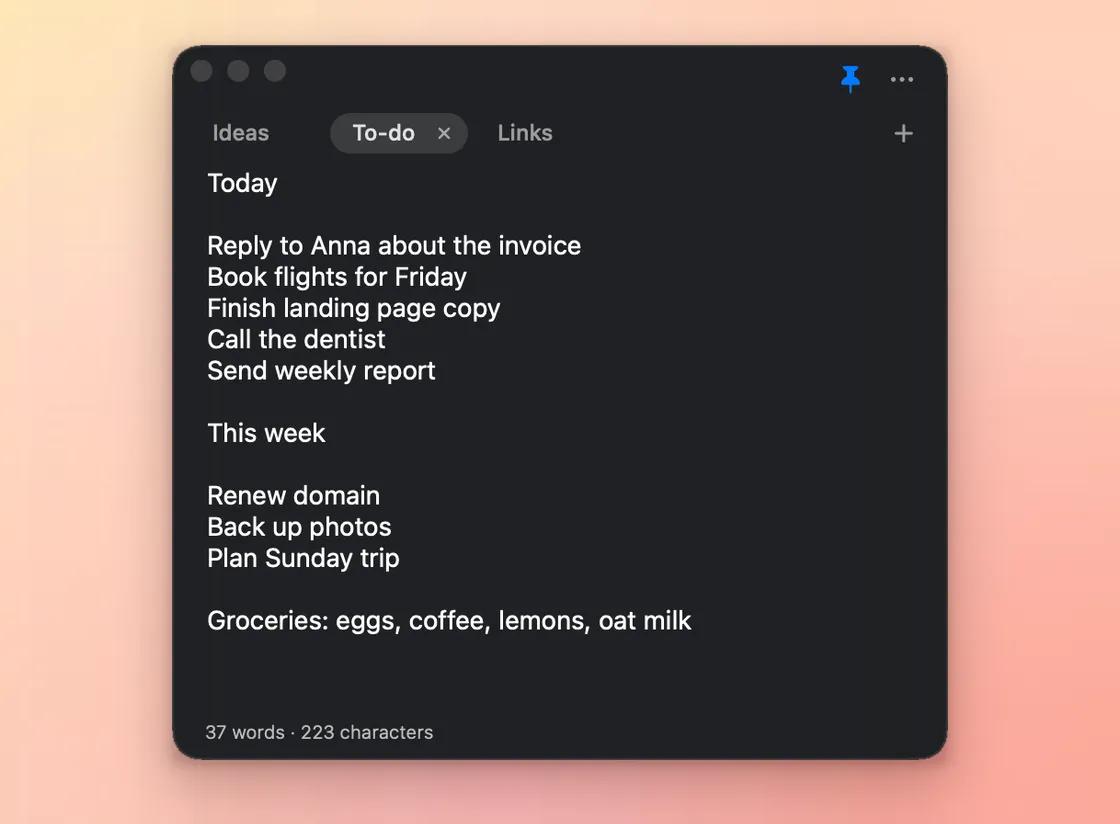
Gallery images popnote-gallery-1-menubar.png, popnote-gallery-2-tabs.png
YouTube video URL (leave empty)
Your name * Ilya Petrakov
Email * your email
X handle (optional)
Get featured off
Long description (paste as is)
PopNote is a tiny notepad that lives in your Mac's menu bar. Click the icon and you're writing. Click anywhere else and it gets out of the way. No accounts, no sync, no clutter: just your notes, one click away.
Tabs
- Keep up to 10 notes in tabs: to-dos, ideas, meeting notes, links.
- Double-click a tab to rename it. Drag tabs to reorder them.
- Closing a tab backs it up first, so nothing is lost by accident.
Never lose a word
- Everything is saved automatically as you type.
- The last 100 backups are kept, and you can restore any of them from the app.
- "Clear Note" can be undone.
Made for quick capture
- Global hotkey: open the note from any app.
- Pin the window to keep it on top while you work.
- The window remembers its size and position.
- Search inside a note with ⌘F, close with Esc.
- Live word and character count (and you can hide it).
Looks the way you want
- Light, Dark or System theme.
- Any font and size, plus a translucent glass background.
- Pick the menu bar icon, show or hide the Dock icon, launch at login.
Details
- Your notes stay on your Mac, in plain local files.
- Updates arrive from inside the app.
- Free. Requires macOS 13 Ventura or newer; runs natively on Apple Silicon and Intel.
- Install from the website with a dmg, or with one Terminal command:
curl -fsSL https://ilpetrakov.com/projects/popnote/install.sh | bash










