QuackNotes
Fast, file-based notes for people who want to own their word
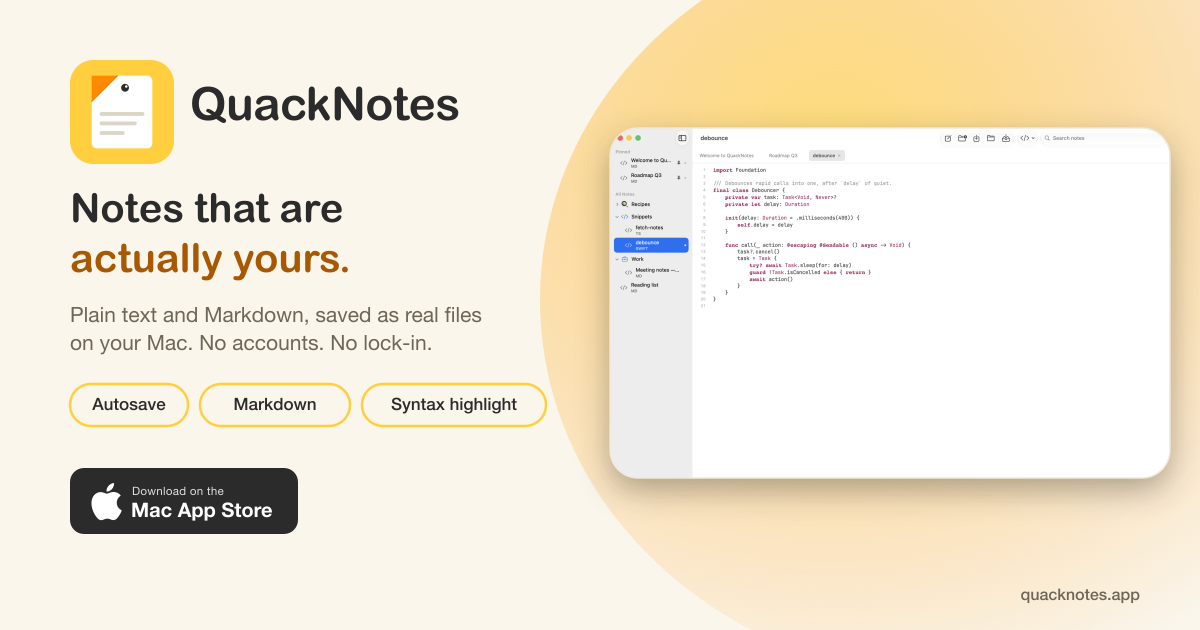
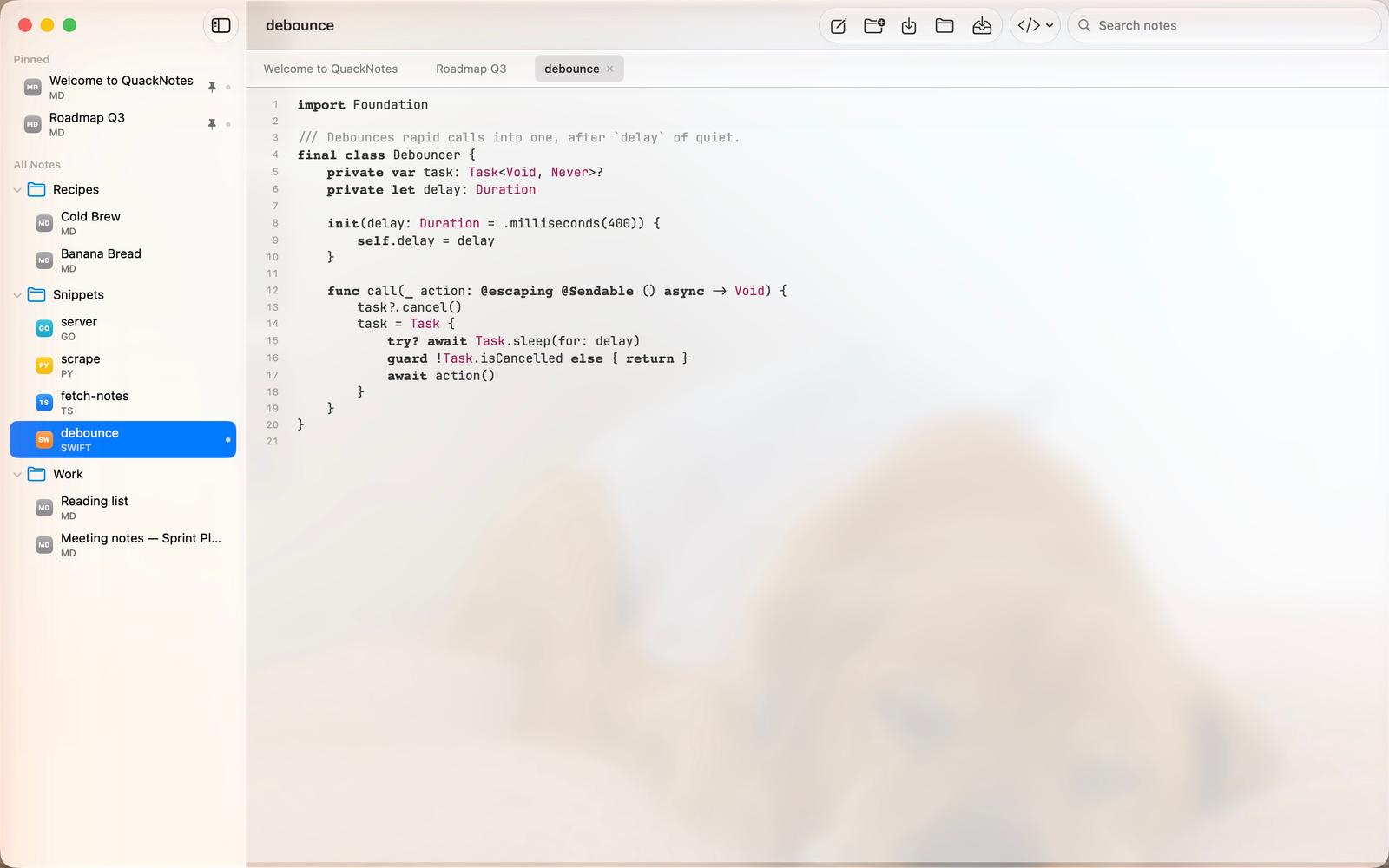
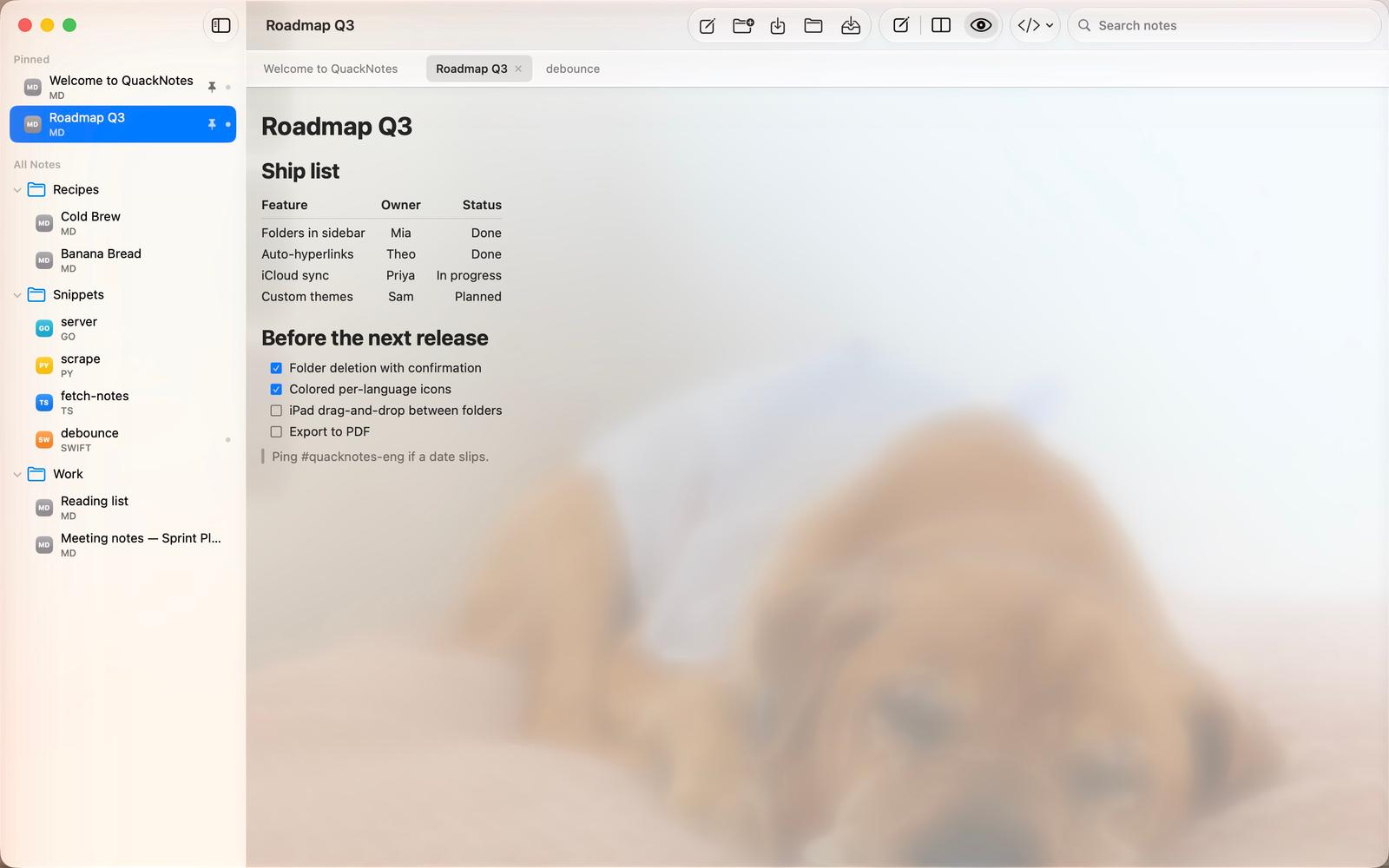
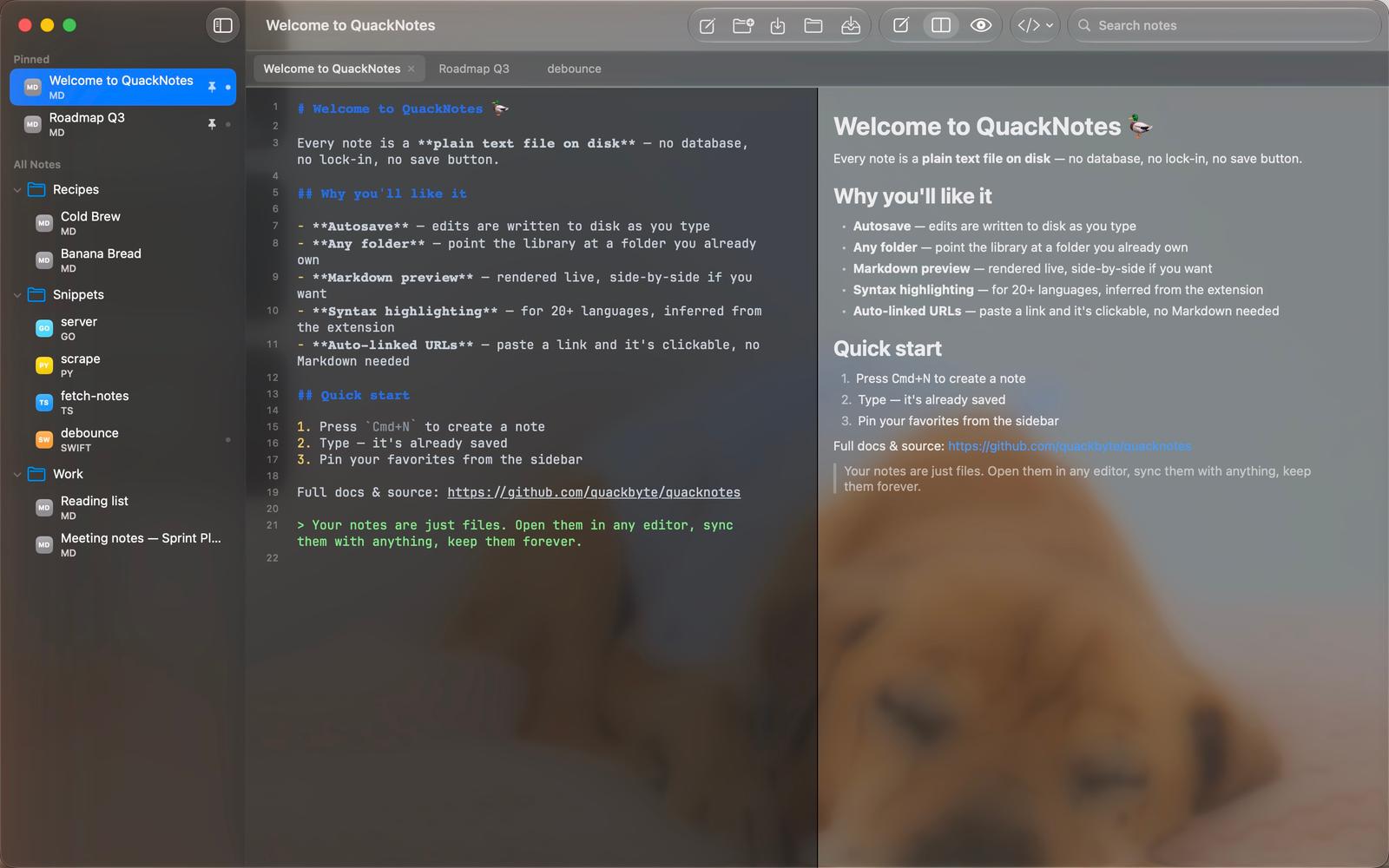
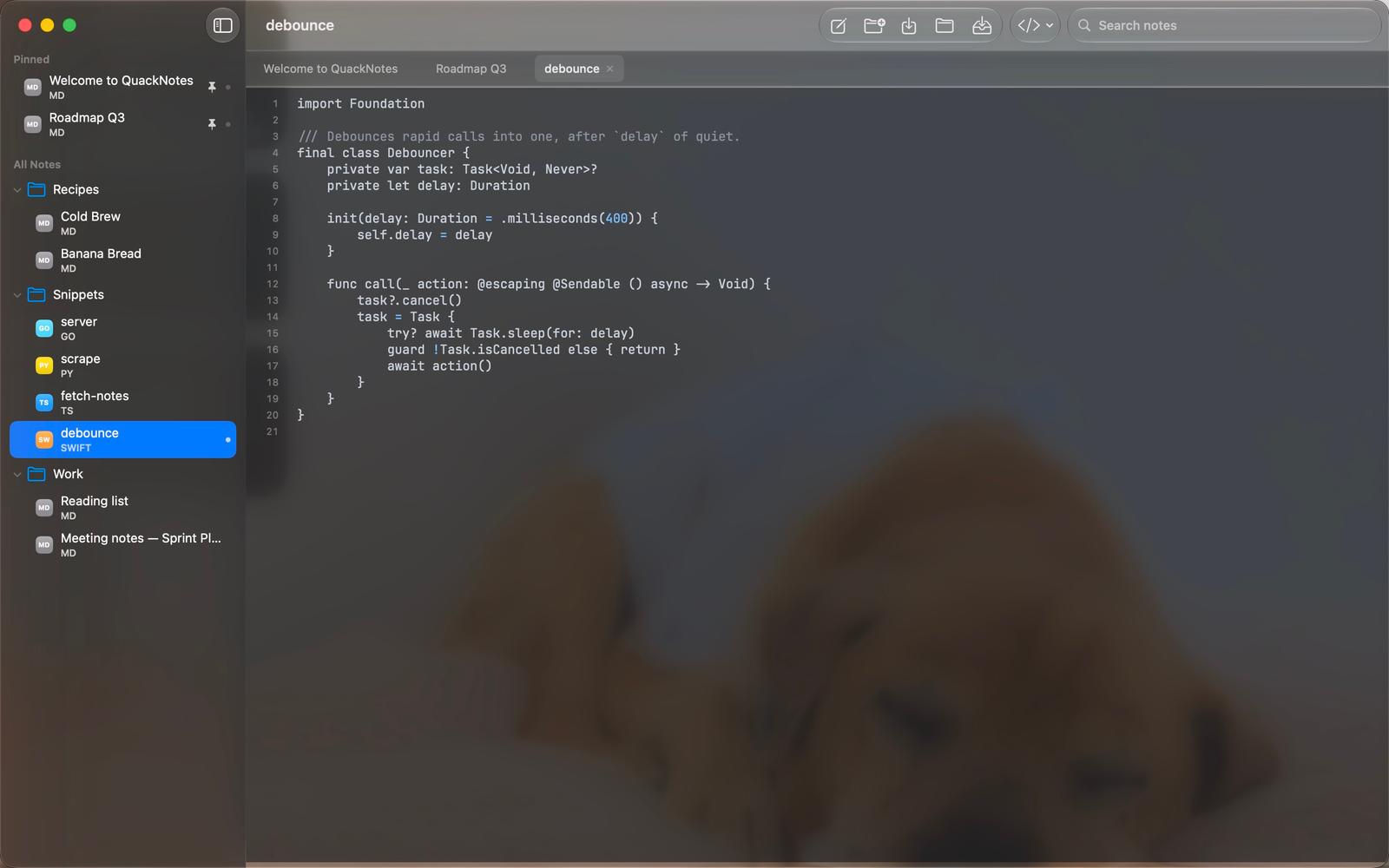
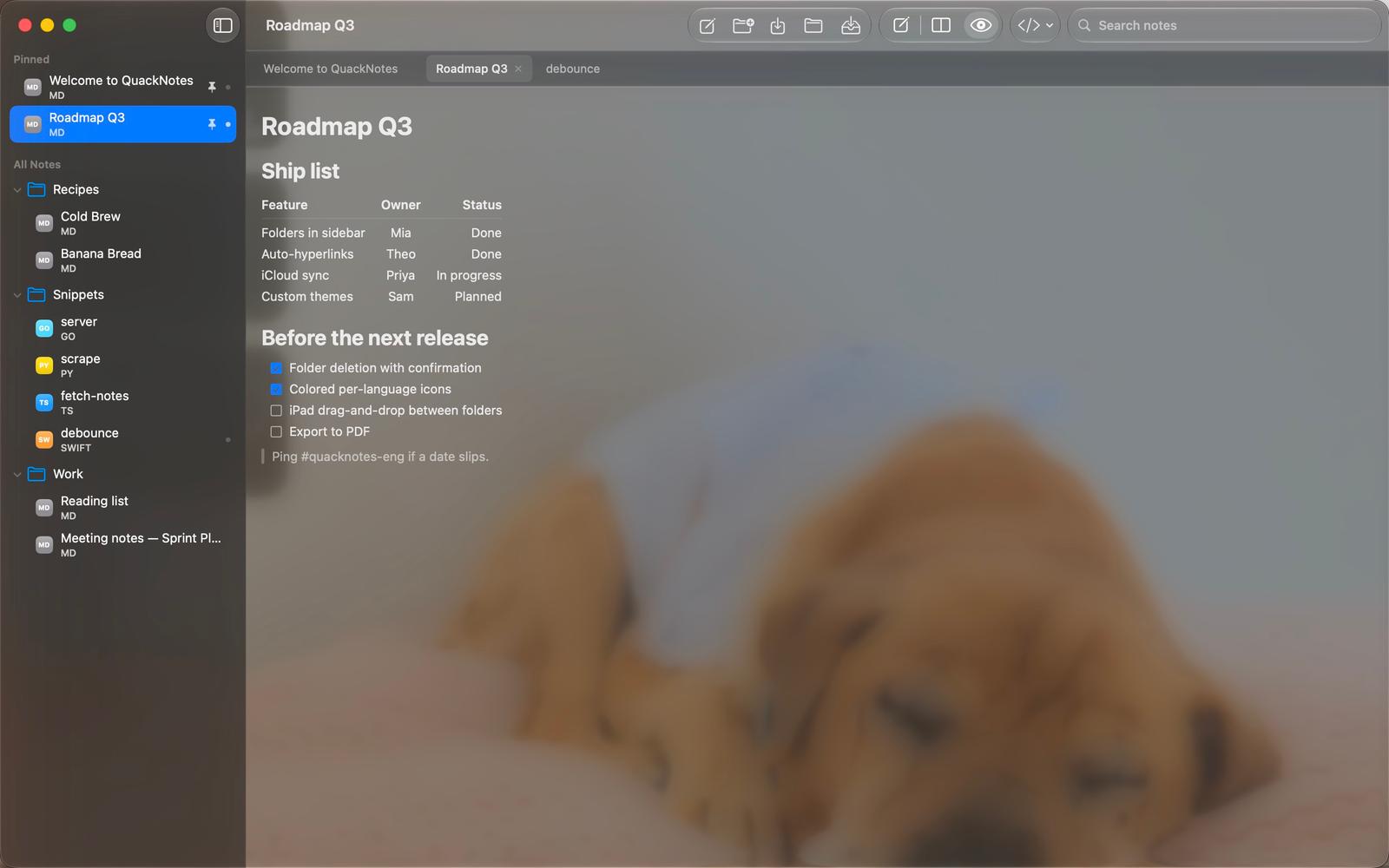
Plain text, Markdown, and code — saved as real files on your device. No accounts. No lock-in.
Why I built this
I kept hitting the same wall with every notes app I tried: my notes weren't really mine. They lived in someone else's database, behind someone else's sync engine, exportable only as a lossy zip file if I ever wanted to leave. On top of that, most of the "powerful" options were Electron apps that took a full second to open a blank note — for something I use dozens of times a day, that friction adds up.
I wanted the opposite: a notes app that gets out of the way. One where a note is just a .md or .txt file on disk, in a folder I already own — so I can grep it, sync it with whatever I want, back it up how I already back things up, and open it in Vim in ten years if QuackNotes doesn't exist anymore. And since a lot of what I write day-to-day is code snippets and technical docs, it needed real Markdown preview and syntax highlighting, not a plain textbox pretending to be a notes app.
QuackNotes is that app. No account to create, no server round-trip before you can type, no lock-in — just fast, native, file-based notes.
Who it's for
- Developers & technical writers who think in Markdown and code and want syntax highlighting across 20+ languages, not a rich-text editor fighting your syntax.
- Anyone tired of subscriptions and lock-in who wants notes stored as plain files they control — sync them, version them with git, or just leave them alone in Finder.
- Everyday note-takers who want something that opens instantly, autosaves as you type, and never asks you to sign in first.
Why you'll like it
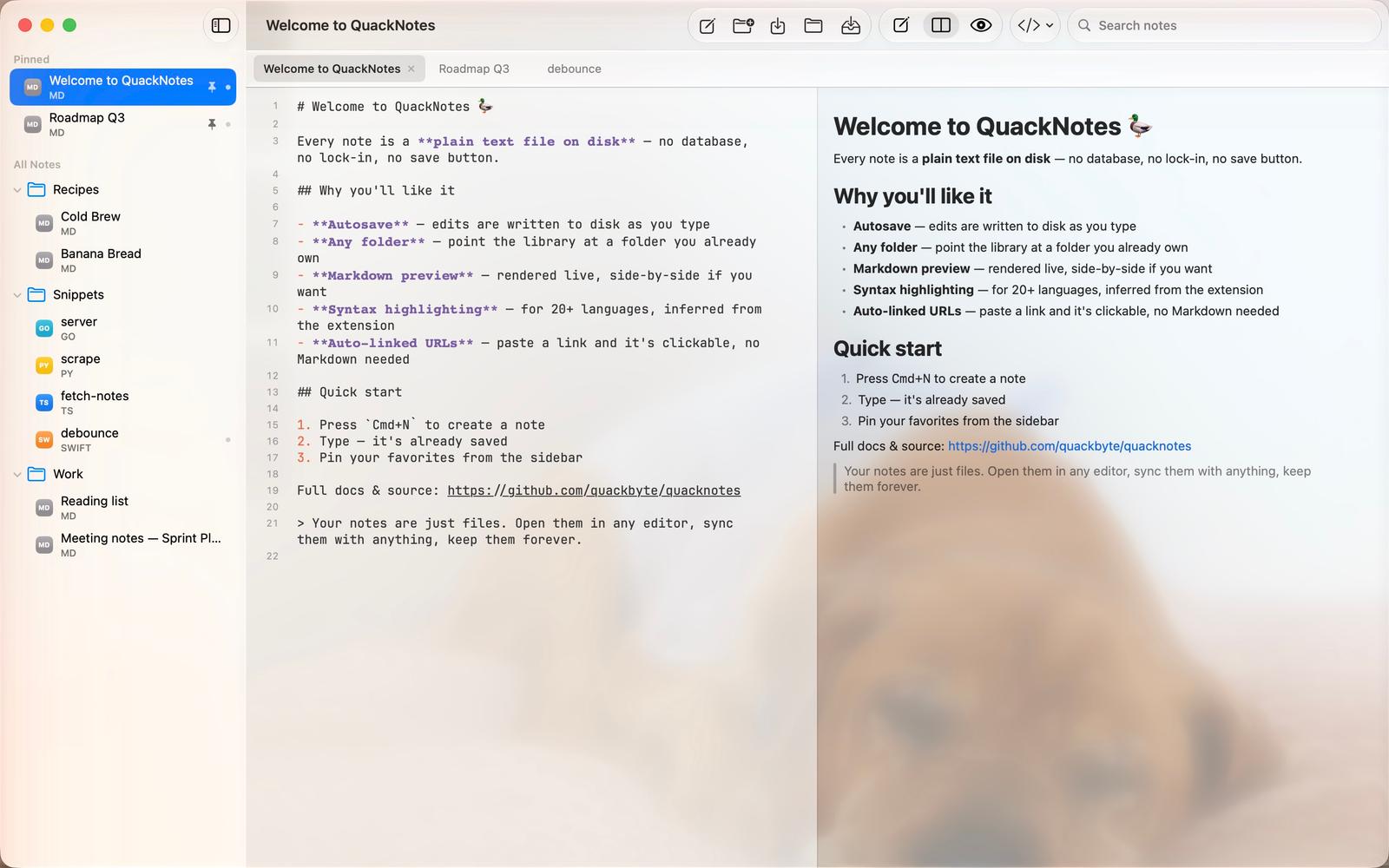
- Real files, not a database — every note is plain text on your disk, in a folder you choose. Open it in any other editor, anytime.
- Autosave — type and it's already saved. No save button, no "unsaved changes" dialog.
- Any folder — point QuackNotes at a folder you already use; it doesn't need to own your file structure.
- Markdown preview — rendered live, side-by-side if you want the source and the output at once.
- Syntax highlighting for 20+ languages, inferred automatically from the file extension.
- Native and fast on Mac, iPhone, and iPad — no Electron, no lag.
Your notes are just files. Keep them forever.