Sip Color for Mac app icon

Sip Color for Mac

A better Color Picker for your Mac.

Pricing

Subscription

Category

Updated

2 hours ago
Sip Color for Mac — image 1
Sip Color for Mac — image 2
Sip Color for Mac — image 3
Sip Color for Mac — image 4
Sip Color for Mac — image 5
Sip Color for Mac — image 6

Sip is a powerful color picker for Mac, created for designers and developers who work with color every day.

Pick any color from anywhere on your screen and instantly copy it in the format you need. Sip keeps your colors organized, makes them easy to reuse, and fits naturally into your workflow without getting in the way.

What you can do with Sip

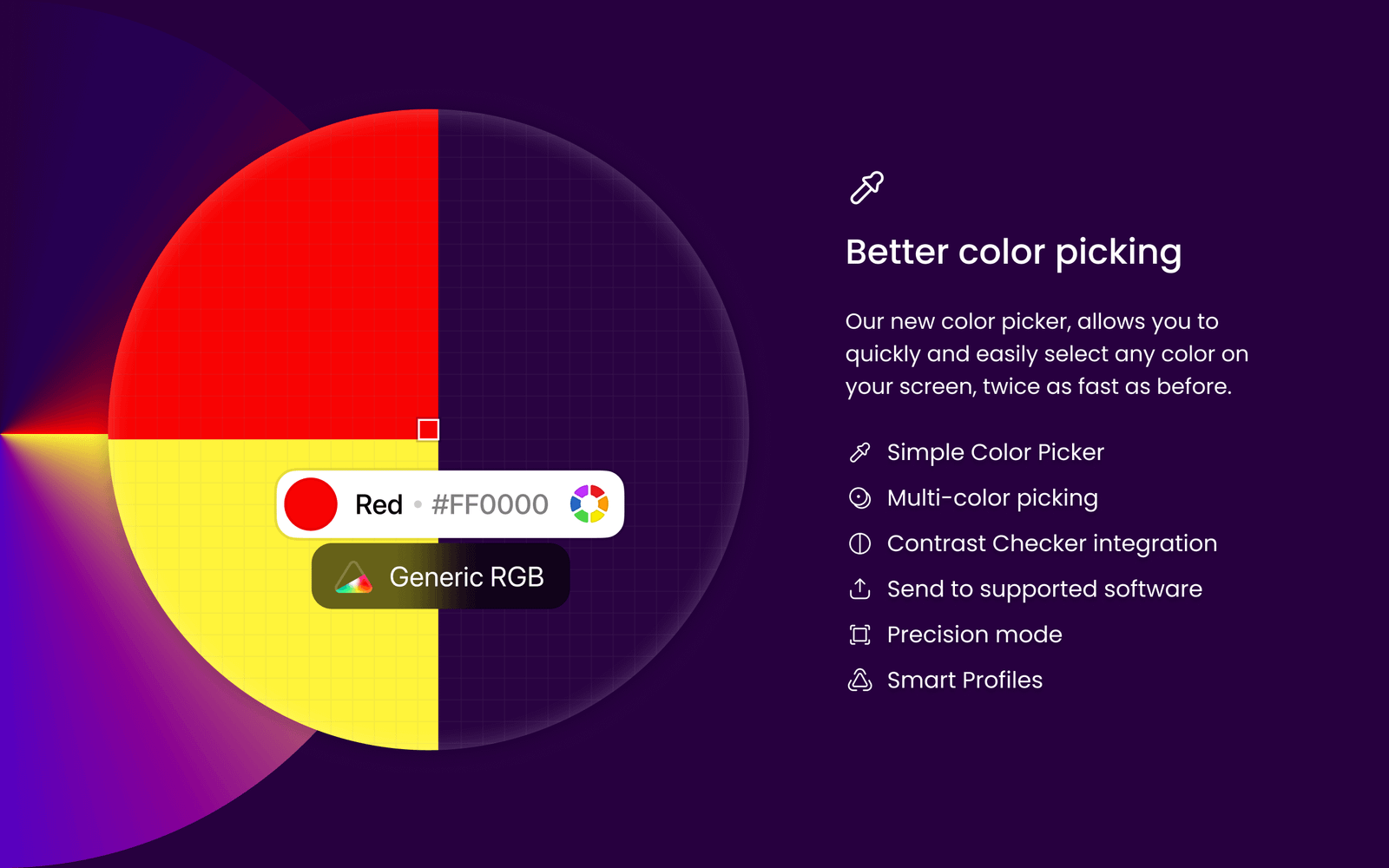
  • Pick colors from anywhere on your screen
  • Automatically copy picked colors to your clipboard
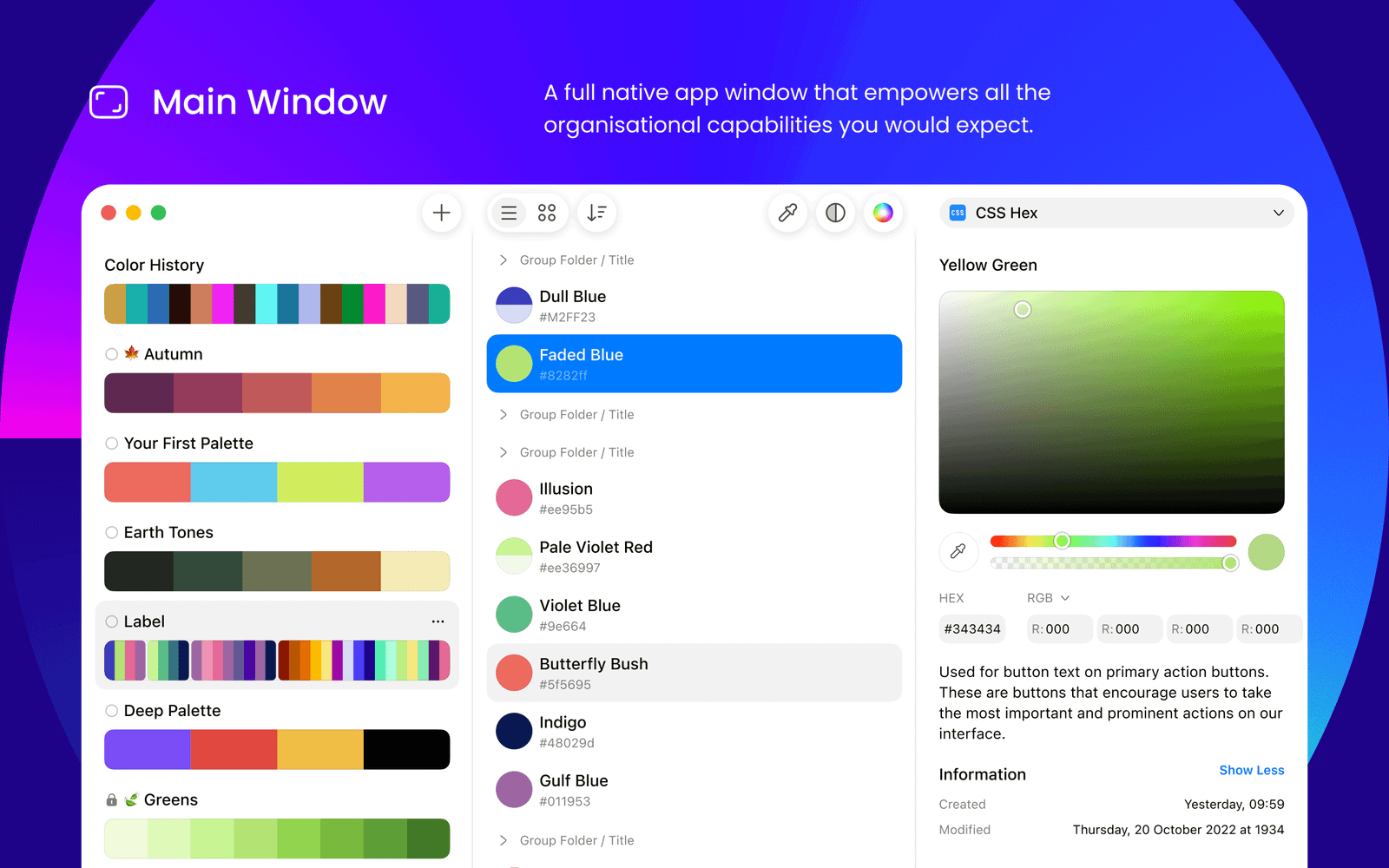
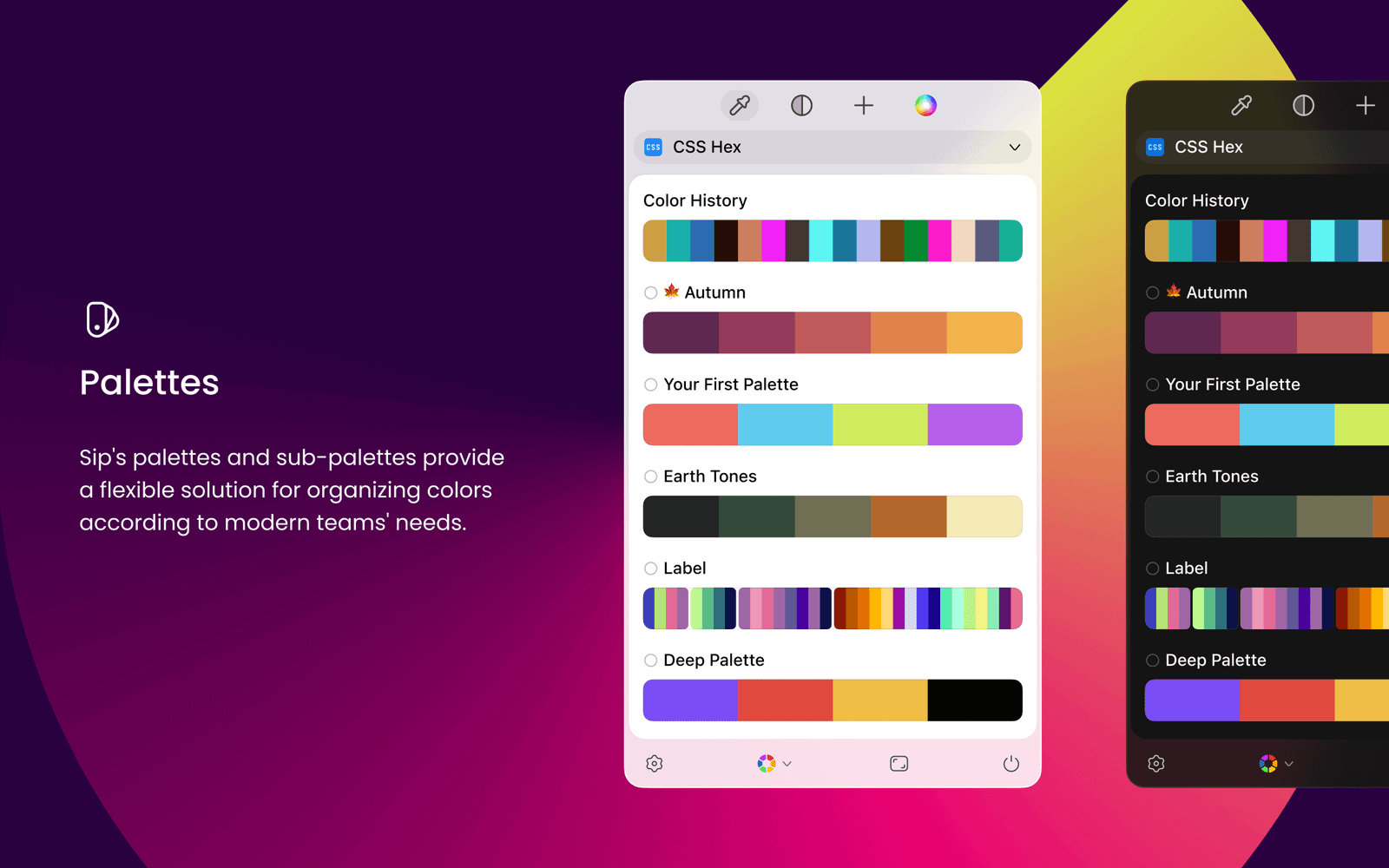
  • Create and organize color palettes
  • Use custom color formats for different platforms and languages
  • Automatically select the right format for the app you are using
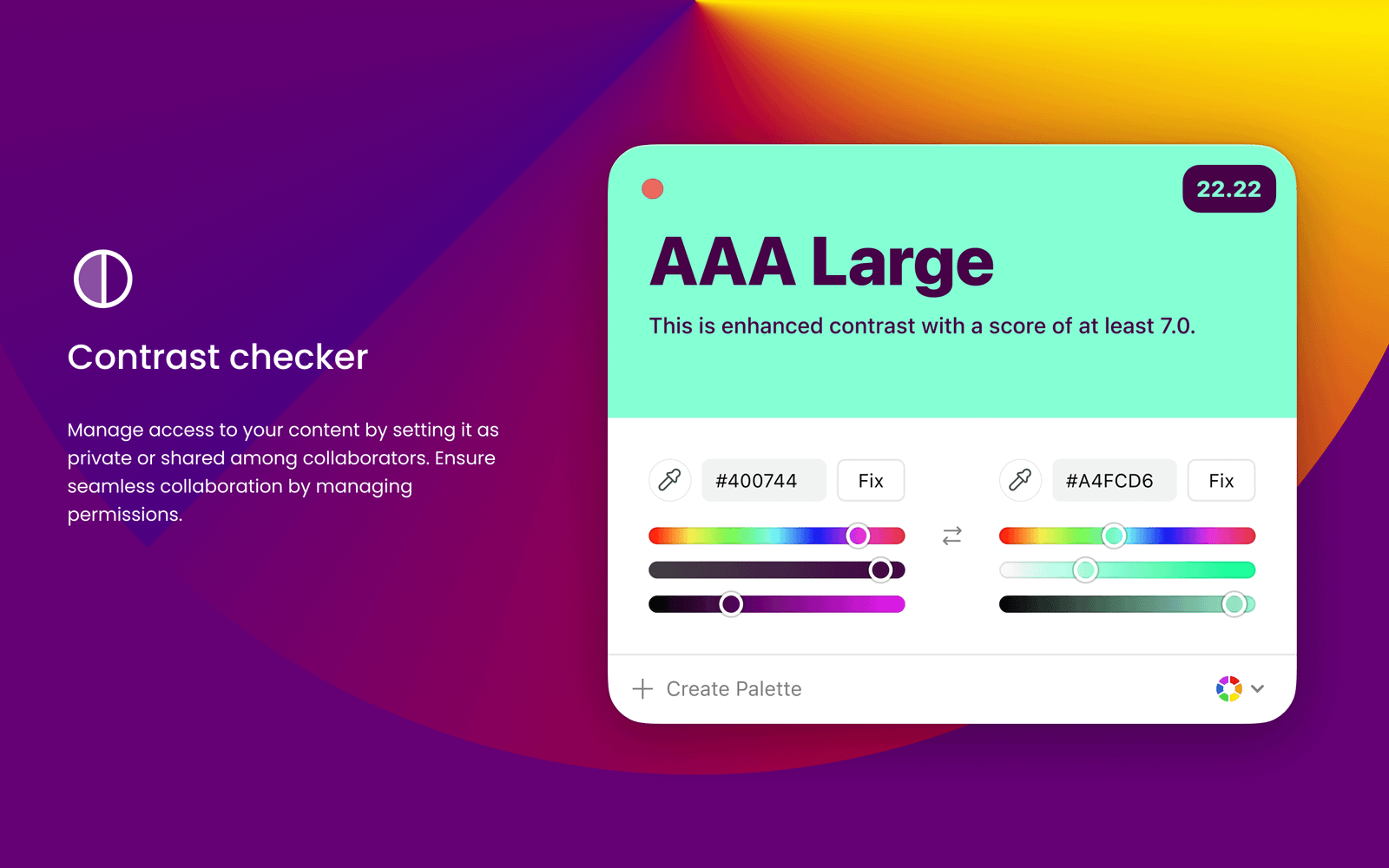
  • Check color contrast and improve accessibility
  • Preview colors for different types of color blindness
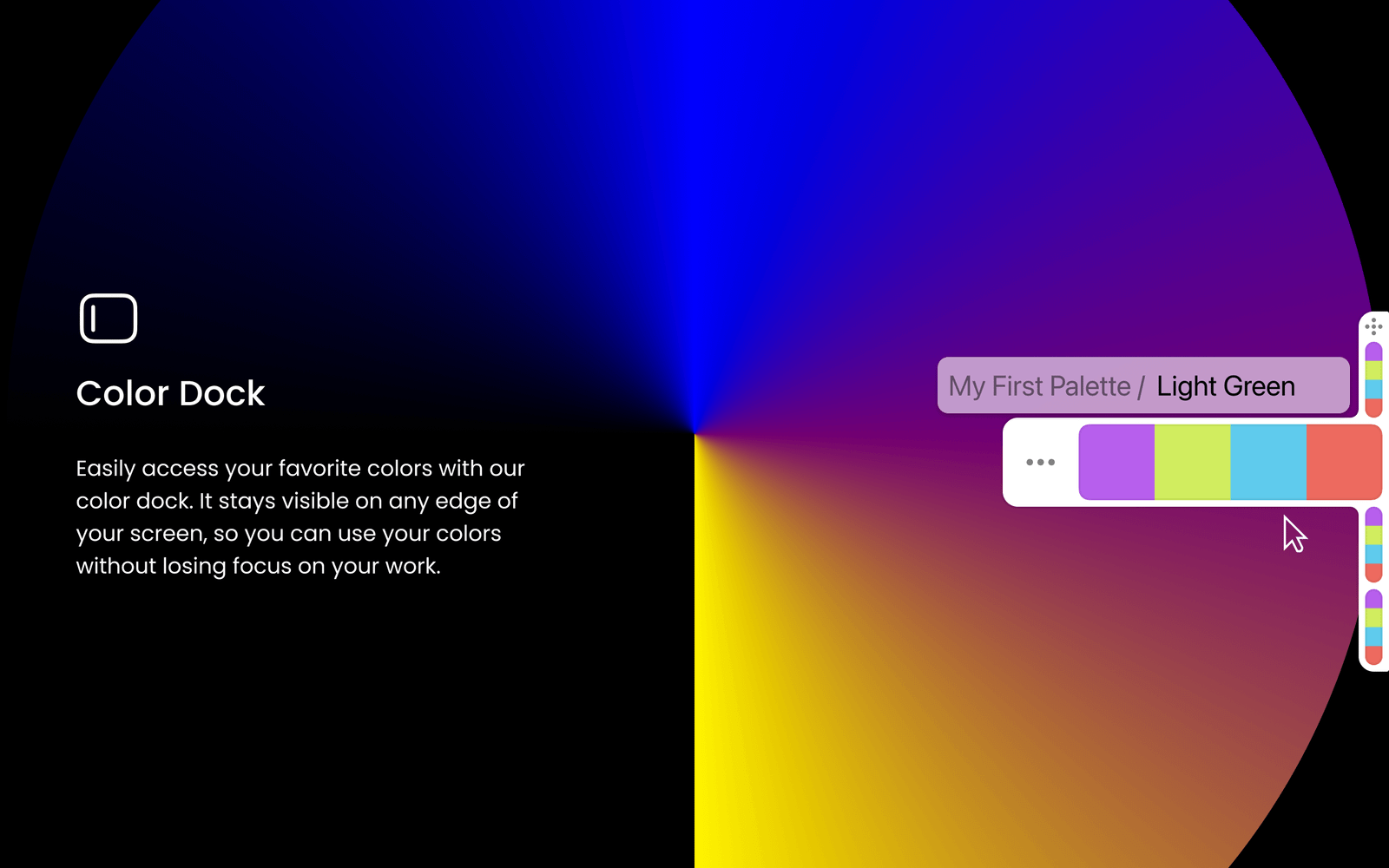
  • Keep frequently used palettes close with Color Dock
  • Use keyboard shortcuts for faster access
  • Save snapshots of your colors and palettes

Whether you are designing an interface, building an app, creating a website, or managing a brand palette, Sip helps you move from color inspiration to production-ready values quickly.

Sip is built specifically for macOS and designed to make working with color faster, simpler, and more enjoyable.


More in Dev

Neon Vision Editor app icon

Neon Vision Editor

A lightweight, modern code & text editor for macOS

Notepad.exe for Mac app icon

Notepad.exe for Mac

A lightweight Mac code editor for Swift, Python, JavaScript, and Go. Run files instantly, build with an on-device agent, test on Linux, and export Mac apps.

Claudete app icon

Claudete

Run many Claude Code instances in one window

QuackNotes app icon

QuackNotes

Fast, file-based notes for people who want to own their word

Inkline Text Editor app icon

Inkline Text Editor

Open huge files in milliseconds and format them fast.

Claude Notch Usage Companion app icon

Claude Notch Usage Companion

Your live Claude usage, right in your Mac's notch.

Featured apps

Vehla app icon

Vehla

Mac command center

Neon Vision Editor app icon

Neon Vision Editor

A lightweight, modern code & text editor for macOS

MJSFX app icon

MJSFX

MJSFX is a sounds and effects design studio.

Hejour app icon

Hejour

A calm macOS notebook where every day is a page

Letterboxx app icon

Letterboxx

A dedicated reader for email newsletters.

Compresto app icon

Compresto

Compress videos, images, GIFs, and PDFs without noticeable

Cooldock app icon

Cooldock

Second Dock to your Mac with live widgets

Supaste app icon

Supaste

Clipboard and screenshot history

Revone app icon

Revone

All your revenue. One place.