Snapdown
Turn anything on your Mac screen into clean Markdown
Capture the structure, not just the words.
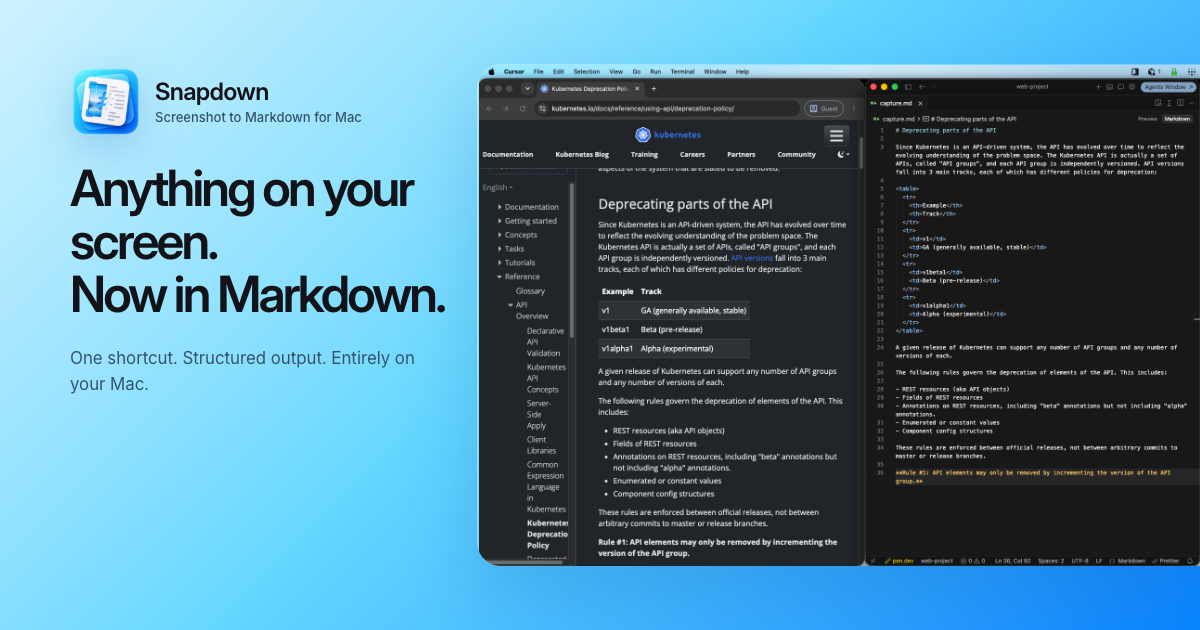
Snapdown is a native macOS menu bar app that turns any selected area of your screen into clean, structured Markdown.
It was built for the moments when information is visible but not actually selectable, such as documentation, tables, error messages, slides, settings panels, reading excerpts, and text inside images.
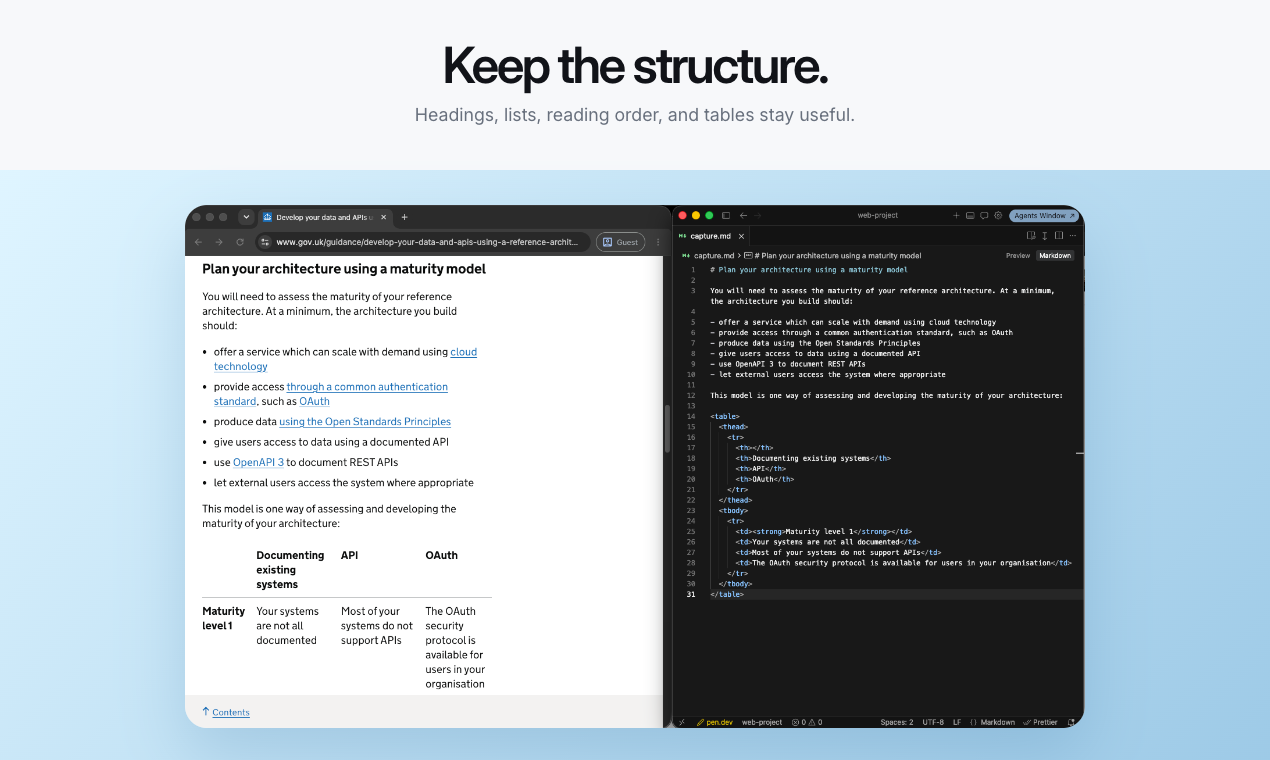
Traditional OCR often recovers the words but loses what made the content useful. Headings become ordinary lines, lists collapse into paragraphs, tables lose their relationships, and reading order becomes difficult to follow. Snapdown preserves useful structure so the result is ready to paste into a note, document, issue, prompt, or Markdown file without rebuilding it first.
How it works
- Press the global keyboard shortcut.
- Drag over any visible region of your Mac screen.
- Snapdown turns the selection into structured Markdown.
- The Markdown is copied to your clipboard and saved locally.
- Paste it wherever you need it.
Snapdown keeps the capture loop small so you can collect what you need without interrupting your work.
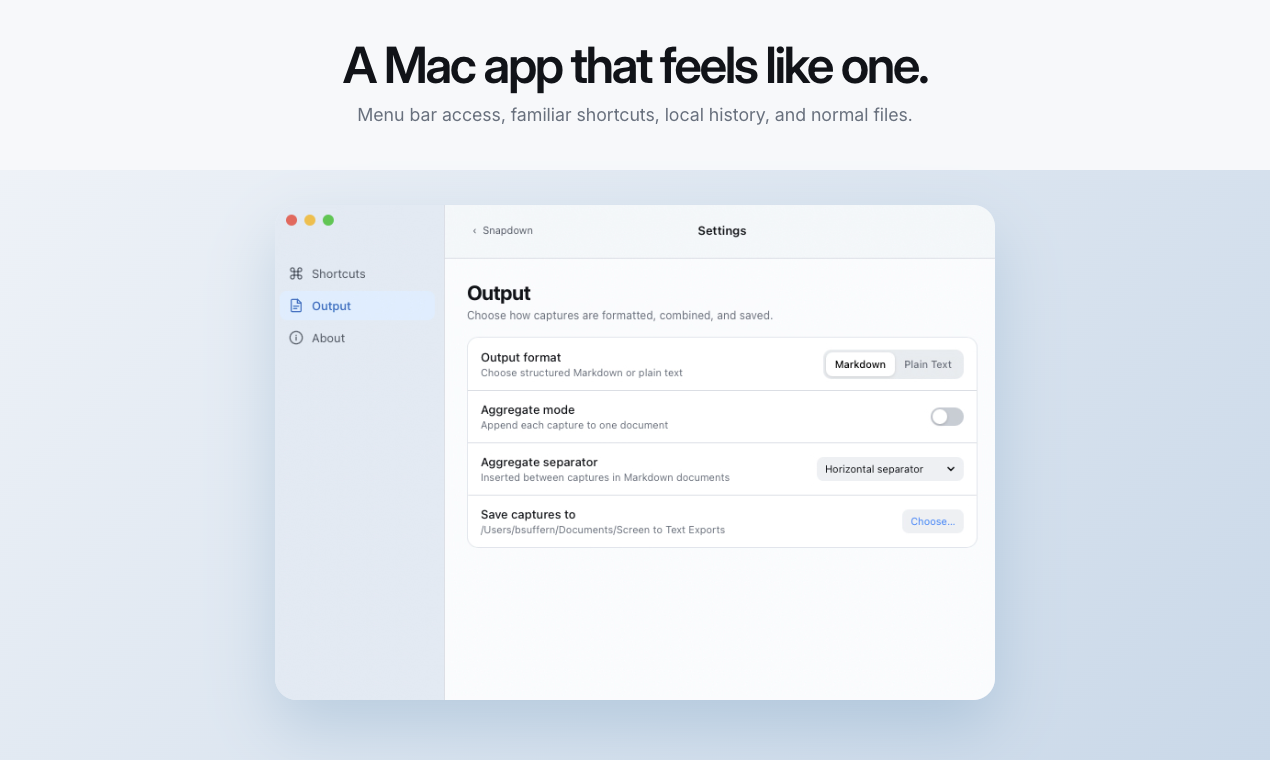
Every capture is stored in your local history as an ordinary Markdown or text file, making it easy to find, edit, move, and reuse later.
Many captures. One document.
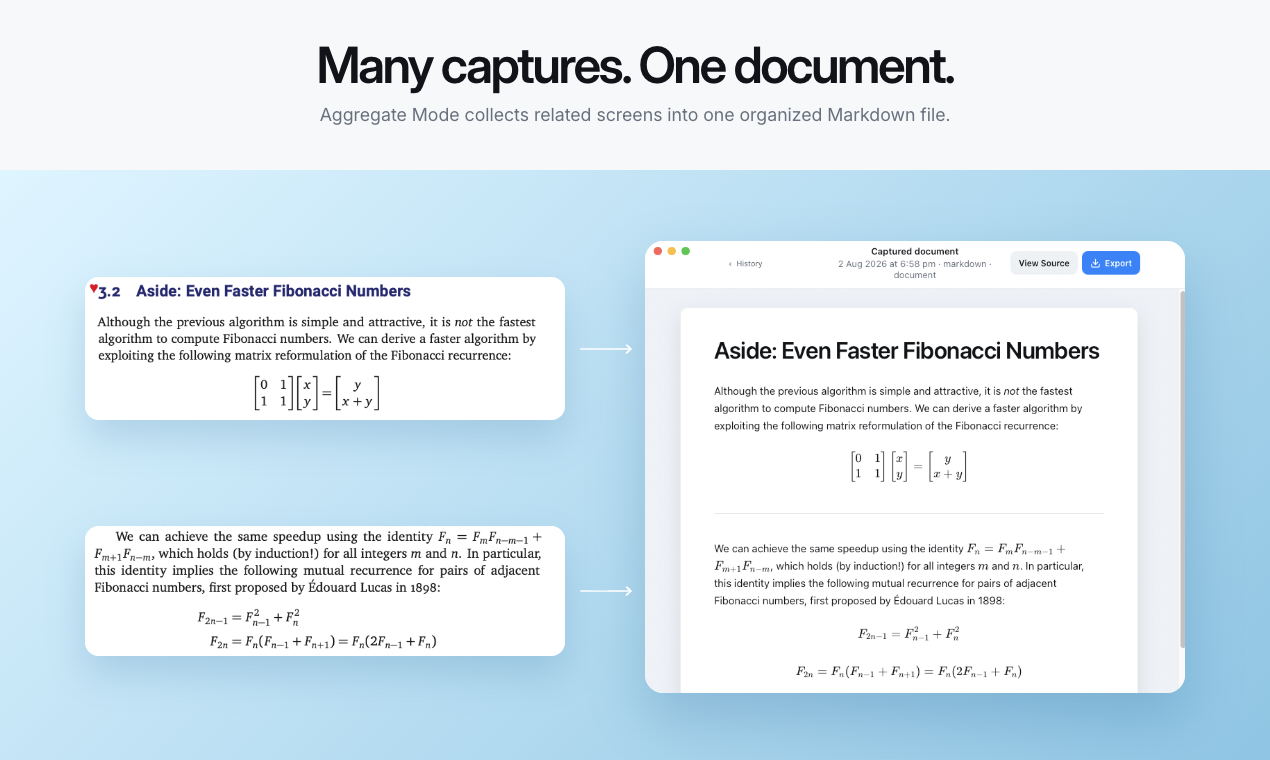
Some content is too large or complex for one screenshot. Aggregate Mode lets you capture it in smaller, natural sections while building a single Markdown document.
Use it to combine several lecture slides, documentation sections, table fragments, reading excerpts, or parts of a long interface. Each new capture is appended to the same document, keeping related material together and reducing the noise that comes from capturing an entire screen at once.
Built for real Mac workflows
Developers can move error messages, API documentation, tables, terminal output, and interface states into Cursor, Claude, GitHub, Linear, or project documentation.
Writers and product teams can turn rendered pages, comparison tables, settings screens, and UI content into editable material for specifications, release notes, and issues.
Students and researchers can capture lecture slides, course portals, formulas, tables, and reading excerpts into Obsidian, Notion, study notes, or an AI tutor.
Wherever Markdown goes, Snapdown gives screen content a useful way to follow.
Private by design
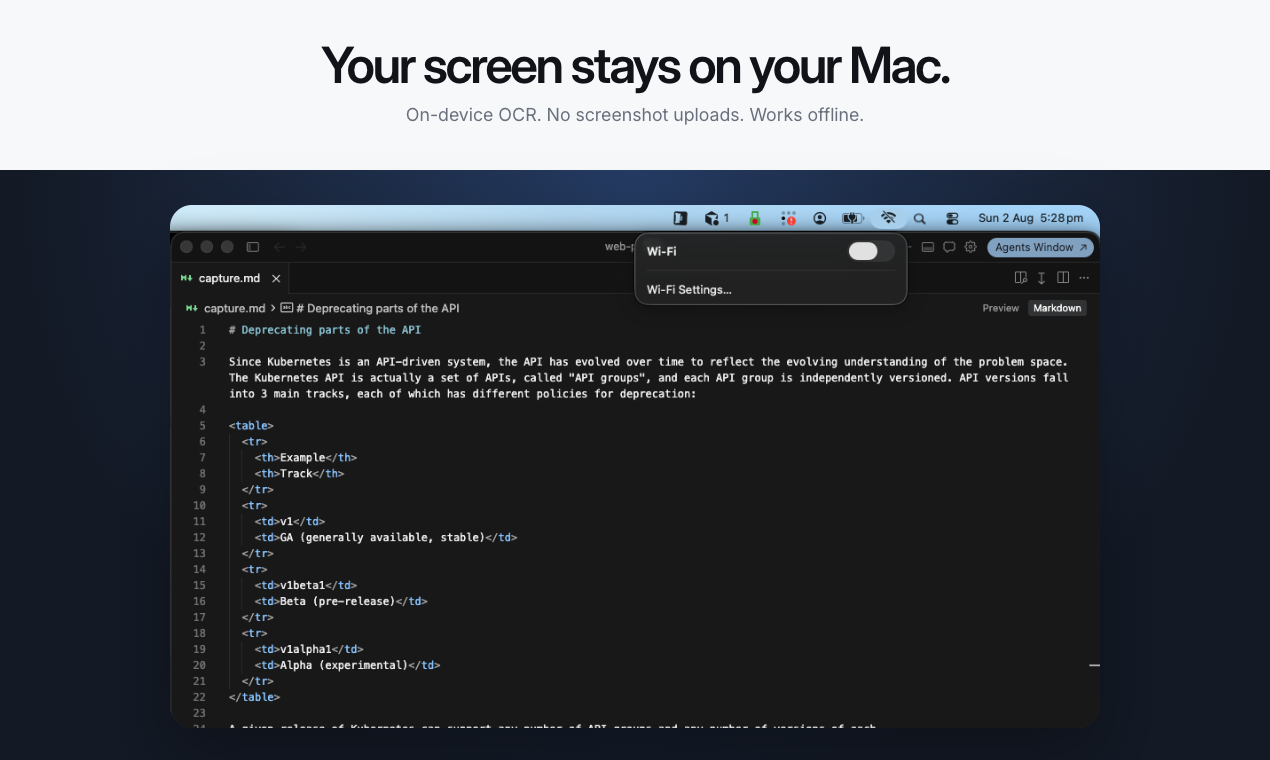
Every capture is processed locally on Apple silicon.
Your screenshots are never uploaded. Your captured documents stay private on your Mac, and Snapdown continues working offline.
Tips for better captures
- Capture smaller, natural sections instead of an entire screen. Aggregate Mode can combine those sections into one document while reducing visual noise.
- Zoom in before capturing dense text, tables, or formulas. Clearer source pixels give Snapdown more detail to work with.
Anything on your screen. Now in Markdown.










