Tenuo app icon

Tenuo

Customize your Mac keyboard with layers and shortcuts
Pricing

Freemium

Category

Updated

Clicks

26
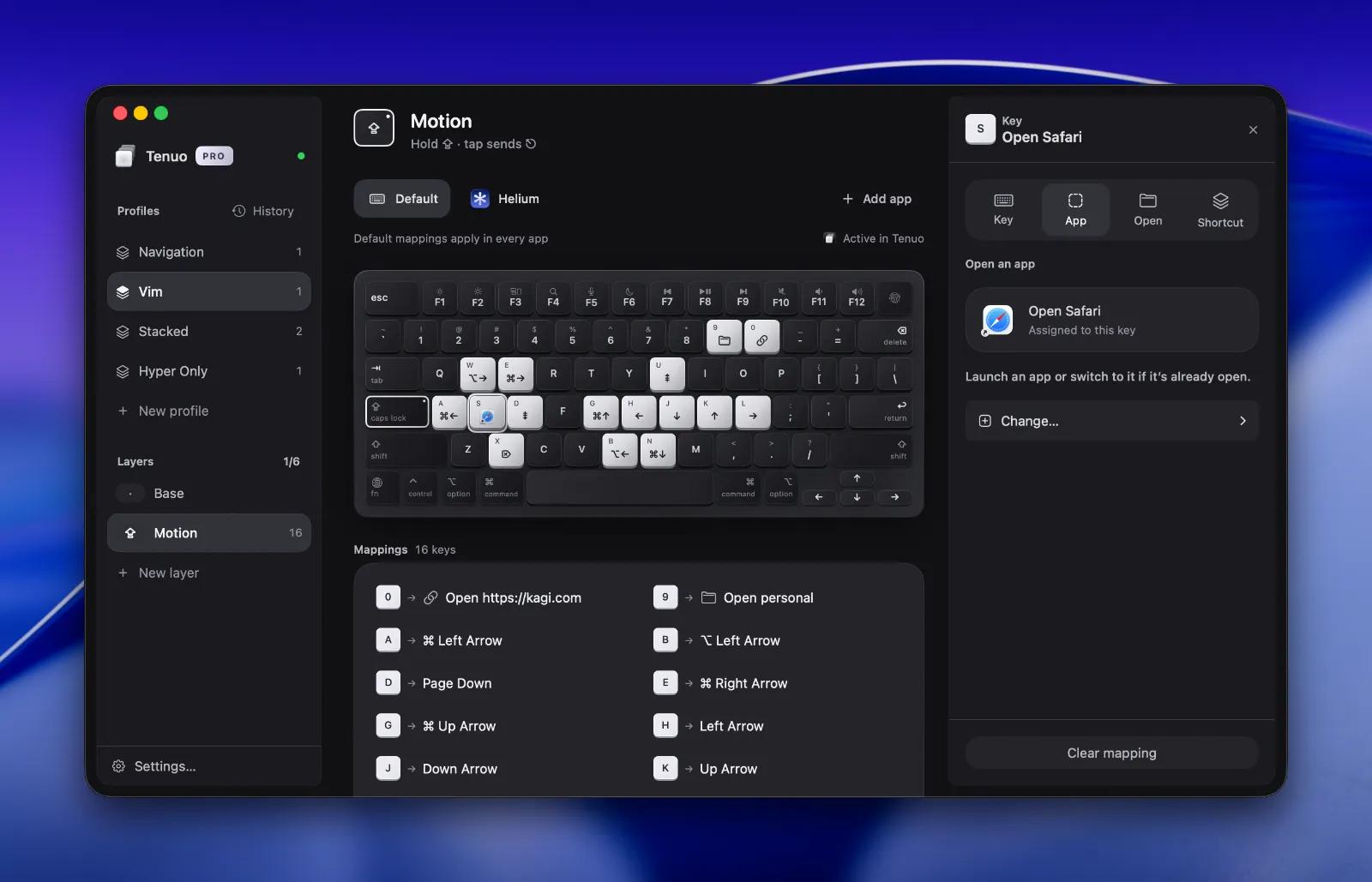
Tenuo — image 1
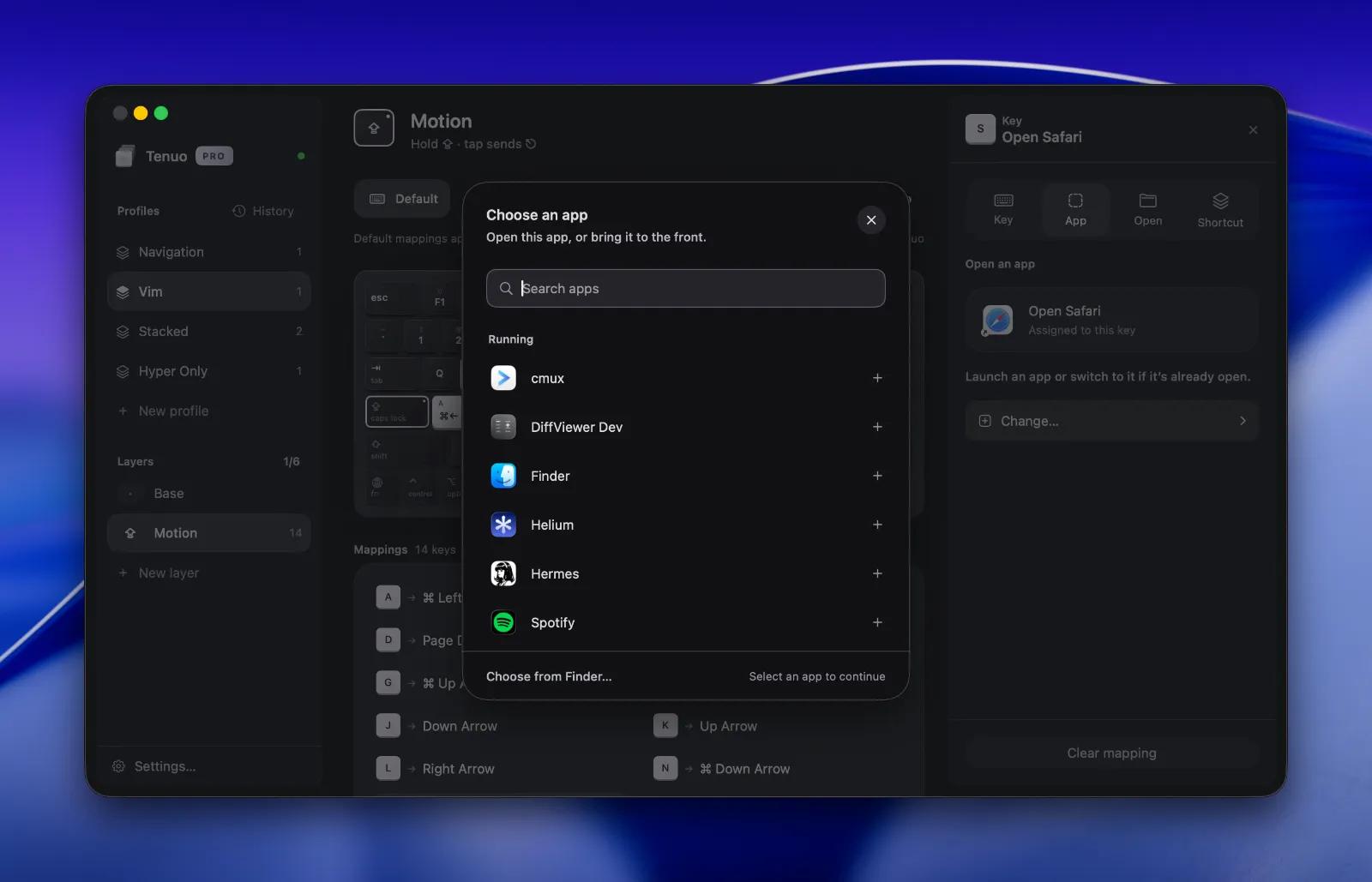
Tenuo — image 2
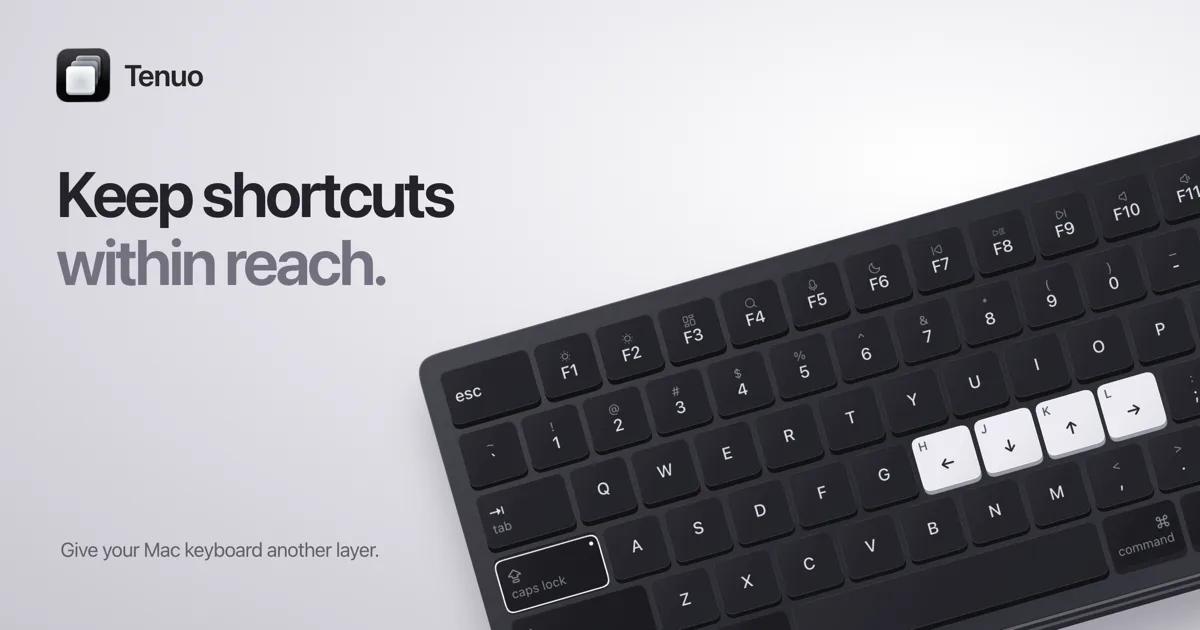
Tenuo — image 3

Tenuo lets you build keyboard layers in a visual editor. Choose a layer key, assign shortcuts, and hold it to use your mappings. Release it to return to typing.

Keyboard remapping, layers, profiles, and automatic updates are free. An optional one-time Pro purchase adds app-specific mappings, app and file actions, Apple Shortcuts, profile history, and iCloud sync.

The entire app, including Pro features, is open source under MIT. You can inspect the code, change it, or build it yourself.

Requires macOS 15 or later. Supports Apple silicon and Intel.

More in Productivity

ScreenPlace app icon

ScreenPlace

Effortlessly put every window in its place on your Mac.

Glance app icon

Glance

Native markdown editor for macOS

Shortap app icon

Shortap

Quick tap gestures for your MacBook

Supaste app icon

Supaste

Clipboard and screenshot history

Cooldock app icon

Cooldock

Second Dock to your Mac with live widgets

Letterboxx app icon

Letterboxx

A dedicated reader for email newsletters.

Featured apps

ScreenPlace app icon

ScreenPlace

Effortlessly put every window in its place on your Mac.

Shotbase app icon

Shotbase

Shotbase is a modern screen capture workspace for macOS.

VidMage app icon

VidMage

Private AI face swapping for photos, videos and live calls

Hejour app icon

Hejour

A calm macOS notebook where every day is a page

Glance app icon

Glance

Native markdown editor for macOS

Screen Movie app icon

Screen Movie

Screen Recording & Motion Editor for macOS

Shortap app icon

Shortap

Quick tap gestures for your MacBook

Supaste app icon

Supaste

Clipboard and screenshot history

Cooldock app icon

Cooldock

Second Dock to your Mac with live widgets

DisplayBuddy app icon

DisplayBuddy

Control external displays without touching the buttons

Letterboxx app icon

Letterboxx

A dedicated reader for email newsletters.