The missing gradient studio for Mac, Gradients.cool
120 handcrafted gradient presets. Create still and animated backgrounds on Mac, with still exports up to 8K.
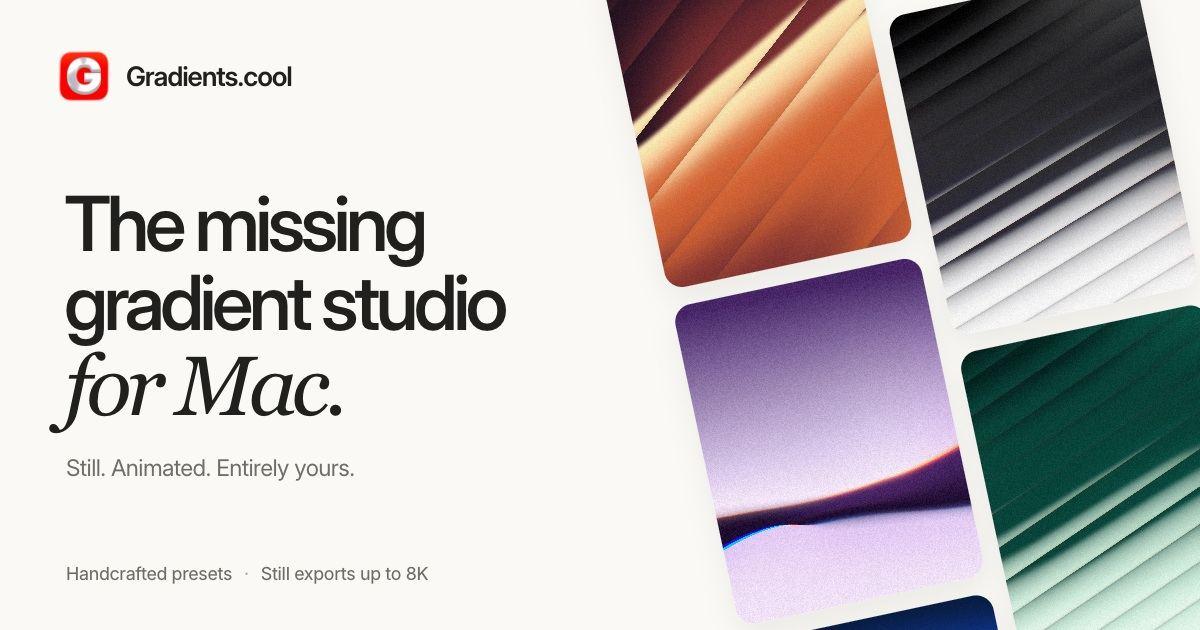
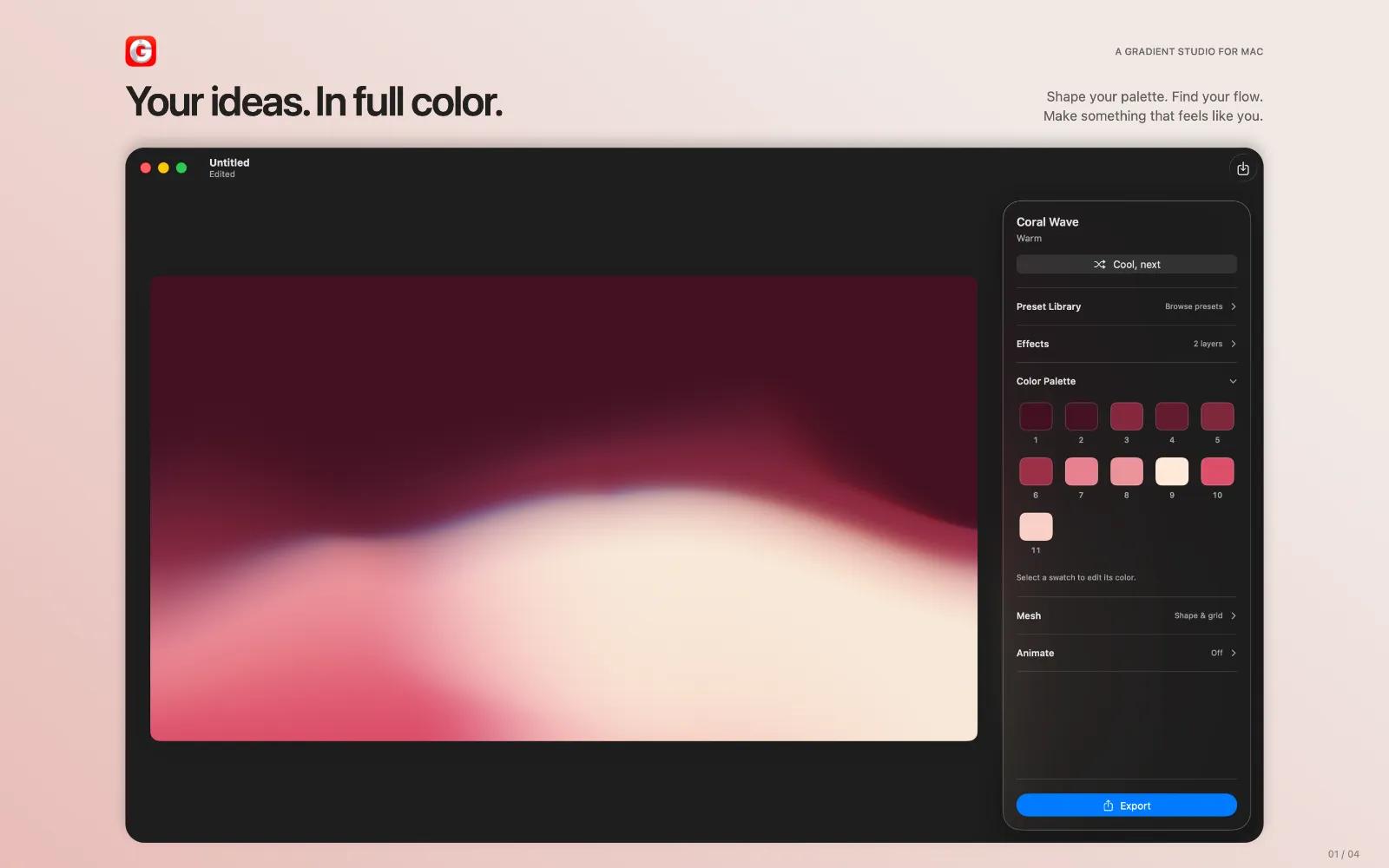
Create beautiful gradients, textures, and animated backgrounds directly on your Mac.
Gradients.cool is a native gradient studio with 120 fully editable presets, powerful color and mesh controls, layered effects, and high-resolution exports up to 8K for images and 4K for video.
Start from a preset, turn any image into a gradient, or create something from a blank canvas. Adjust colors and mesh points, add texture and effects, animate your composition, then export it ready for your next project.
Use Gradients.cool to create backgrounds for websites, apps, presentations, social media, wallpapers, artwork, and more.
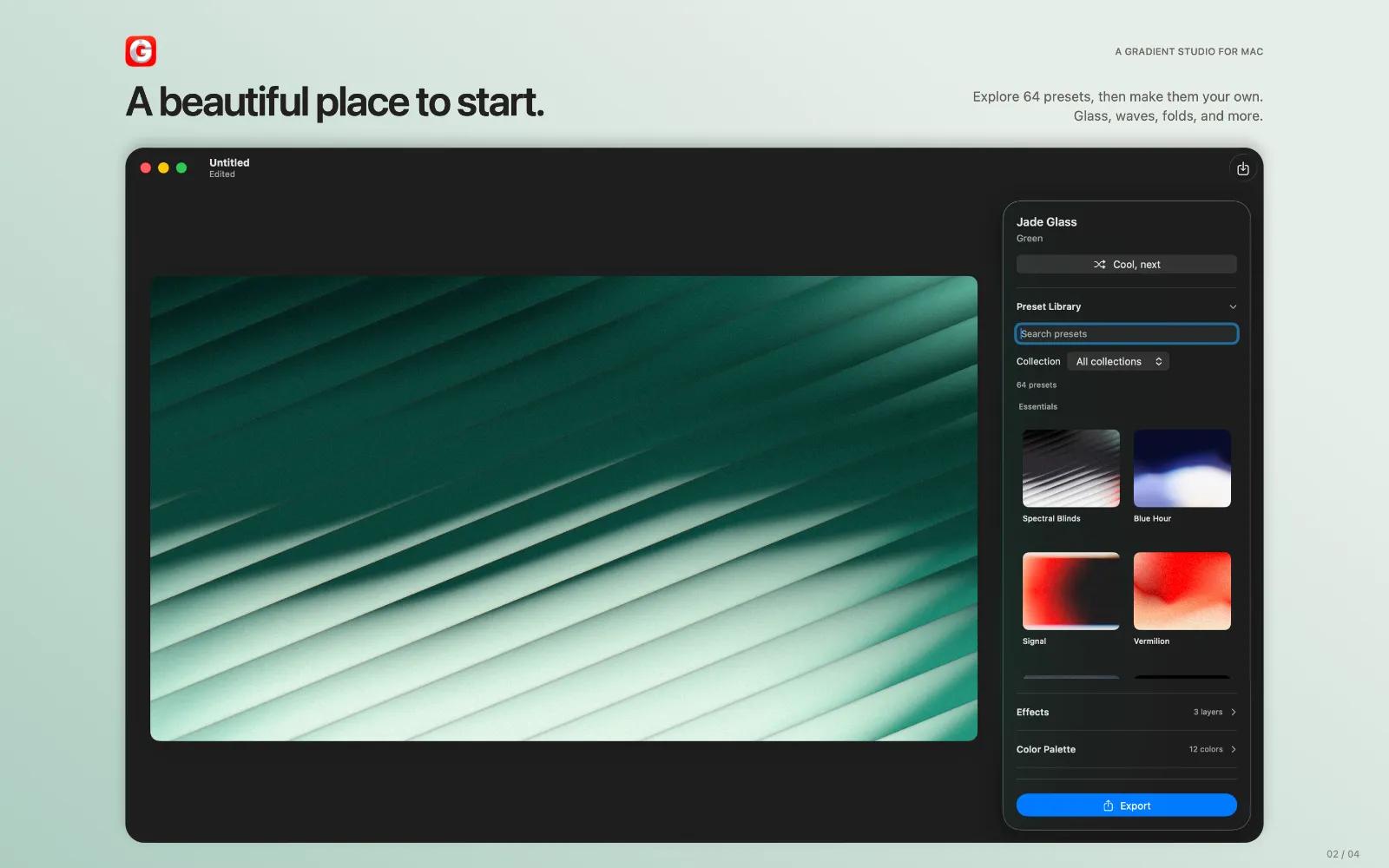
120 editable presets
Explore a curated library of gradients across a wide range of styles. Every preset is just a starting point — change the colors, reshape the mesh, adjust effects, or completely transform it into something new.
Create from images
Drop in an image and turn its colors into a new gradient. Use it as inspiration, refine the generated palette, and make the result your own.
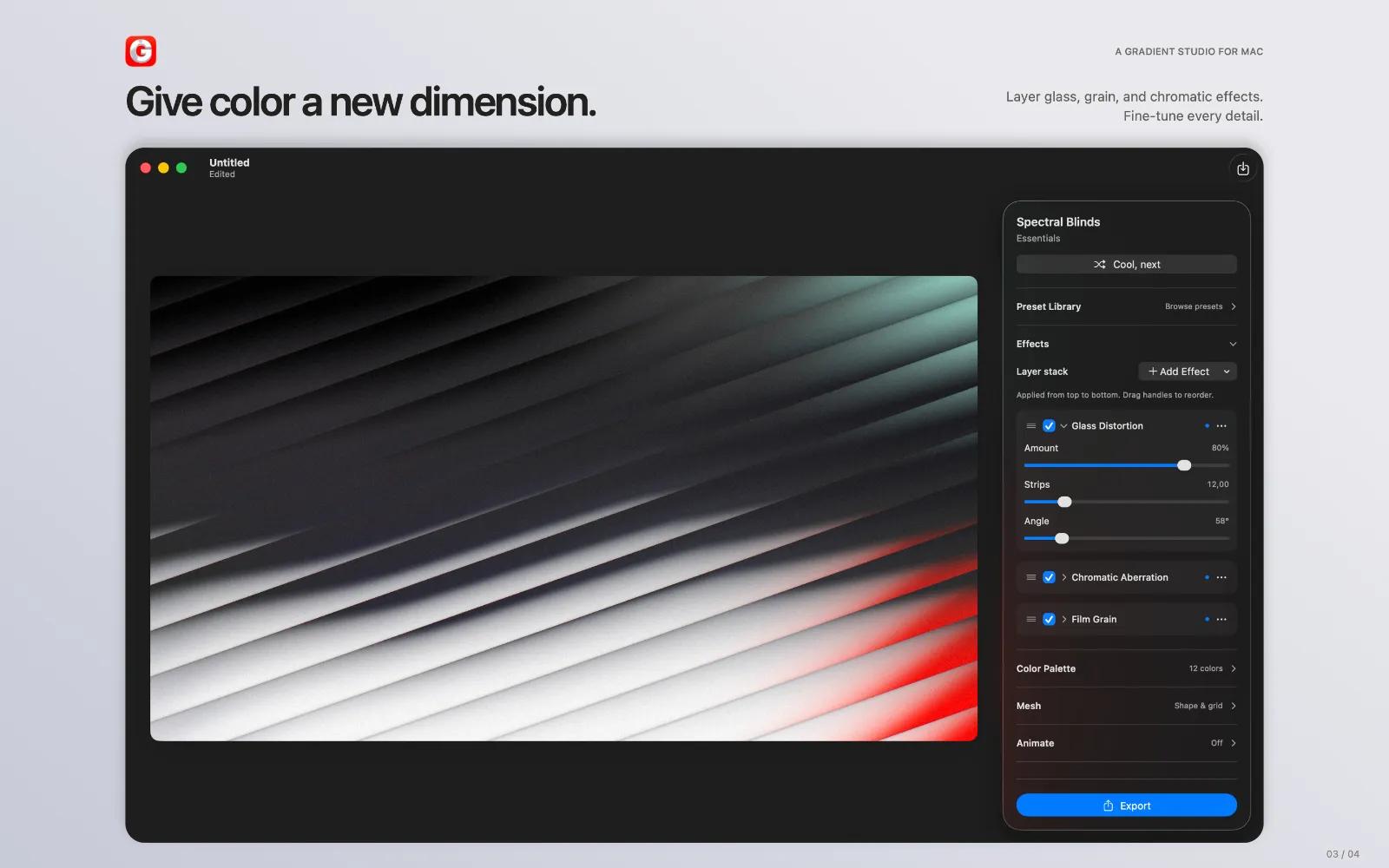
Layered effects
Go beyond simple gradients with texture, grain, noise, lighting, and other effects. Fine-tune each layer to create anything from clean UI backgrounds to rich, atmospheric compositions.
Animation
Bring gradients to life with smooth, looping animation. Preview motion in real time and export finished animations as MP4 video.
High-quality exports
- PNG up to 8K with lossless Display P3 color
- WebP up to 8K with adjustable quality for web use
- MP4 video up to 4K
- Editable `.gcool` documents that preserve your colors, mesh, effects, and animation settings
- Six aspect ratios, including portrait, square, widescreen, and ultrawide
Built for Mac
Gradients.cool uses native Mac controls, keyboard shortcuts, live export previews, and contextual mesh guides that stay out of the way until you need them.
Save your work as an editable document, reopen it later, and continue exactly where you left off.
Private by design
Everything happens locally on your Mac. Rendering, editing, image processing, and exporting require no cloud processing and no account.
No subscription. No sign-up. Just open the app and create.