Voxt
Local-first voice input —— Translate, Rewrite, Meet, Note
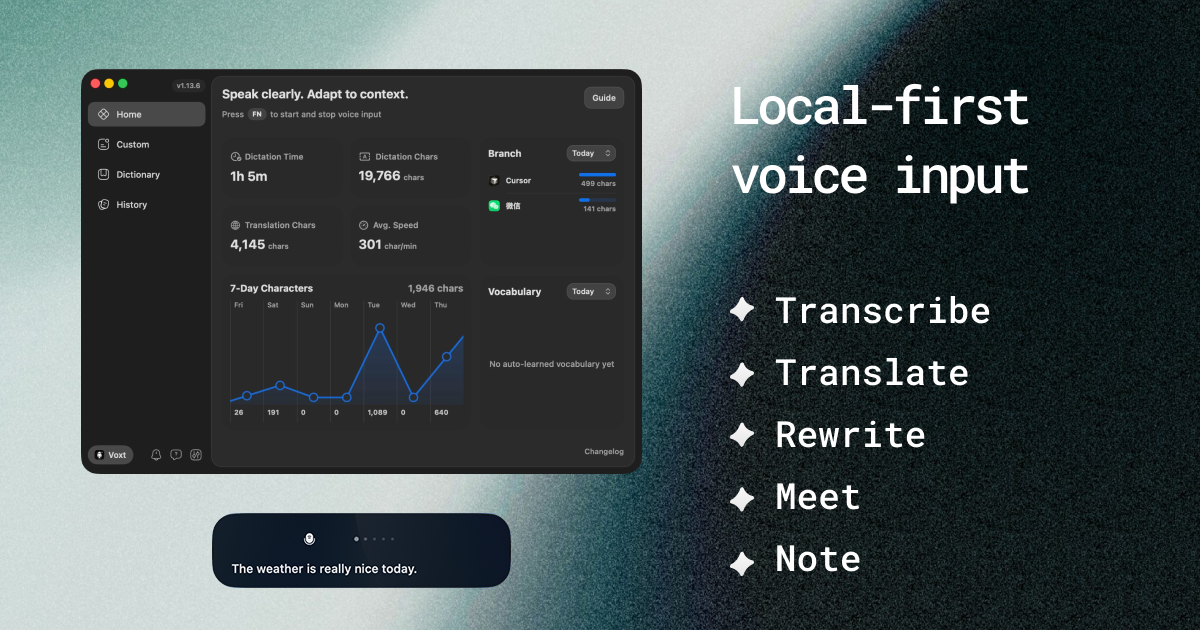
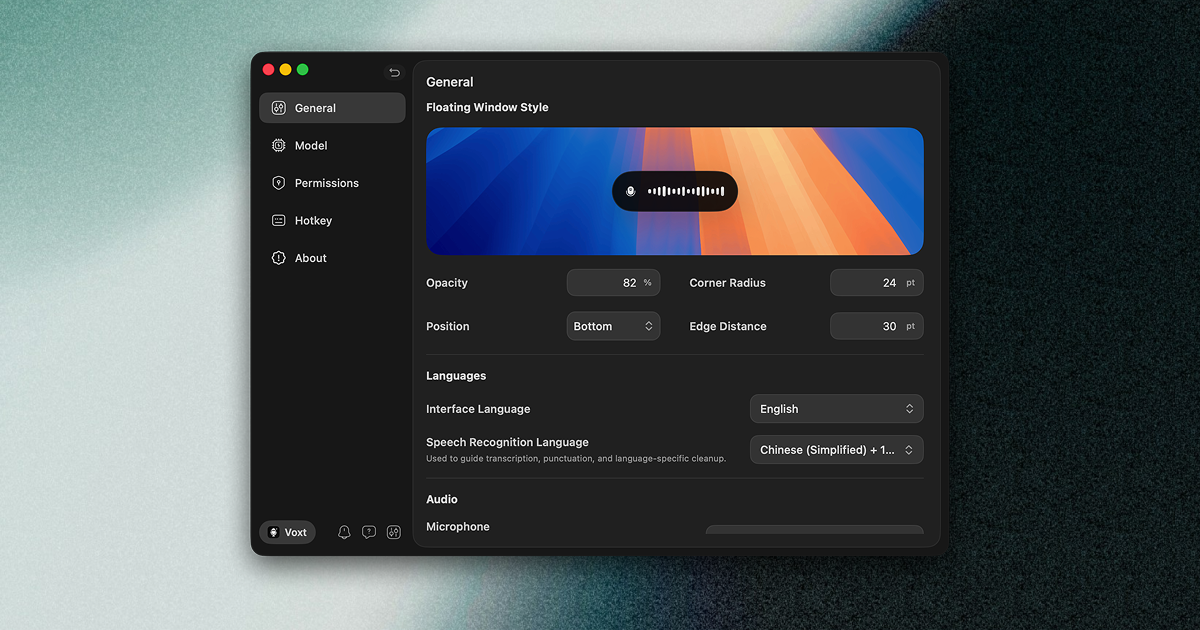
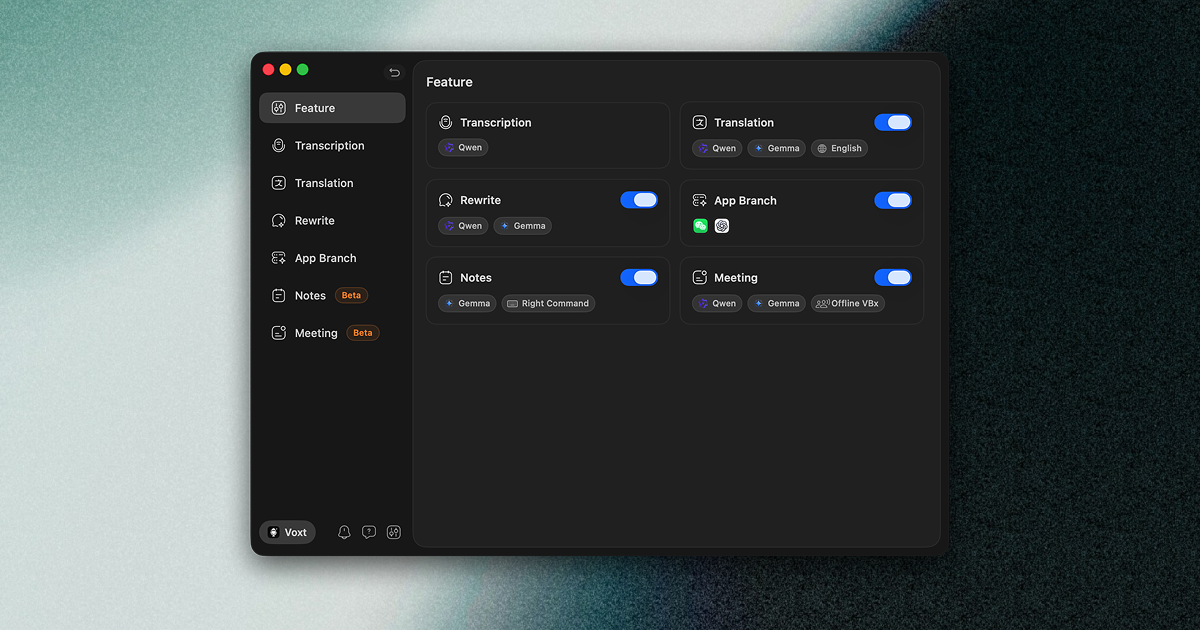
Voxt – Speak Once, Control Everything
Voxt is a native, local-first voice assistant for Mac. It doesn't just transcribe—it understands context, adapts to your workflow, and turns your voice into a true productivity tool.
Who is it for?
For writers, developers, researchers, and knowledge workers who want to capture ideas, edit text, and control their tools—without lifting a finger. If you think faster than you type, Voxt is for you.
Why does it matter?
Because voice is the most natural form of input, yet most tools treat it as an afterthought. Voxt changes that: it learns your habits, applies custom rules per app, and inserts polished text exactly where you need it—no copy-paste, no reformatting. Just speak, and let Voxt handle the rest.
---
What you can do:
- Transcription + Enhancement
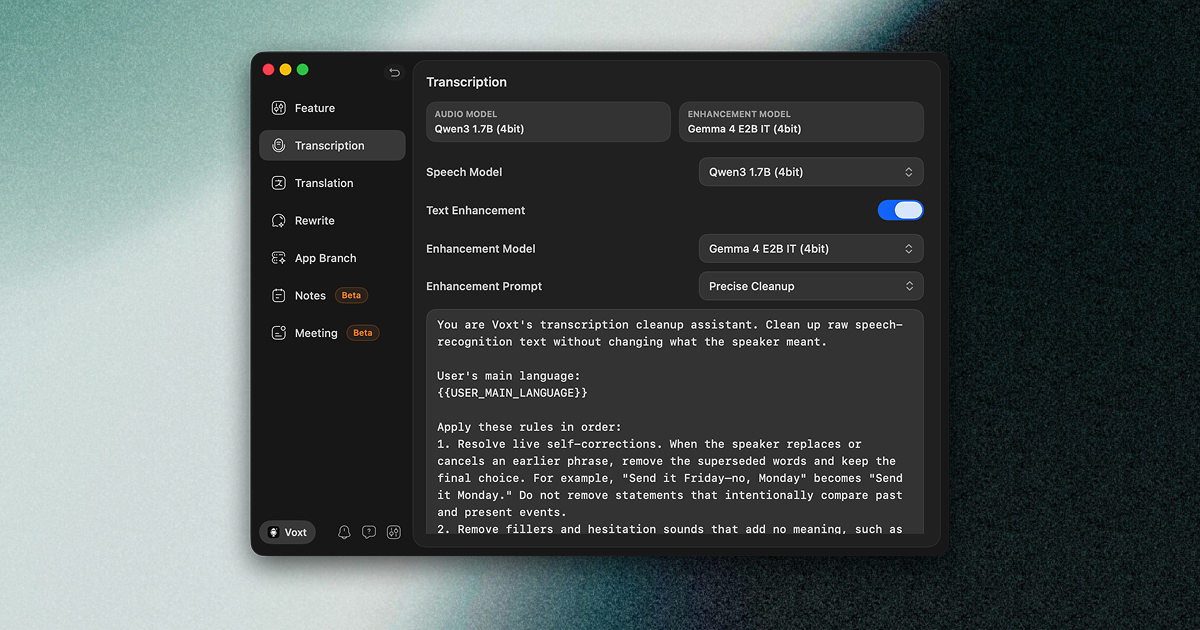
Speak, and Voxt transcribes your voice, then applies AI-powered cleanup—removing filler words, fixing punctuation, and formatting text perfectly. Custom rules let you tailor the output to your style. The result is inserted directly into your active input field.
- Translate
Translate transcribed or selected text into your target language instantly—ideal for multilingual work or communication.
- Rewrite / Rewrite Mode
Select any text or activate rewrite mode to have Voxt rephrase, summarize, or expand your content via voice-driven AI conversation. Copy the result or insert it straight into your workflow.
- Voice Notes
Capture ideas globally with a single shortcut. Notes support to-do status, live in a floating window for quick management, and can be dragged directly into any text field—instant context, zero friction.
- App-Specific Intelligence
Set custom enhancement rules per app or website. For example, in SQL Editor, a rule can transform "show me all users" into SELECT * FROM 'user'. Plus, auto-key triggers let you send the result with a single keystroke—perfect for search bars, terminals, or messaging apps.
- Meeting Mode
Choose from three recording modes: system audio + mic, system audio only, or mic only. Get real-time transcription and translation. After the meeting, review speaker-separated transcripts with timestamps, and generate AI-powered summaries or ask follow-up questions—all from one session.
---
Voxt turns your Mac into a voice-first workspace—private, powerful, and perfectly tuned to you.