Top Screen Recorders for SaaS Demos on Mac
Macapp Supply · September 23, 2026
Explore top Mac screen recorders ideal for SaaS product demos. Enhance your presentations with ease and professionalism.
Creating compelling SaaS product demos requires the right tools. Whether you're showcasing new features, providing tutorials, or pitching to potential clients, a high-quality screen recorder can make all the difference. For Mac users, choosing the right application means finding one that offers clarity, ease of use, and powerful editing features.
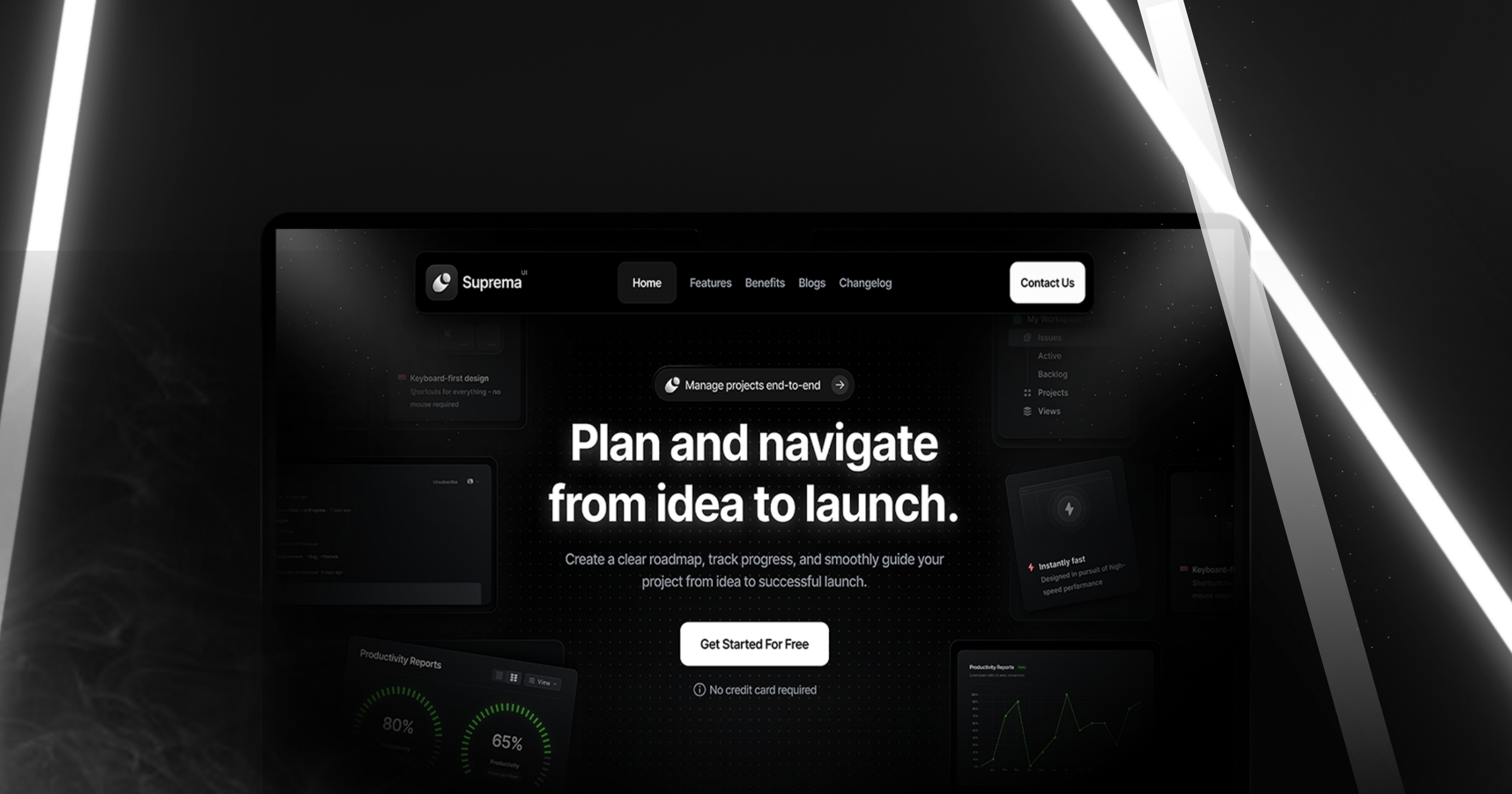
1. Framecast — Seamless Website Recordings

Framecast is a specialized tool for recording clean, smooth scrolls of websites, which can be particularly useful for SaaS product demos focusing on web applications. The app locks the aspect ratio to ensure consistent output, and allows you to place recordings onto device mockups. Perfect for those who want polished, professional-looking videos without needing extensive editing skills. Note, Framecast is a paid app with a one-time license fee.
2. Screen Movie — Comprehensive Motion Editor
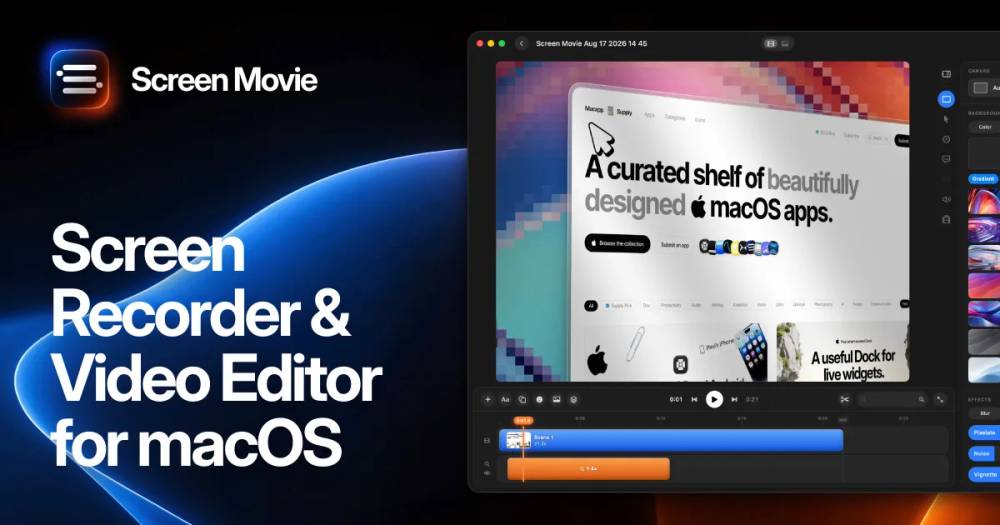

Screen Movie goes beyond basic screen recording by offering an integrated motion editor. This is ideal for SaaS developers who need to add annotations, animations, and music to their demos, transforming simple recordings into engaging video presentations. With its robust editing capabilities, it's suitable for users looking to create dynamic and detailed product demonstrations. The app is available under a paid plan.
3. Retinly — Cinematic Screen Recordings
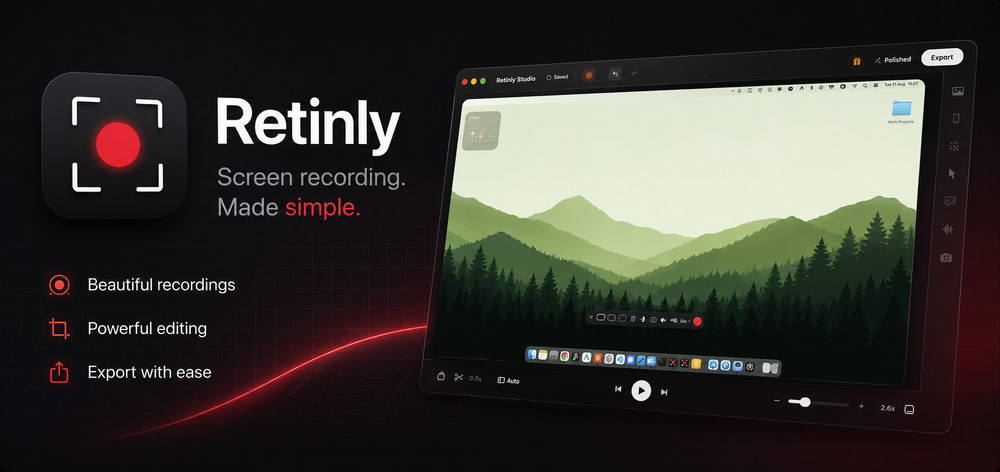

Retinly enhances your screen recordings to look polished and professional with minimal editing effort. It offers features like auto-zoom and smooth cursor movements, making it a great choice for SaaS demos that require a clear focus on different parts of the screen. This app is perfect for users who want high-quality outputs quickly. Retinly is a paid application.
4. Creavit Studio — Polished Video Production
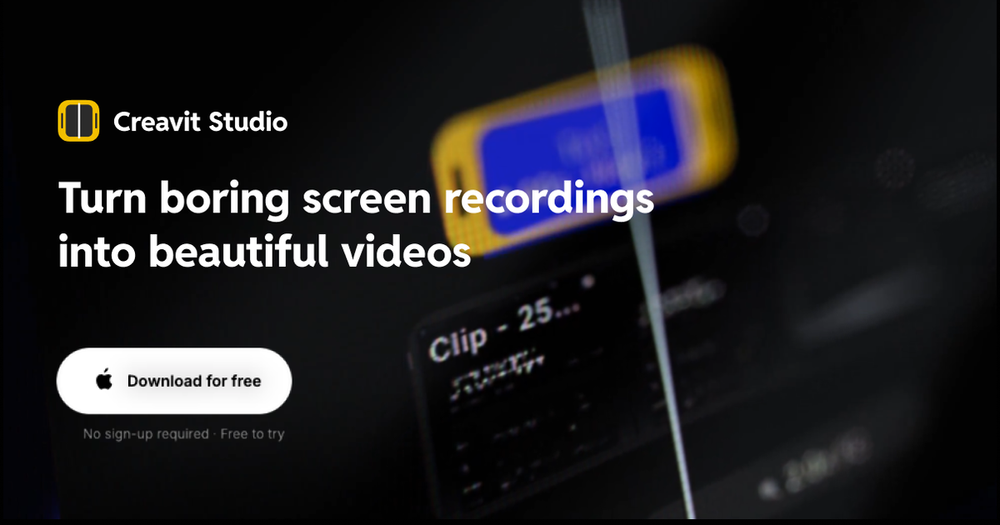

Creavit Studio is designed for those who aim to create beautiful, high-quality screen recordings without the complexity of professional editing software. It provides tools to enhance recordings with smooth transitions and professional layouts, making it suitable for SaaS product demos that need a touch of elegance and clarity. This app is paid, catering to users who focus on visual appeal.
## How to Choose the Right Screen Recorder
When selecting a screen recorder for your SaaS product demos, consider your specific needs and the features offered by each tool. If your focus is on web applications, Framecast's specialized features might be ideal. On the other hand, if you require extensive editing capabilities, Screen Movie offers comprehensive tools to enhance your recordings.
## Tips for Effective SaaS Demos
- Plan Your Content: Outline what you want to cover to keep your demo concise and focused.
- Use Annotations: Highlight key features with annotations to make your demo more engaging.
- Practice: Run through your demo multiple times to ensure smooth delivery and familiarity with the recording tool.
Final thoughts
Selecting the right screen recorder can significantly impact the quality of your SaaS demos. Look for features that align with your presentation style and technical needs. With the right tool, you can create demos that effectively communicate your product's value and captivate your audience.