Dictaty app icon

Dictaty

Dictate locally into most editable fields on your Mac.
Author

RELMOS AG

Pricing

Paid

Category

Updated

Clicks

28
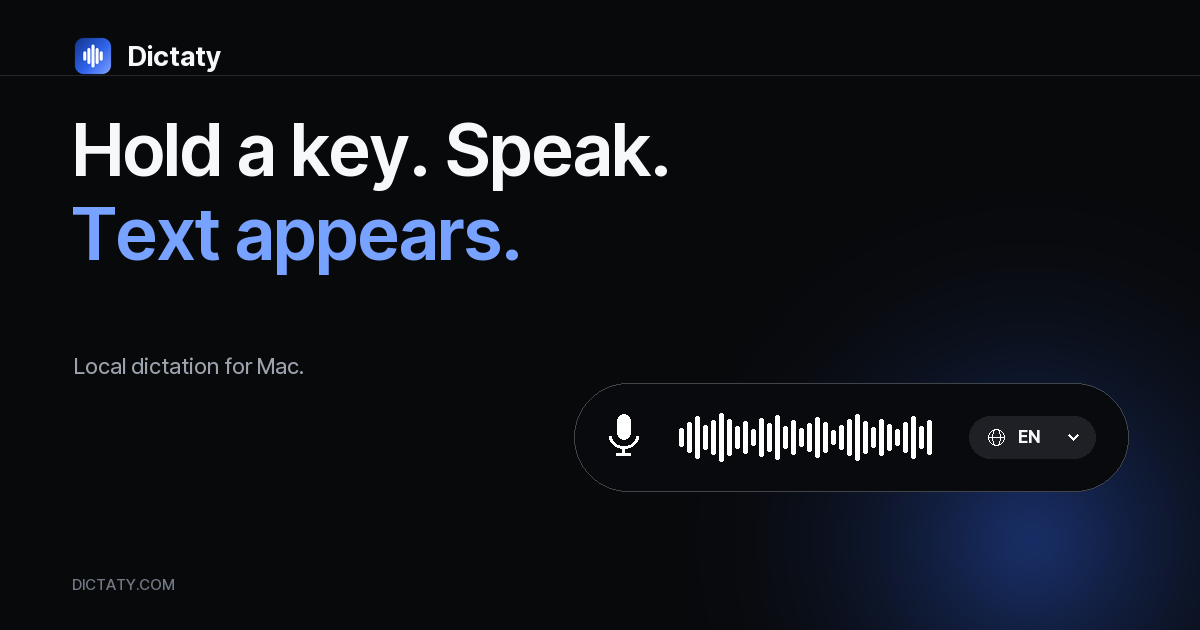
Dictaty — image 1

Dictaty is a focused live-dictation utility for Apple silicon Macs. It is for people who write email, notes and messages on a Mac and want recording and transcription to stay on the machine.

Hold a chosen shortcut, speak and release. Dictaty inserts the finished text into most editable fields and keeps a clipboard copy. It does not transcribe meetings or imported audio and video files.

After the first licence activation and an approximately 500 MB language-model download, recording and transcription run locally. If transcription fails, the recording remains in local History for another try. History is deleted automatically after seven days.

Dictaty requires macOS 14 or later. The first release supports Apple silicon Macs. Dictaty 1.0.1 (Build 37) is distributed as a DMG signed with the RELMOS AG Developer ID and notarized by Apple.

A limited launch allocation is free while places remain. Afterwards, one personal licence for one Mac costs €29 once, including applicable VAT. The licence does not expire and includes Dictaty 1.x updates. There is no account or subscription.

Dictaty is developed and operated by RELMOS AG in Bachenbülach, Switzerland.

More in Productivity

Glance app icon

Glance

Native markdown editor for macOS

Shortap app icon

Shortap

Quick tap gestures for your MacBook

Cooldock app icon

Cooldock

Second Dock to your Mac with live widgets

Supaste app icon

Supaste

Clipboard and screenshot history

Droppy app icon

Droppy

Droppy turns your Mac notch into a powerful productivity hub for files, clipboard, and extensions.

Letterboxx app icon

Letterboxx

A dedicated reader for email newsletters.

Featured apps

Hejour app icon

Hejour

A calm macOS notebook where every day is a page

Glance app icon

Glance

Native markdown editor for macOS

Screen Movie app icon

Screen Movie

Screen Recording & Motion Editor for macOS

Shortap app icon

Shortap

Quick tap gestures for your MacBook

FrameOS app icon

FrameOS

Record polished iOS & Android app demos from your Mac.

Cooldock app icon

Cooldock

Second Dock to your Mac with live widgets

Supaste app icon

Supaste

Clipboard and screenshot history

DisplayBuddy app icon

DisplayBuddy

Control external displays without touching the buttons

Revone app icon

Revone

All your revenue. One place.

Droppy app icon

Droppy

Droppy turns your Mac notch into a powerful productivity hub for files, clipboard, and extensions.

Letterboxx app icon

Letterboxx

A dedicated reader for email newsletters.









