About Cleanview
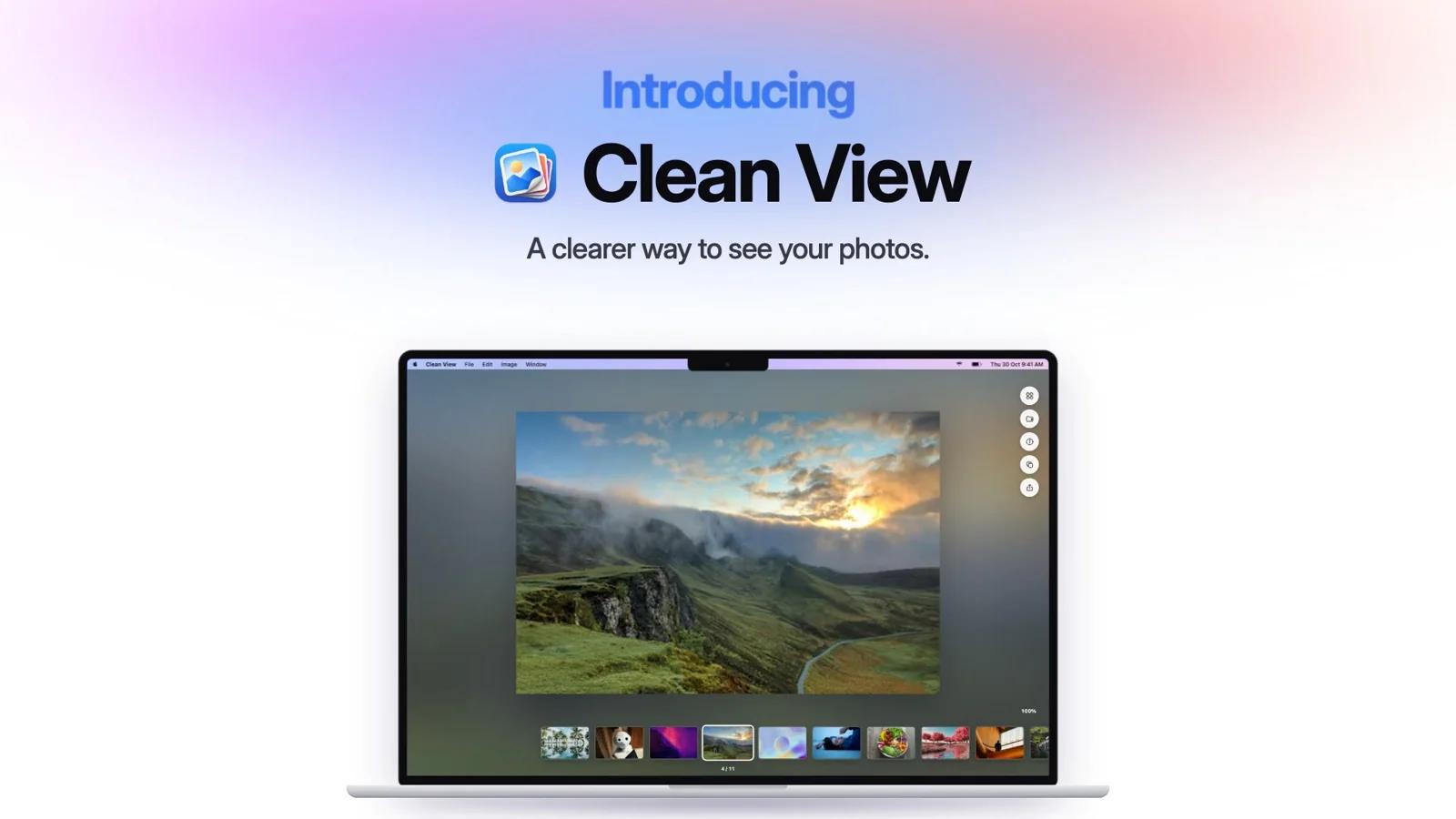
Clean View brings image viewing, media organization, and file cleanup together in one native Mac app. Open a picture directly from Finder, browse your files in an immersive preview, and organize or share what you need without interrupting your flow.
Built for designers, photographers, creators, and everyday Mac users, Clean View helps you manage everything from screenshots and design references to photos and video clips.
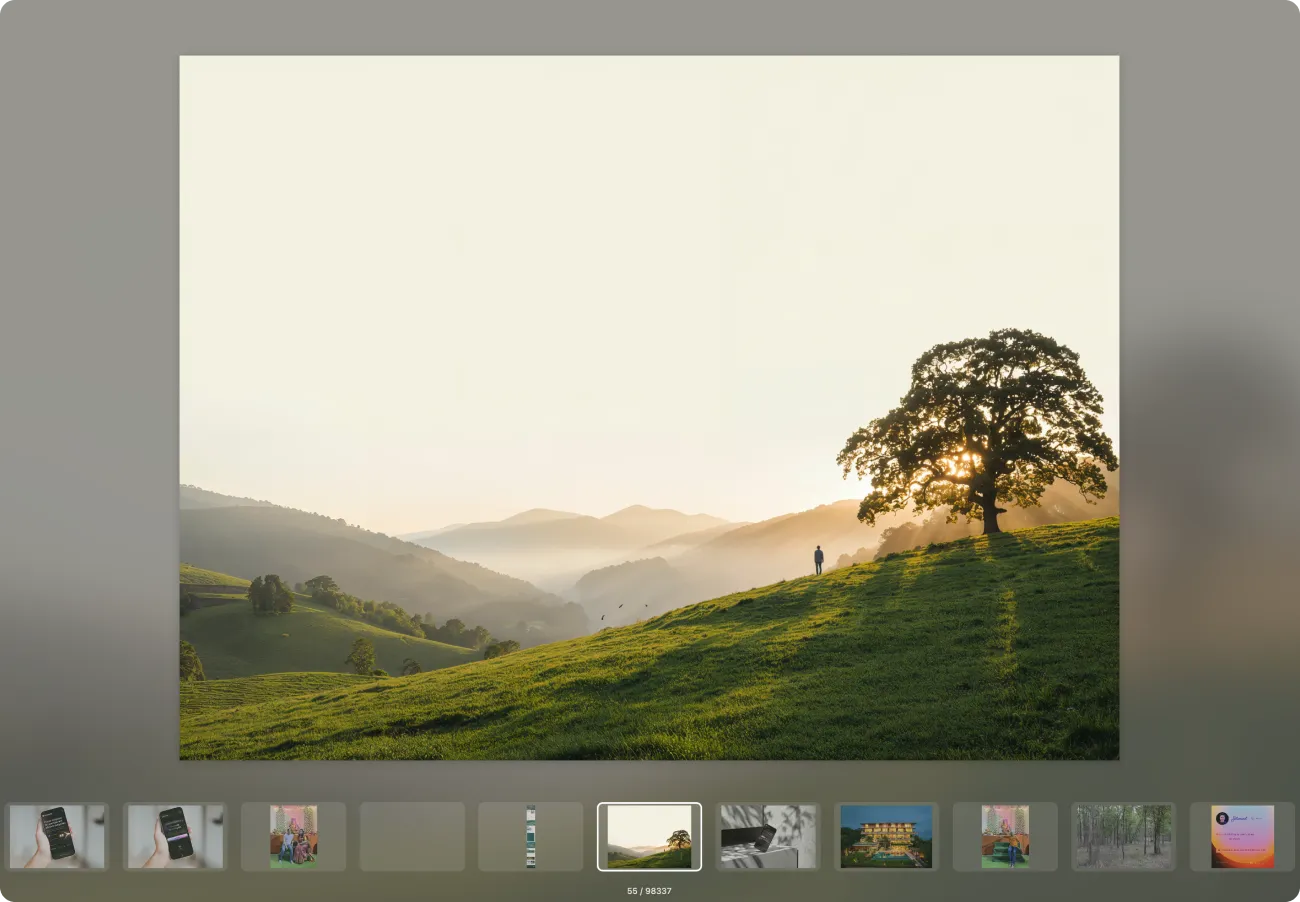
Smooth, focused previews
Open images in a dedicated viewer with an adjustable blurred background. Pinch to zoom, double-click to inspect details, and use the arrow keys to move between files. A horizontal thumbnail strip keeps nearby files within reach.
Support for popular formats
View JPEG, PNG, HEIC, SVG, TIFF, BMP, and other supported image formats alongside video playback and PDF previews. Additional format and codec support depends on your version of macOS and the individual file.
A library that remembers your folders
Scan selected folders or accessible locations across your computer. Clean View remembers your scanned library between sessions, so you can return to your files without starting over. Scanning indexes your files while keeping the originals in their existing locations.
Search, filter, and sort
Find files by name, filter by format or media category, and sort by size, name, or modification date. Switch between images, videos, large files, and duplicate results to focus on what matters.
Practical folder organization
Browse nested folders, create new folders, and rename existing ones. Use Add to Folder to save a copy of an asset to your chosen destination while keeping the original in place.
Copy and share in fewer steps
Copy images, selected files, or an exact filename. Share individual assets or multiple selected files through the native macOS Share menu, including compatible destinations available on your Mac.
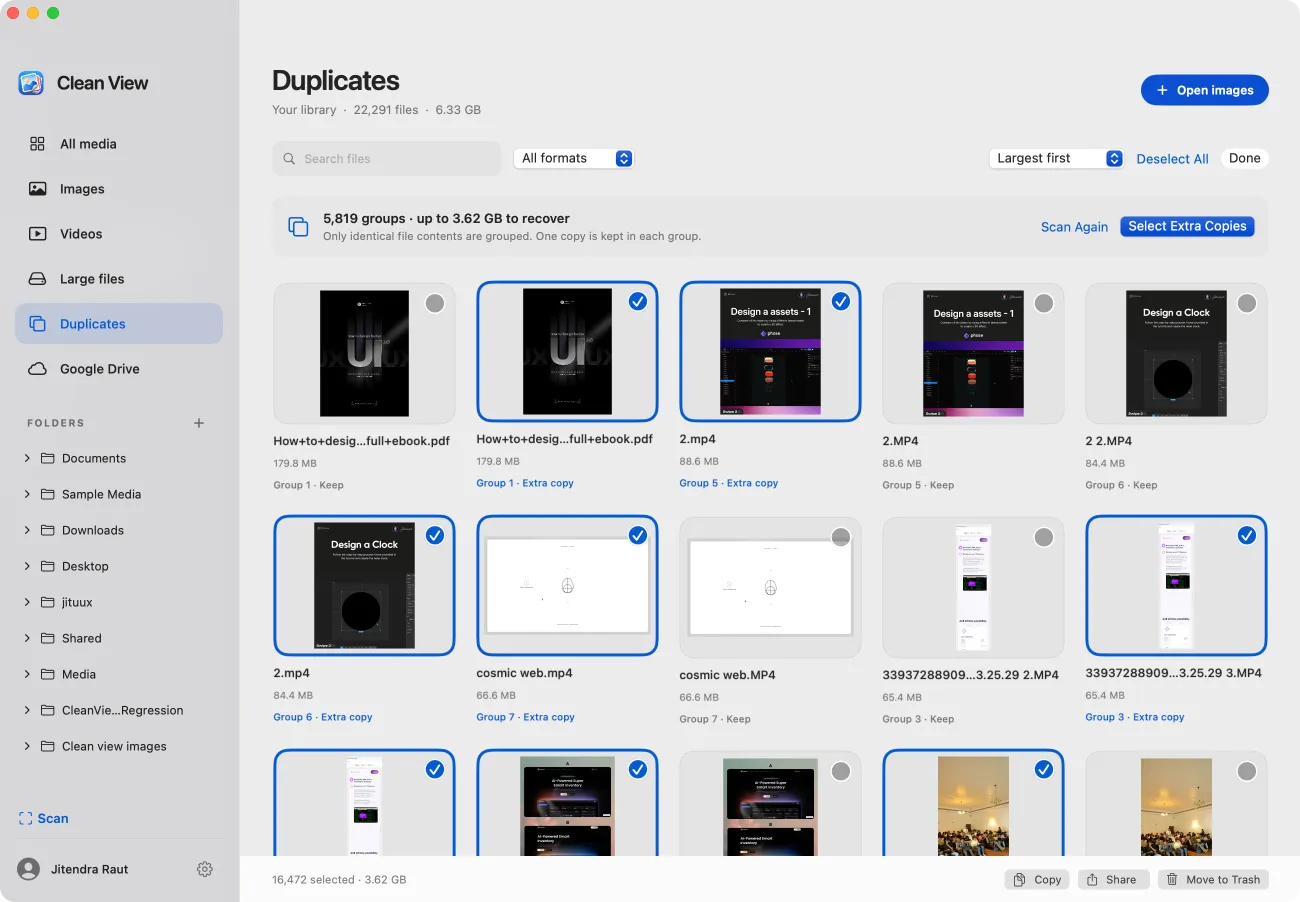
Find exact duplicates
Identify files with identical contents and review them in duplicate groups. Keep one copy and select the extras for removal. Clean View checks exact file matches rather than grouping photos that merely look similar.
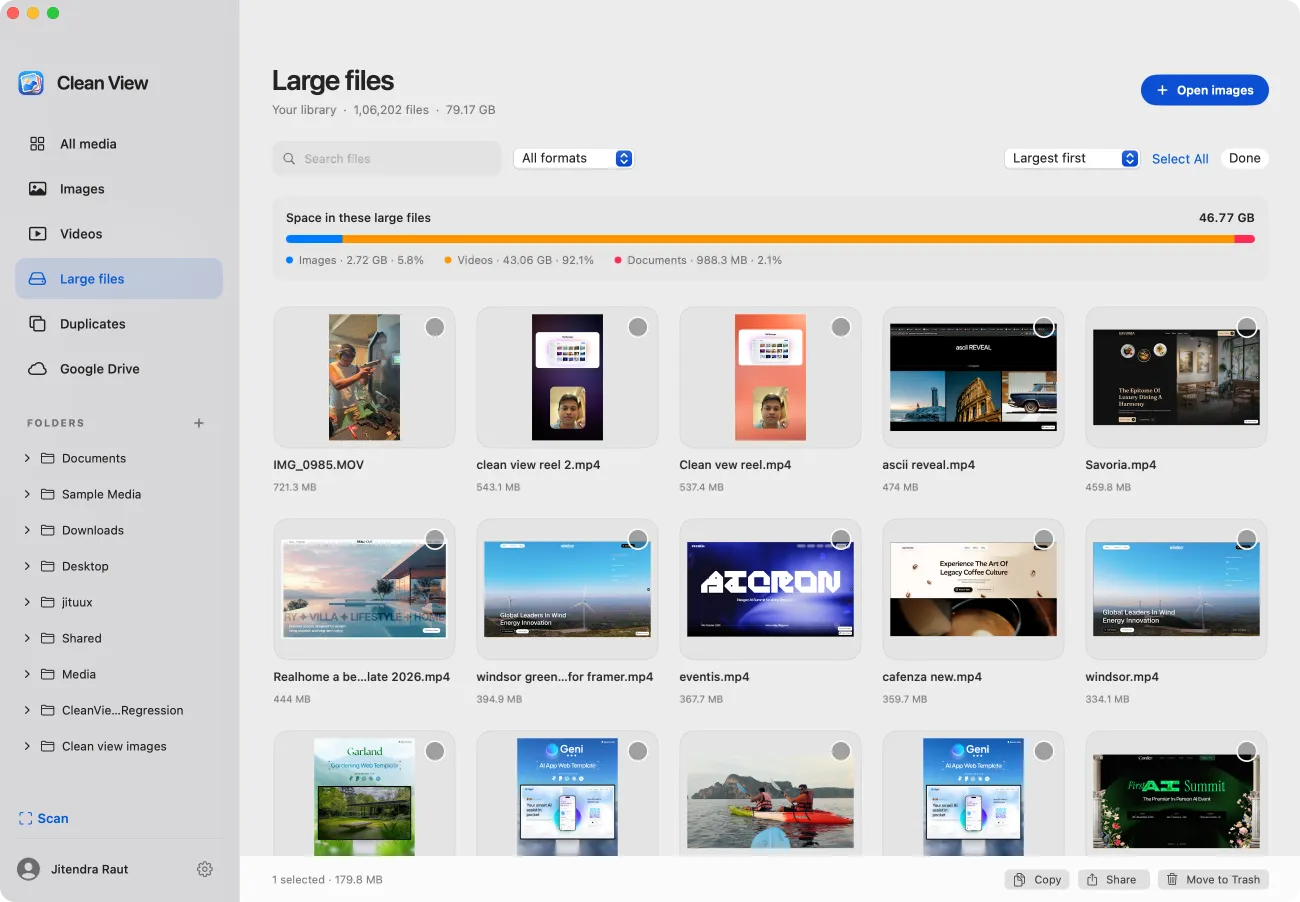
Review large files
See which indexed images, videos, and PDFs take up space with a clear storage breakdown. Preview large files before deciding which to keep, copy, share, or remove.
Cleanup with control
Move unwanted files to macOS Trash after reviewing your selection. Duplicate cleanup helps preserve a copy in each group, and session Undo lets you restore files moved by the app.
Google Drive photo browsing — early access
Optionally connect Google Drive to browse existing photos across your Drive or filter to selected folders. Open photos for viewing on your Mac through a read-only connection. Google verification is pending.
Useful file information
Check an image’s dimensions, size, format, location, modification date, and available color-profile details. Copy its filename or reveal the original in Finder directly from the viewer.
Made for macOS
Set Clean View as your default viewer for selected image formats and use familiar Mac gestures, keyboard shortcuts, and system sharing controls.
Clean View requires macOS 13 Ventura or later and supports Apple silicon and Intel Macs. Animated images and multipage documents currently preview their first frame or page.