
LightRoll
A focused cleanup workflow for Apple Photos on Mac.



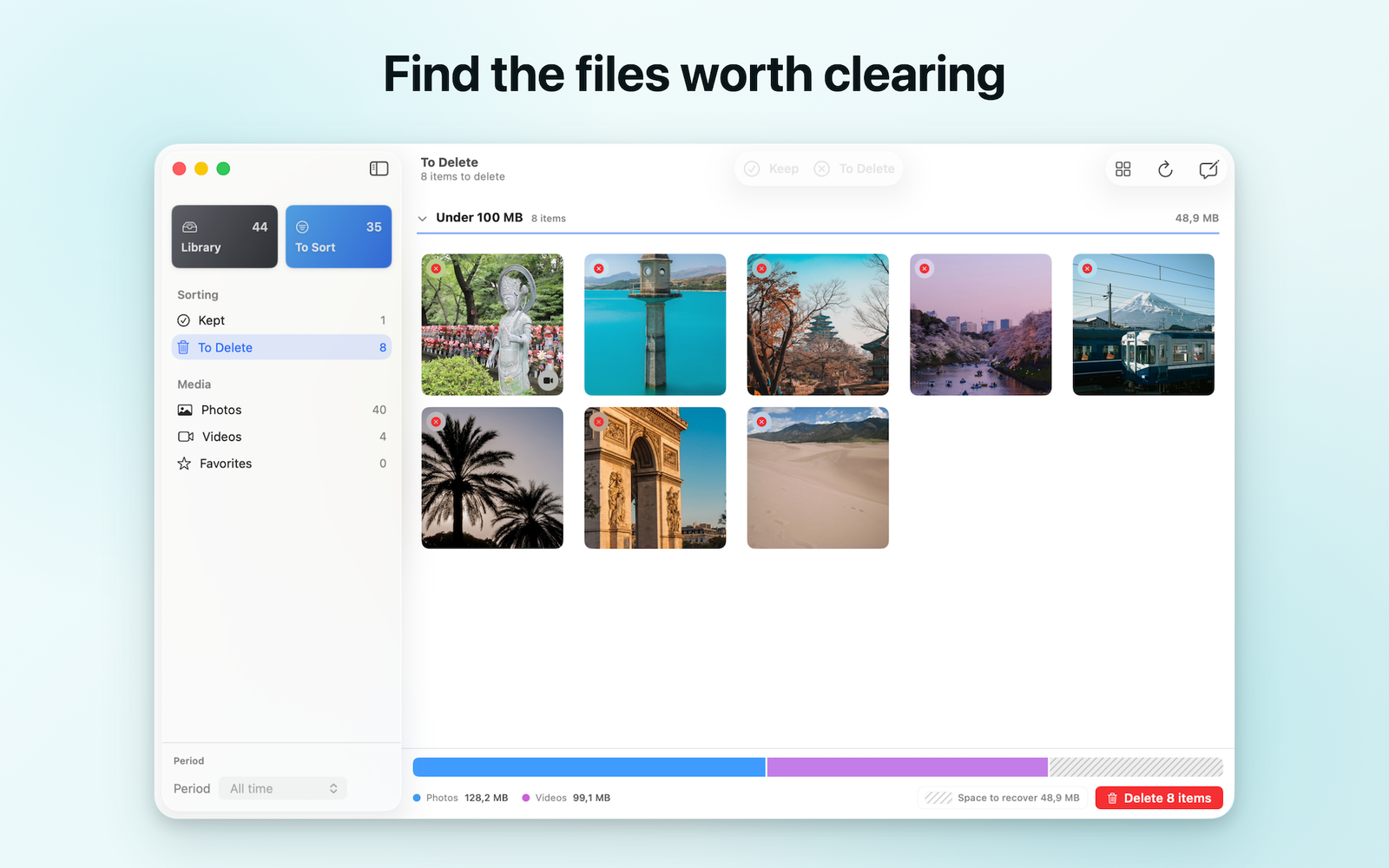

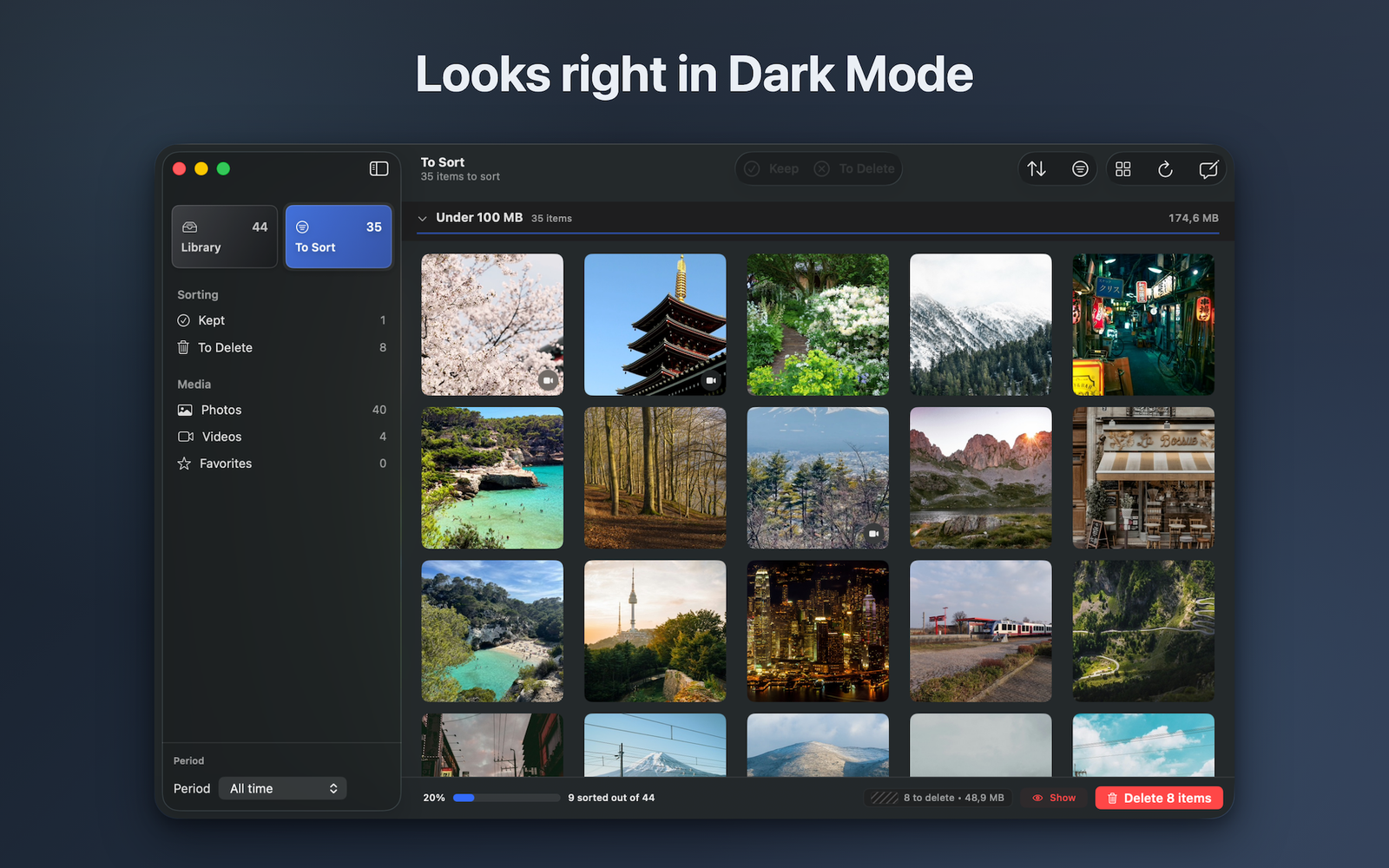
Apple Photos is where your library lives. LightRoll is where you clean it up.
It gives Mac users a focused place to review photos and videos one at a time, keep what matters, and mark the rest without rushing into automatic deletion.
# What LightRoll helps you do
- Review photos and videos one at a time
- Sort by size to find large files first
- Keep meaningful memories and mark cleanup candidates
- Review the complete batch before confirming deletion
- Move through repeated decisions with keyboard controls
# How it works
- Open your Apple Photos library in LightRoll.
- Review each item and choose keep or mark for deletion.
- Sort by size whenever storage is the priority.
- Inspect the complete batch, then confirm when you are ready.
# Built differently
LightRoll is not an automatic cleaner that decides which memories should go. It keeps the decision with you and separates marking from final deletion confirmation.
# Private by design
Photo analysis stays on your Mac. LightRoll does not upload photos, videos, filenames, or library contents, and it does not require an account.