Shutterkit
Memory card and shoot tools for Mac
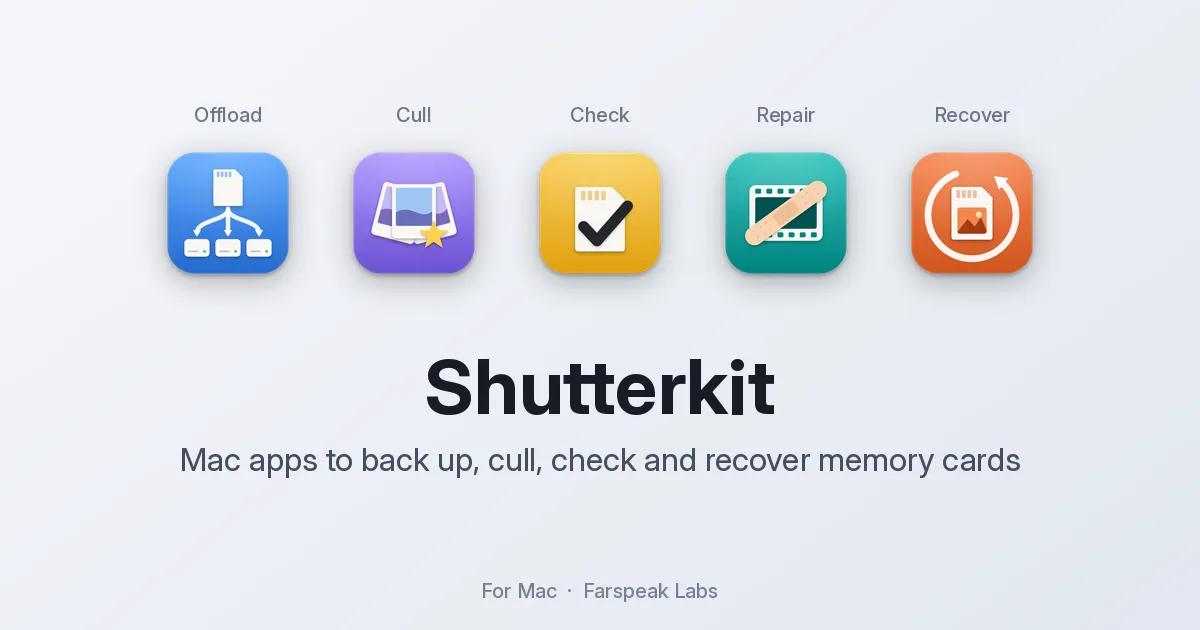
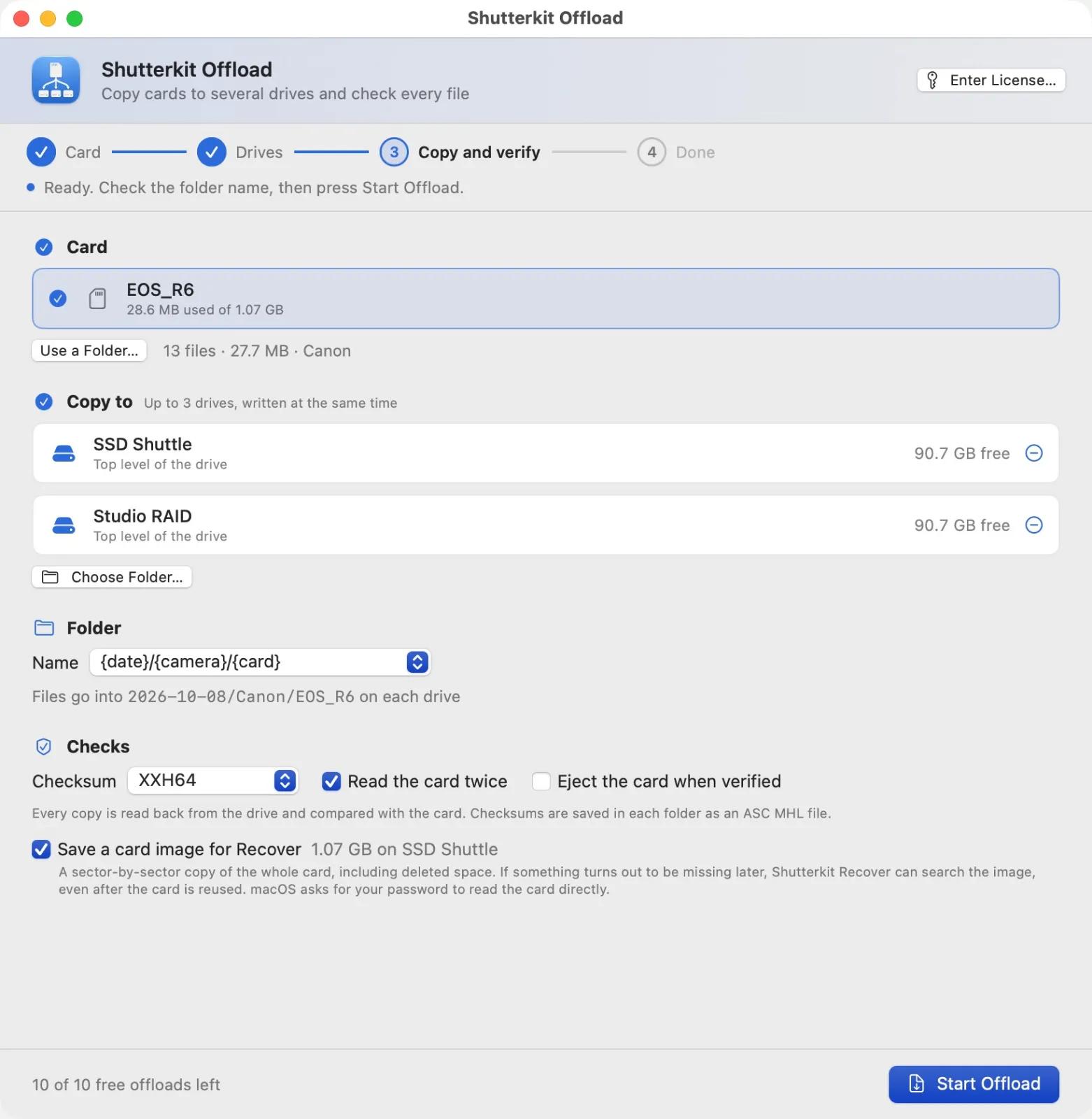
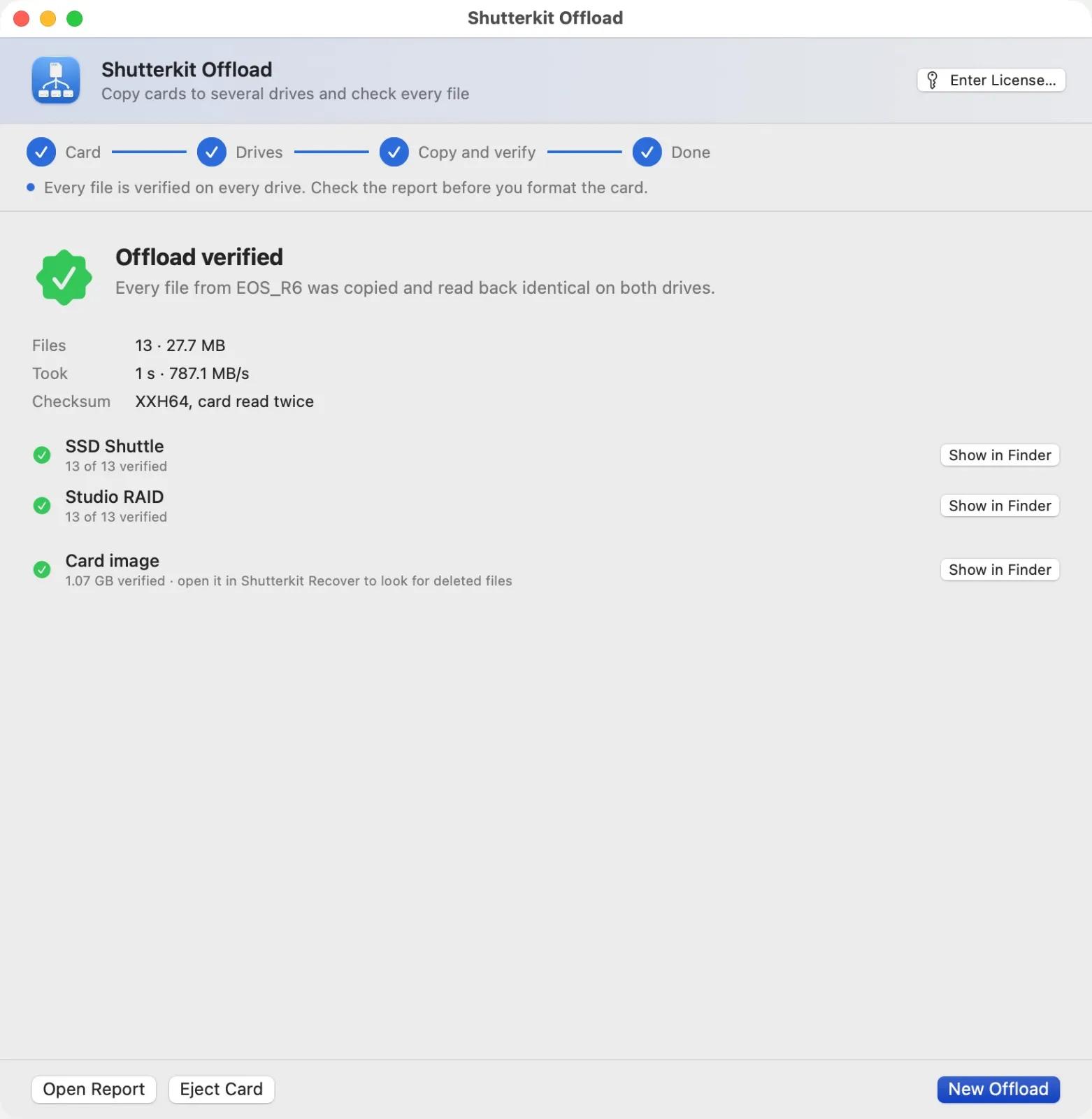
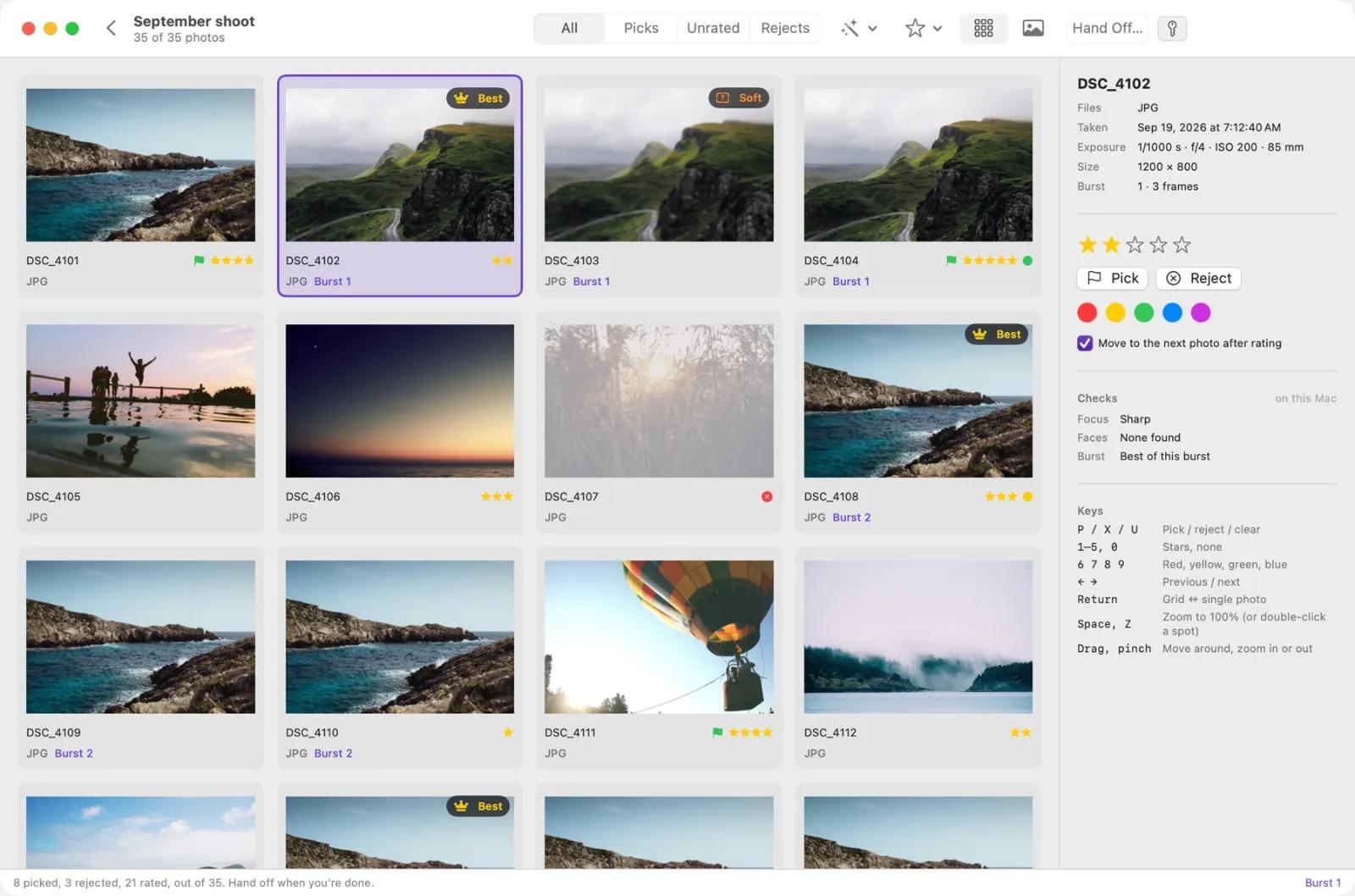
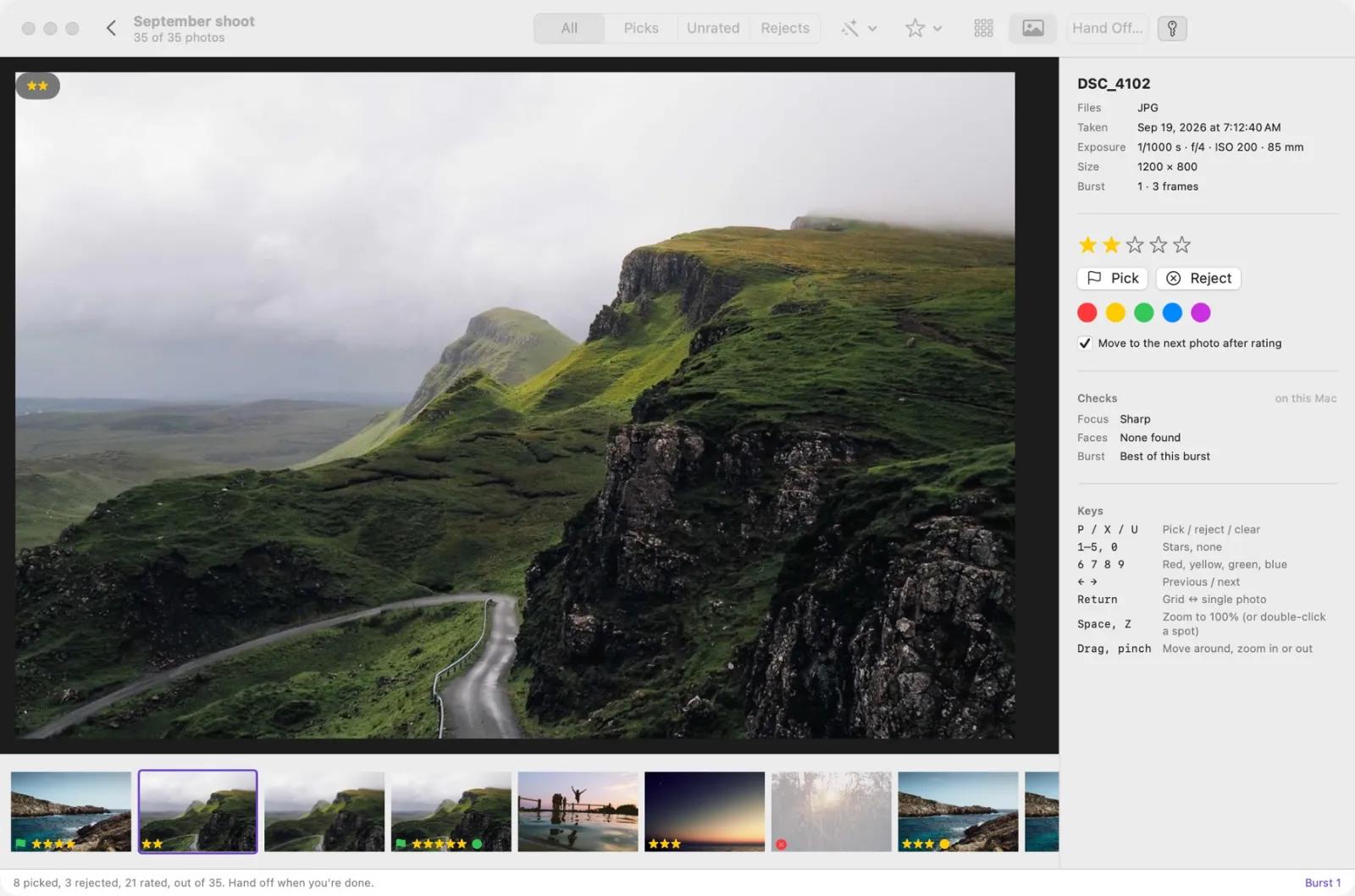
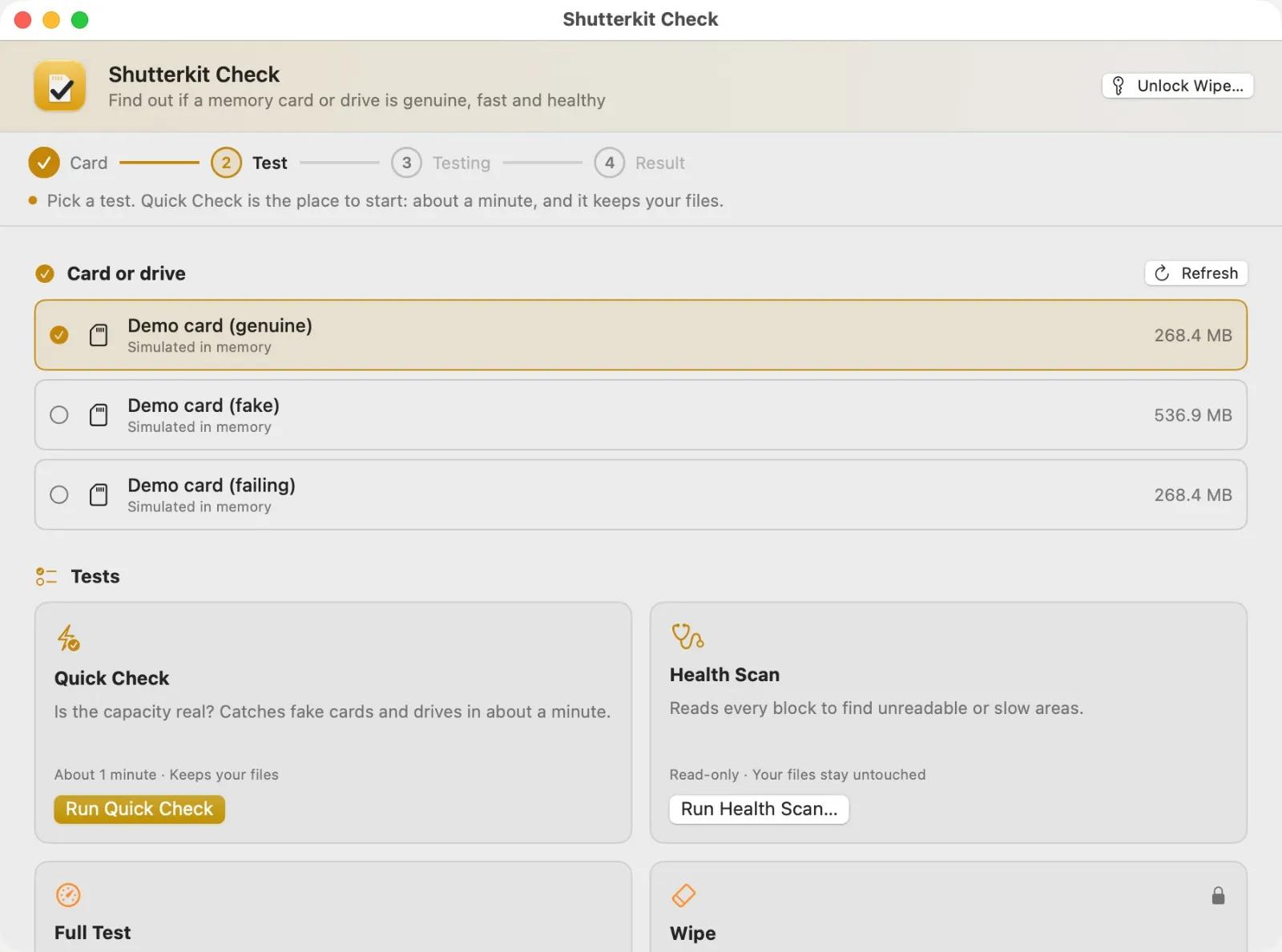
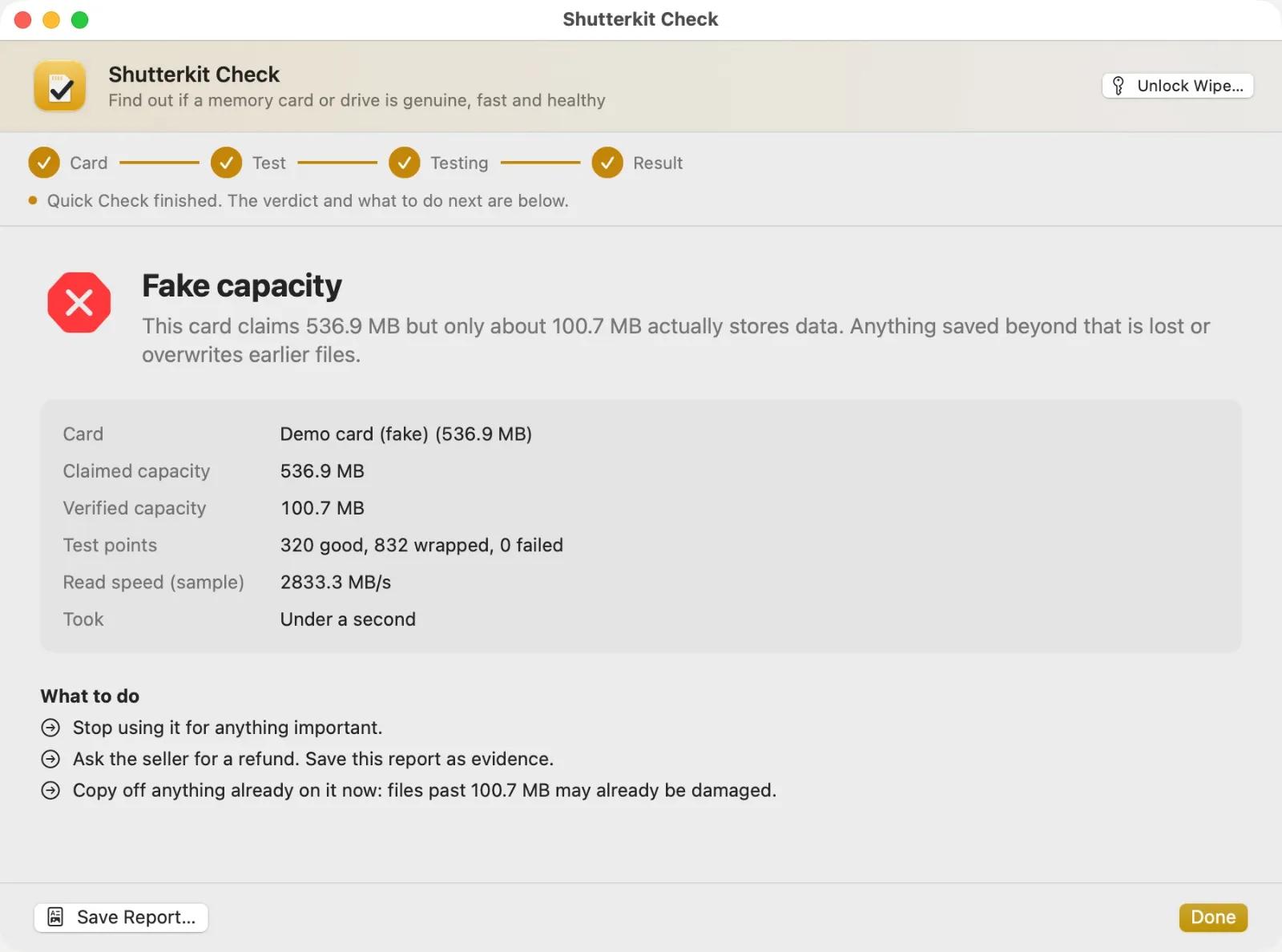
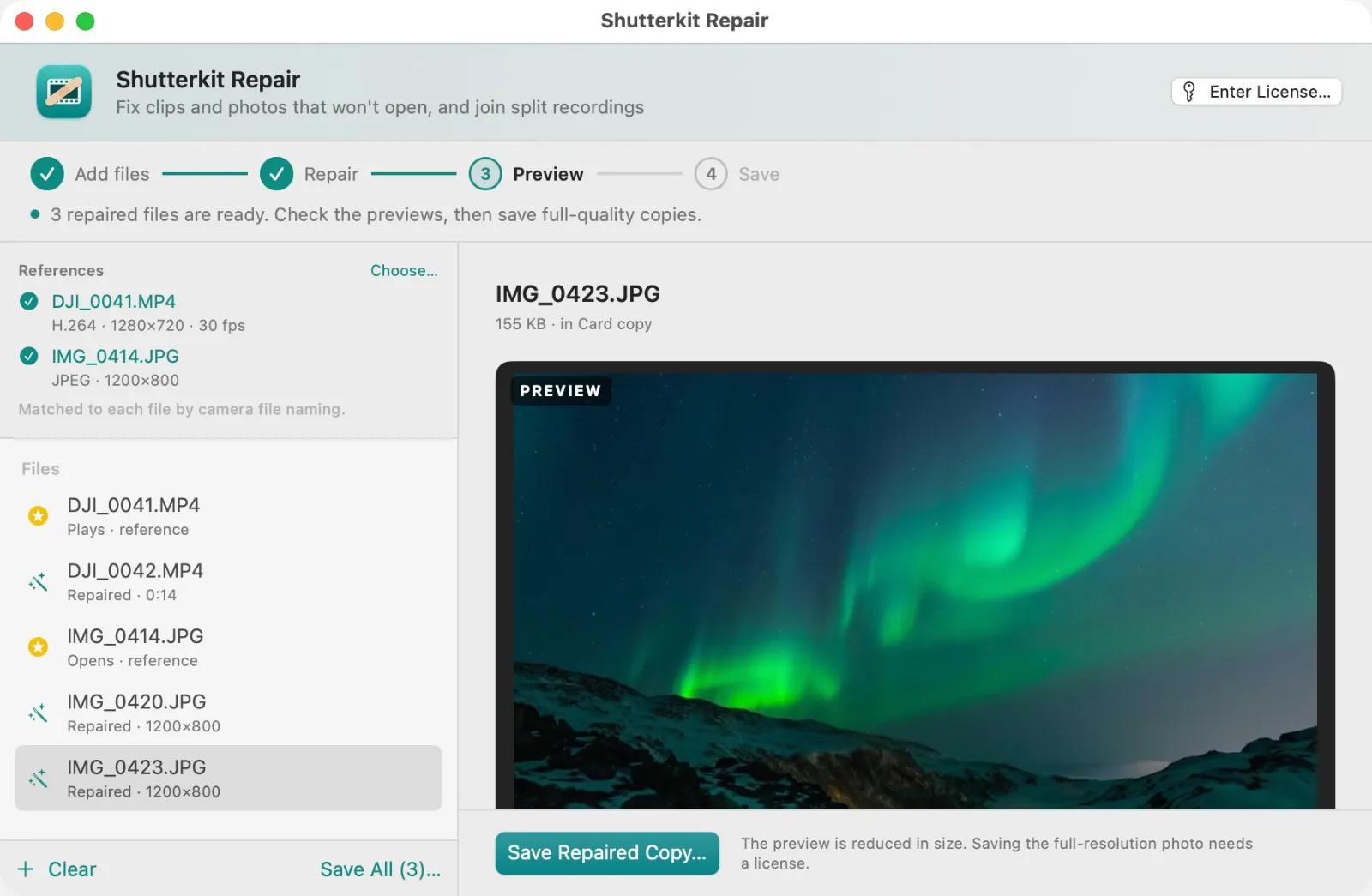
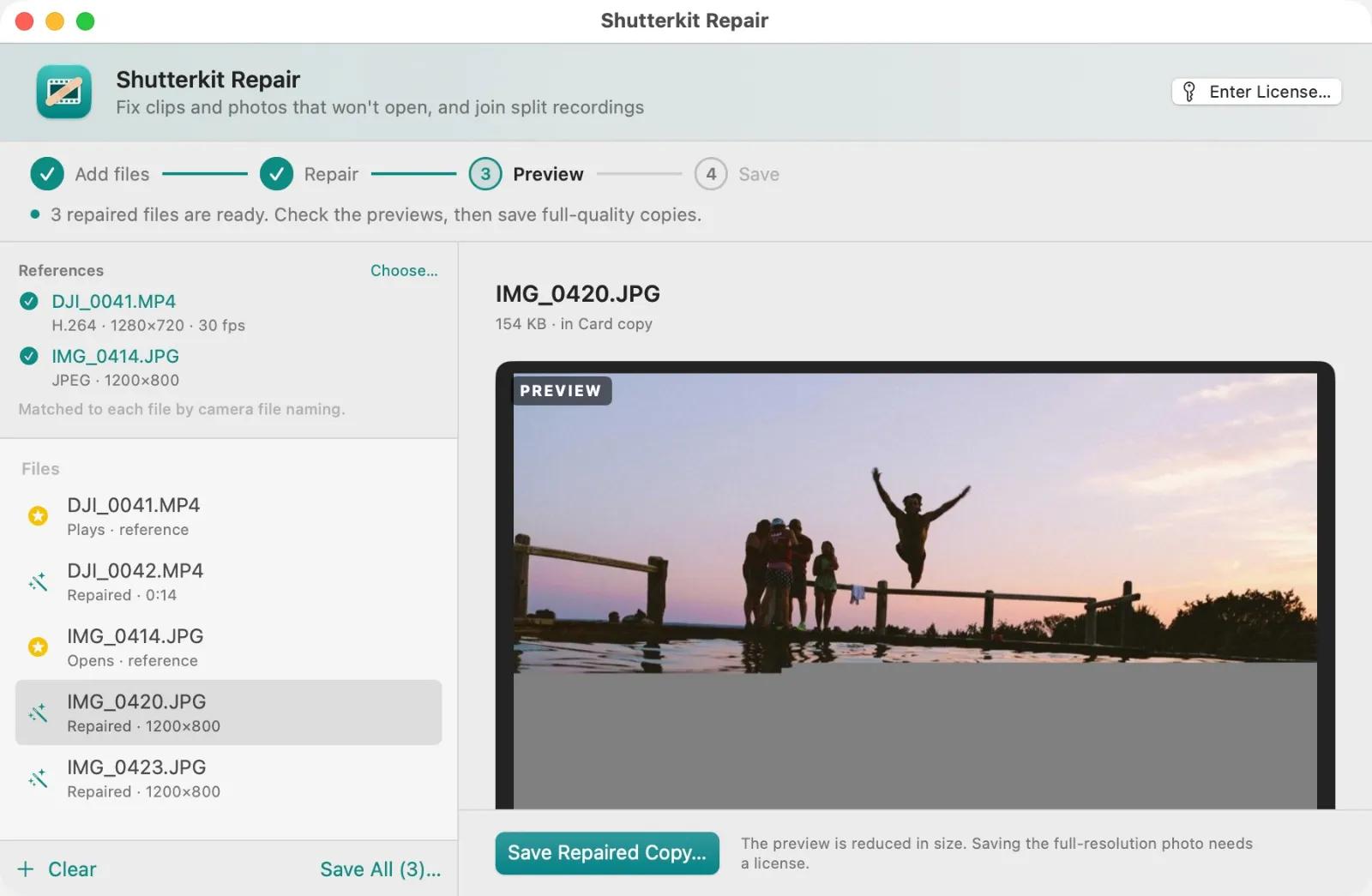
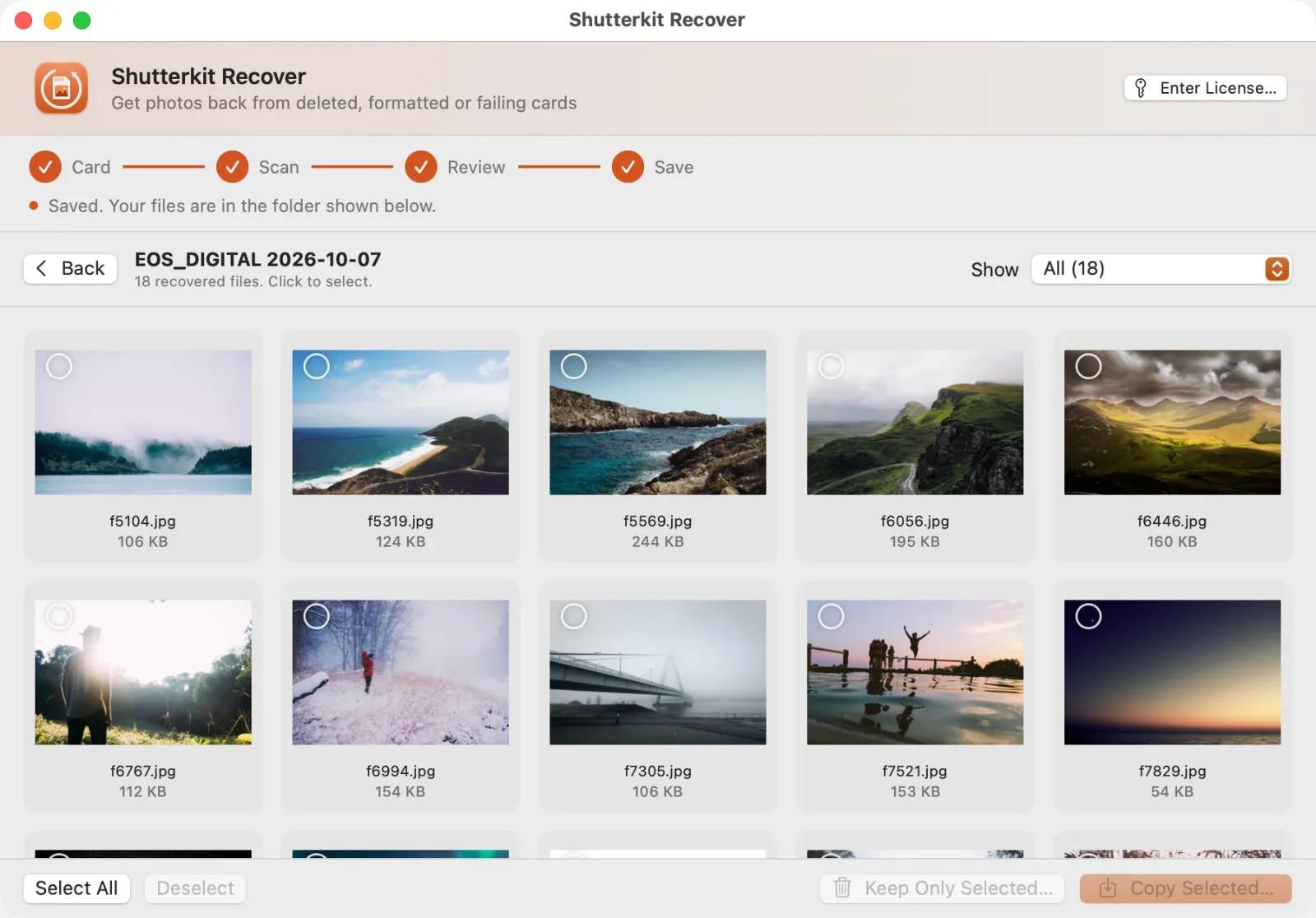
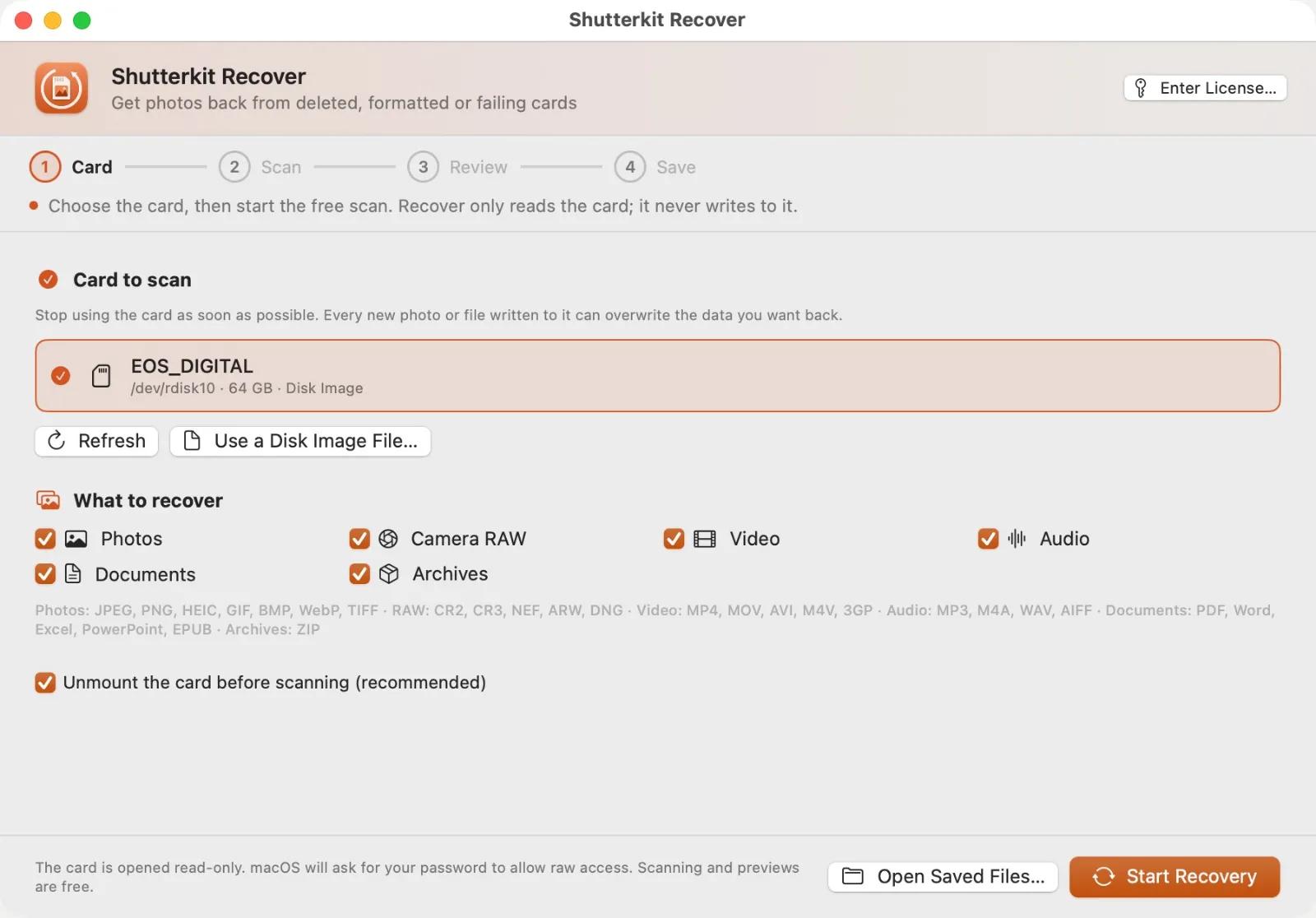
Shutterkit is five Mac apps for photographers' memory cards and shoots. Offload copies a card to up to three drives at once and checks every copy against the card. Cull shows every photo instantly, even straight off the card, lets you pick, reject and rate from the keyboard, and hands your ratings to Lightroom or Capture One. Check finds out whether a card or drive really holds what the label says, how fast it writes and whether it is starting to fail. Repair fixes MP4 and MOV clips and JPEG photos that won't open, and joins GoPro and DJI recordings split into pieces. Recover gets photos and videos back from cards that were deleted, formatted or stopped working.
Each app is a one-time purchase, and the Suite covers all of them. Every paid app can be tried first: Recover scans and previews for free, Repair previews repairs for free, Offload's first 10 offloads are free, and culling in Cull is free with no time limit. Check is free to use.
The apps work on your Mac with no account and no analytics. Recover, Repair and Offload contain no code that can write to a card, and Check asks you to confirm before any test that erases. Cull has one optional feature, Ask an AI, that sends small previews to your own Claude, ChatGPT or Grok account, and only when you use it. A license covers three Macs, and updates within the major version are free. All five apps need macOS 14 Sonoma or later and run on Apple silicon and Intel.
What is in the suite:
- Offload: Copies memory cards to up to three drives at once and verifies every copy.
- Cull: Picks the best shots fast with instant RAW previews, keyboard rating and ratings Lightroom reads.
- Check: Tests whether a memory card or drive is genuine, how fast it really is, and whether it's failing.
- Repair: Fixes MP4, MOV and JPEG files that won't open, using a good file from the same camera.
- Recover: Recovers photos and videos from deleted, formatted or failing memory cards.