Notchi
Notchi is a beautifully simple way to save a note, set a rem
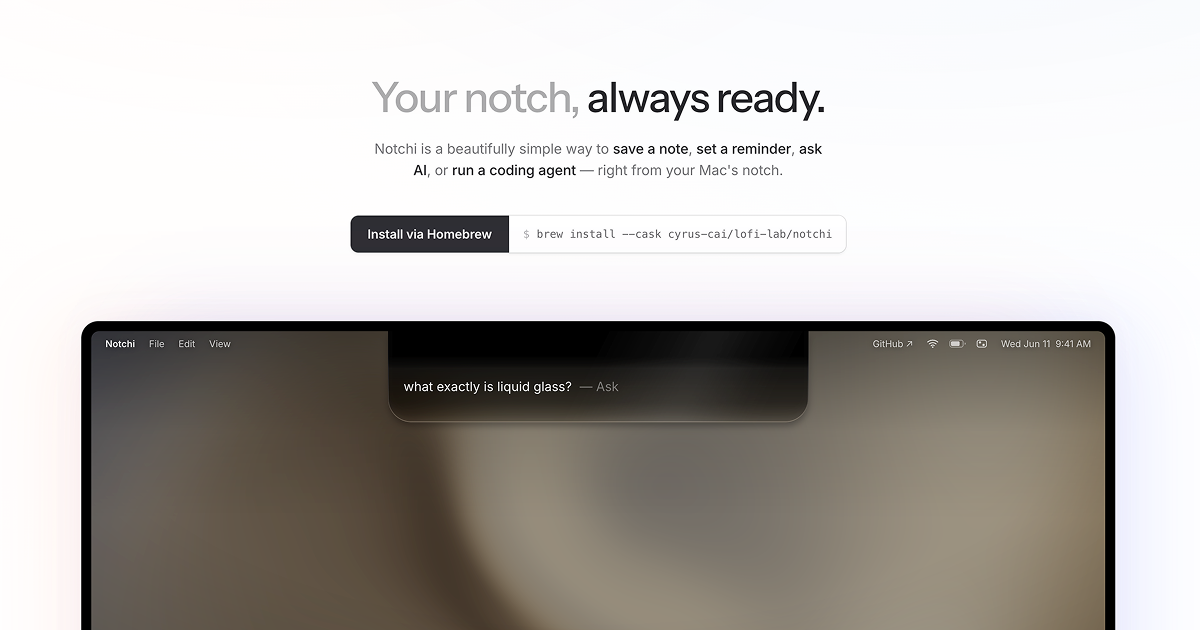
Notchi is a free, open-source macOS app that turns the space at the top of your screen into a place to think and act. Type one line and it can become an AI answer, a note, a timed reminder, or a coding-agent task.
## One line. Four places it can go.
Type the thought the way it arrived — half-formed is fine. Notchi can infer whether it belongs in Ask, Notes, or Reminders; press / or Tab to choose a destination yourself, including Agent mode.
Ask — stream an answer without leaving what you are doing.
Note — save something worth keeping to Apple Notes, or to daily Markdown files in a folder you choose.
Remind — turn a time-bound thought into an Apple Reminder with its due date already set.
Agent — give a coding task and a project folder to Codex, Claude Code, Grok, or Command Code.
## Ask with the context that matters.
Notchi searches the web, reads useful result pages, and cites the sources it used. It does exact arithmetic rather than guessing, renders Markdown and LaTeX-style math cleanly, and previews linked images and PDFs inline.
Paste one or more screenshots into Ask with ⌘V when using a vision-capable model. Each image is visibly attached, can be removed before sending, and is never silently picked up from the clipboard. You can also ask Notchi to search your local record of past questions, notes, reminders, and agent tasks, or to open a page — it hands the link to your default browser.
Ask can also change Notchi's own settings. Every change it proposes is spelled out on a confirmation card — "Dock icon will change to Hidden" — and only applied once you accept it.
## Hand it a whole task.
Notchi is also a front end for the coding agents you already use. Choose a project folder, describe the task, and it drives your locally installed Codex, Claude Code, Grok, or Command Code CLI under your own sign-in and plan. Paste screenshots or mockups into the task when they help explain the work. CLIs installed through nvm, fnm, volta, or another version manager are found and run correctly.
The task continues while the notch is closed. Its current step and elapsed time remain visible in the closed notch, and Notchi notifies you when it finishes or needs attention. Agent runs live alongside chats in Recent and History, support follow-up instructions, and can be resumed after restarting Notchi.
## Your model, your connection.
Use the AI service you prefer: OpenRouter, Vercel AI Gateway, OpenAI, Anthropic, Google Gemini, DeepSeek, Qwen, Kimi, GLM, MiniMax, MiMo, or an OpenAI-compatible endpoint of your own. The latter works with local and self-hosted tools such as Ollama, LM Studio, vLLM, and gateways; its key is optional.
You can also chat through a locally installed, signed-in Codex, Claude Code, Grok, or Command Code CLI — no API key is stored by Notchi for those connections, and Command Code alone fronts about fifty models from a dozen labs under one sign-in. Model choice is one menu, one level per provider, chat models only, with live catalogs where a provider supports them. Web search can use the configured provider path, Exa, Keenable, or AnySearch (including AnySearch's keyless anonymous tier).










