
Qampanion
Build no-code regression and E2E tests for iOS and Android on macOS. Visual editor, device management, snapshot comparison, CLI, and MCP integration.

What it is
Qampanion is a macOS application for creating and running regression and end-to-end (E2E) tests for mobile applications. It provides a user-friendly interface for test design, device management, and test execution, making it easier for developers and testers to ensure the quality of their mobile applications.
You can also mix in API requests, bash scripts, and reusable linked steps when a pure UI flow isn't enough.
How Qampanion differs
Most mobile testing tools fall into two camps.
AI-first runners generate a new test plan every time you hit run. That means you pay for tokens on every execution, and small changes can produce different results. Qampanion generates tests once, with or without AI, then runs them statically. Same steps, same screenshots, same outcome every time.
The older enterprise route gives you power, but only if your team writes and maintains test code. Qampanion skips that. You build tests in a visual editor, so a non-technical teammate can create and update cases without opening an IDE.
Everything runs locally on your Mac. Your app, your screenshots, and your test data never leave the machine. The project file is plain and versionable, so you can launch it in CI/CD the same way you launch it locally.
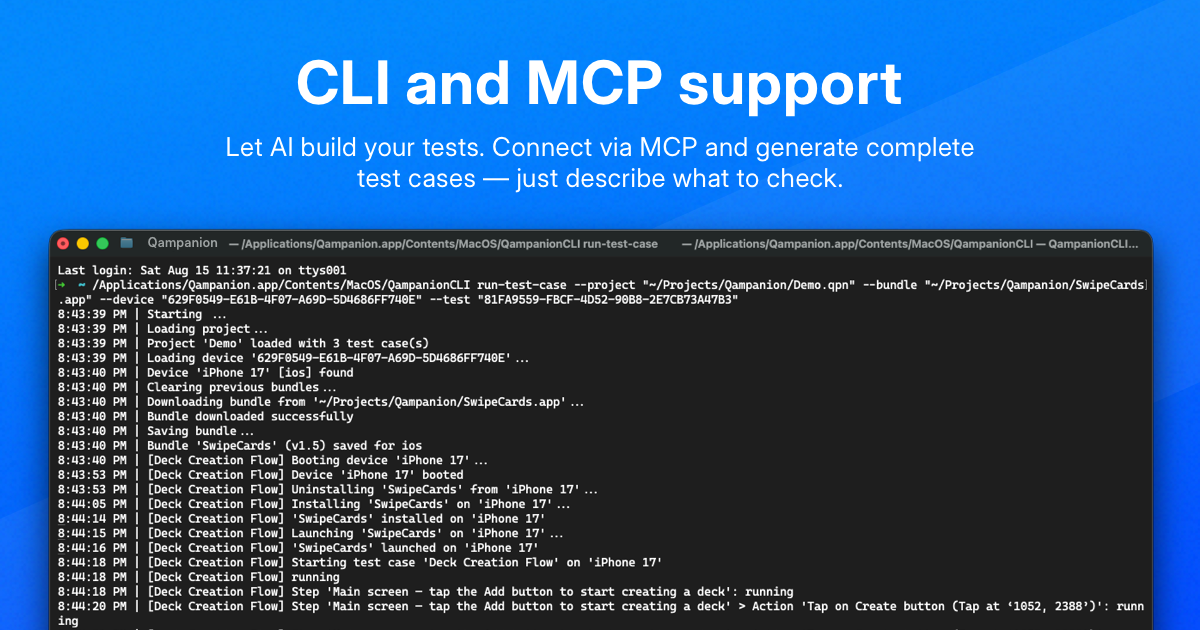
The MCP integration is the bridge between the two worlds. Connect any AI agent, describe the flow you want, and the agent will tap through the app and build the test case for you. After that, the test runs on its own. You can also take an existing iOS test case and adapt it for Android without rebuilding it from scratch.
Three ways to work
I didn't want another tool that forces a single workflow:
- Visual editor. Build tests with clicks. No code.
- CLI. Run tests from the terminal or wire them into CI/CD.
- MCP / AI. Connect an AI assistant and generate or adjust tests from descriptions.
The idea is simple: start visual, automate the repetition, and let AI speed up the parts that still feel tedious.