Secrets
Secrets is a secure password manager for both macOS and iOS.
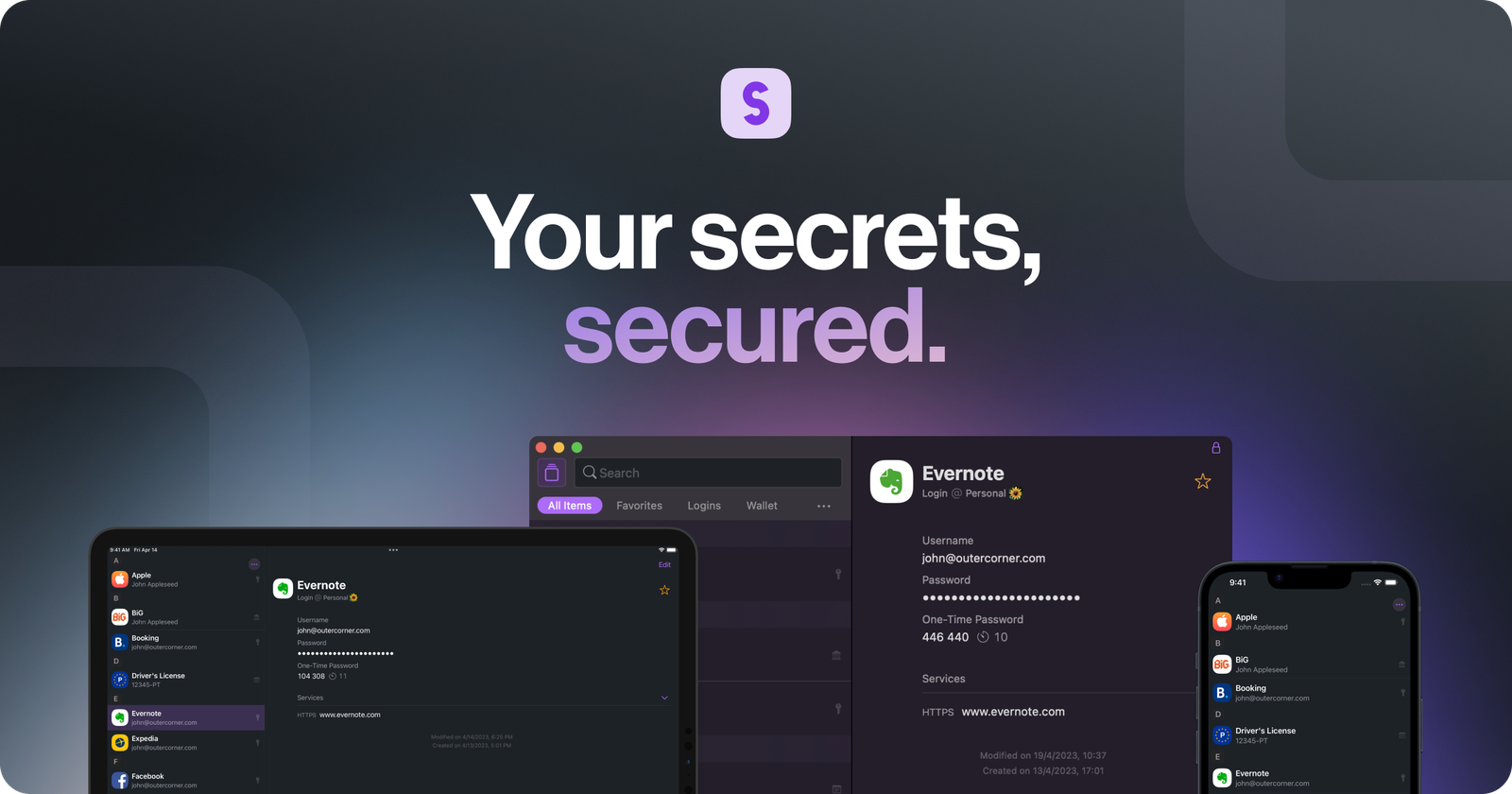
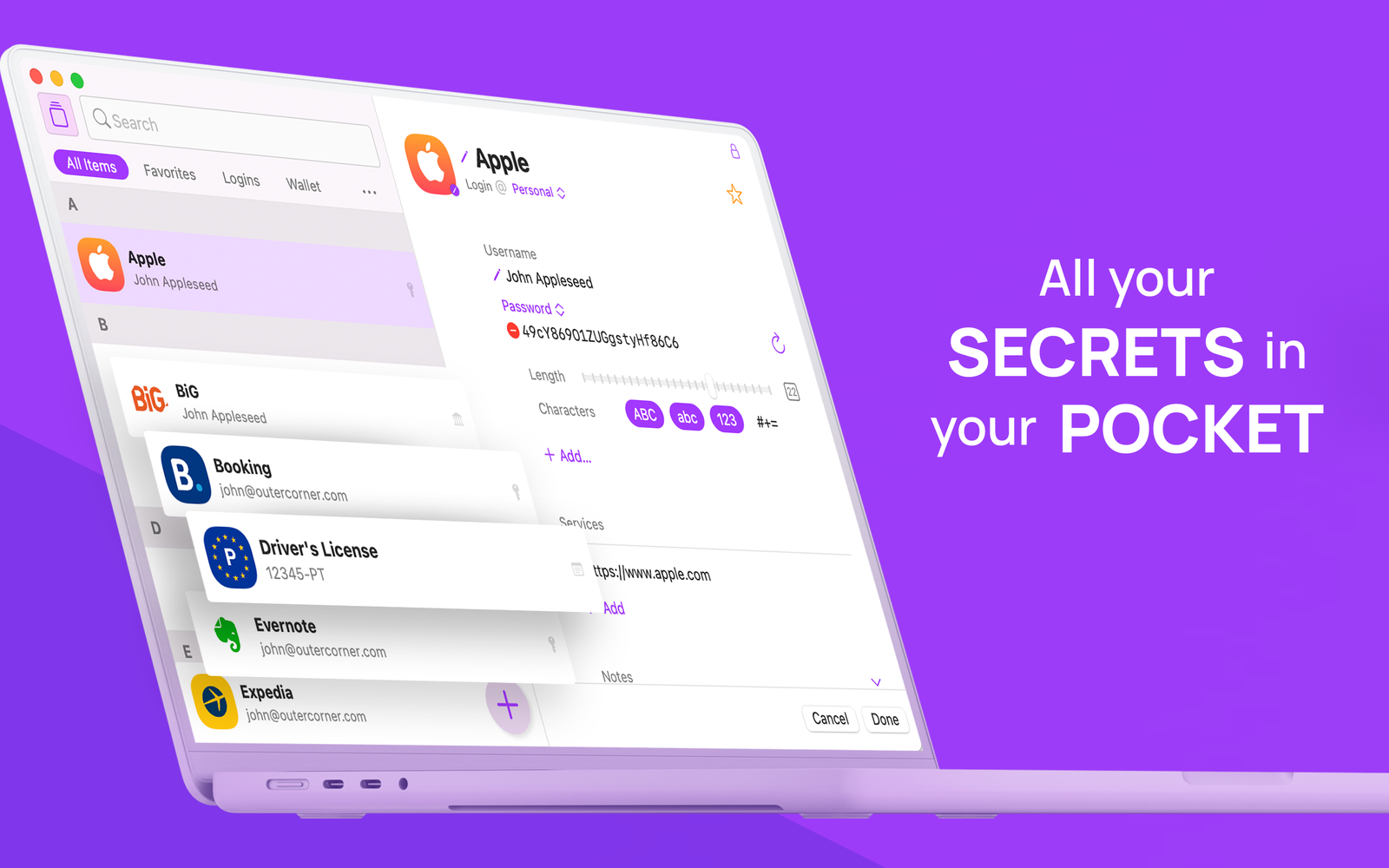
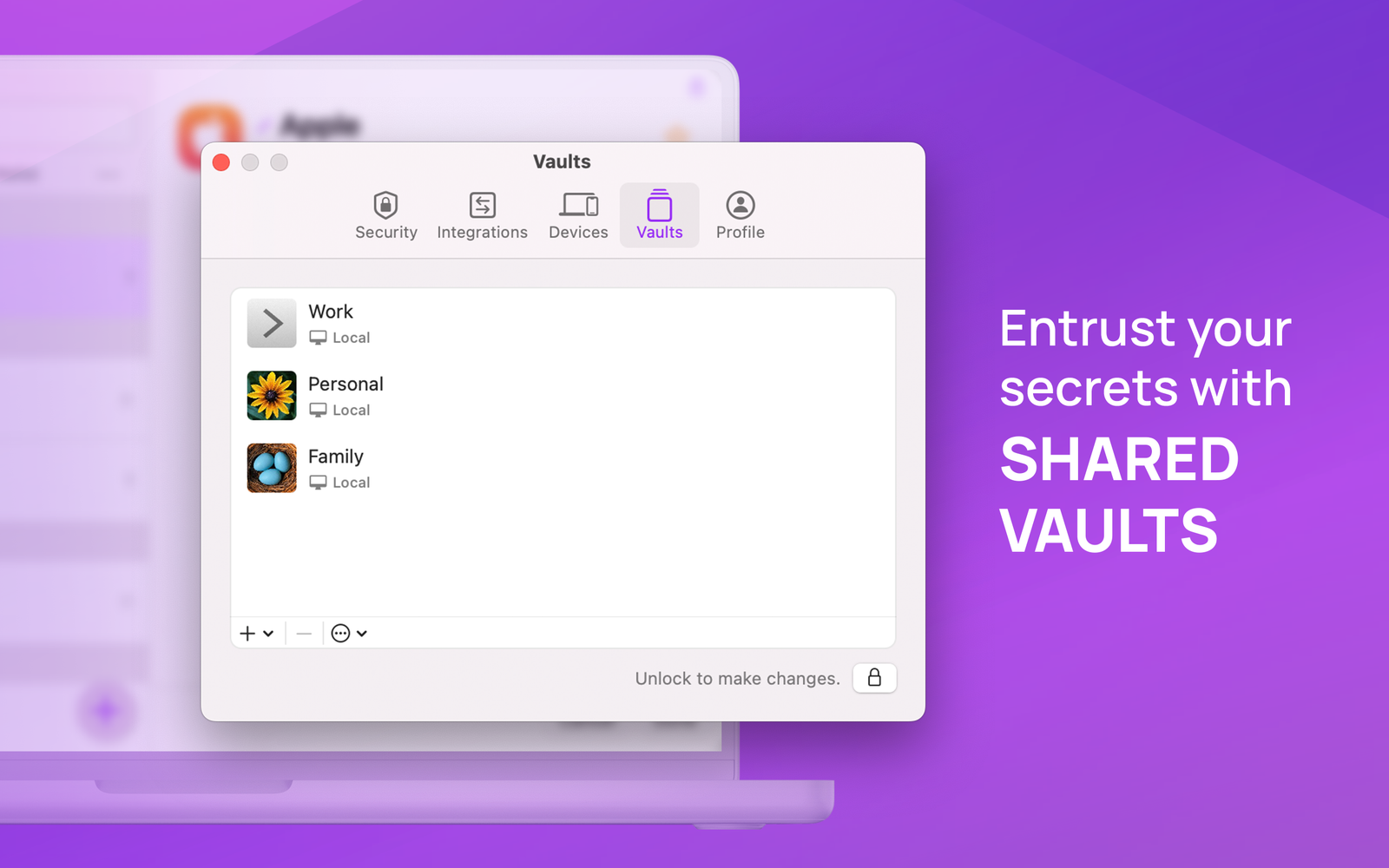
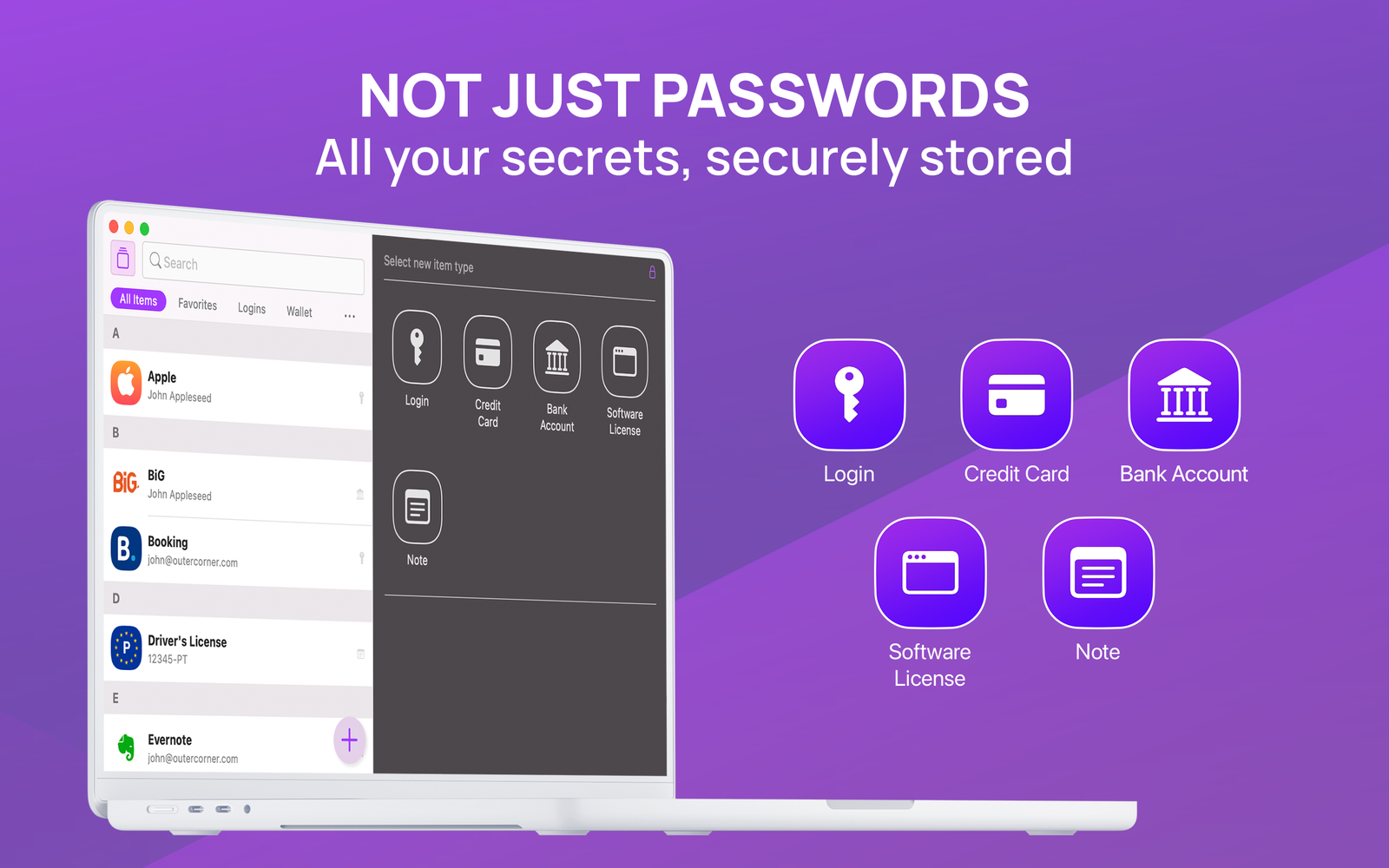
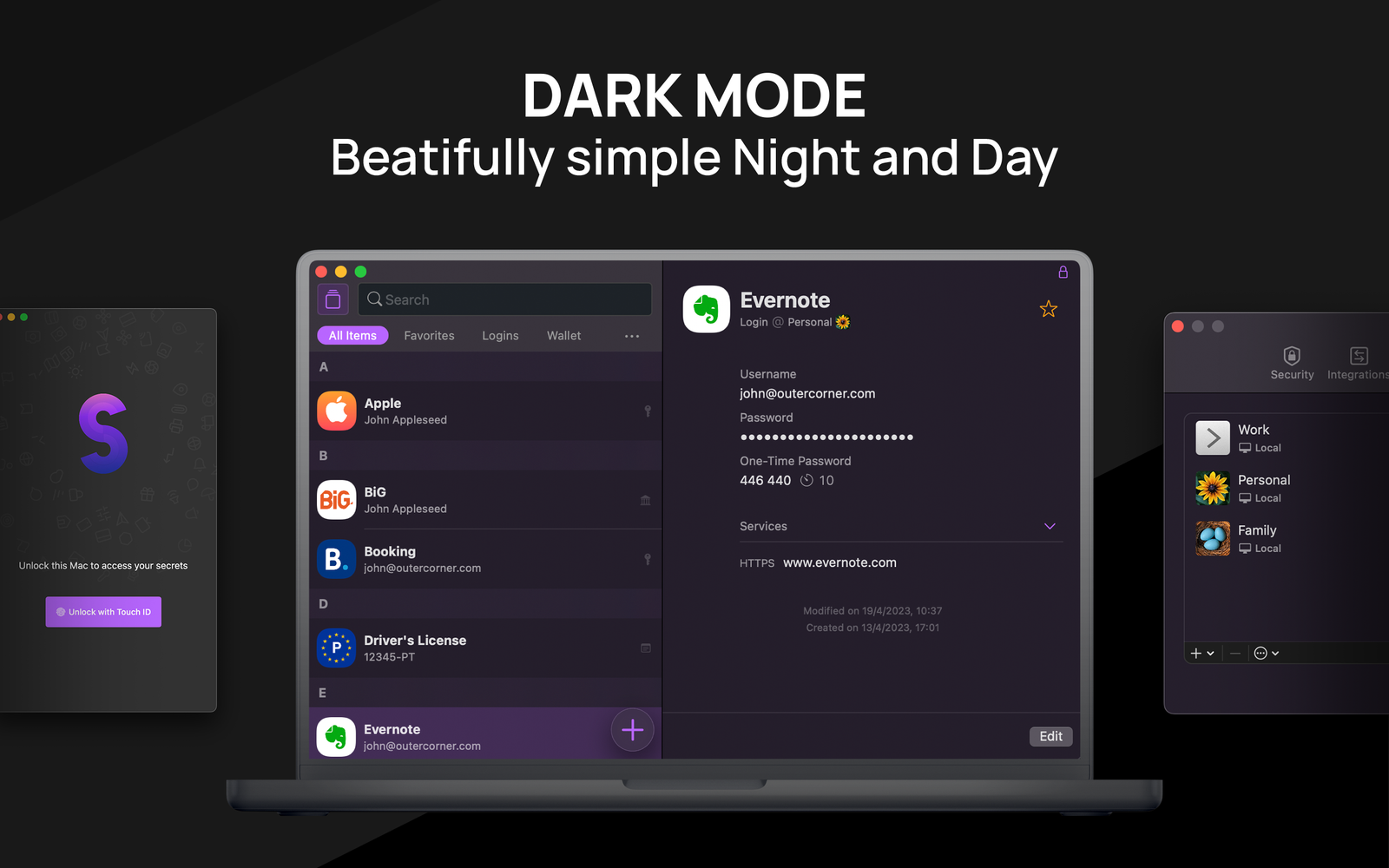
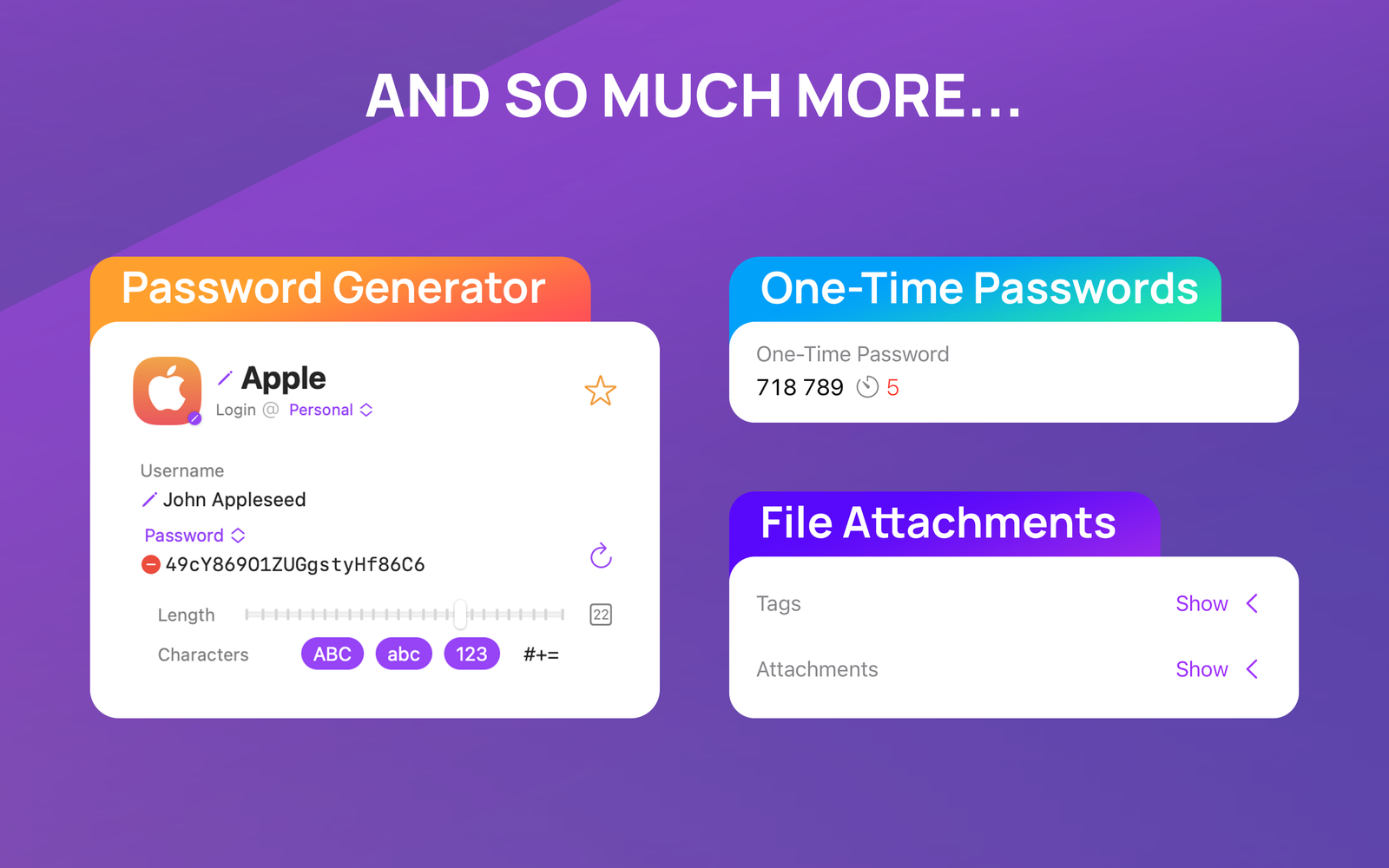
Secrets is an app for storing all of your passwords and anything else you want to keep … secret!
There are lots of things in our daily lives that we don’t want other people to know like credit card details, bank details, and of course, passwords. Secrets can protect all of those things and more in an app that’s easy to use but still secured by strong encryption and advanced sync technology.
Because we think that your secrets should be yours and yours alone, your passwords and information are never synced with our servers. If you choose to sync your information between devices it will be encrypted and securely saved in iCloud. Secrets uses strong 256-bit encryption and locks your information behind biometric (Face ID or Touch ID) and alphanumeric (a strong and unique passphrase) protection.
Despite that, Secrets is full of features that you’re going to love using and will make using your passwords and other information a breeze.
# Features
• Store all of your passwords, passkeys, credit cards, bank details, and other information so that it’s always there when you need it.
• Create new, secure, and private passwords for new apps and services. No more trying to come up with a unique password yourself.
• Generate one-time passcodes for apps and services that offer two-factor authentication.
• Get all of your passwords and information into Secrets with ease — import from 1Password, LastPass, and other popular services or import using a CSV file.
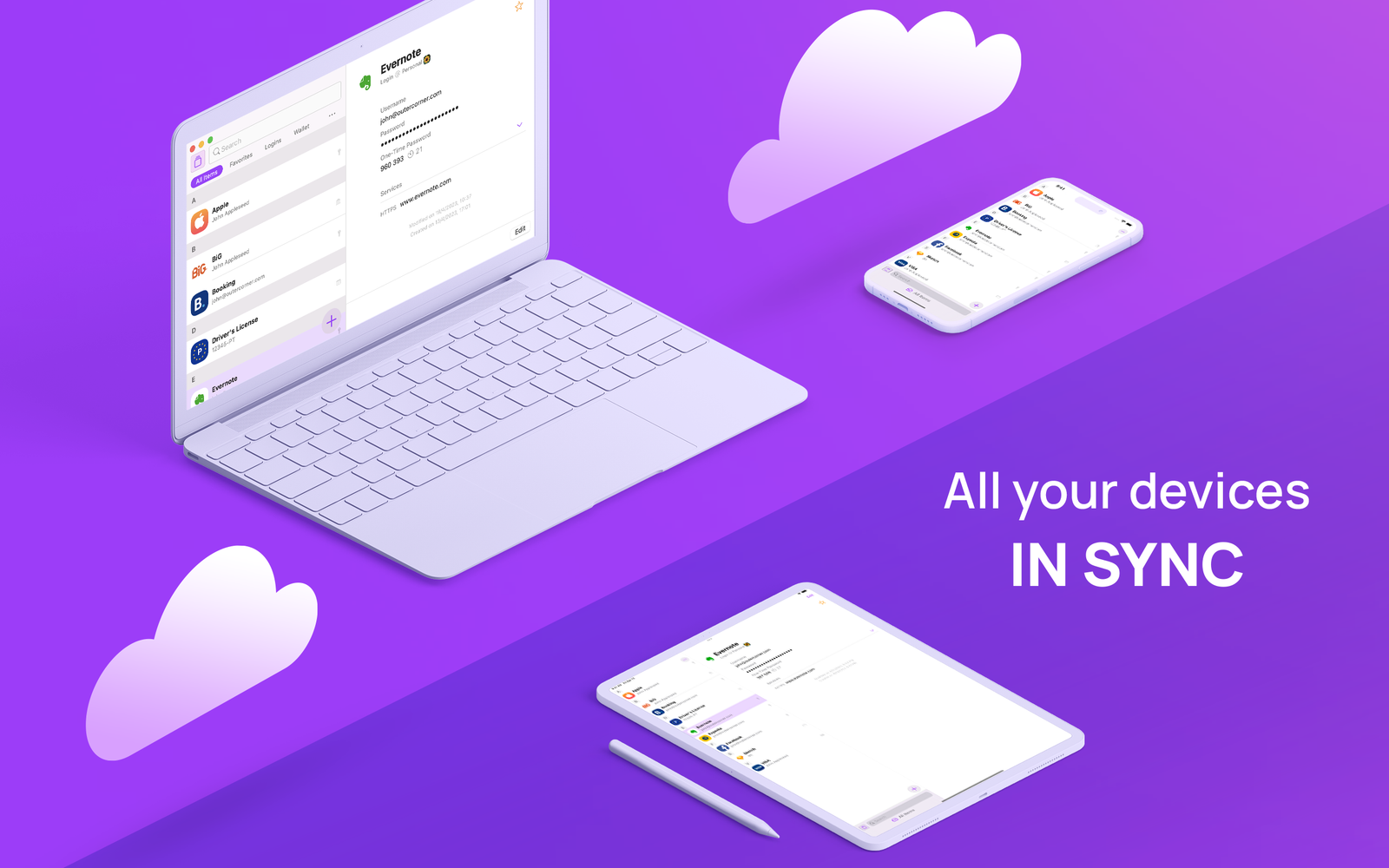
• Take your passwords with you. Secrets supports iCloud syncing so your information is always available and up-to-date.
• Access your passwords when you need them — Secrets for iPhone and iPad securely integrates with browsers on Windows and Linux so your passwords are never more than a few taps away.
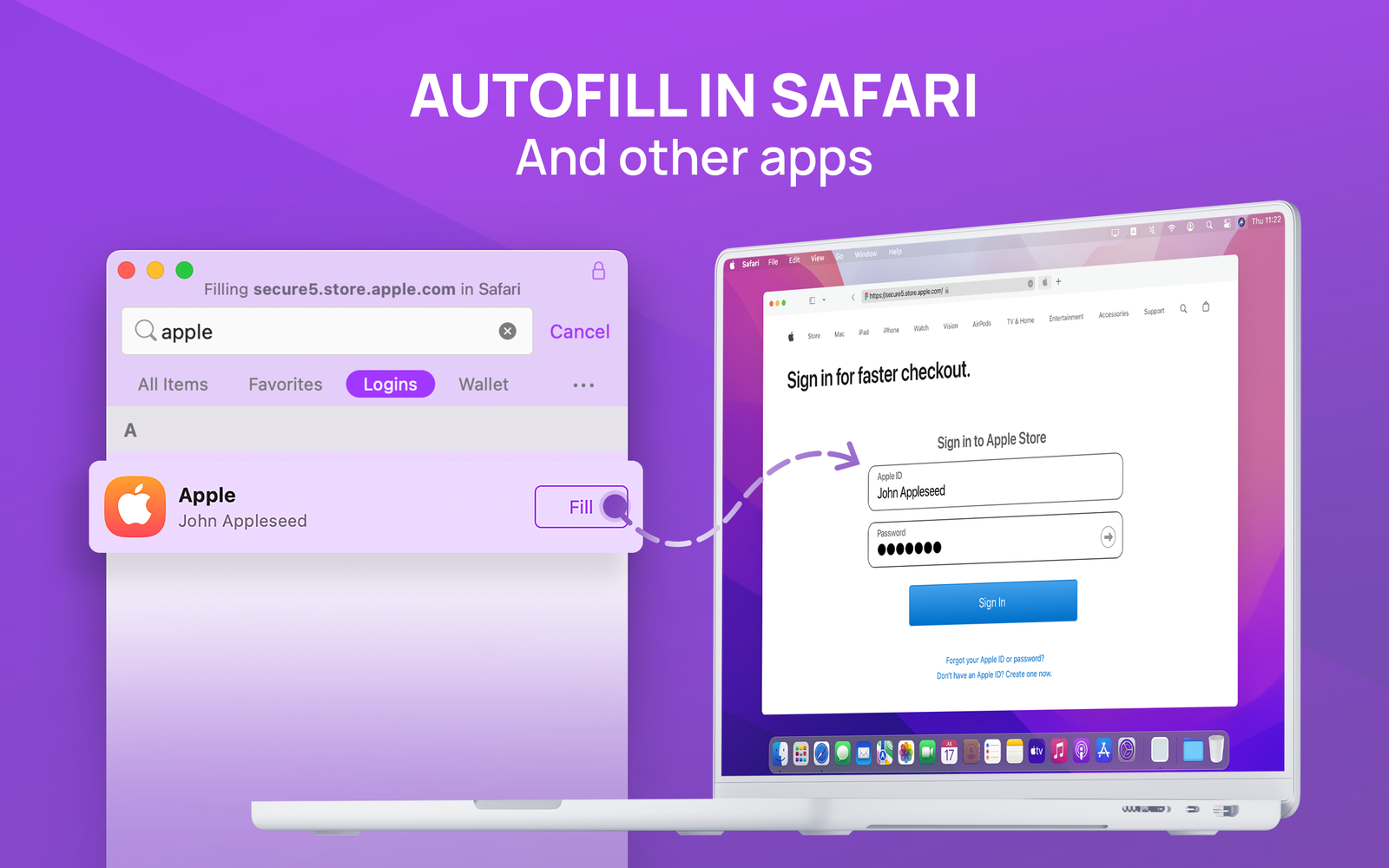
• Use password AutoFill to quickly enter usernames and passwords on your Apple devices.
# Privacy
We don't have access to your information, including usernames and passwords. Not even in encrypted form!
Synced information doesn’t use our servers and nothing leaves your device or iCloud (when syncing is enabled).
Information is stored using modern cryptographic algorithms and 256-bit encryption.
Use Touch ID or Face ID to unlock Secrets or set up a strong passphrase — or both! You can even use your Apple Watch to unlock Secrets on the Mac.
Automatic locking ensures that Secrets keeps all of your information locked away even if your phone/computer is stolen.










