
SiftFrame
Find screenshots and recordings by their visible words.
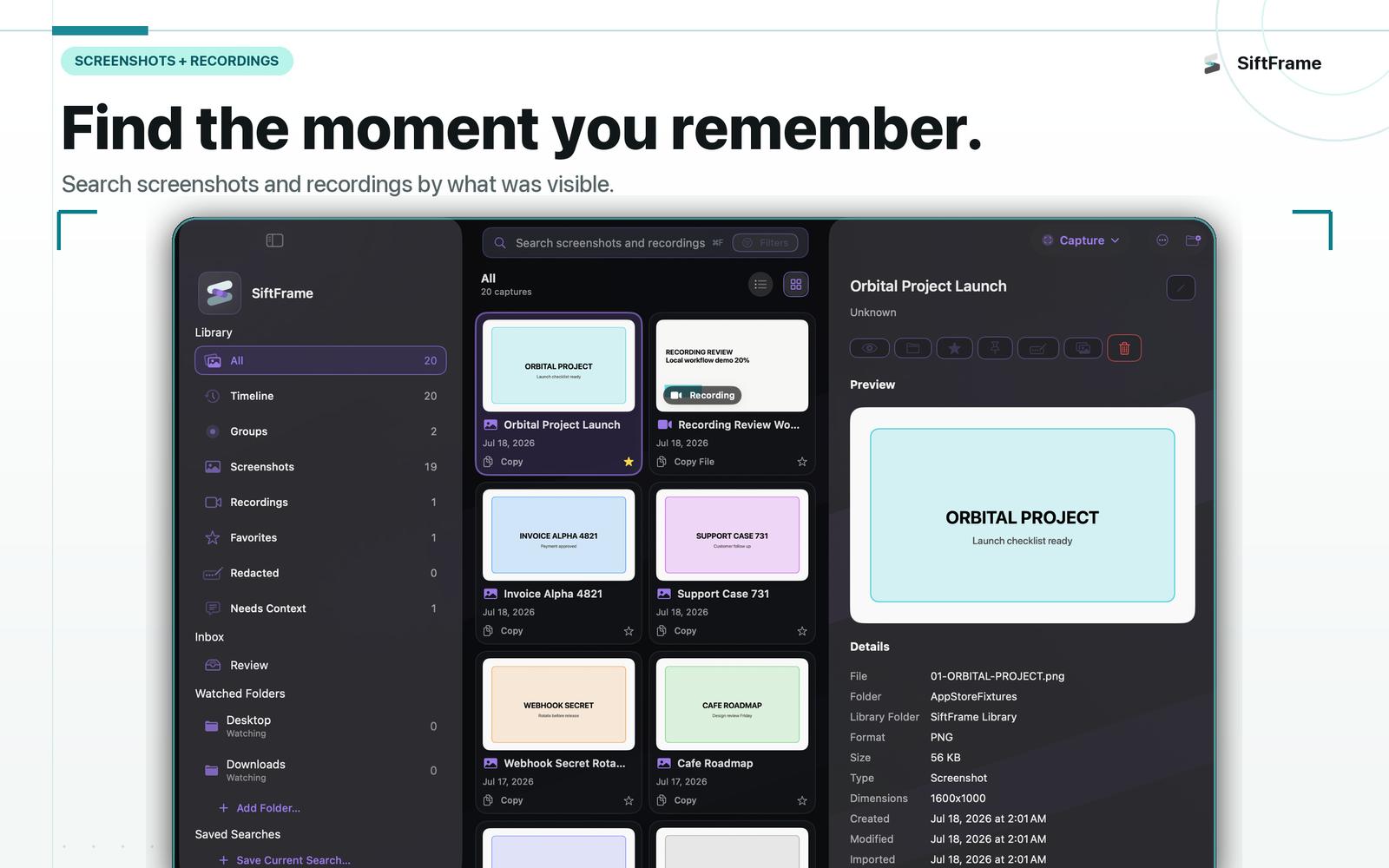
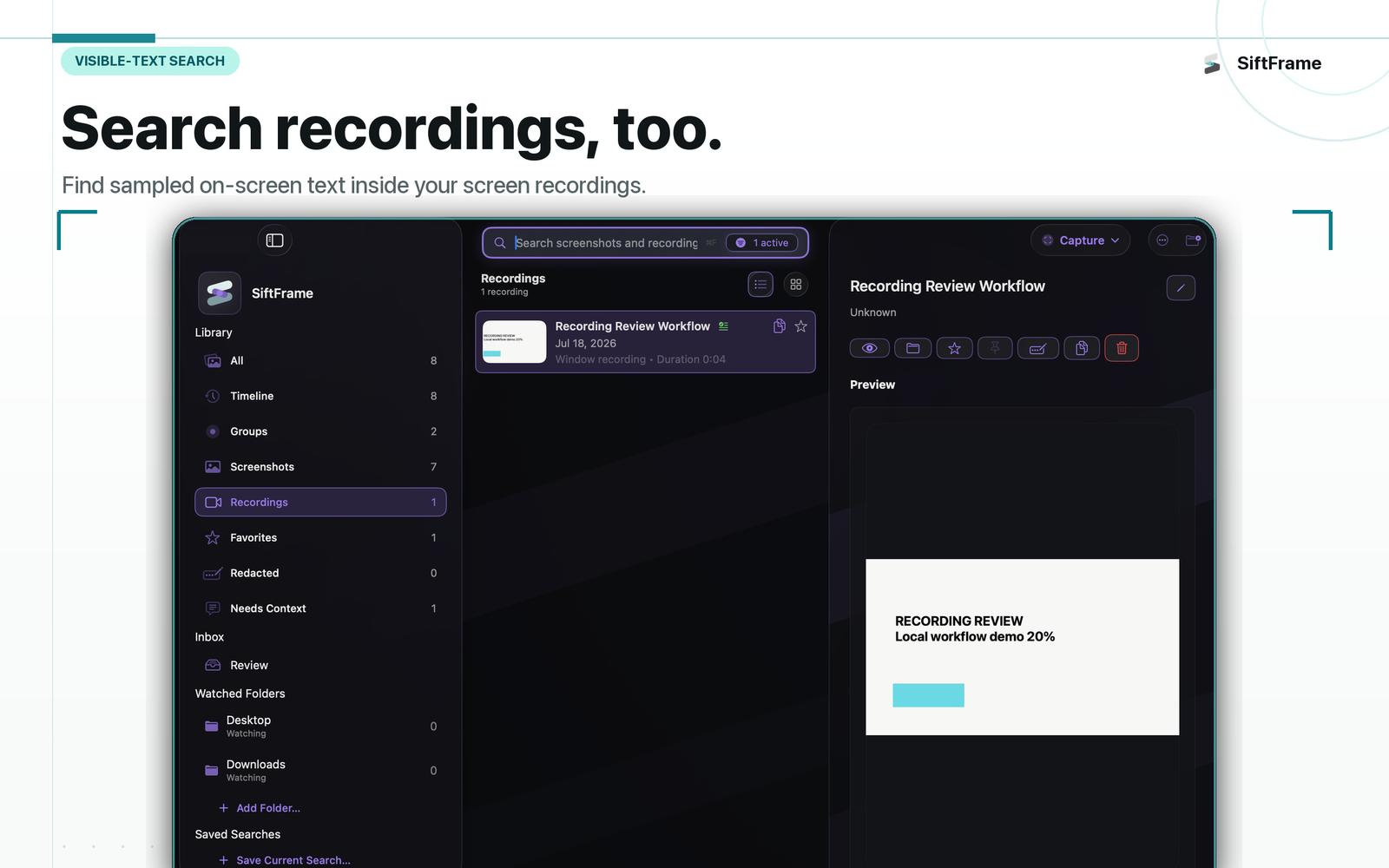
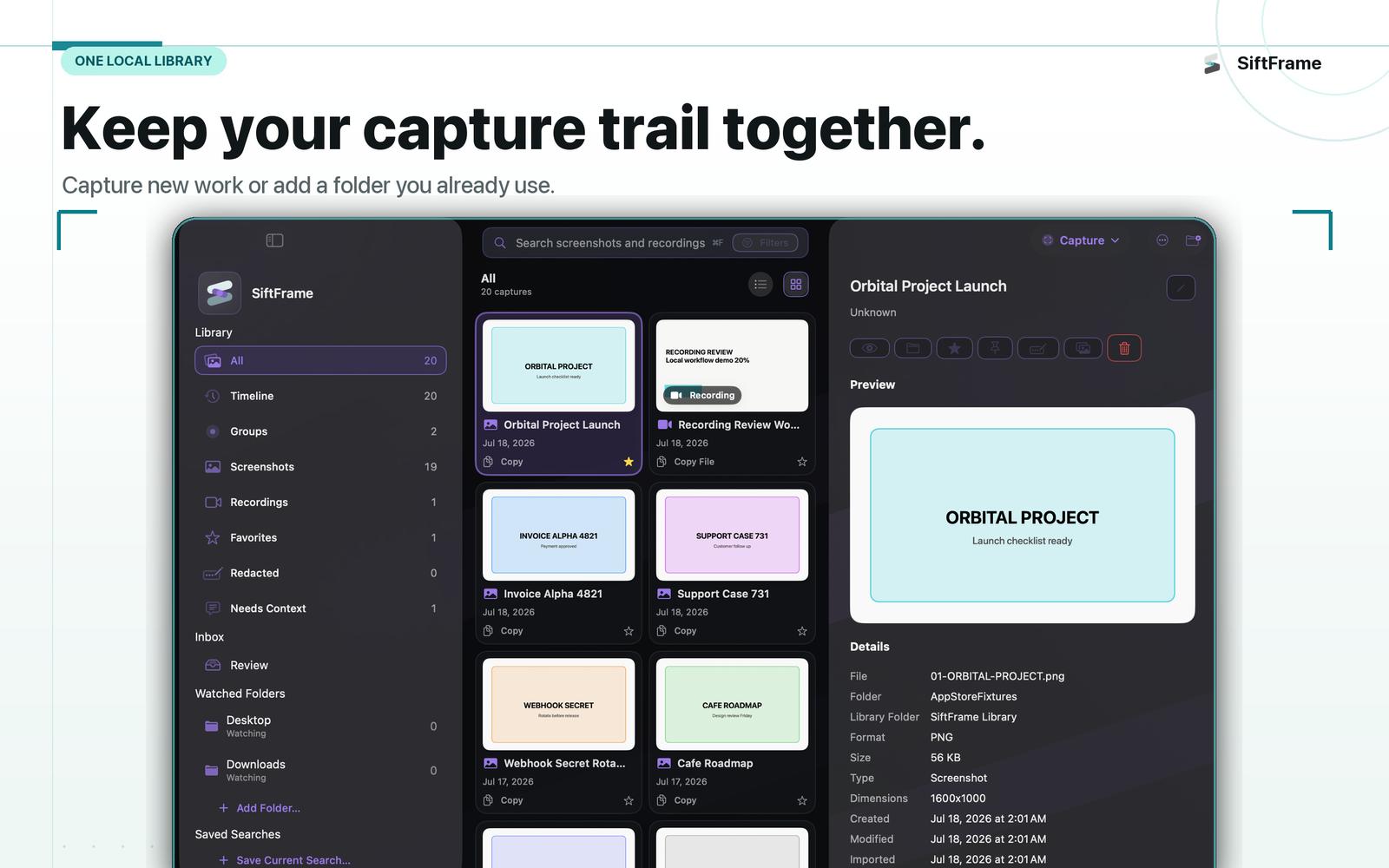
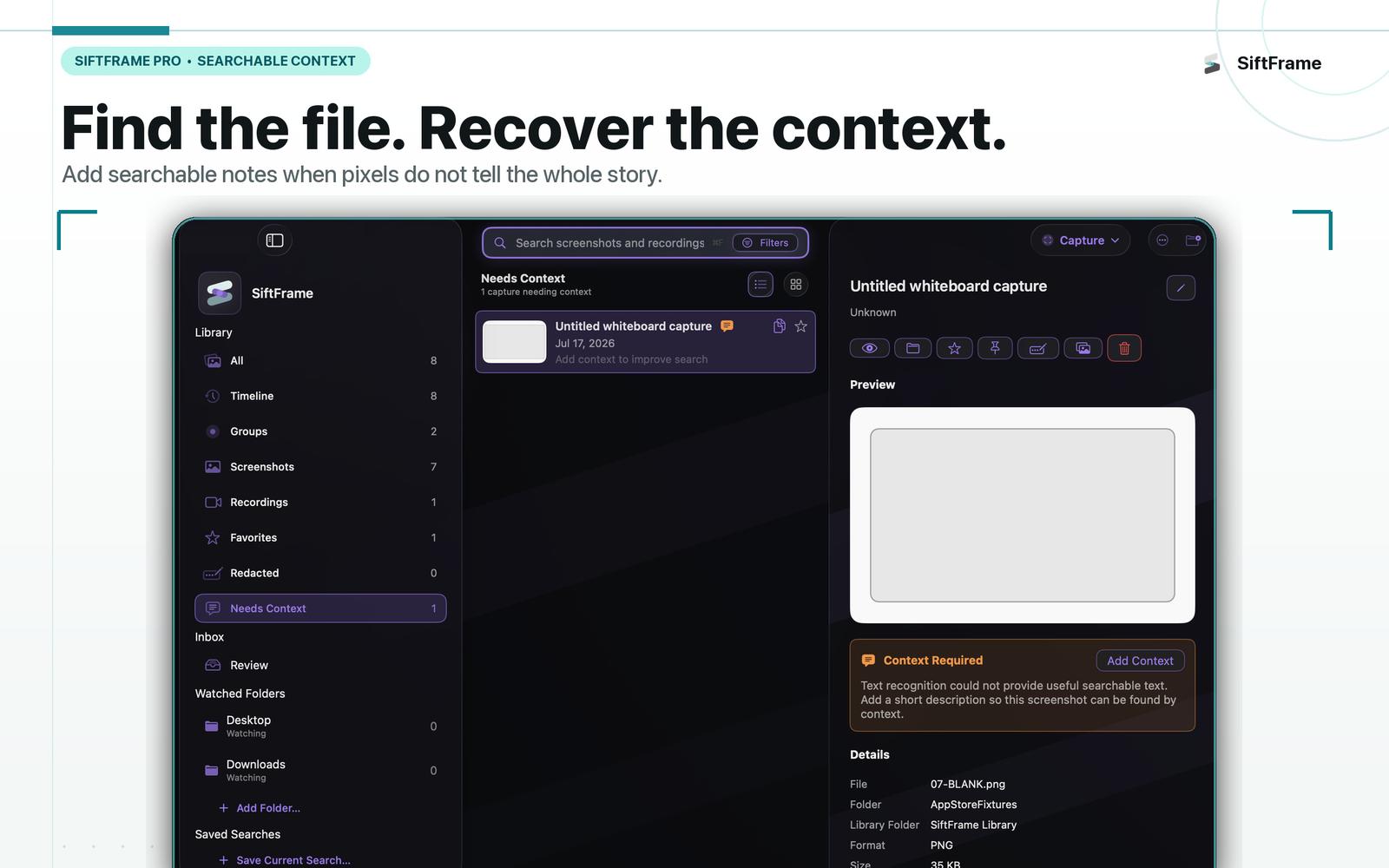
SiftFrame is a private, local visual memory for Mac. Capture screenshots and screen recordings with flexible tools, then find the exact moment you remember by searching what was visible on screen not just filenames or timestamps.
Capture it your way
Capture exactly what you need:
- Full display
- Individual windows
- Rectangular areas
- Freeform regions
- Polygon regions
- Timed captures
- Last region
- Screen recordings
- Capture Presets for repeatable workflows
You can also index screenshot folders you already use, so SiftFrame works with both new captures and your existing library.
Find the moment
On-device OCR makes screenshots searchable and indexes sampled frames from supported screen recordings.
Search across:
- Visible text
- Titles
- Tags
- Source-app hints
- Searchable context
- Dates and local metadata
Instead of remembering a filename like Screenshot 2026-08-10..., search for what you actually remember seeing.
Retrace your work
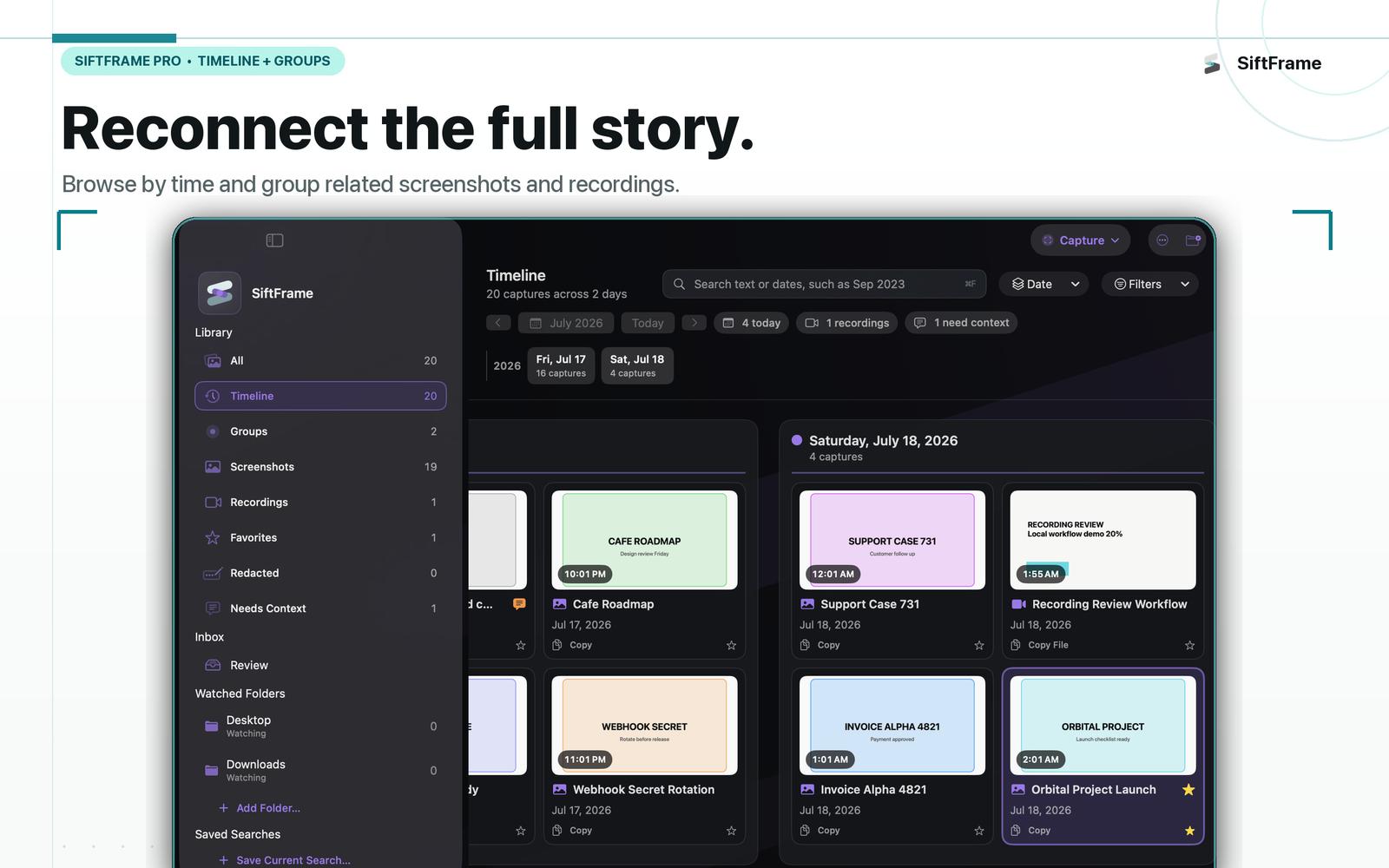
Timeline gives you a visual way to browse screenshots and recordings by when they happened, while Capture Groups keep related captures together as one session.
A group might look like:
Checkout bug investigation — 8 screenshots, 1 recording, 12 minutes
This works well for debugging, research, support evidence, design reviews, studying, and any workflow that takes more than one capture.
Remember why you captured it
OCR can tell SiftFrame what was visible, but it cannot know why something mattered to you.
Add searchable context such as:
- Bug in checkout flow
- Design reference
- Research for project
- Compare with next version
- Send this to support later
Names describe what a capture is. Context helps you remember why you kept it.
Organize without losing the original
Use:
- Tags and favorites
- Saved searches
- Review Inbox
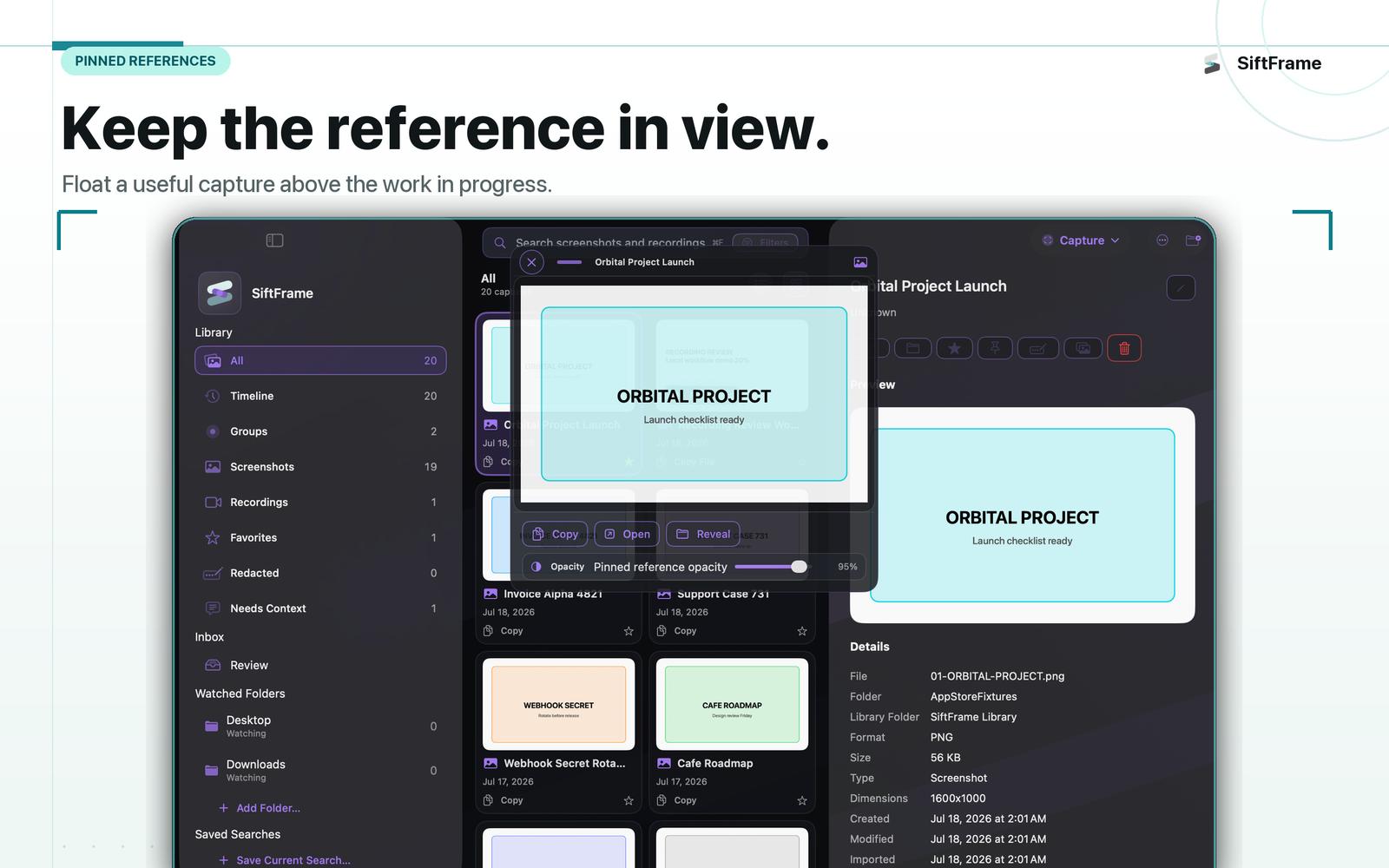
- Pinned references
- Recording markers and chapters
- Screenshot comparison
- Smart Rules
- Export Bundles
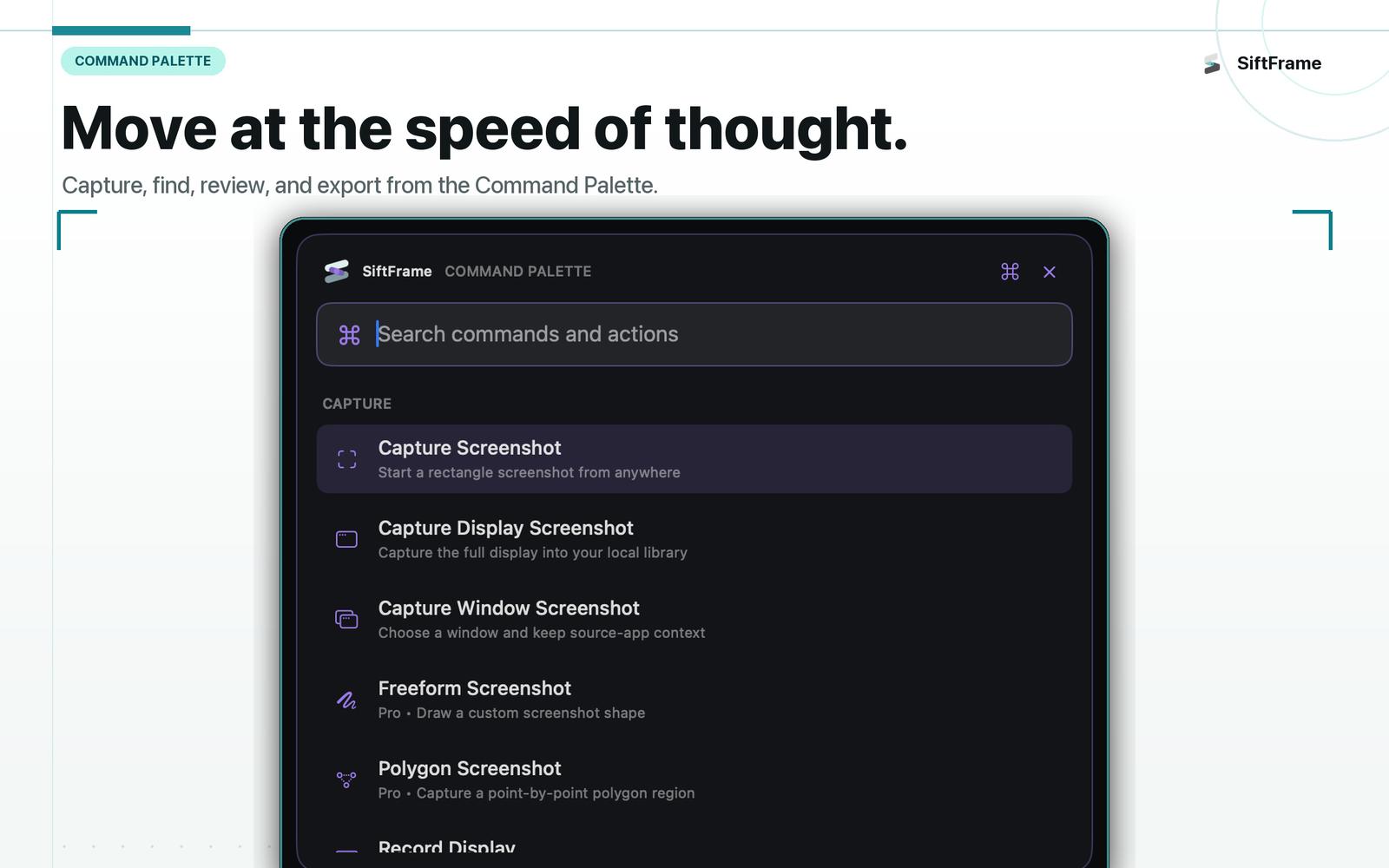
- Global Command Palette
SiftFrame keeps organization centered around local metadata rather than forcing you to restructure your original files.
Redact before sharing
Smart Redaction can suggest sensitive areas for you to review, and you can place and adjust redactions manually.
Redaction creates a non-destructive redacted copy rather than changing your original capture.
Always review redactions before sharing.
Built for Mac power users
SiftFrame includes tools like:
- Global shortcuts
- Command Palette
- Capture Presets
- Advanced capture modes
- Timeline
- Capture Groups
- Pinned references
- Compare Mode
- Smart Rules
- Advanced review workflows
The goal is to provide powerful workflows without turning SiftFrame into a bloated image editor.
Private by design
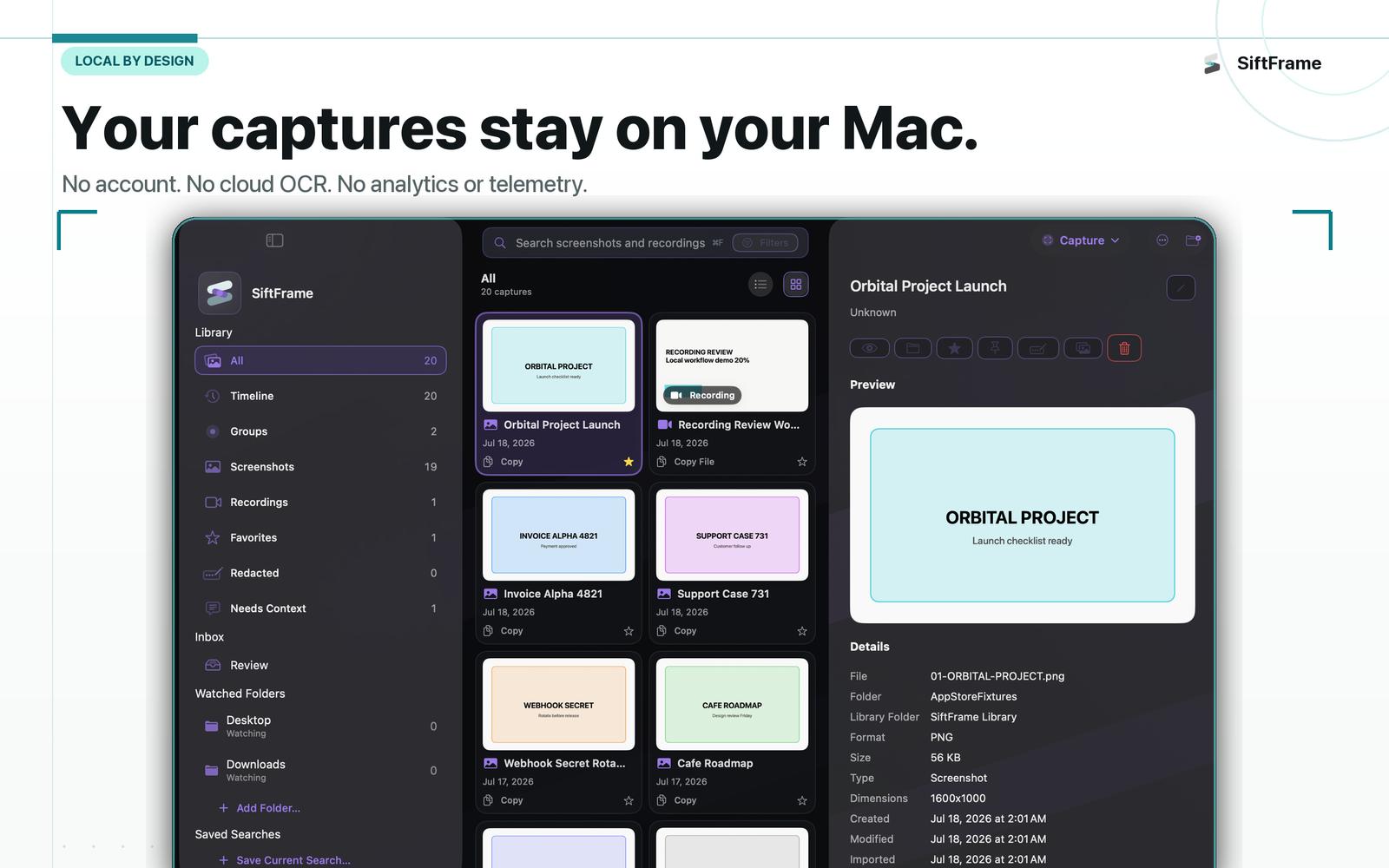
Your visual library is designed to stay on your Mac.
- No account
- No backend
- No cloud OCR
- No cloud sync
- No analytics
- No telemetry
- No ads
- No subscription
Recognition, search indexes, context, tags, and library metadata are processed locally unless you explicitly export or share something yourself.
Free to start
SiftFrame Free includes basic screenshot and screen-recording capture, OCR search, one watched folder, and up to 100 indexed items.
SiftFrame Pro is a $14.99 USD one-time unlock for unlimited library growth and advanced capture, Timeline, Groups, organization, redaction, and power-user workflows.
No subscription.










