defocus
defocus.me keeps the inactive windows blurred.
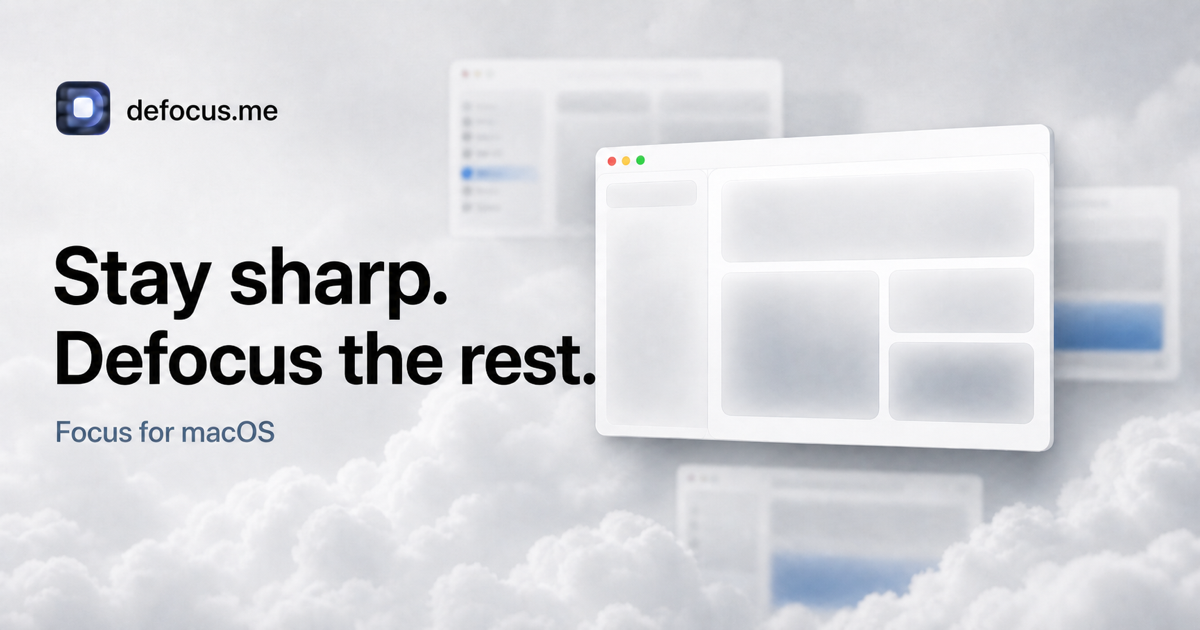
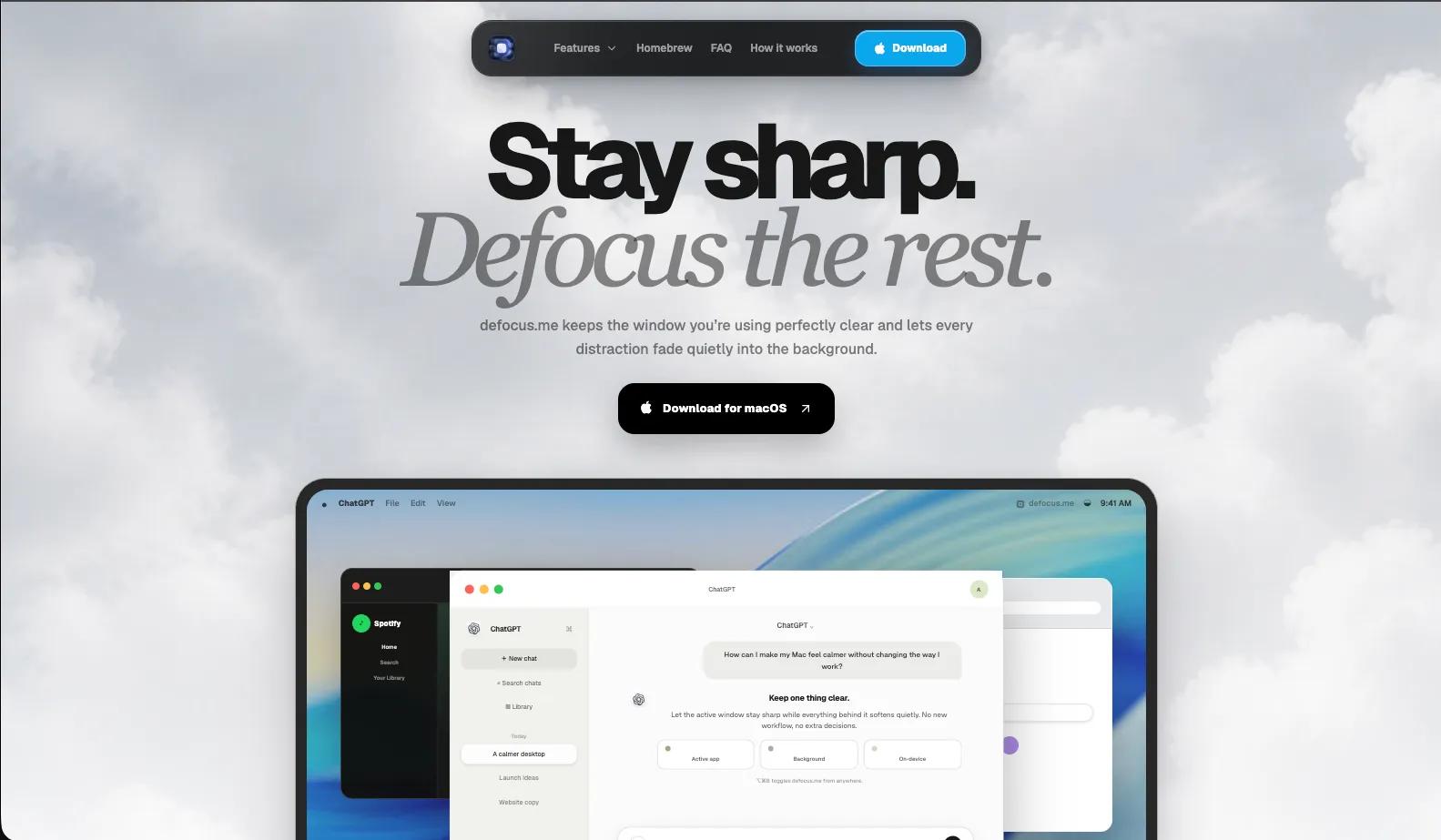
defocus.me is a lightweight macOS utility that helps you concentrate by keeping the window you are working in sharp while softly fading everything else into the background.
Your desktop can quickly become crowded with multiple apps, documents, browser windows and notifications. defocus.me creates a calmer visual environment without changing your workflow. The active window remains clear and easy to follow, while inactive windows are gently blurred, darkened or both.
The effect follows your focus automatically. Switch from Safari to Xcode, from a document to your notes, or from one app to another, and defocus.me updates instantly to keep your current window in focus.
Choose your preferred focus style
Customize how your desktop looks with three visual modes:
- Blur — soften inactive windows while preserving their colours and overall atmosphere.
- Dim — darken inactive windows so the active app stands out clearly.
- Both — combine blur and dimming for a stronger focus effect.
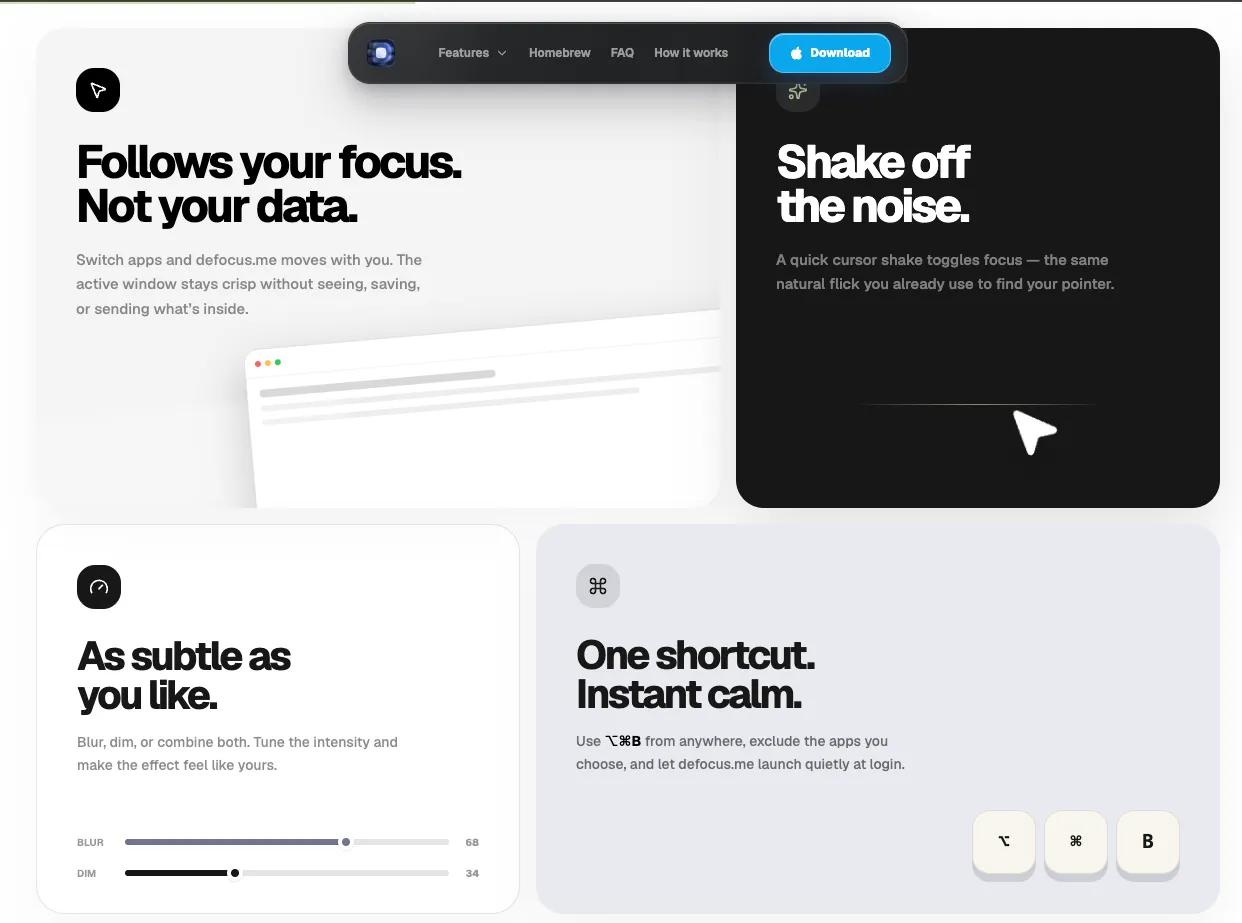
You can adjust the blur and dim intensity to match your preferences, from a subtle reduction of distractions to a more pronounced focus layer.
Designed to stay out of your way
defocus.me lives quietly in the macOS menu bar and does not add another application window to your daily workflow. Toggle the effect whenever you need it using the global keyboard shortcut, or simply shake your cursor to turn focus on or off.
You can also configure defocus.me to:
- Launch automatically when you log in.
- Change the global keyboard shortcut.
- Toggle focus by shaking the cursor.
- Adjust cursor-shake sensitivity.
- Fade other windows belonging to the active application.
- Automatically turn off while using full-screen apps.
- Exclude specific applications from the effect.
- Keep the menu bar and Dock sharp at all times.
Private by design
defocus.me runs locally on your Mac. It does not require an account, does not record your screen, and does not collect analytics or usage data. Your screen content and window contents are never captured, uploaded or profiled.
The app uses macOS window information only to determine which window is currently active and where to apply the visual effect. Everything happens on your device.
Native, lightweight and built for Mac
defocus.me is a native macOS app designed to feel natural on modern Macs. The visual effect is handled by the macOS compositor, allowing the app to remain small, responsive and unobtrusive while you work.
Whether you are writing, coding, researching, editing, studying or managing several projects at once, defocus.me helps create a quieter desktop and gives your current task more room to breathe.
defocus.me is free, open source and available for macOS 14 Sonoma or later on Apple silicon.











