DisplayBuddy
Control external displays without touching the buttons
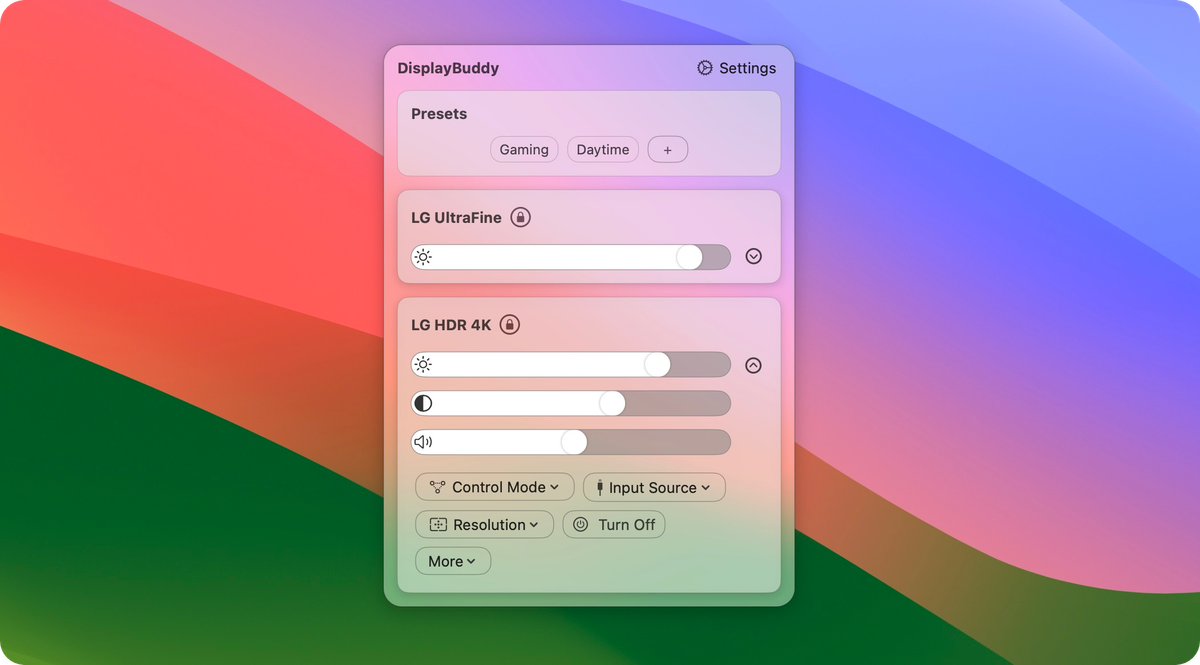
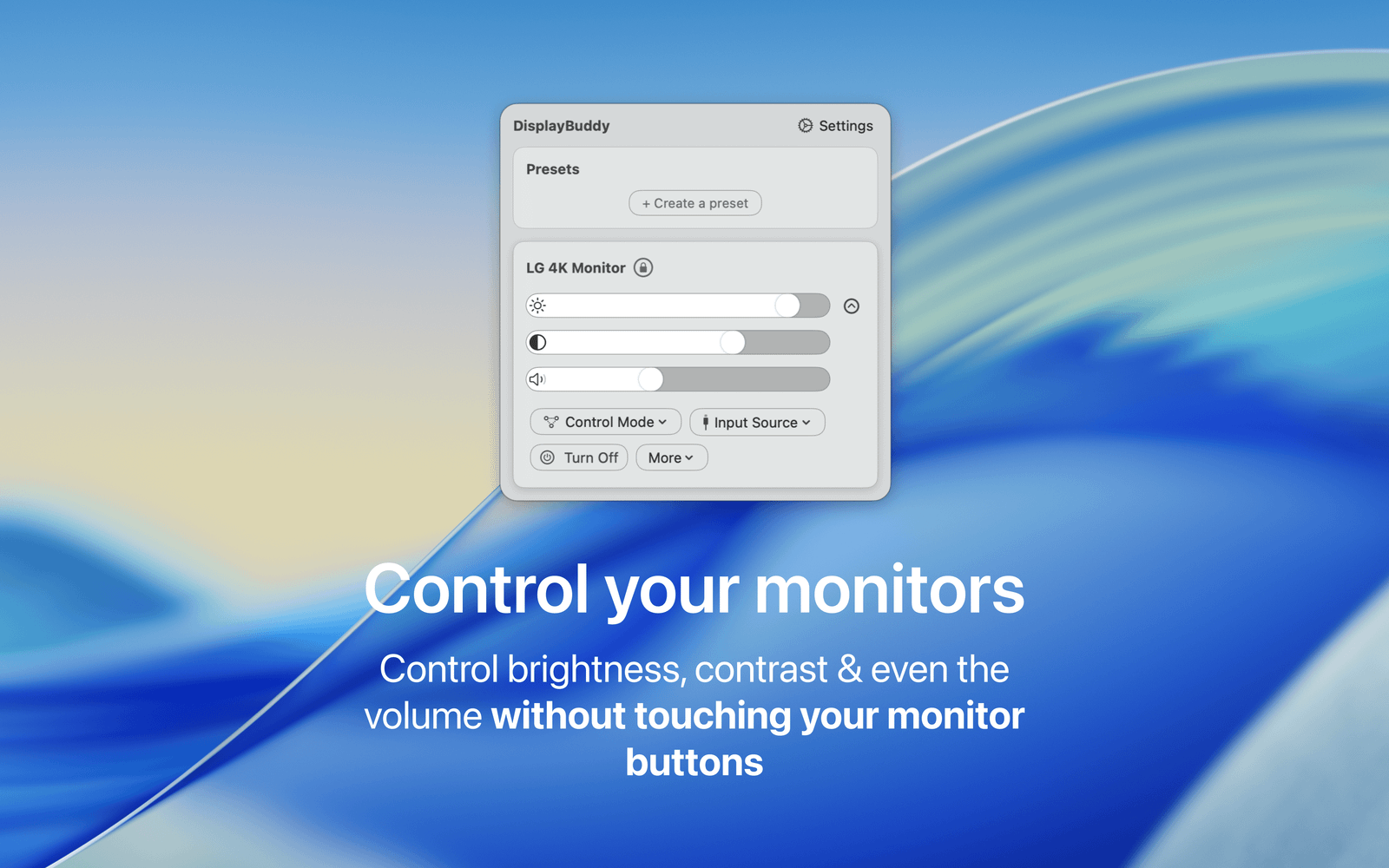
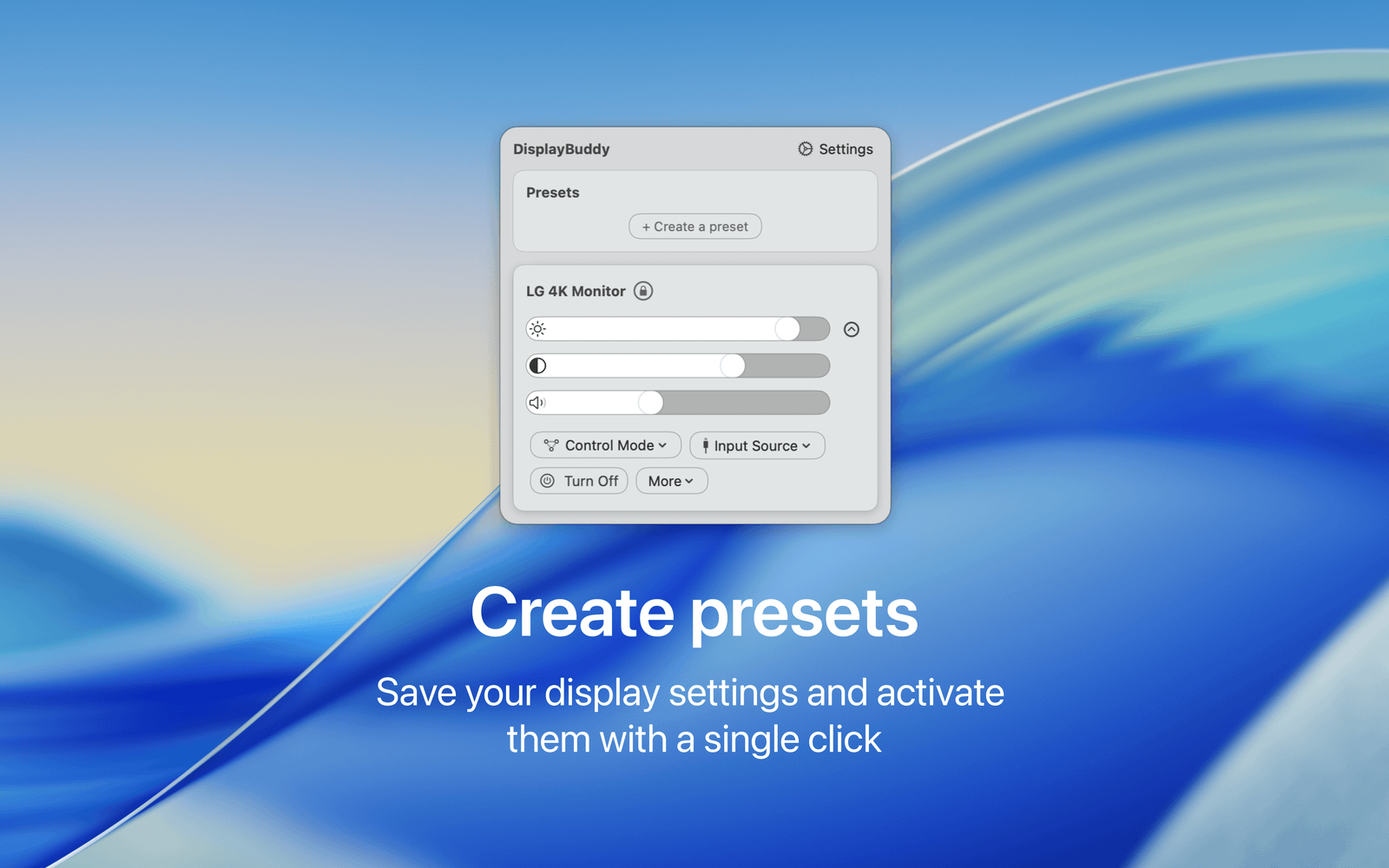
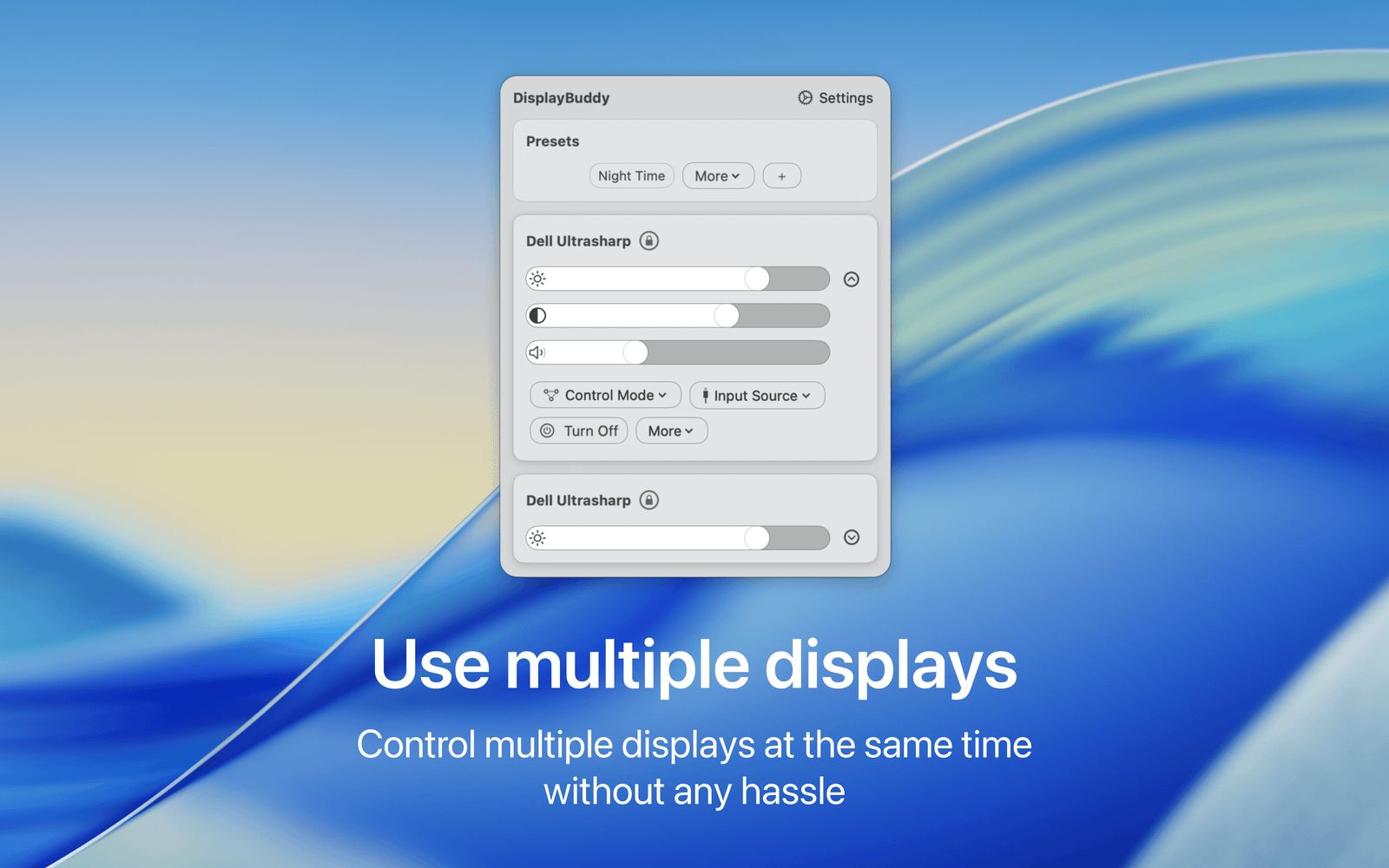
Control brightness, contrast, volume and inputs on any external monitor using DisplayBuddy. Works with Dell, LG, Samsung, Xiaomi, and all major brands via DDC.
DisplayBuddy gives you full control over your external displays, right from your Mac. Adjust their real brightness, volume, input source and more — without ever touching those clunky monitor buttons.
Use your Mac keyboard to control the real brightness and volume of your external displays, just like you would with your MacBook display. DisplayBuddy works with displays from LG, Dell, Samsung, BenQ and many more.
More than just brightness
- Switch input sources instantly
- Sync brightness across multiple displays
- Change display resolution and rotation
- Control Samsung and LG Smart Monitors and TVs over Wi-Fi
- Unlock up to 1600 nits on supported MacBook Pro displays with UltraBright
One click. Your entire setup
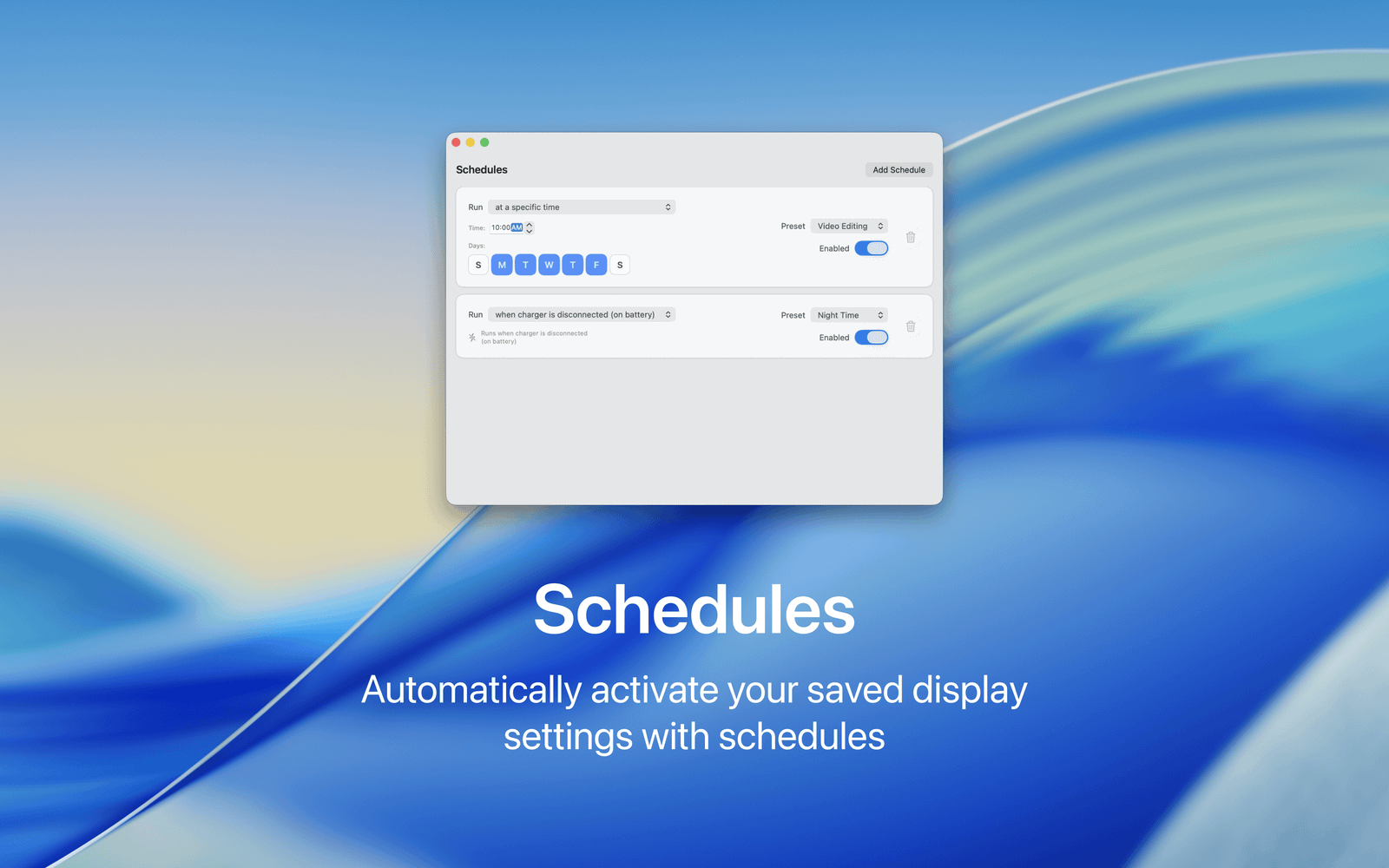
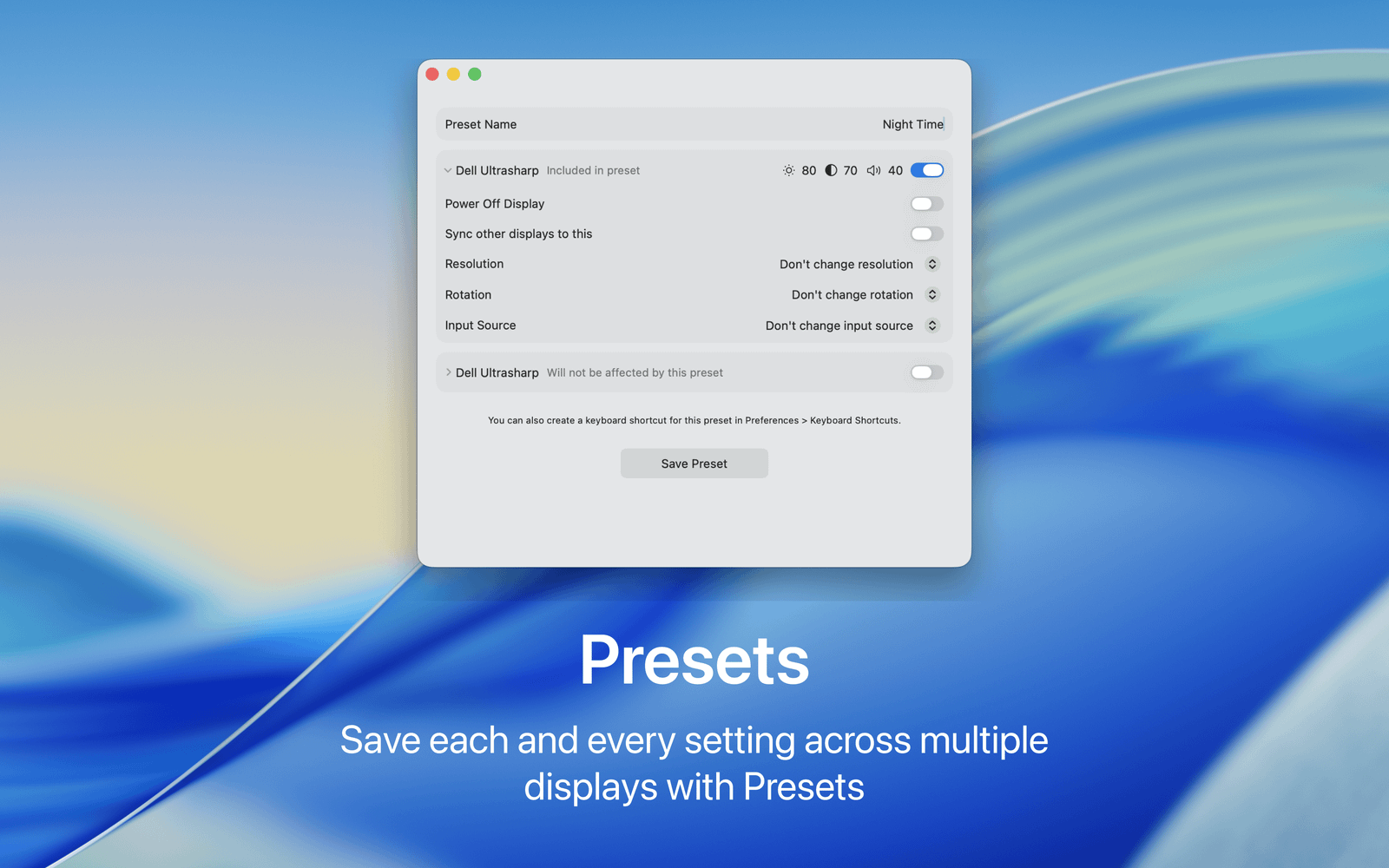
Create powerful Presets that remember your brightness, volume, input source, resolution, rotation and more across all your displays. Activate them with a click, keyboard shortcut, Siri, Shortcuts, or even a desktop widget.
Whether you have one external monitor or a desk full of displays, DisplayBuddy makes them feel like they were built for your Mac.