Halo: Dynamic Island for Mac, even without a notch
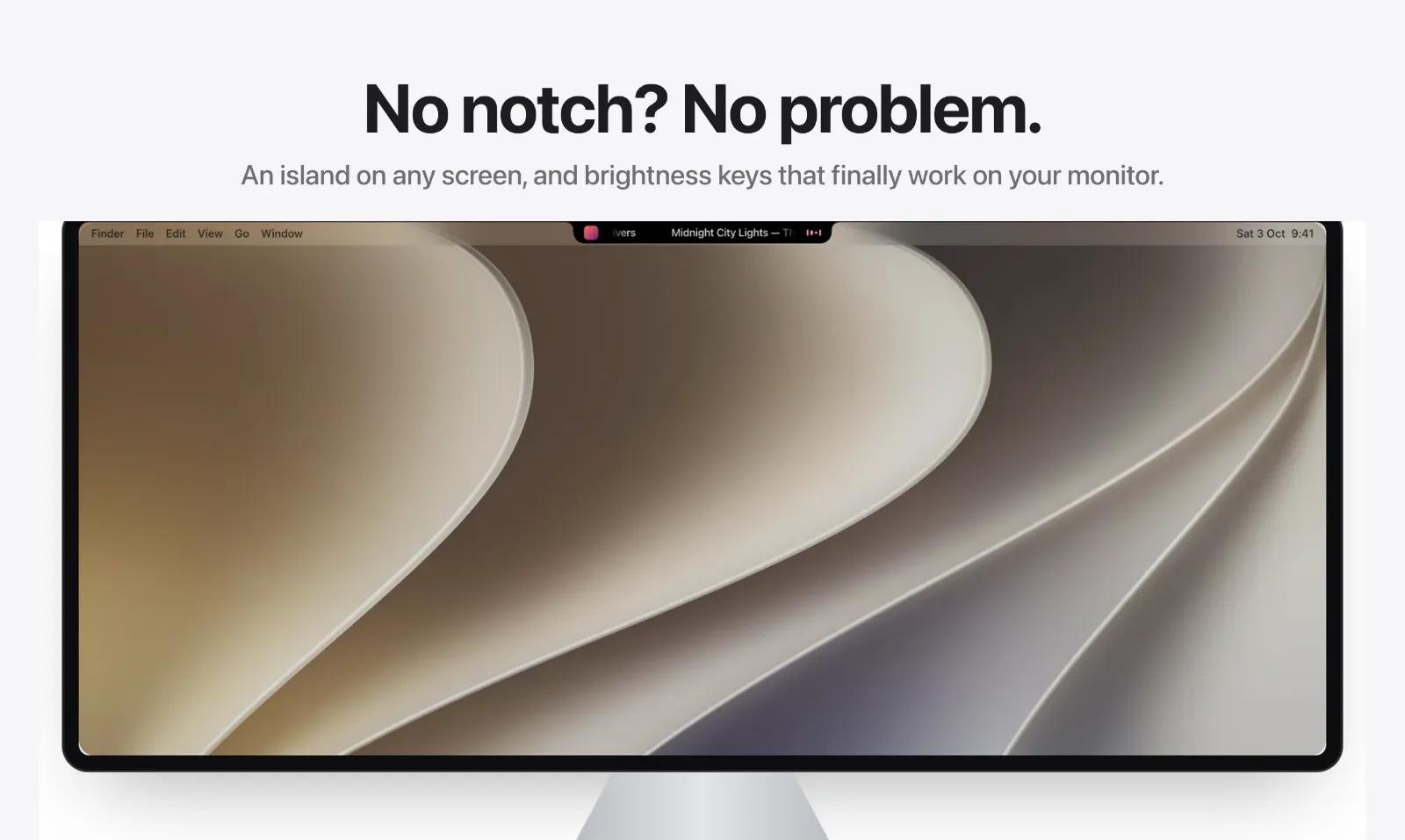
Notifications, dictation, a little Buddy, your AI agents, music and monitor control, in your notch. Notch or not.
the form supports:
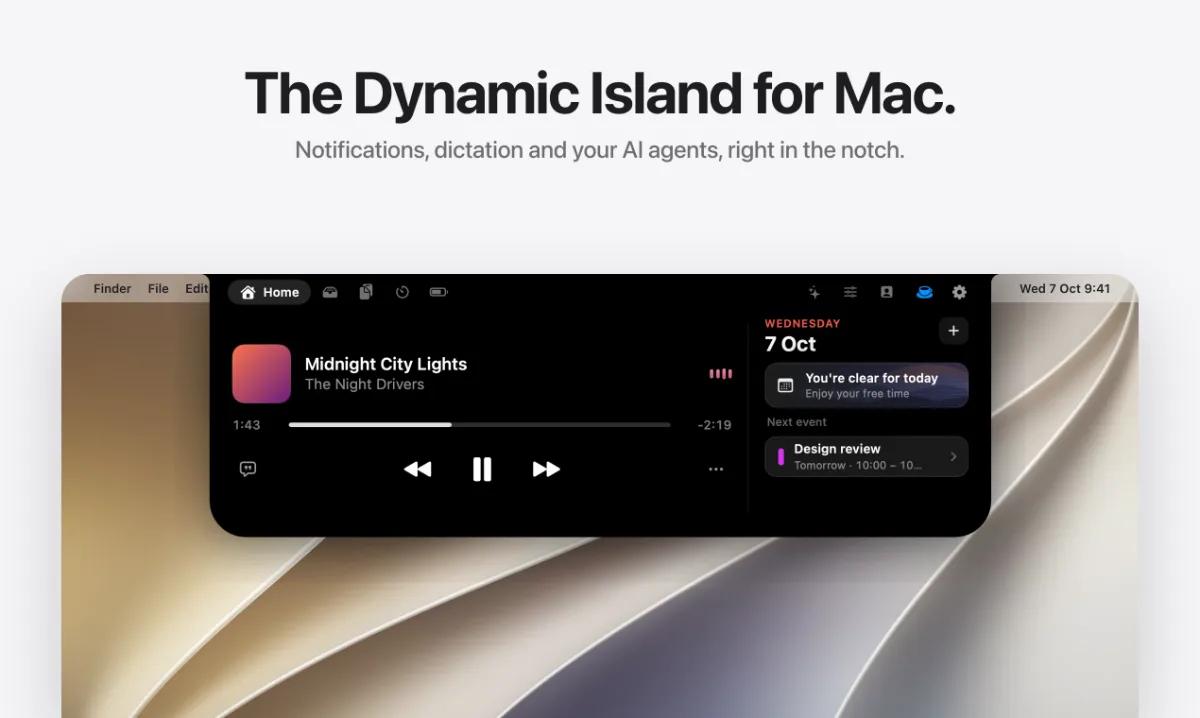
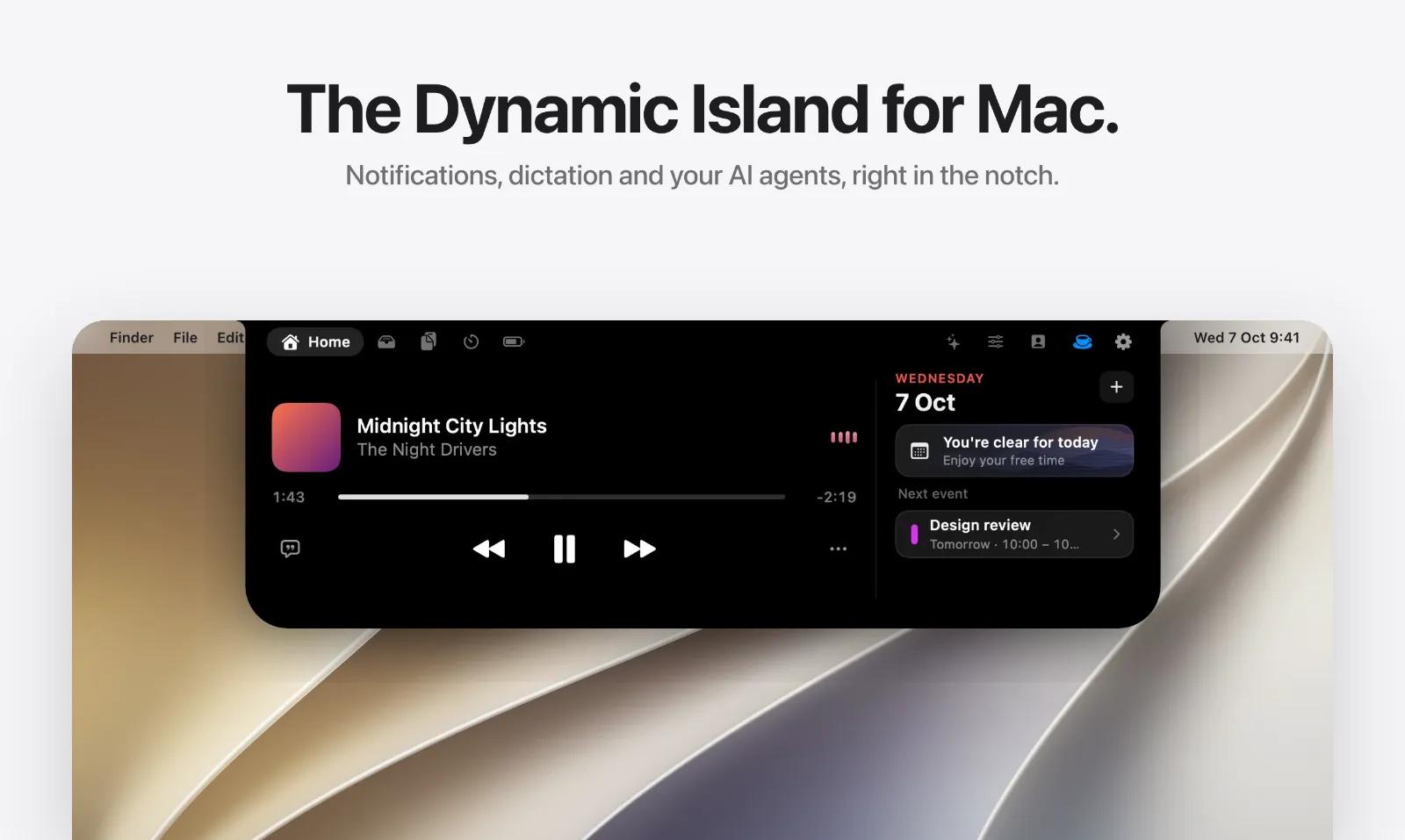
Halo turns the notch on your Mac into a Dynamic Island. The spot you look at most finally does something: it shows what needs you, right where your eyes already are.
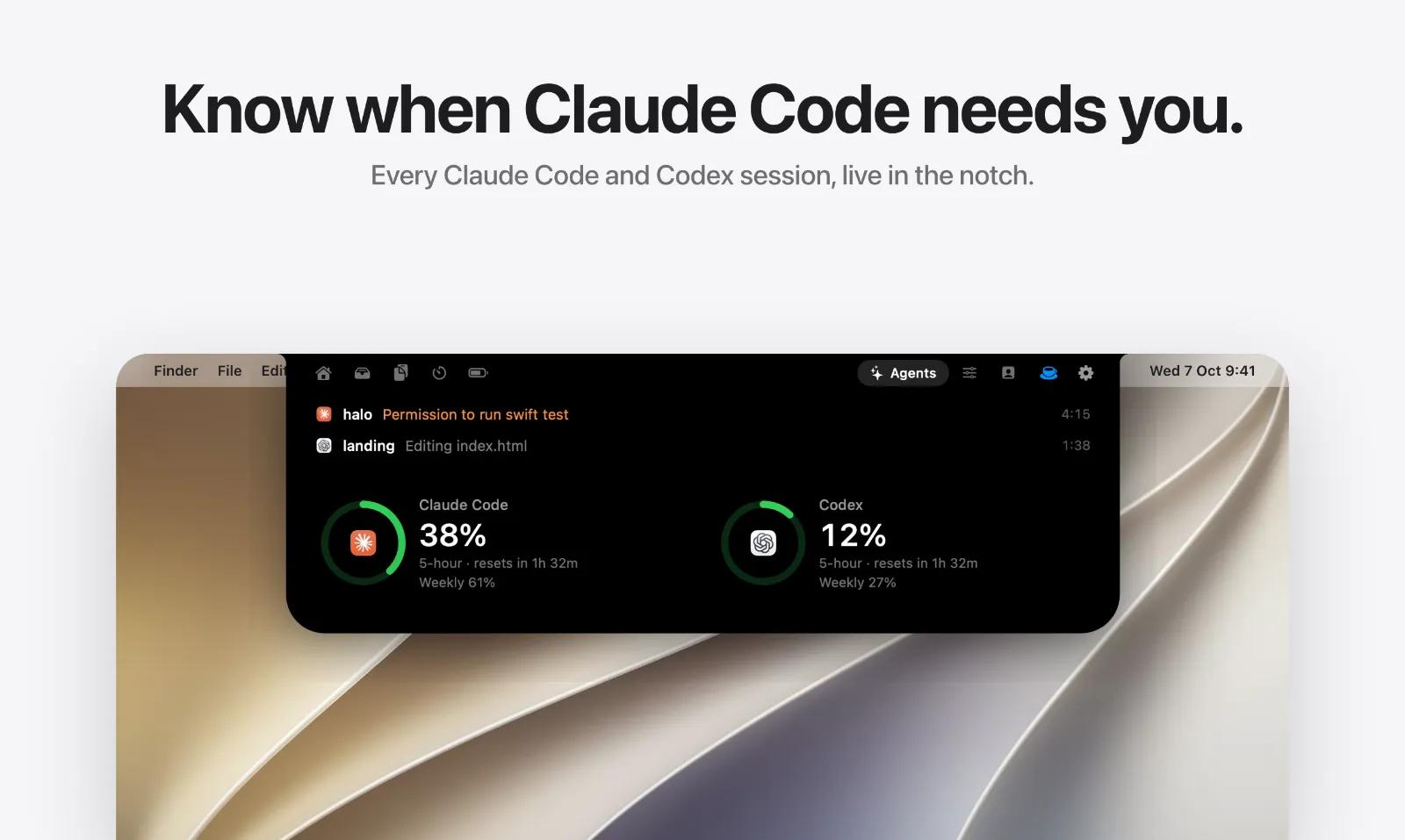
I built Halo alone because the things I needed to notice were scattered everywhere: banners in the corner of a big screen, music in another window, Claude Code in a terminal I kept alt-tabbing to, and brightness keys that did nothing on my external monitor. Now they all live in one place.
What's new in 2.0
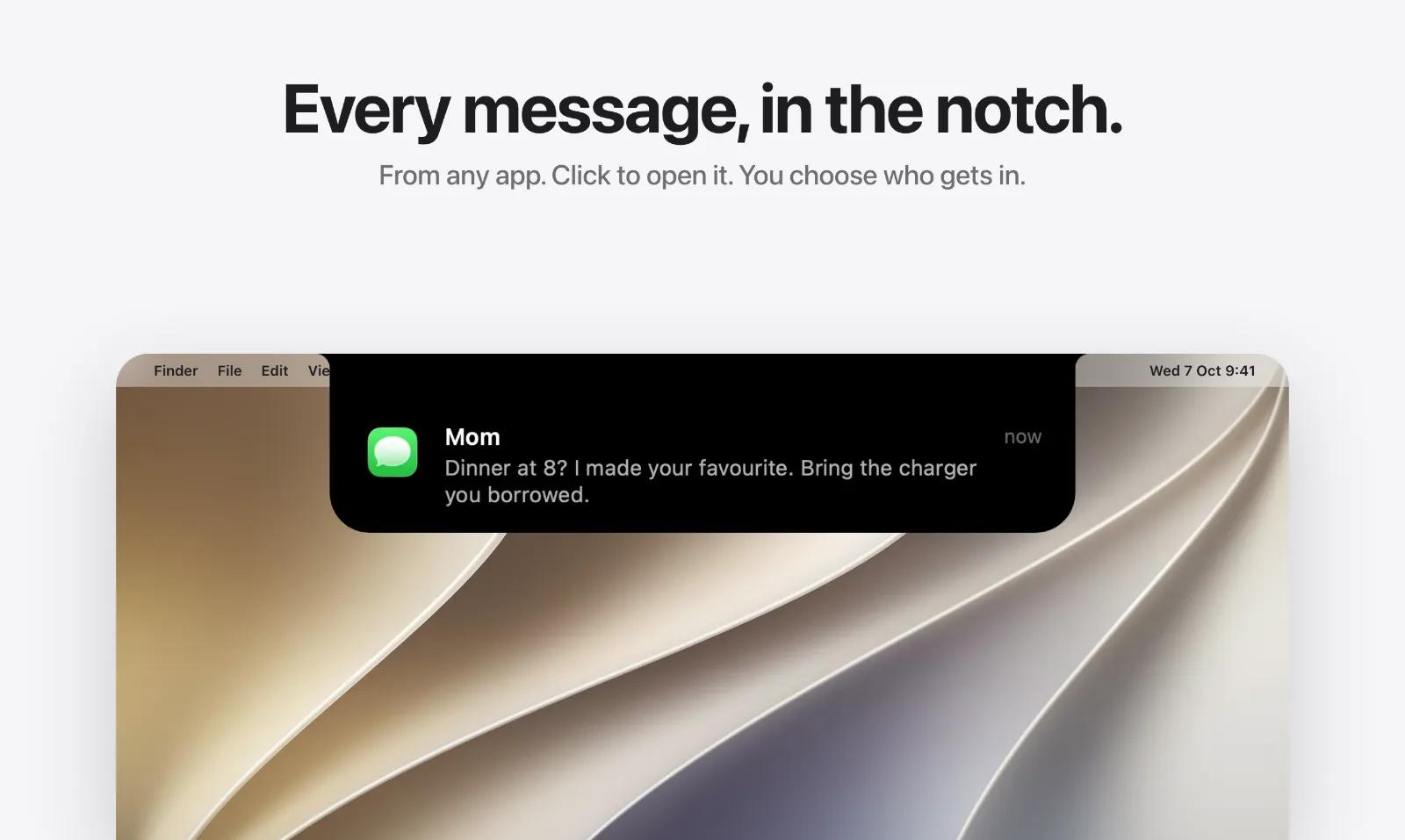
- Notifications in the notch. Messages from any app arrive in the island instead of the corner. Click to open the app, and choose which apps get in.
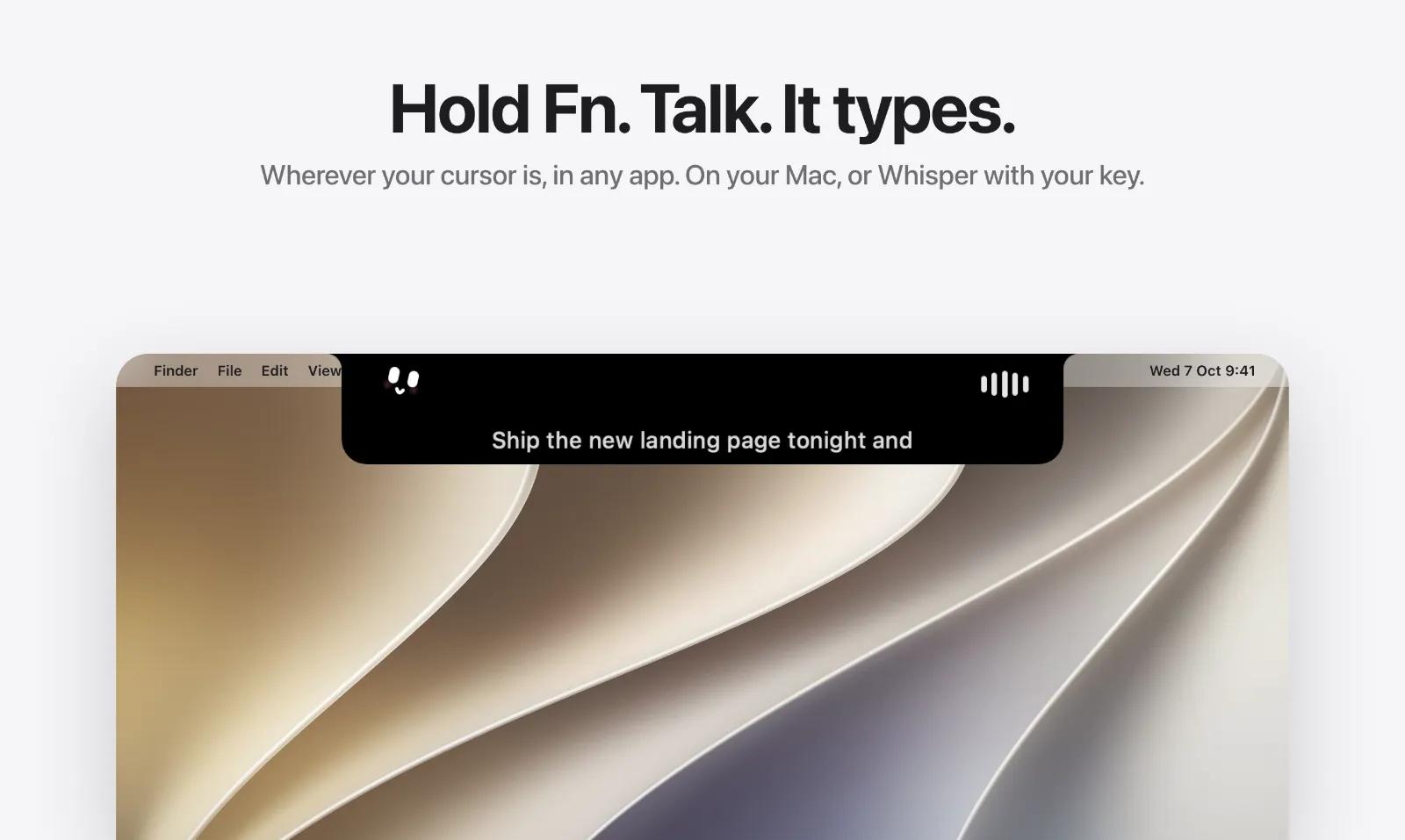
- Dictation anywhere. Hold Fn, talk, let go. Halo types it wherever your cursor is: Slack, Xcode, Notes, a terminal. On-device, or Whisper with your own Groq key.
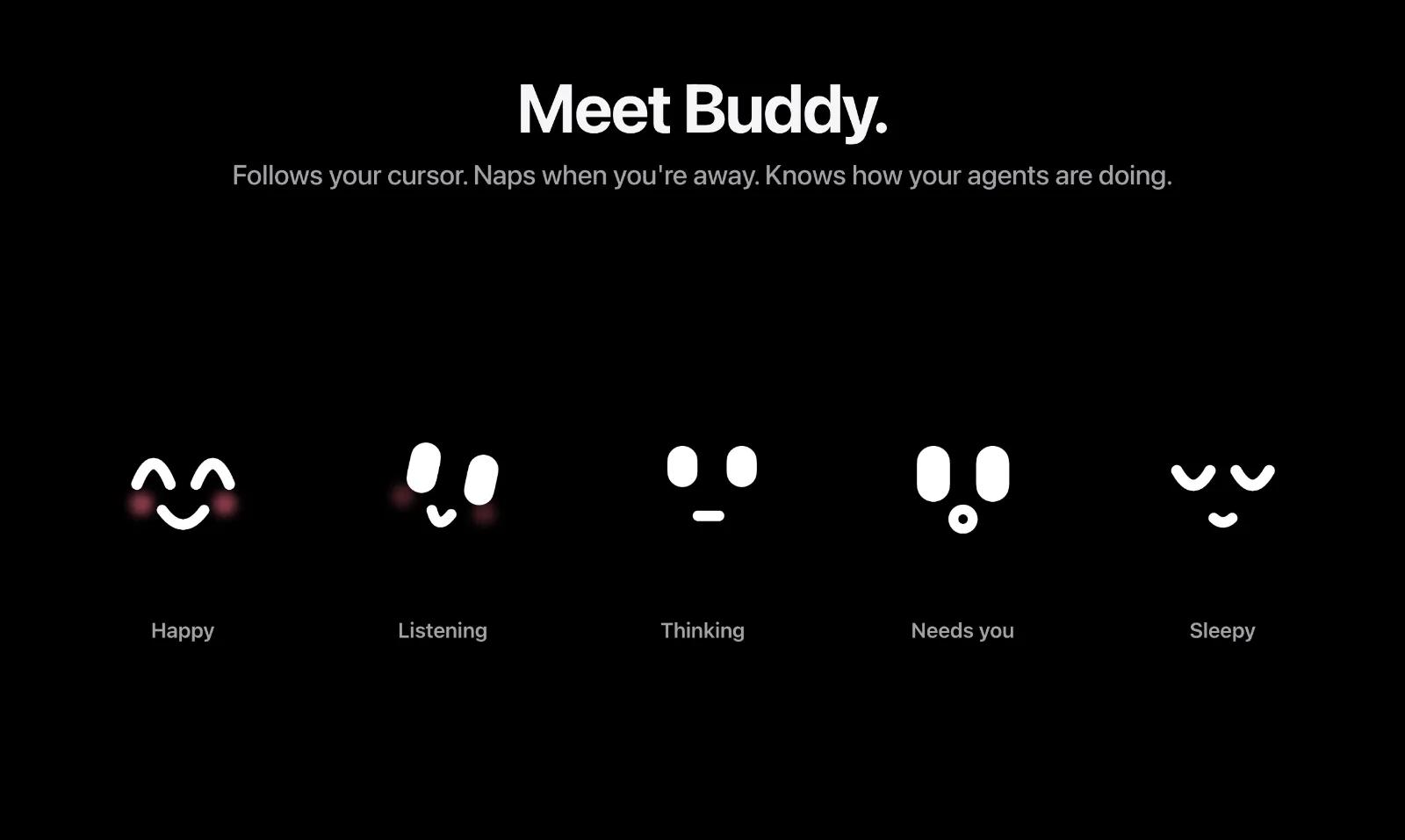
- Buddy. A small face beside the notch that follows your cursor, naps when you walk away, and lights up when Claude Code or Codex is working, waiting for you, or done.
- Calls, eight languages, a new Home and smoother animations everywhere.
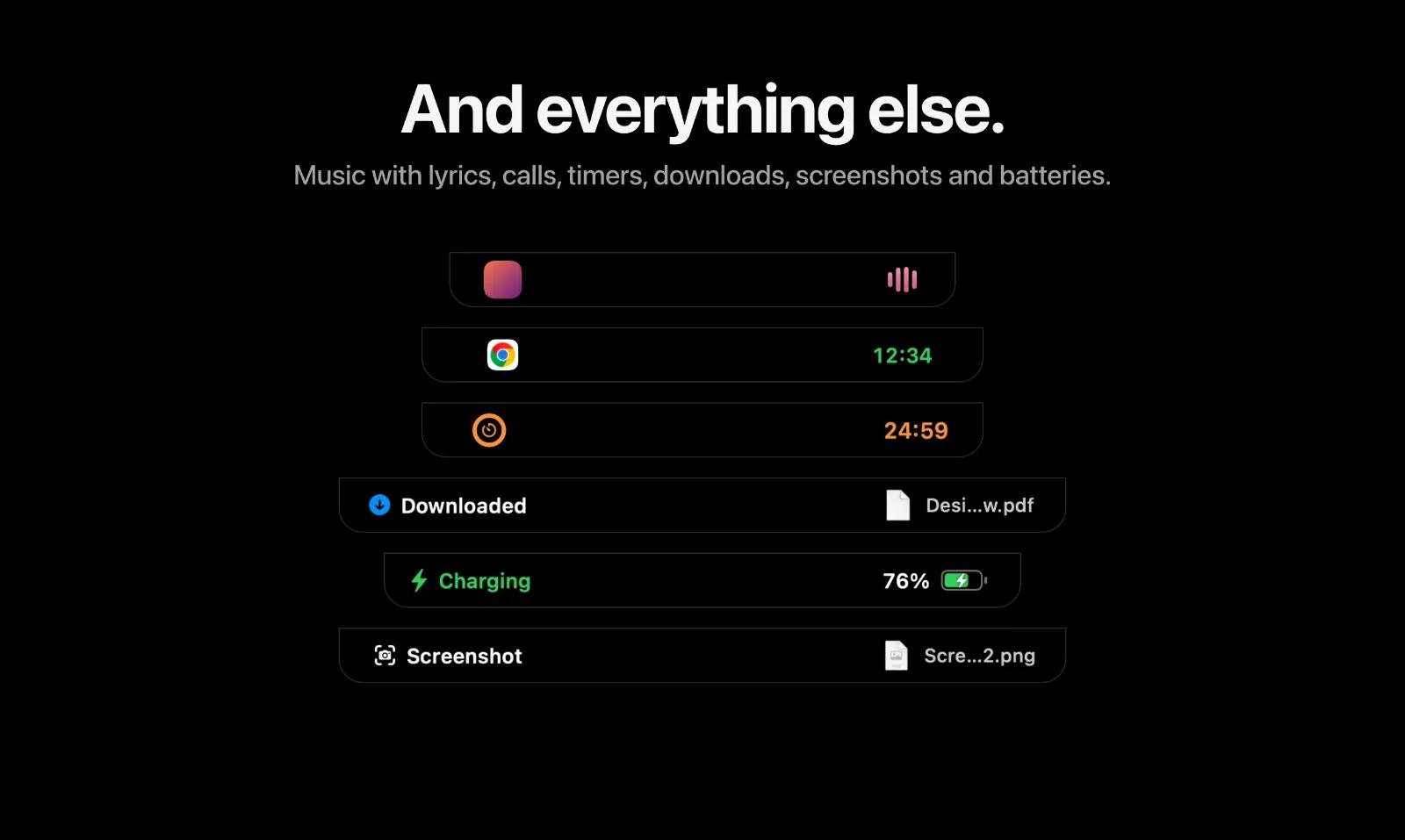
Everything else in the notch
- Music with synced lyrics
- Timers and a focus timer
- A file shelf for drag and drop
- Clipboard history
- Battery levels for your Mac and devices
- Real DDC brightness, contrast and input switching for external monitors, with a native-looking HUD
Halo works on any screen, notch or not, and can sit on the top, left or right edge.
Who it's for
People who live on their Mac all day: developers waiting on AI agents, anyone with an external monitor, and anyone who wants their notch to be useful instead of empty.
Pricing
$9.99 once. No subscription, no account, up to 3 Macs. macOS 15 or later, Apple silicon and Intel.
Built by one developer, with 11 releases since September. I read and answer every message: [support@halo-mac.com](mailto:support@halo-mac.com)











