Mongon
Native MongoDB, PostgreSQL & Redis client for Mac & iPhone
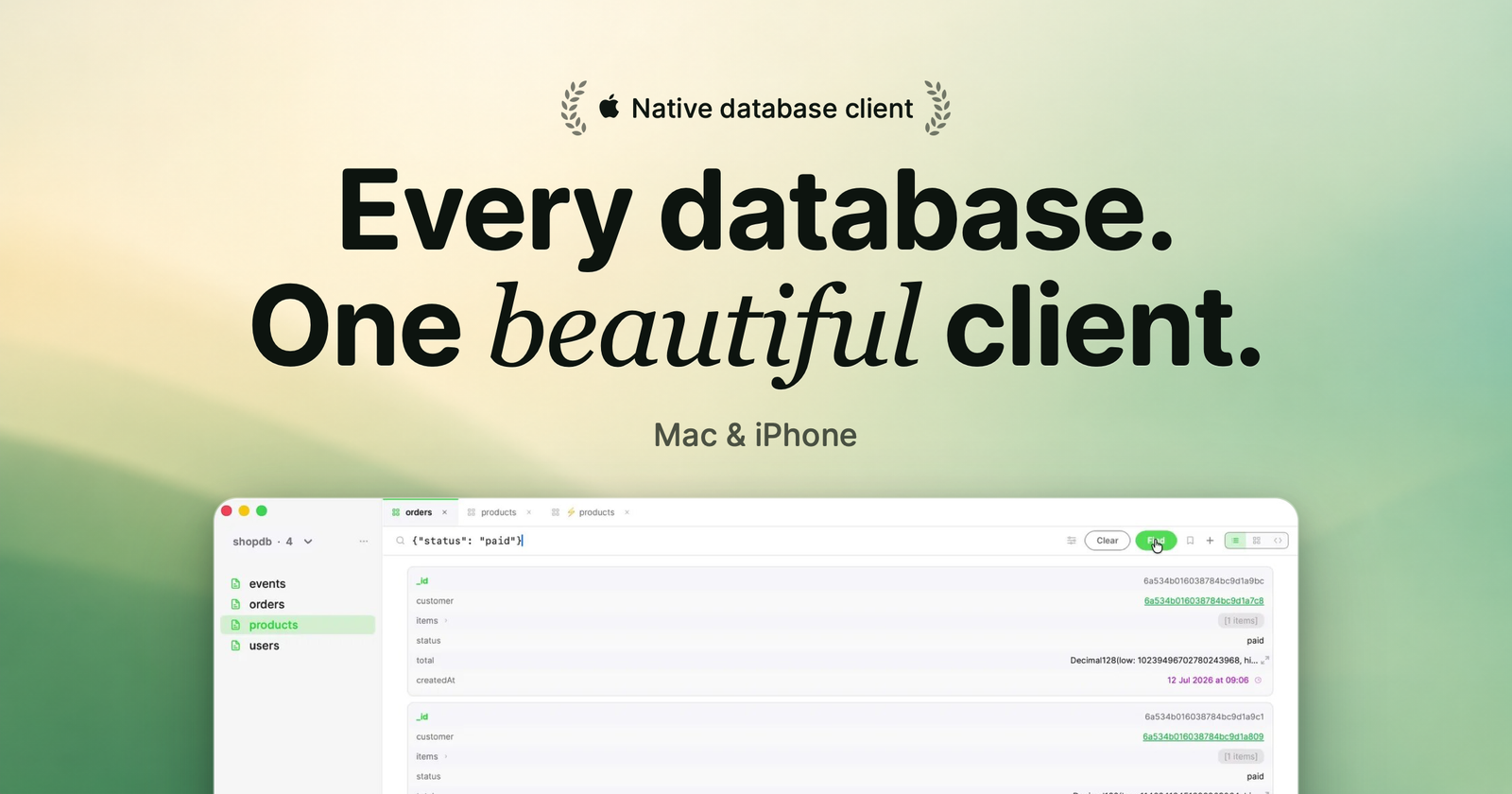
Mongon is a native database client for developers who live on Apple hardware. MongoDB, PostgreSQL, and Redis side by side in one app — written in 100% Swift, so it launches instantly, stays light on memory, and feels at home on macOS and iOS. No Electron, no browser runtime.
It's built for the everyday loop: connect, find the document you need, follow its relations, fix it, move on.
Query without friction
- Full visual query builder with autocomplete — or type raw filters directly
- 35+ date macros: write #today or #last7days instead of hand-crafting ISODate() ranges
- Click any ObjectId to jump straight to the referenced document — Mongon learns which collection it belongs to
- Table, card, and JSON view modes; switch per collection
- ⌘P command palette jumps to any collection, tab, or saved query
The full toolkit
- 14-stage visual aggregation pipeline builder with stage-by-stage previews
- Create, edit, and delete documents with a schema-aware editor
- Copy an entire database to the same server, a saved connection, or any connection string — collections stream concurrently, no mongodump
- Change streams: watch inserts, updates, and deletes live
- Export to JSON or CSV, import with automatic schema detection
- SQL editor with keyword autocomplete for PostgreSQL, built-in CLI for Redis
Mac and iPhone, one purchase
Saved connections sync through your private iCloud database — no account to create, no servers of ours in between. Connect on your Mac and the connection is already on your iPhone. On-call at dinner? Your production database is in your pocket.
Direct and private by design
Mongon connects straight from your device to your database with native drivers. TLS/SSL, SSH tunneling (password or key), and SCRAM authentication protect the connection; there is no proxy or relay, because we don't operate any servers. The app runs fully sandboxed and ships exclusively through the App Store.
Free to start
The free plan covers everyday browsing and querying forever — 3 connections, the full query builder, relation navigation, and all date macros. Premium unlocks unlimited connections, aggregation, sync, export/import, change streams, and database copy with a one-time purchase or subscription. 14-day free trial, one purchase covers Mac and iPhone.