Open Timer
Native macOS menu bar time tracker for freelancers.
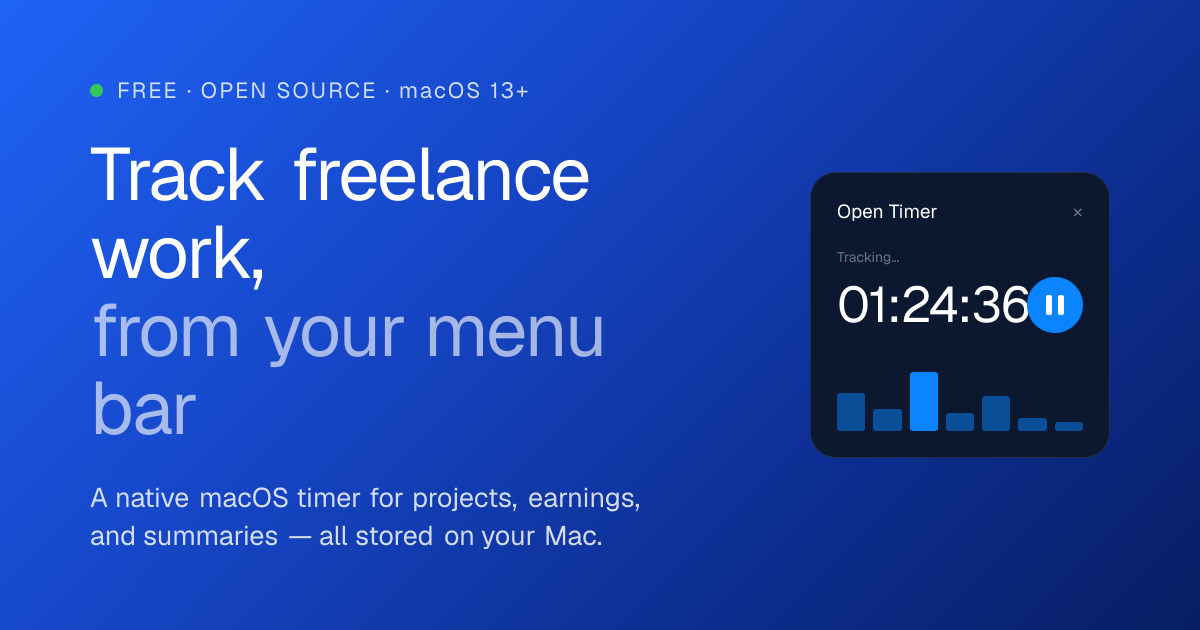
Track your freelance work without leaving the menu bar
Open Timer is a native macOS time tracker built for freelancers who want a simple, private way to record work sessions, monitor project earnings, and understand where their time goes.
Start, pause, or finish a session directly from the menu bar. Choose a project, see the running timer at a glance, and review recent sessions without interrupting your workflow.
Built for freelance projects
- Create companies and projects
- Set hourly rates and monthly retainers
- Track estimated earnings in your preferred currency
- Add or edit sessions manually
- Organize projects with custom colors
- Mark completed projects as inactive
Understand your time
Review your work across the current or previous day, week, month, and year. Visual summaries and project-level statistics make it easy to understand how much time you worked and what you earned.
Private and offline-first
Your projects, sessions, rates, and earnings remain stored locally on your Mac. Open Timer does not require an account or a permanent internet connection.
Export and back up your data
Export sessions as CSV or create a complete JSON backup. Backups can later be imported by merging them with your existing data or replacing it entirely.
Open Timer is built natively with Swift and SwiftUI for macOS 13 and later.











