
TextSniper
Copy text from anywhere, Scan QR codes, Text-to-Speech
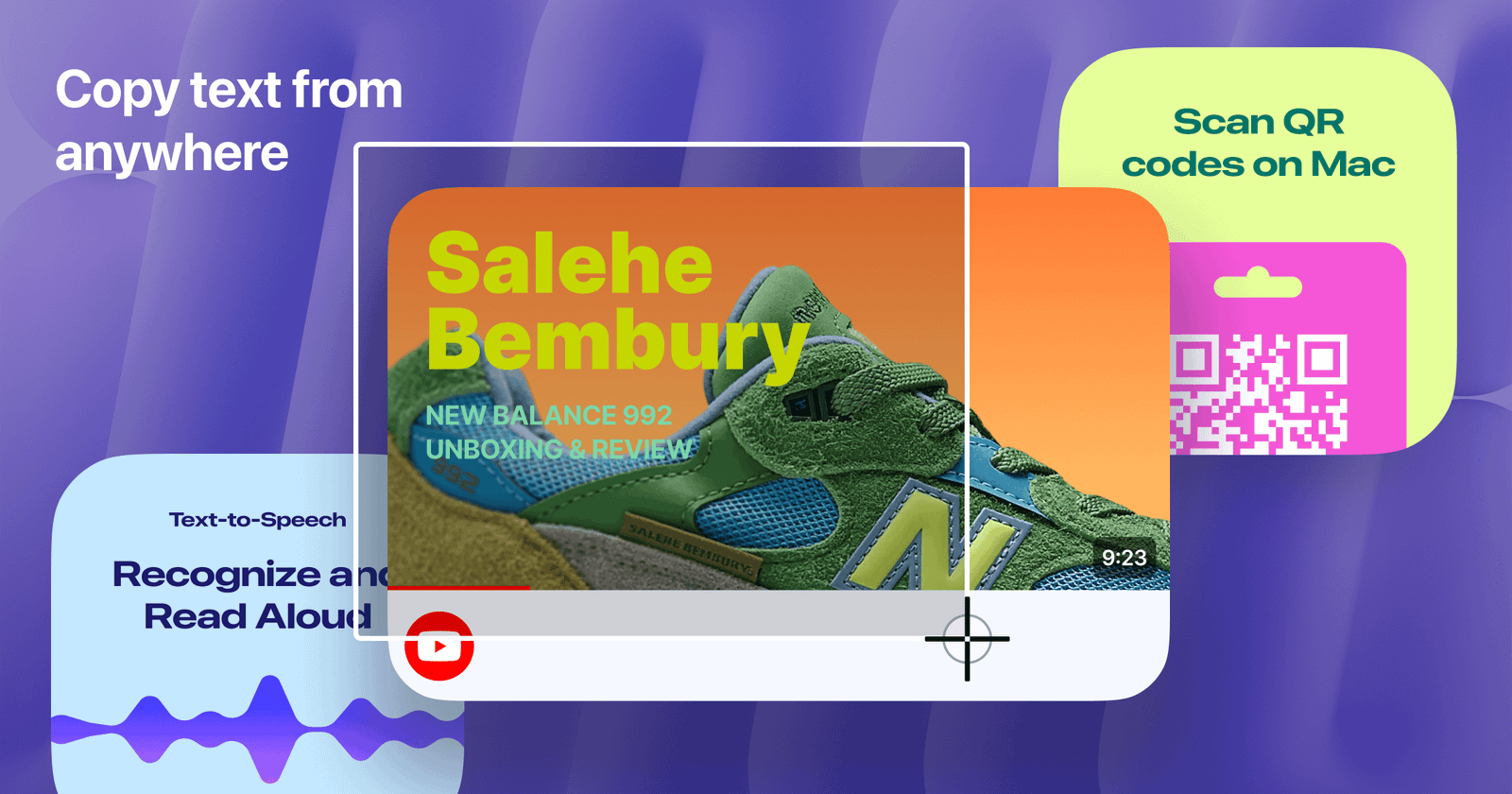
TextSniper is the fastest way to copy uncopyable text, wherever it may be: in photos, screenshots, PDFS, videos, online presentations, apps, or even websites that annoyingly block copying.
Features:
• On-device OCR technology - no internet connection required.
• Instant text recognition from any app, game, or screen content.
• All text is saved to the Mac clipboard and can be pasted anywhere.
• High accuracy even with tiny text on low-quality images.
• Vertical text recognition (Chinese, Japanese, and Korean languages).
• Customizable keyboard shortcuts for different extraction options.
• Text-to-speech support for recognized content.
• Use your iPhone or iPad camera to capture and transfer text instantly.
• Fully compatible with macOS Tahoe and optimized for Apple Silicon (M-series chips).
• No data collection, no analytics, and no third-party servers. All processing remains on your Mac.
Supported languages:
• Under macOS Catalina: English only.
• Under macOS Big Sur/Monterey: English, Spanish, French, German, Portuguese, Italian, Chinese Simplified, Chinese Traditional.
• Under macOS Ventura: All above + Japanese, Korean, Ukrainian and Russian.
• Under macOS Sonoma: All above + Cantonese Traditional and Simplified, Thai and Vietnamese.
• Under macOS Sequoia: All above + Arabic.
• Under macOS Tahoe: All above + Turkish, Indonesian, Czech, Danish, Dutch, Norwegian, Malay, Polish, Romanian, Swedish.











