Shoji: your screen, for your eyes only
Lock your Mac in a keystroke, come back with a touch.
Shoji: your Mac, for your eyes only
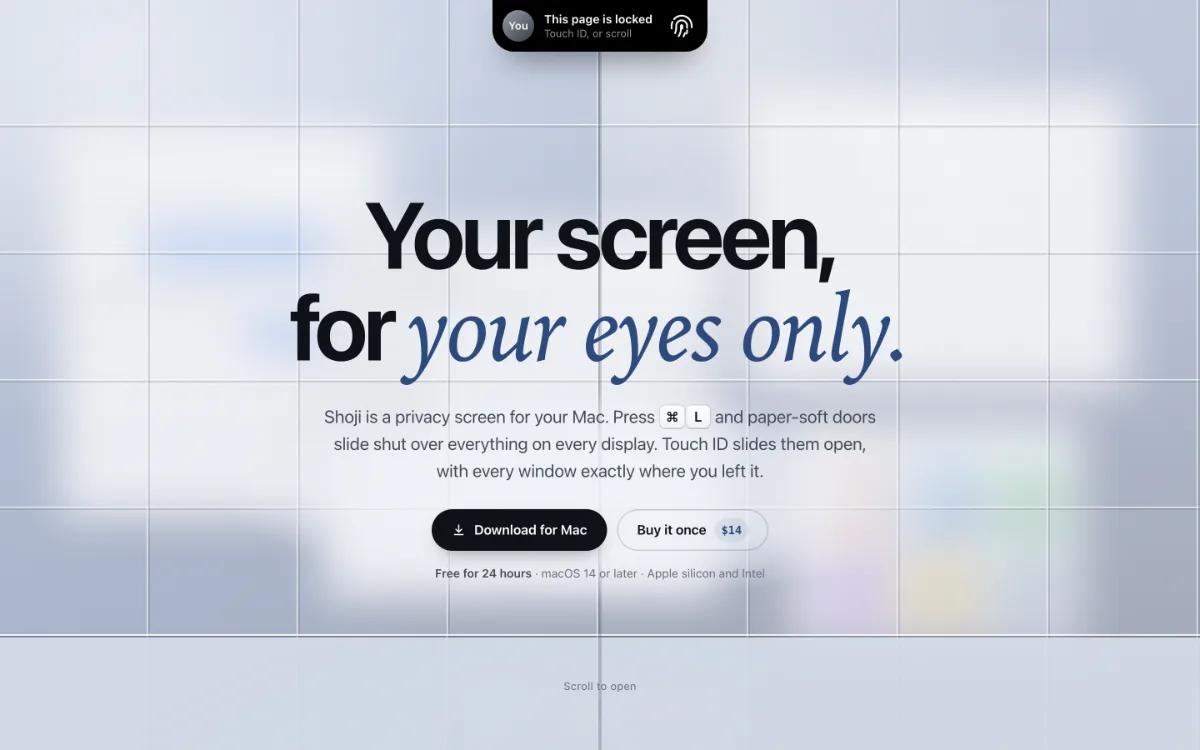
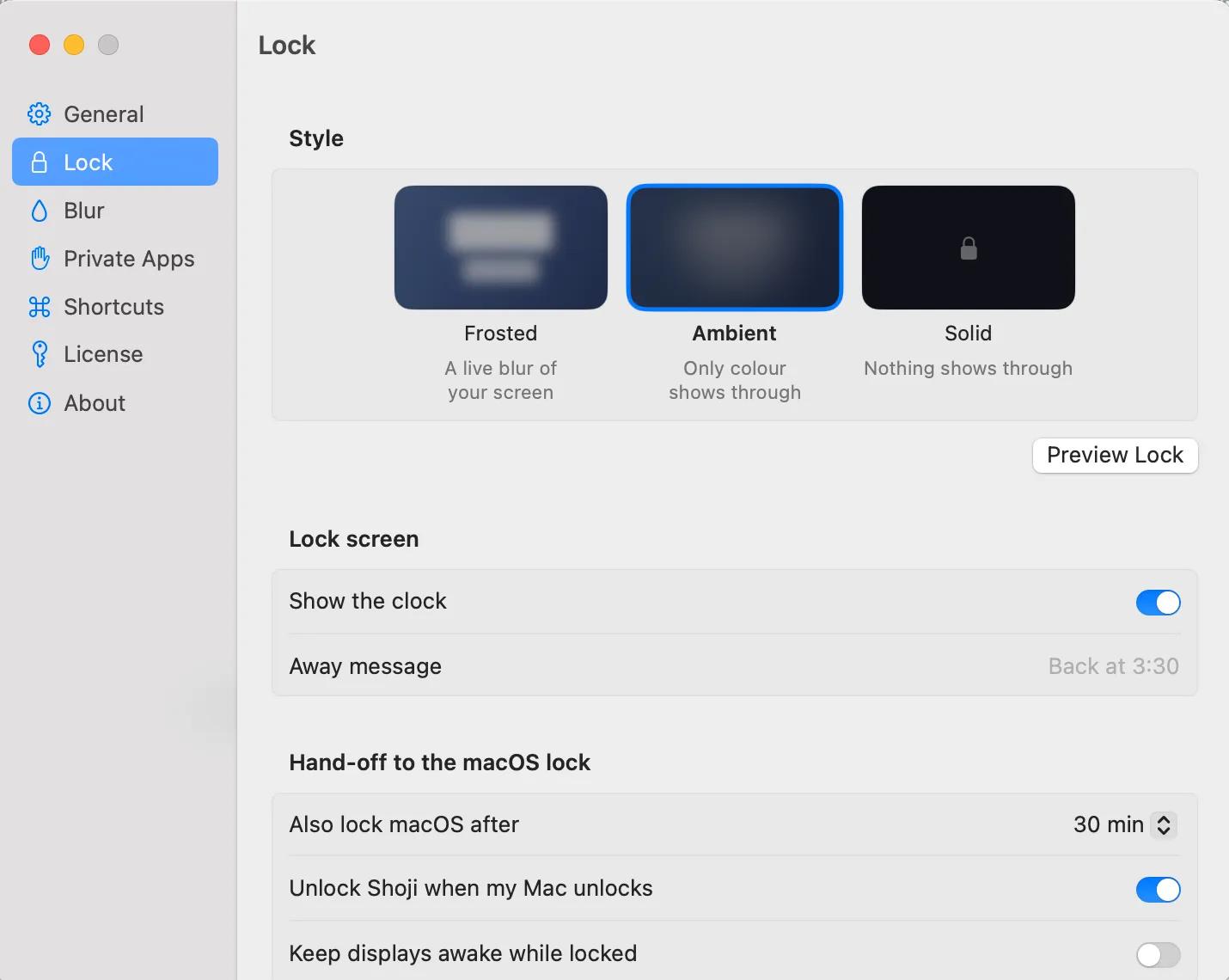
Shoji is a privacy screen for macOS. Press ⌘L and a soft screen slides over every display, keeping your work private while
your Mac continues running exactly as before. Unlock with Touch ID or your Mac password and return to every window in the
same place.
Shoji is designed for the moments when you need privacy quickly:
- Someone walks behind your desk.
- You need to leave your Mac briefly.
- You are working in a cafe, coworking space, classroom, or shared office.
- You are presenting something and want to protect another app.
- You are handing your Mac to someone without exposing private messages, email, notes, or files.
- You want to keep a video, download, or long-running task active while hiding the screen.
### One shortcut to protect the whole Mac
Press ⌘L to cover every display instantly. Shoji takes control of the keyboard while the screen is protected, so typing
cannot accidentally reach your open applications.
Unlock with Touch ID when available, or use your Mac password. Shoji verifies your password through macOS and never stores,
logs, or sends it.
Your windows do not move. Your apps do not quit. Your music keeps playing. Downloads and background work continue normally.
If you stay away for longer than the time you choose, Shoji can hand off to the full macOS lock screen automatically.
### Five privacy modes
Shoji gives you control over exactly what should be hidden.
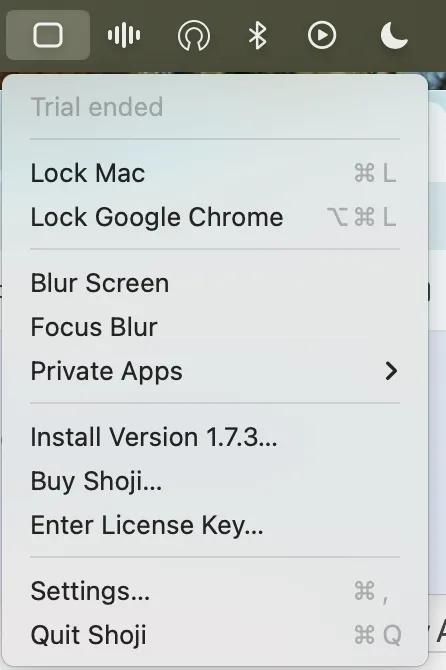
- Lock every display with Touch ID or your Mac password.
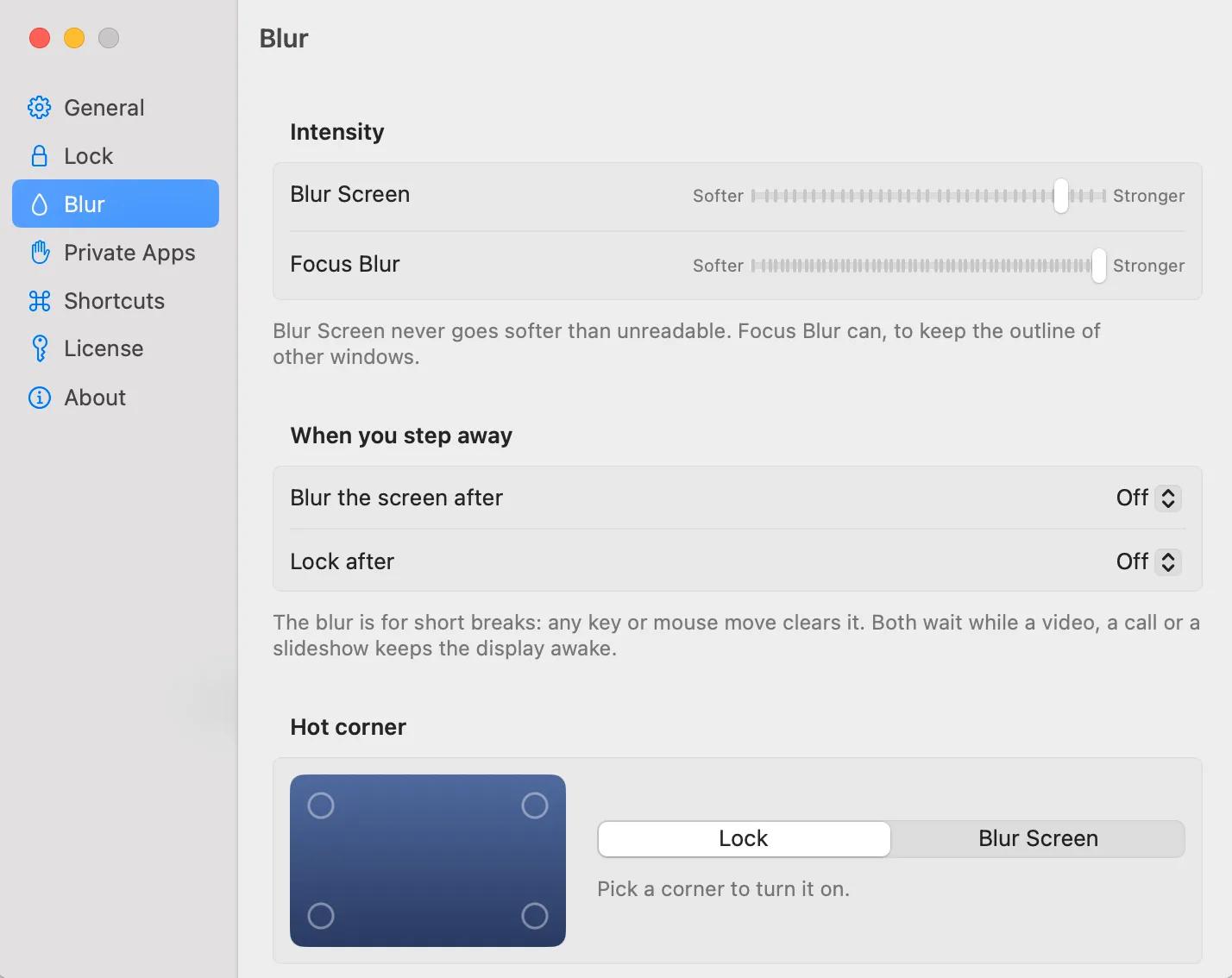
- Blur the entire screen without requiring a password.
- Blur one application while keeping the rest of the desktop visible.
- Blur everything except the window you are currently using.
- Lock only the application in front, useful when lending your Mac to someone or giving a demonstration.
Each mode can use its own keyboard shortcut. You can also trigger lock and blur actions from screen corners or with shoji://
links.
### Designed for real work
Shoji is not intended to replace the macOS lock screen. The macOS lock is the heavy door you close when you are finished for
the day. Shoji is the quick privacy layer you use throughout the day.
It keeps your displays awake, leaves your windows exactly where you left them, and lets your Mac continue working behind the
screen. When you need stronger protection, Shoji can hand over to the standard macOS lock screen.
You can also:
- Set separate blur and lock delays.
- Leave a short note on the locked screen.
- See the time and result of password attempts.
- Lock or blur from a screen corner.
- Customize every keyboard shortcut.
- Use Shoji with multiple displays.
- Keep new displays covered while Shoji is locked.
- Use Increase Contrast and Reduce Motion accessibility settings.
- Lock or blur using shoji://lock links.
### Privacy by design
Shoji never captures your screen and never reads what is inside your windows. The blur is drawn by macOS itself, so Shoji
does not need Screen Recording permission.
Shoji does not require:
- Screen Recording permission
- Accessibility permission
- Full Disk Access
- An account or sign-in
- Advertising identifiers
- Analytics
- Crash reporting
Your screen stays on your Mac. Your passwords stay with macOS. Shoji only knows enough about window positions to place the
privacy screen correctly.
The app is signed and notarized by Apple. Update checks can be disabled, and they send no information about your files,
screen, or Mac.
### Built for modern Intel and Apple silicon Macs
Shoji runs on macOS 14 Sonoma or later and supports both Apple silicon and Intel Macs.
The app is small, native, and designed to stay out of your way. It lives in the menu bar and is ready whenever you need to
close the screen quickly.
### Try every feature free
Every Shoji feature works for 24 hours from the first launch. After the trial, locking and blurring pause until you purchase
a license. Anything already locked can still be unlocked, so you are never locked out of your own Mac.
A Shoji license costs $14 once and works on up to three Macs. There is no subscription.
Download Shoji and make your Mac private with one shortcut:
https://everydaymactools.com/shoji/