MacPacker
Browse, preview, extract and create archives on macOS
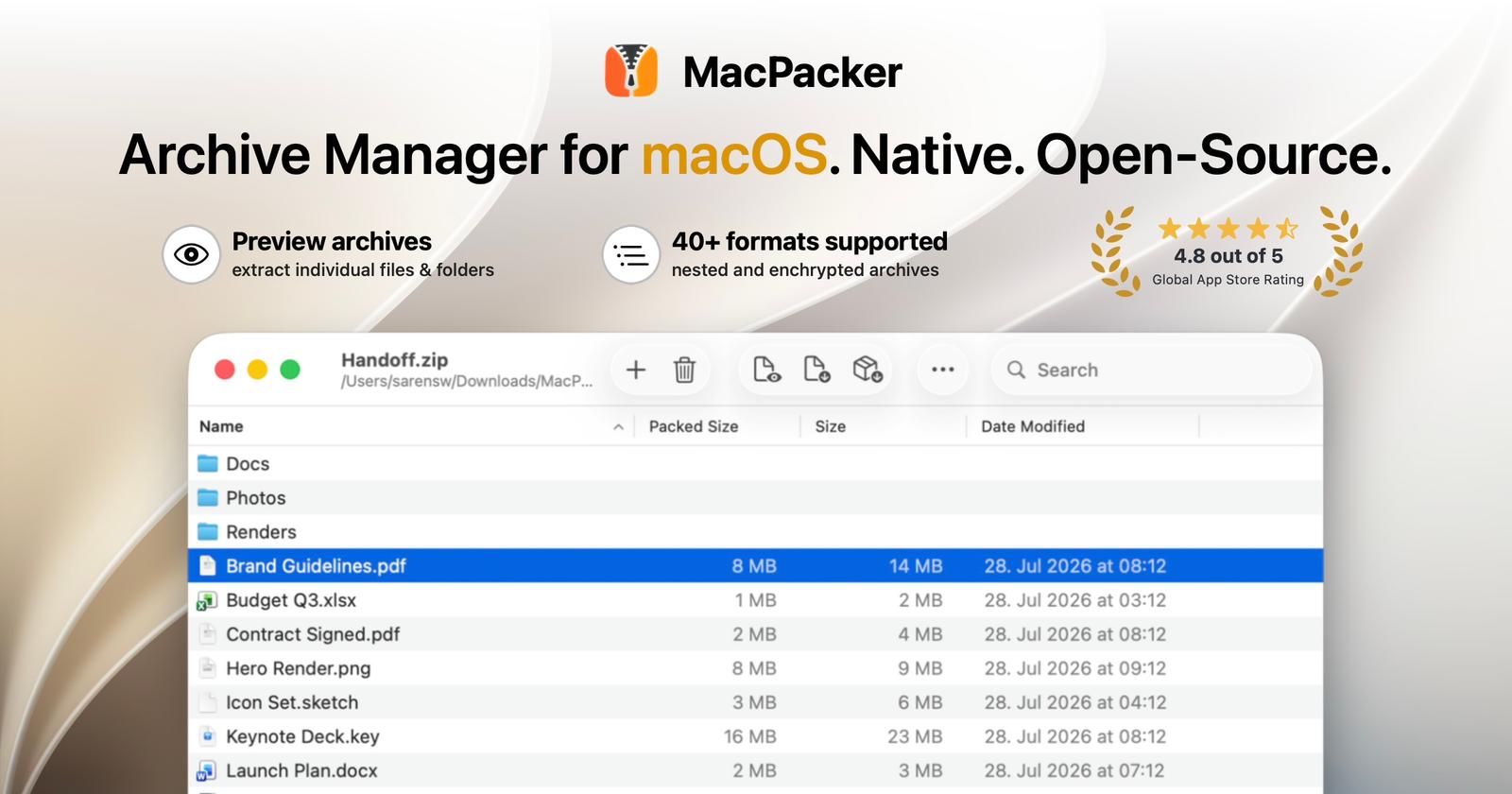
A native archive manager for macOS
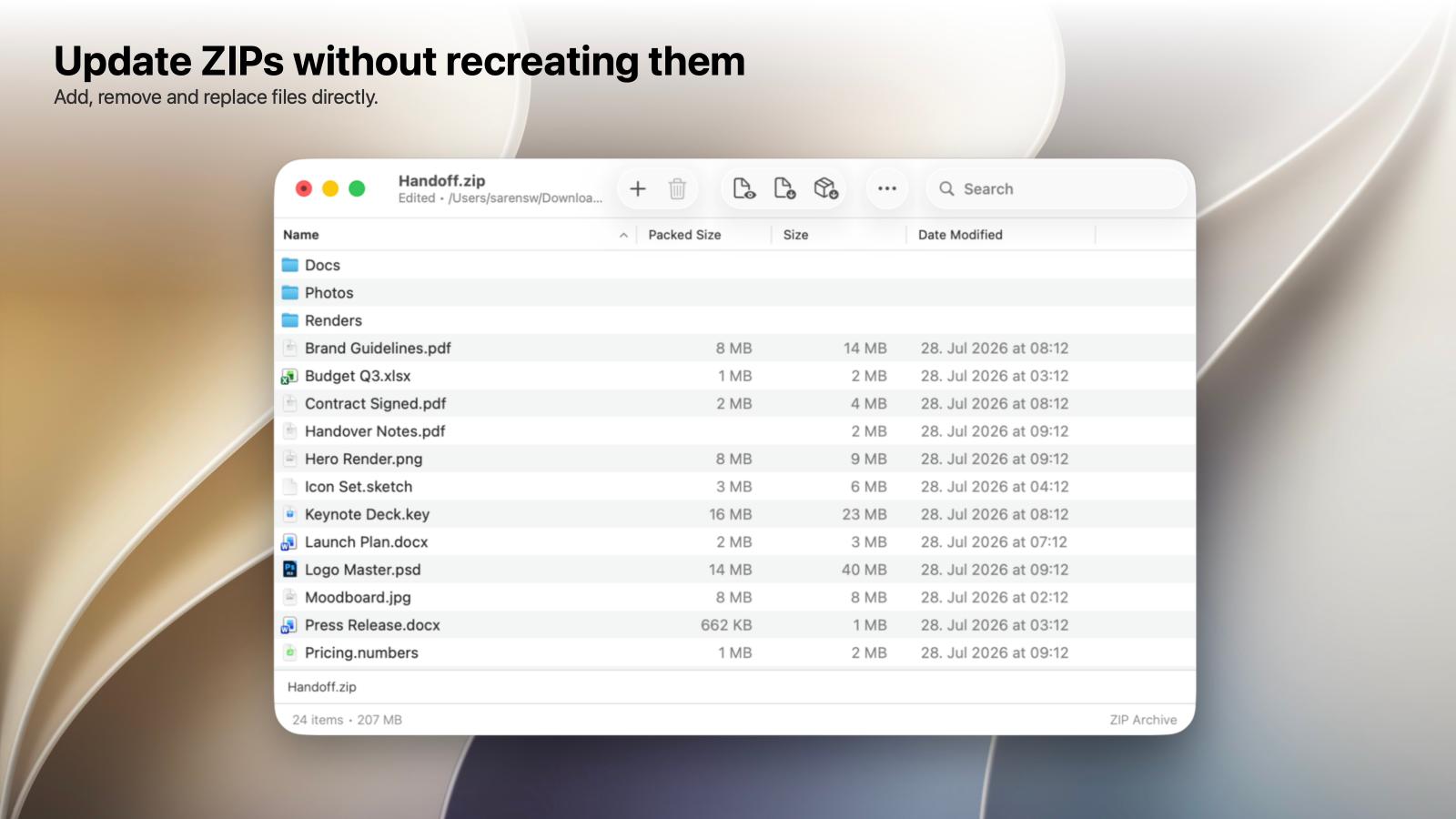
MacPacker is a free, open-source archive manager built specifically for macOS. It lets you browse, preview, search, extract, create and edit archives through a clean, native interface.
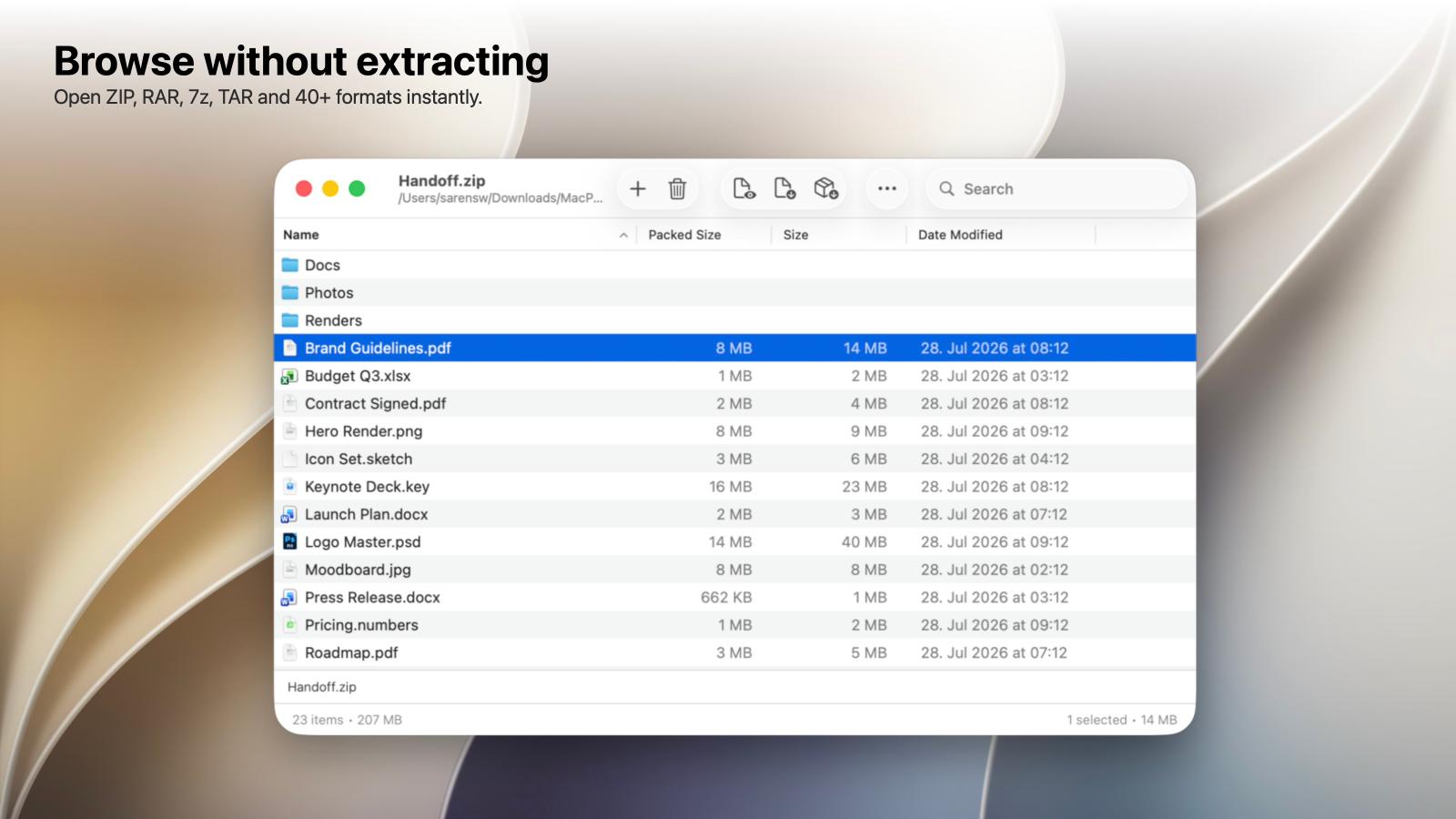
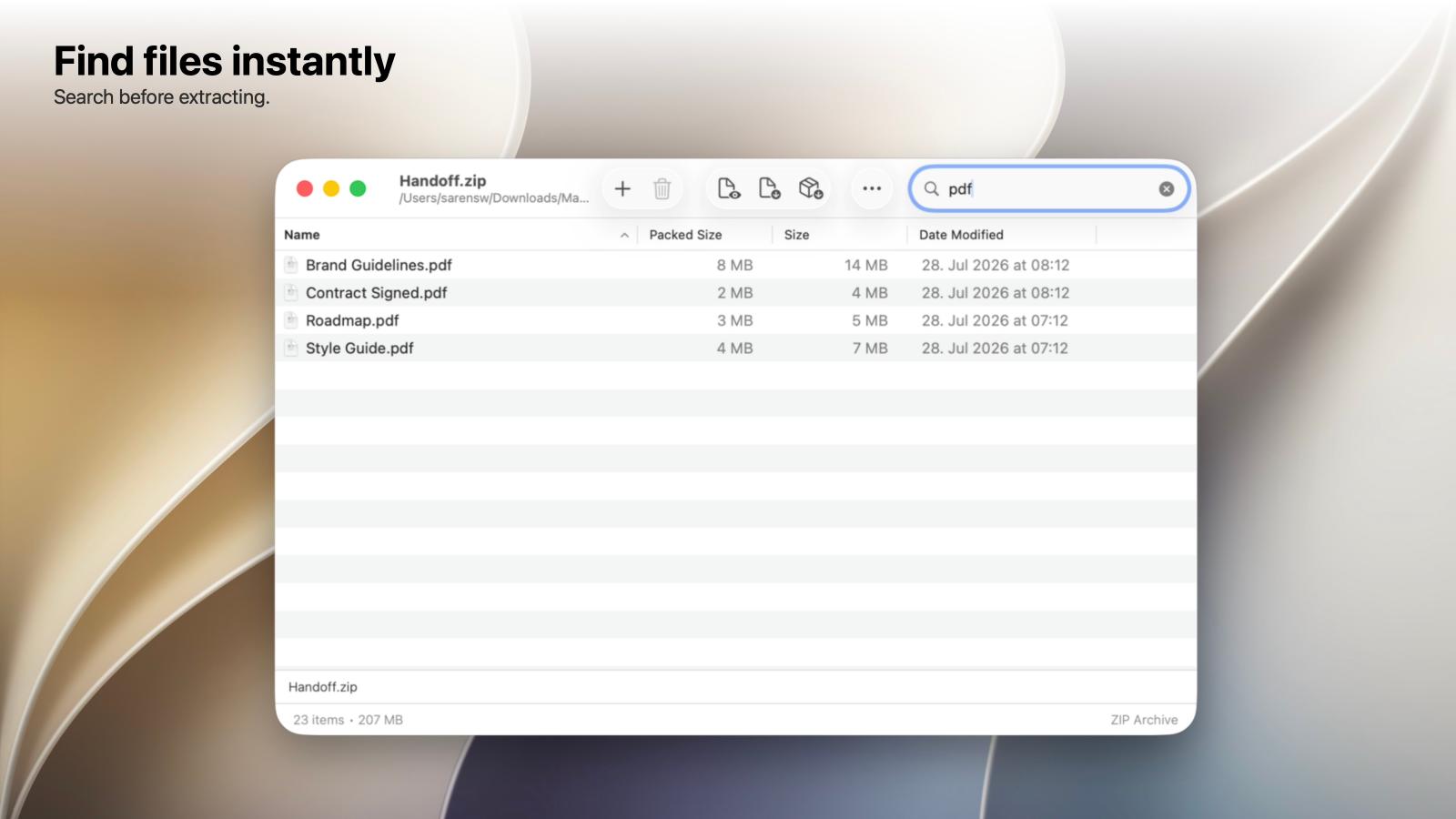
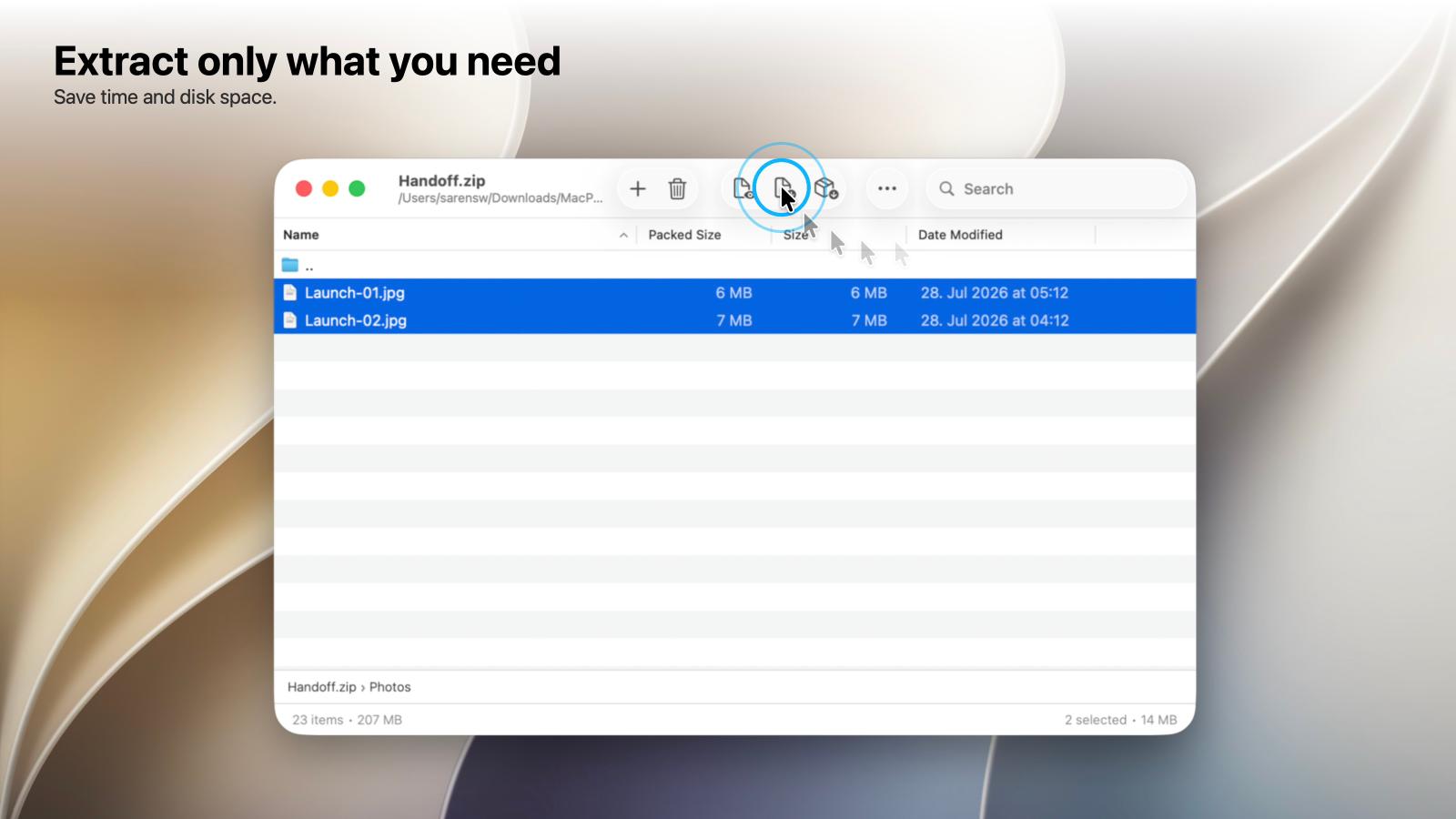
Instead of extracting an entire archive just to find one file, MacPacker lets you look inside first. Navigate folders, search for what you need, preview files and drag individual items directly to Finder.
Why MacPacker exists
MacPacker has been developed for macOS for around three years, gradually growing from a small tool for opening a specific archive format into a full archive manager.
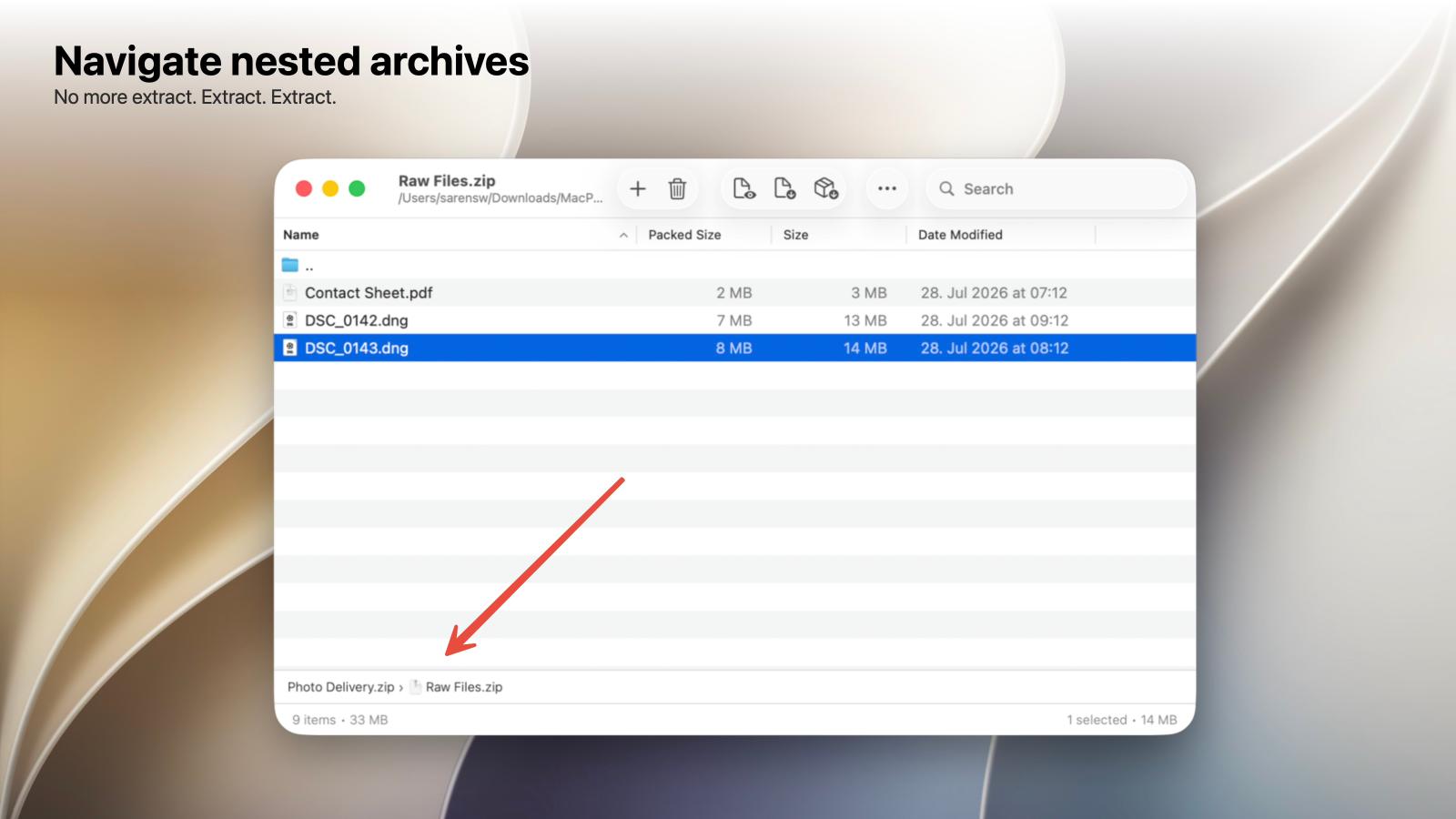
The idea behind: working with archives should not always mean extracting them first. MacPacker treats an archive more like a folder that you can explore. You can navigate its contents, search for files, preview them, open nested archives and extract only what you actually need.
The long-term goal is to bring the flexibility of tools such as 7-Zip and NanaZip to macOS while providing an experience that feels native to the platform.
What you can do
- Browse archives without extracting them
- Preview individual files and folders
- Search for files inside archives
- Extract only the files you need
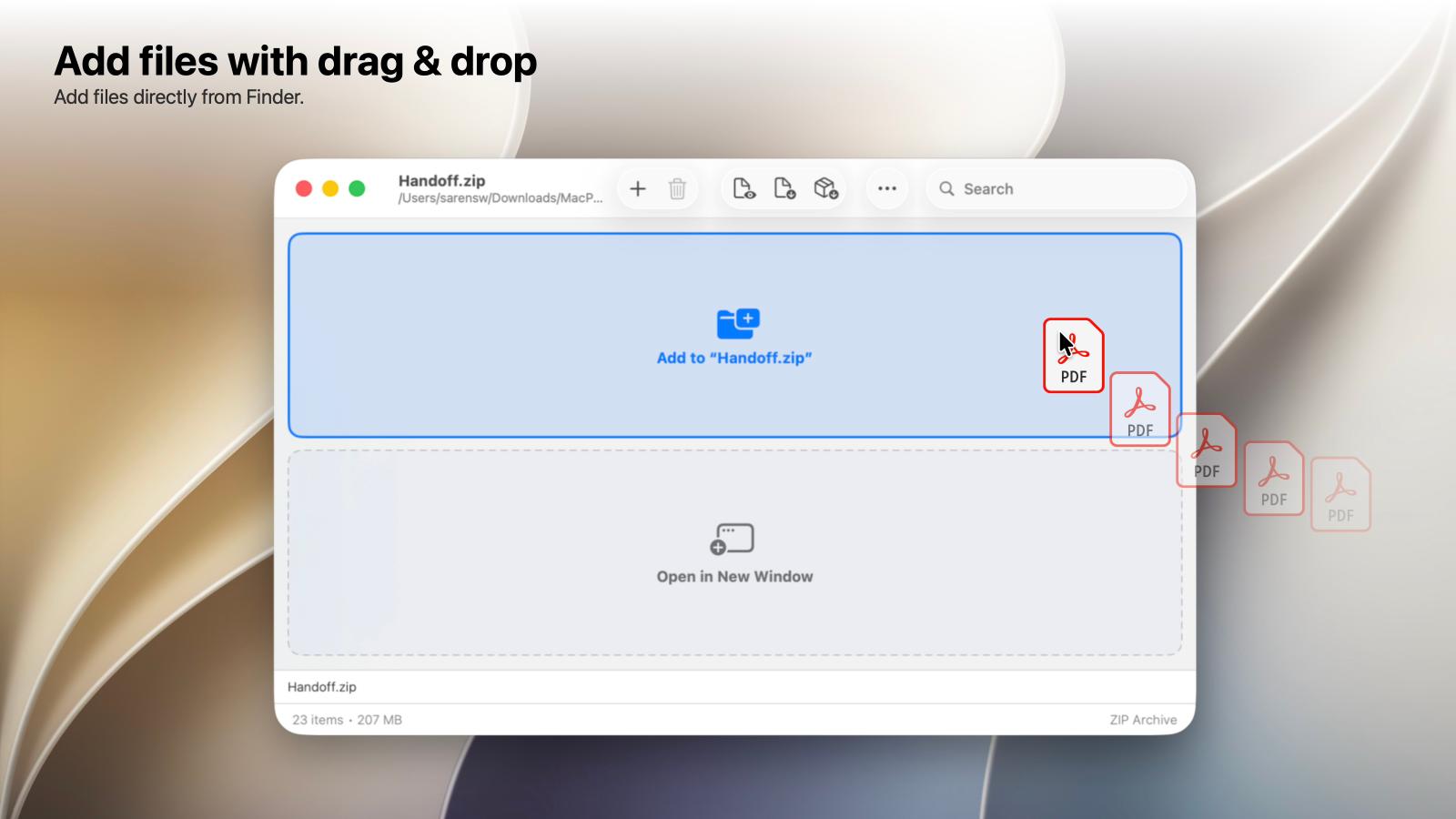
- Drag files directly from an archive to Finder
- Browse nested archives
- Open password-protected archives
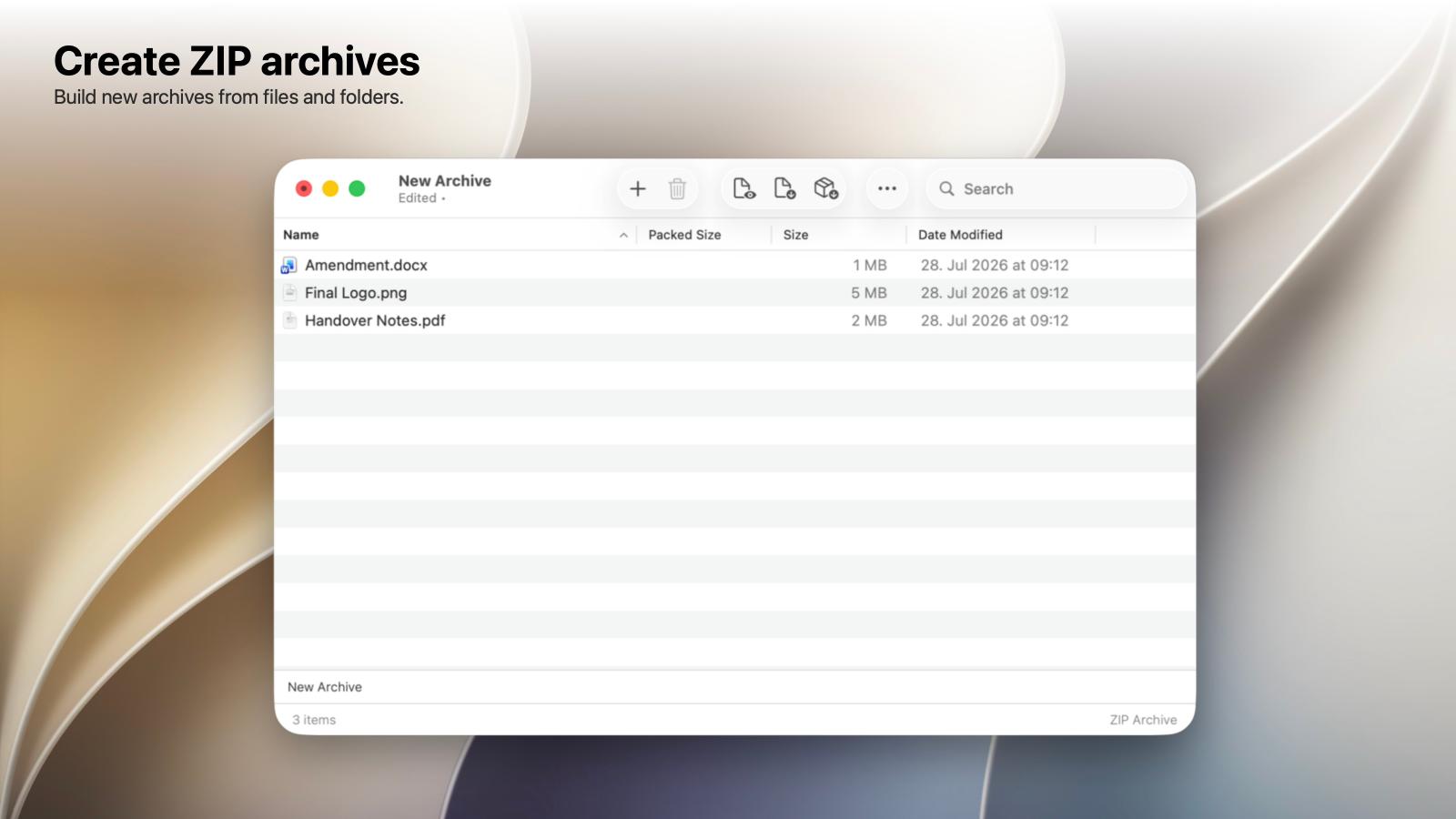
- Create, edit and save ZIP archives
- Work with split archives
- Use Finder and Quick Look integration
- Browse 40+ archive and disk-image formats
Supported formats include common formats such as ZIP, RAR, 7z, TAR and GZ, as well as formats such as CAB, CPIO, WIM, ISO, DMG, VMDK and legacy StuffIt archives.
Who is it for?
MacPacker is useful for anyone who regularly works with compressed files, but particularly developers, IT professionals and power users who need more than macOS's built-in archive handling provides.
It is equally useful for quickly checking a downloaded ZIP, digging through old backups, inspecting installers and disk images, or finding one file inside a large archive.
Open source and built for macOS
MacPacker is written in Swift using SwiftUI and AppKit. It has been developed specifically for macOS rather than wrapping a cross-platform interface.
The project is open source and actively developed. MacPacker is free to use, with its source code available on GitHub.