
Squeezo
Squeezo shrinks, converts and edits photos, videos, GIFs and PDFs on your Mac. Fully offline, no account, one-time purchase.
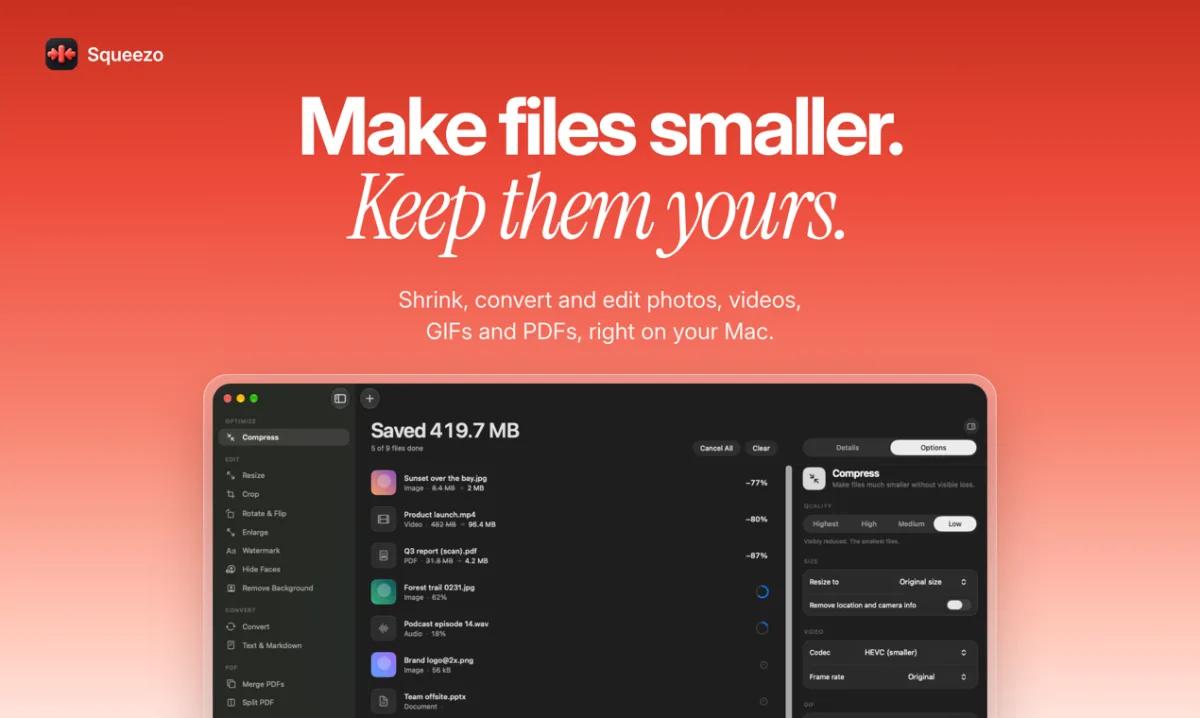
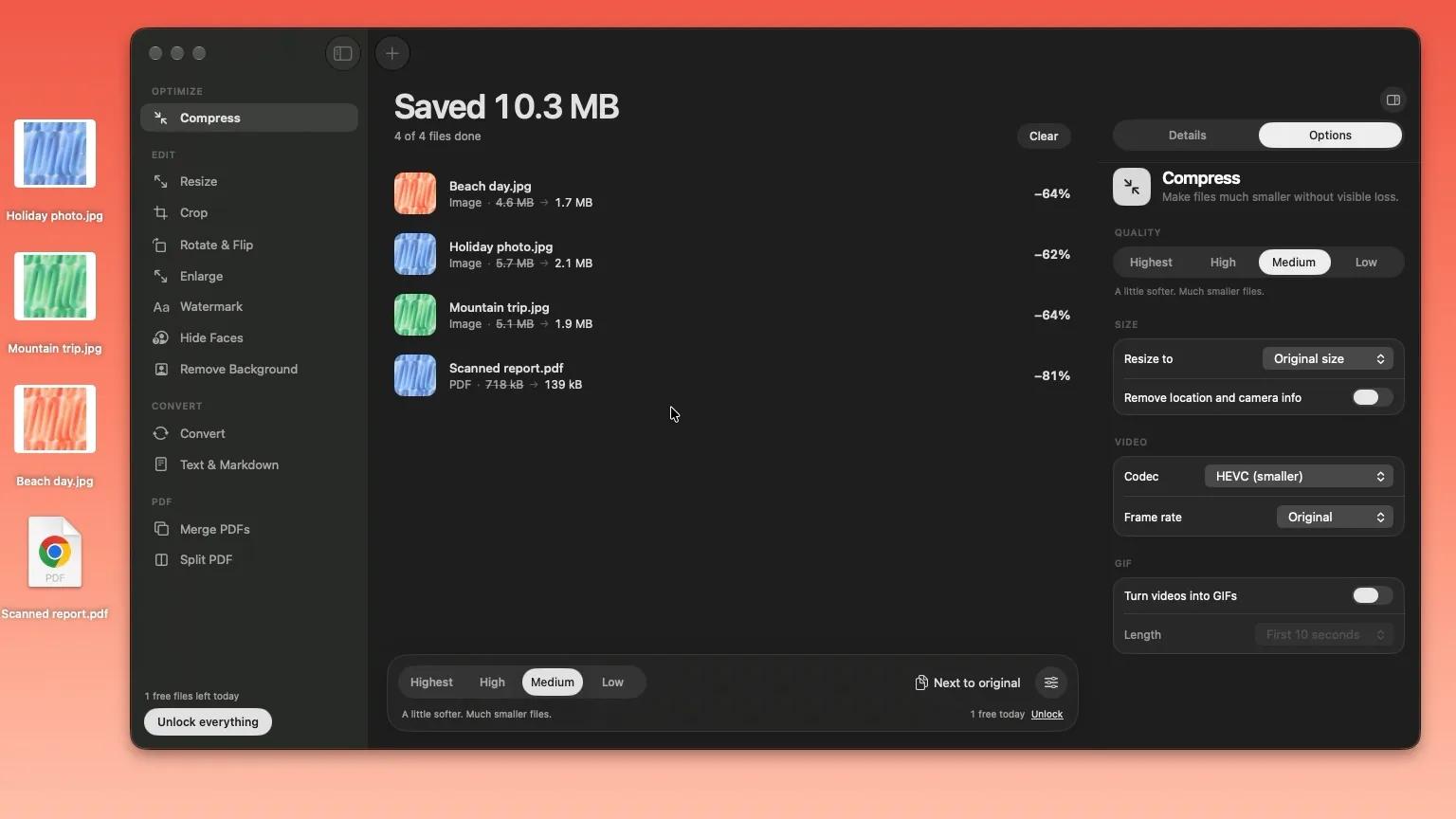
Squeezo shrinks, converts and edits your photos, videos, GIFs and PDFs, right on your Mac. Drop a file in, get a smaller one back, and nothing is ever uploaded. There is no account and no tracking, and it works fully offline.
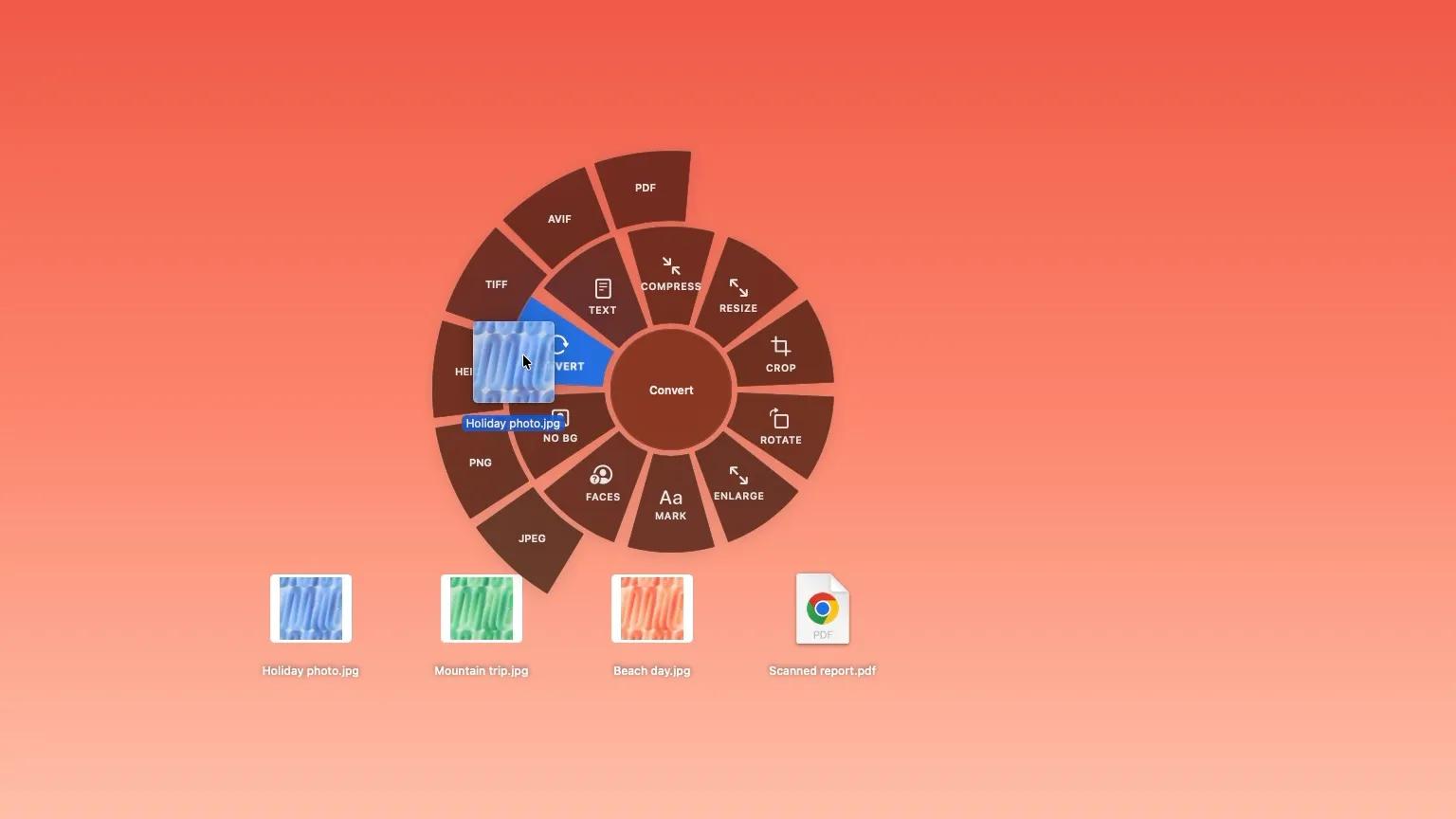
Hold Shift. Pick an action. Drop.
Drag files from Finder or the Desktop and press Shift. A wheel opens under your cursor. Drop on Compress, Convert, Resize, Crop or Remove Background, and Squeezo does it right away, without opening a window. Tools that need options open the main window with your files ready.
Smaller files, same look
Squeezo picks the right encoder for each format and checks the result. It never hands back a file larger than the one you gave it.
- Video: constant-quality HEVC or H.264. HDR stays HDR.
- Photos: JPEG, PNG, HEIC and TIFF, up to 76% smaller in our tests.
- PDFs: scans shrink a lot, and text stays selectable.
- GIFs: palette and frame optimisation keep the animation intact.
Results are sample figures from typical files. Your savings depend on what is in your file.
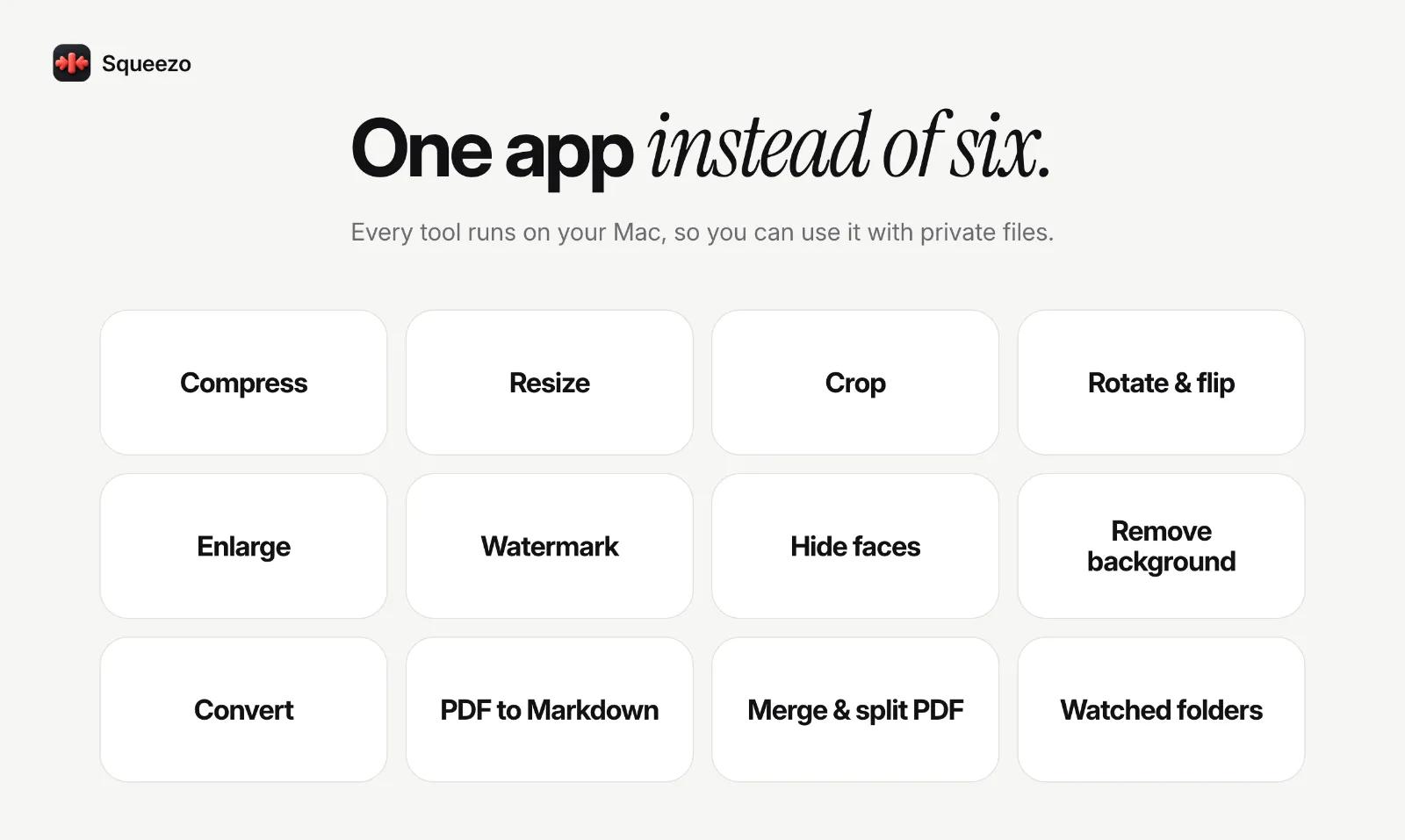
One app instead of six
- Compress photos, video, GIFs, PDFs, audio, Word, PowerPoint, Excel and EPUB files
- Convert between JPEG, PNG, HEIC, TIFF, AVIF, PDF, MP4, MOV, GIF and audio formats
- Resize, crop, rotate and flip, with a live preview before you run anything
- Enlarge pictures and videos with sharpening
- Add a text or logo watermark
- Hide faces by blurring, pixelating or covering them
- Remove the background from a photo
- Turn PDFs and pictures into Markdown or plain text, with on-device text recognition
- Merge PDFs, or split one into pages
Made for your workflow
- Watched folders: point Squeezo at a folder and every new screenshot or download is shrunk for you.
- Undo anything: replaced originals go to the Trash first, and one click brings them back.
- Menu bar, Shortcuts and Spotlight: use it without opening the window.
- Batch everything: drop a whole folder and every supported file is queued.
Private by design
Your files are processed on your Mac and never uploaded. There is no account and no analytics. Squeezo only goes online to check your license and look for updates.
Pricing
Squeezo is free for 5 files a day, with every tool and format included. A one-time license removes the daily limit, adds watched folders and Shortcuts, works on 2 Macs and includes all updates. There is no subscription. If it is not right for you, email us within 14 days for a refund.
Requires macOS Sonoma 14.0 or later. Runs on Apple silicon and Intel.