
Super Shortcuts
Turn repetitive tasks into local automations in a few clicks
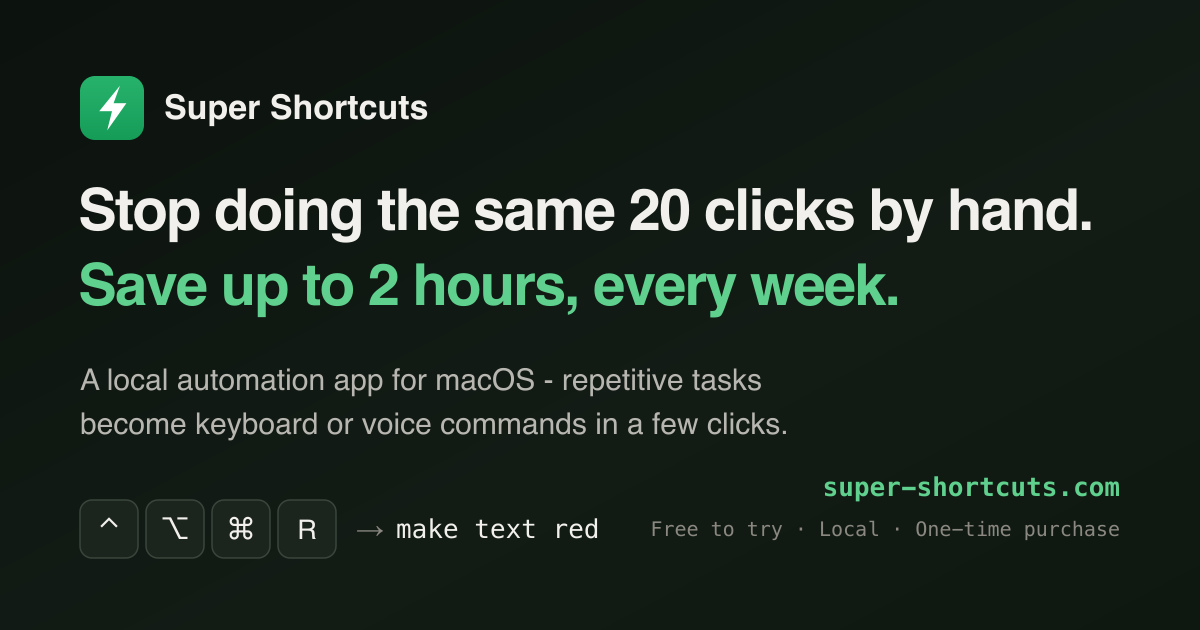
Your busywork, down to one keystroke
Super Shortcuts is a local automation app for macOS. It turns the tasks you repeat all day — menu-diving to format text, retyping the same replies, rebuilding the same window layout — into commands you fire with a keyboard chord or your voice. Setup takes a few clicks, not code: pick a trigger, stack the steps, and it's a one-keystroke command from then on.
Built for developers, marketers, accountants, and anyone tired of doing the same 20 clicks by hand, it can save you up to 2 hours every week.
Features
- Context-aware triggers — the same chord does the right thing depending on the app, the website, or the window you're in
- Hyper-key cheat sheet — hold one key to see everything bound right now, drawn over your keyboard
- Voice control — run any command hands-free, transcribed on-device and never sent anywhere
- Steps, not scripts — press keys, click any button or menu, type text, open apps and URLs, chain it all into one command
- Time-saved dashboard — the home screen counts the hours you get back, week over week
- 100% local — no account, works offline, ~16 MB, Apple Silicon & Intel, macOS 12+
Pricing
One-time purchase, no subscription. Free up to 20 workflows; Pro is $39 at launch ($49 after) with a 14-day trial and a 30-day money-back guarantee.











