ClickFit
Effortless window management for macOS.
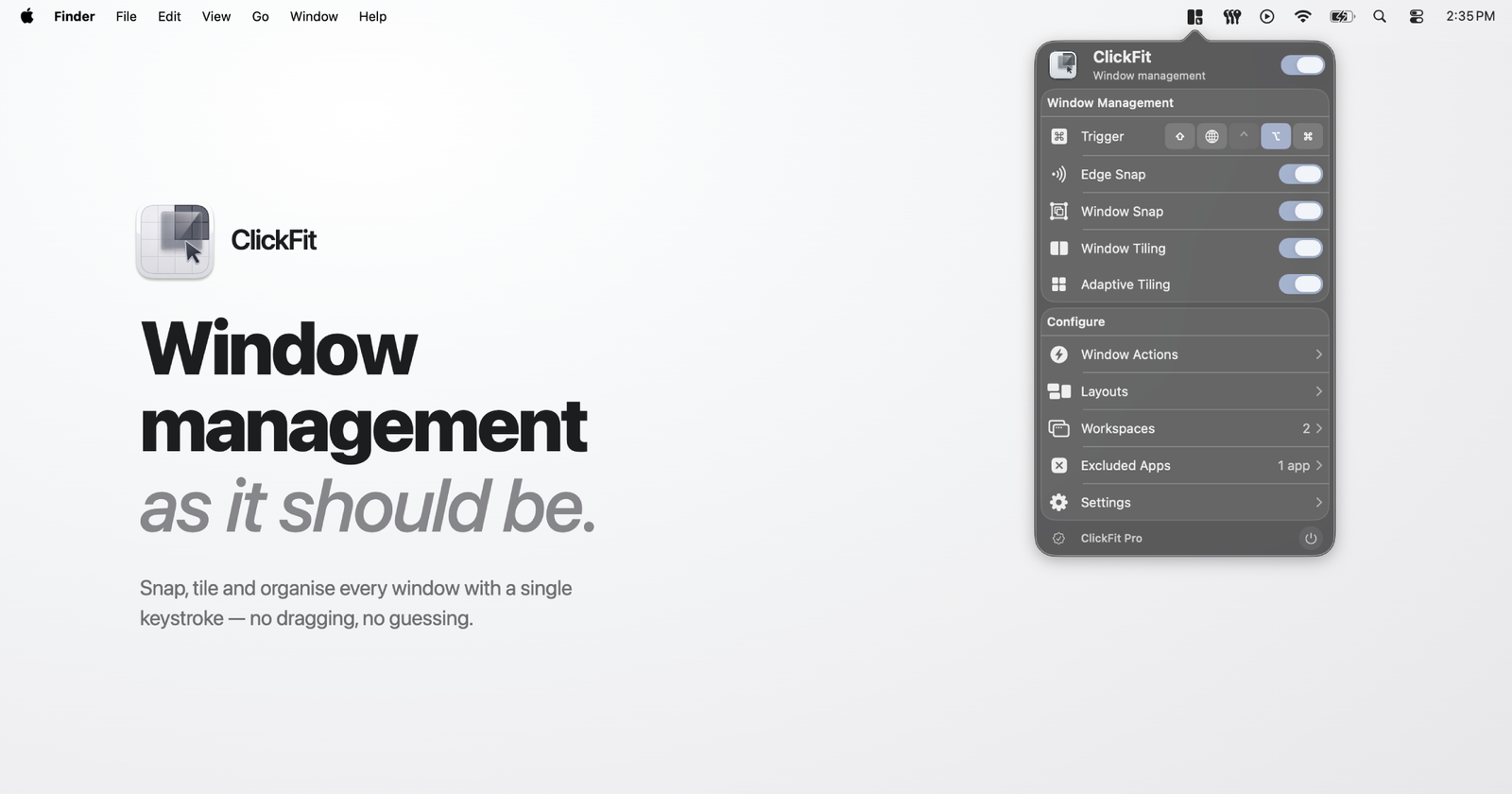
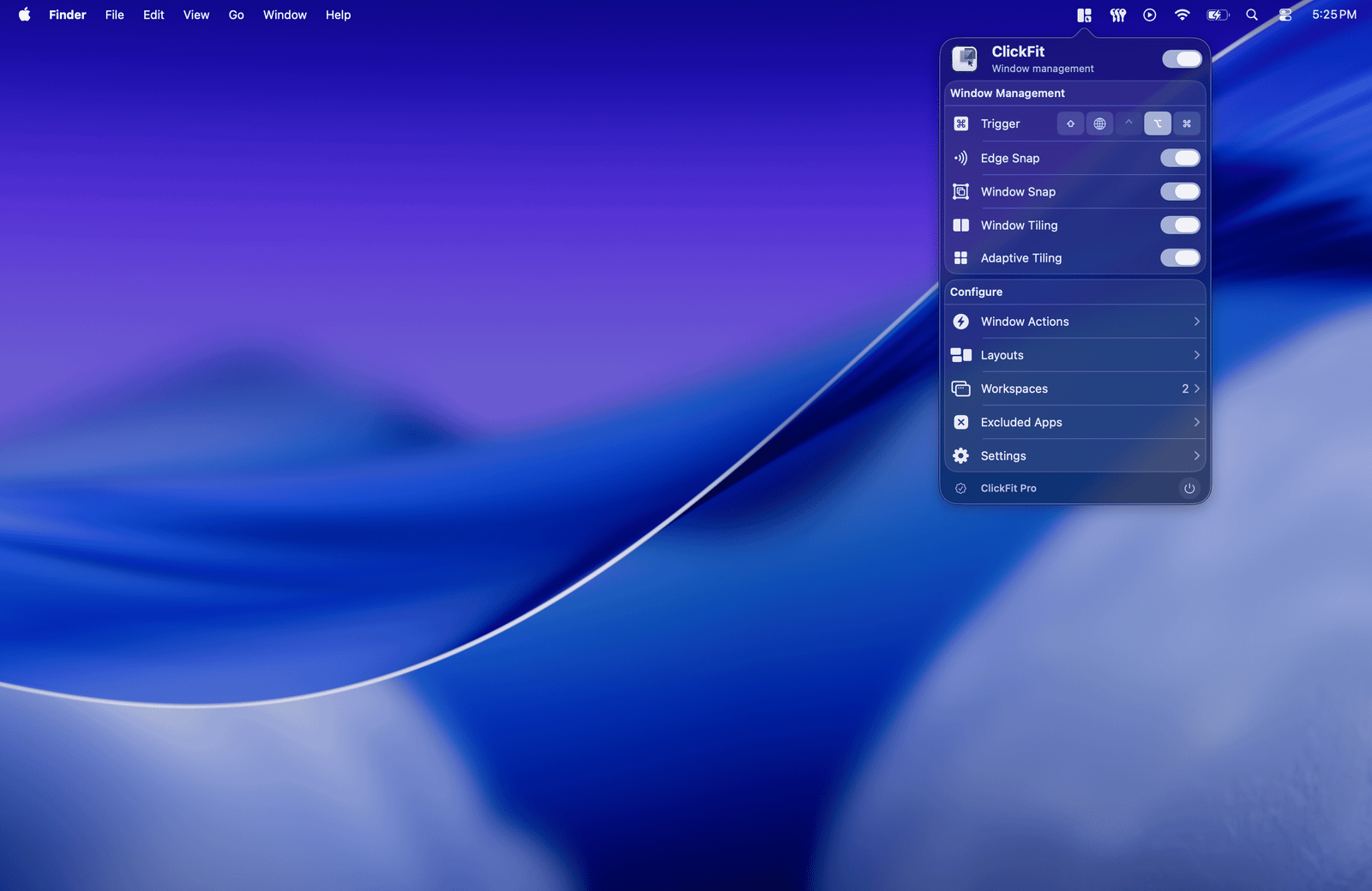
ClickFit is a native macOS menu bar window manager that makes arranging windows faster and more precise.
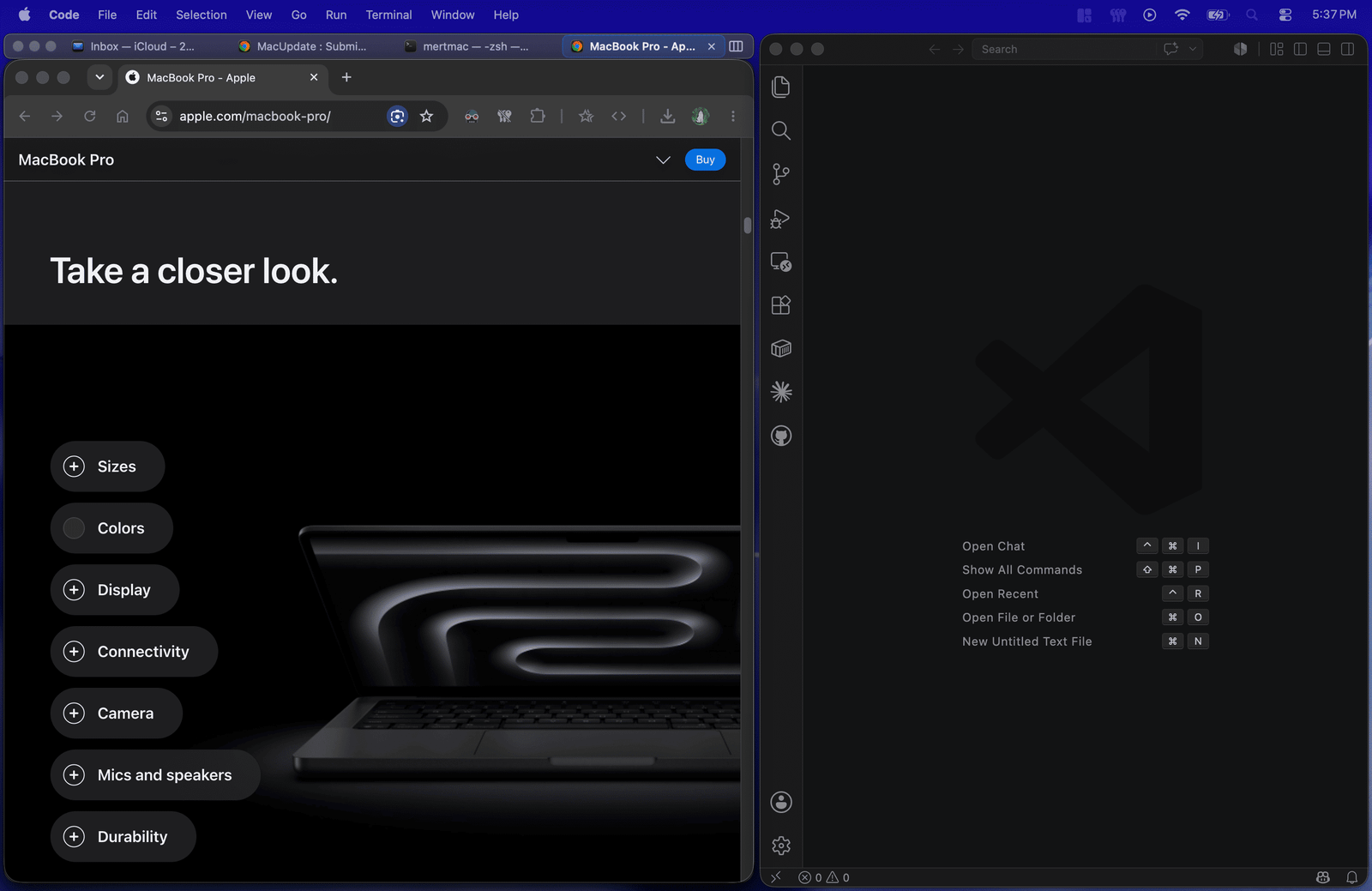
Hold a modifier key and drag from anywhere inside a window to move it, or right-drag to resize — no more hunting for tiny title bars, edges, or corners. Flick a window toward a screen edge to tile it, double-click to center or maximize, and let smart snapping align everything pixel-perfectly.
ClickFit is built for people who juggle many windows all day — developers, designers, writers, and anyone on a large display or multi-monitor setup who wants their workspace under control without lifting their hands off the mouse or trackpad.
Key features
- Move & resize from anywhere — modifier + drag gestures, no precise targeting needed.
- Smart snapping — windows align to screen edges and neighboring windows as you drag.
- Drag-to-tile zones — halves, quarters, and full screen, with adaptive tiling around neighbors.
- Tile size cycling — press the same tile shortcut repeatedly to cycle between half, two-thirds, and one-third sizes.
- Coupled resize — resize side-by-side windows together, with a live preview. Works with native macOS resize handles too.
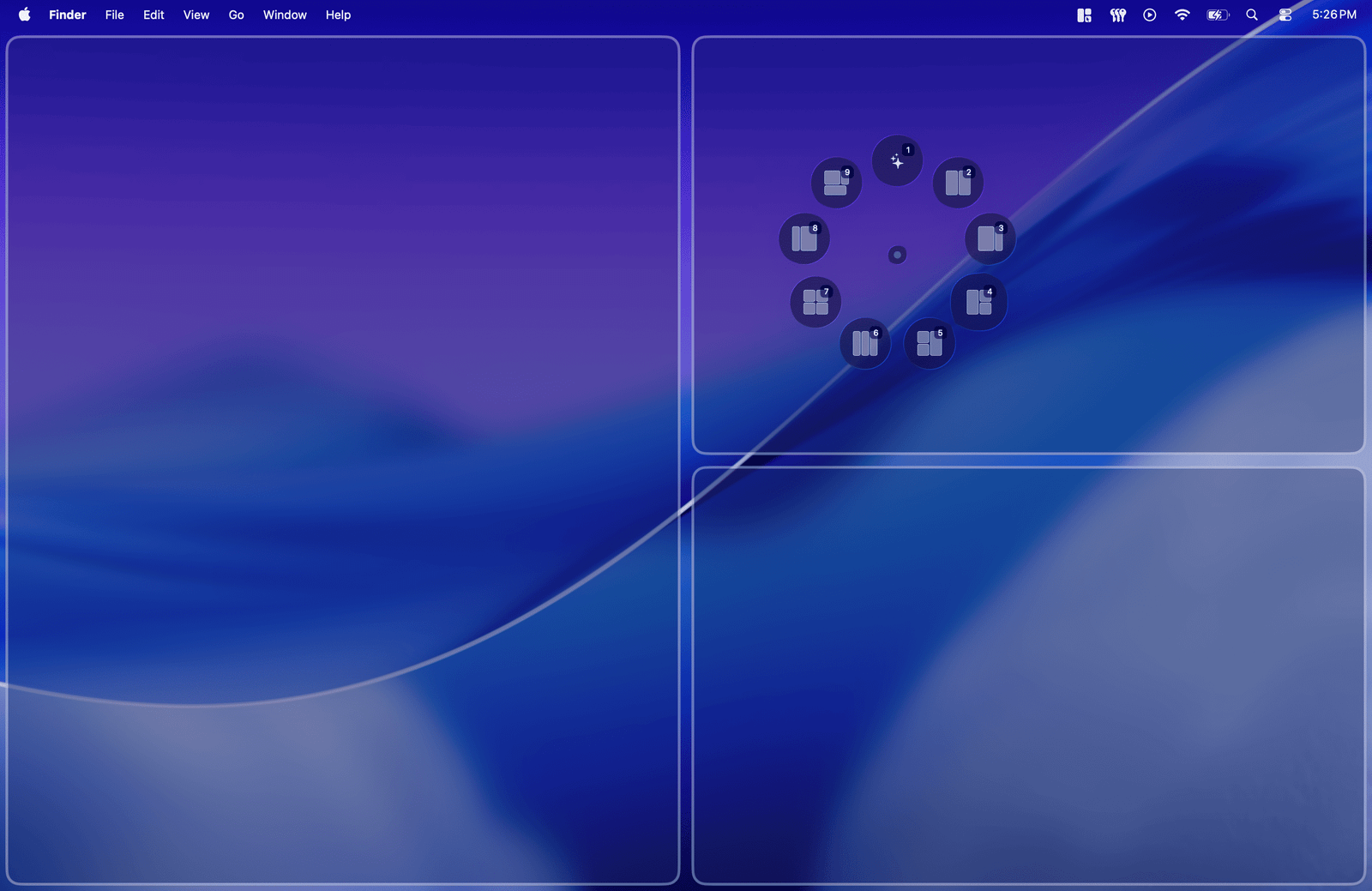
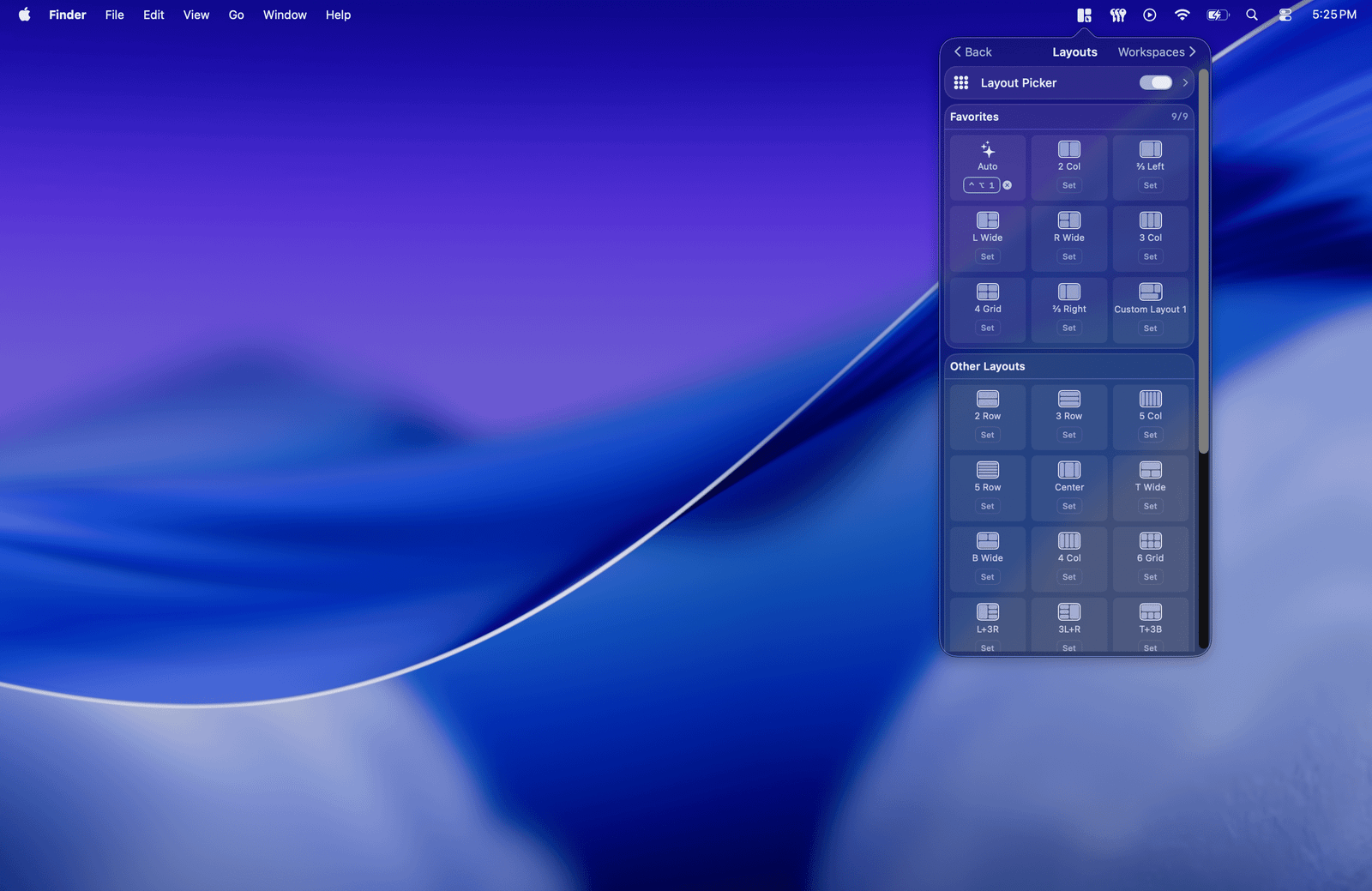
- Layout Picker & custom layouts — apply multi-window layouts from a radial picker, or draw your own.
- Window Tabs — group windows into a single tabbed frame with its own tab bar, traffic light controls, and drag-and-drop reordering.
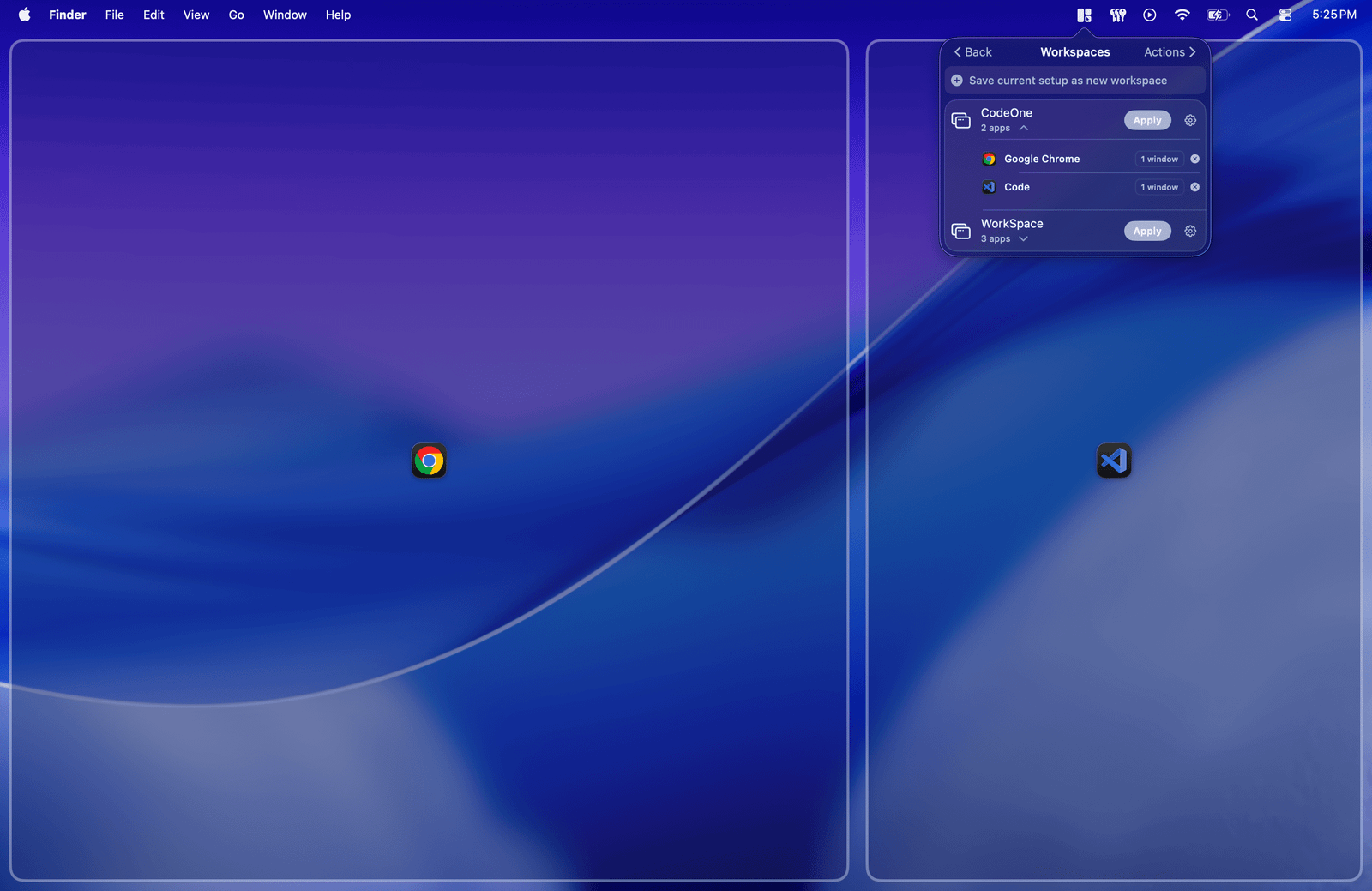
- Workspaces — capture your entire window arrangement and restore it later with a hotkey, even after a restart.
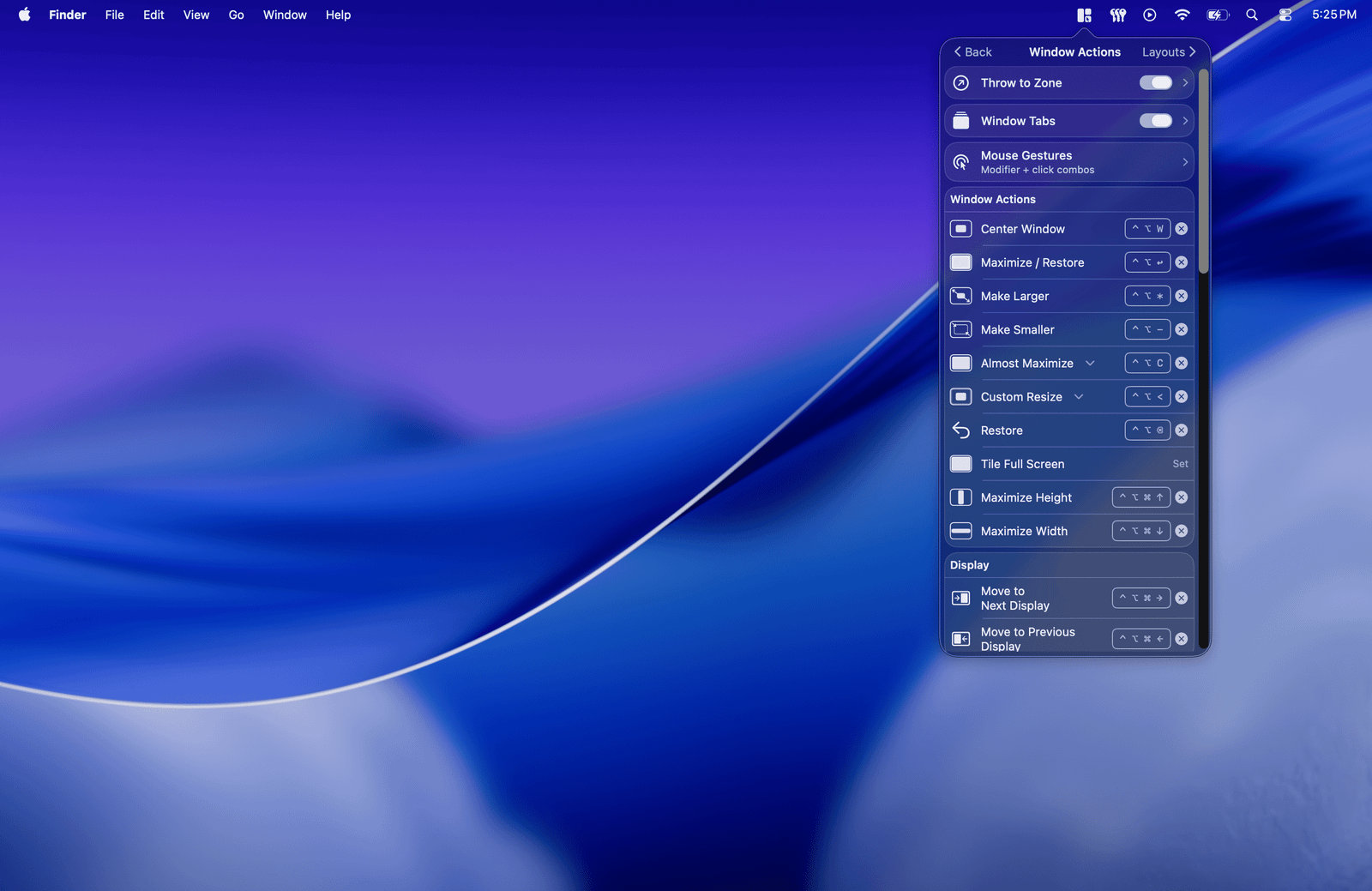
- Throw to Zone — flick a window in any direction to send it to the matching zone or display.
- Global hotkeys — keyboard shortcuts for tiling, centering, maximizing, layouts, and moving windows between displays.
- Trackpad gestures — trigger Throw to Zone and the Layout Picker with multi-finger clicks.
- Native & fast — pure Swift, Apple Silicon native, designed to stay out of your way in the menu bar.
Available in 10 languages. Core window management is free forever; advanced Pro features come with a 7-day trial and are unlocked via subscription or a one-time lifetime purchase.
Requires macOS 15 Sequoia or later and Accessibility permission.











