
FileNav
A Windows Explorer–style file manager for Mac
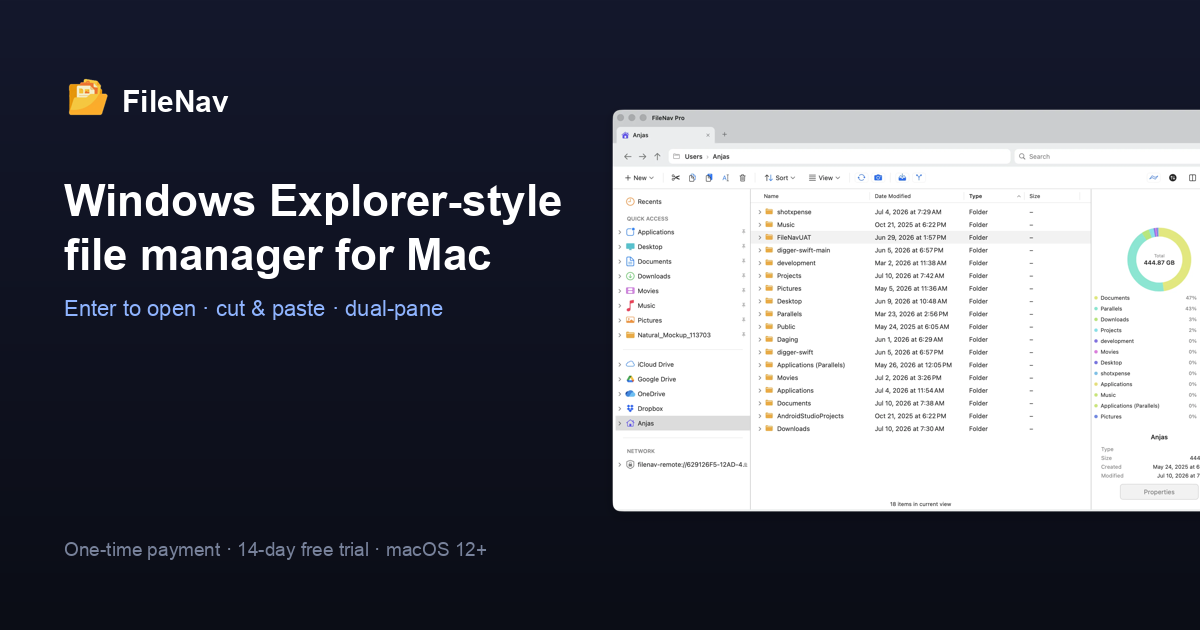
FileNav is a file manager for macOS, built for people who came from Windows — and who still, occasionally, press Enter expecting a file to open. It brings the Windows Explorer habits your hands already know to the Mac, without asking you to relearn anything.
Familiar by design:
- Enter opens files and folders; F2 renames.
- Real cut & paste for files (Cmd+X / Cmd+V), the way you expect.
- A real, editable address bar — type or paste a path and press Enter.
- An always-visible folder-tree sidebar, not just a favorites list.
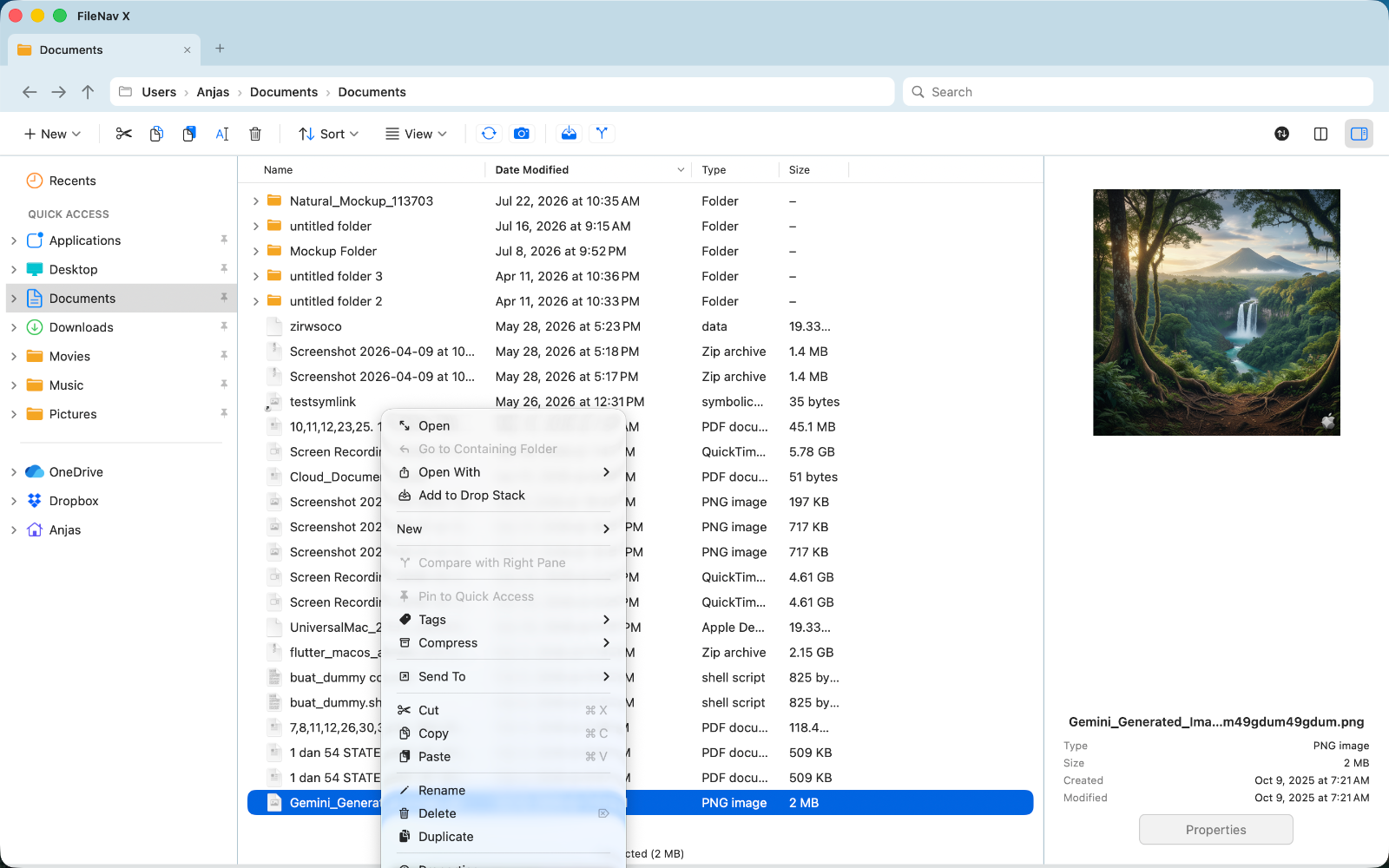
- Right-click to create a new file or folder; Delete moves to Trash.
A serious file manager underneath:
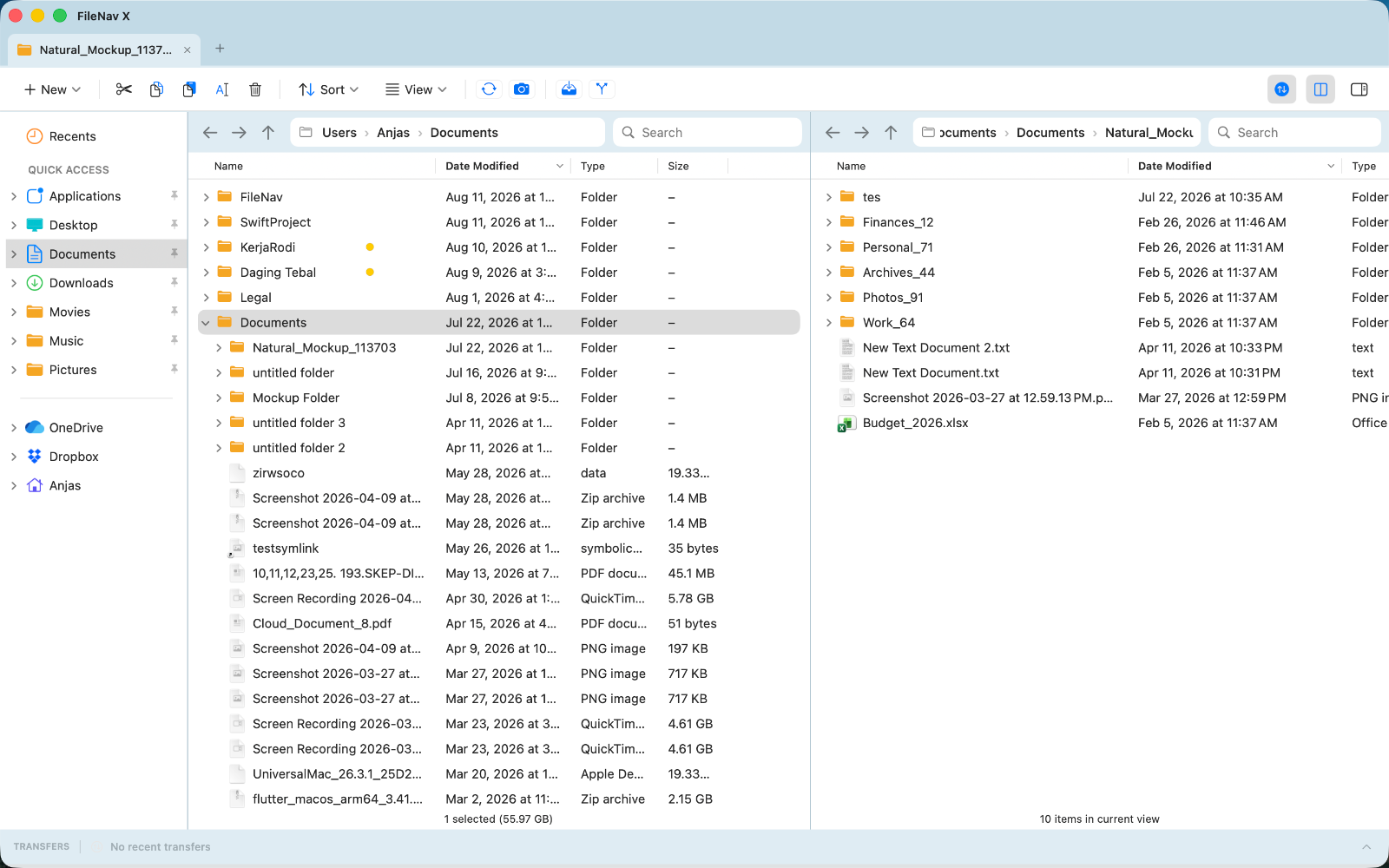
- Tabs and dual-pane browsing.
- Back / forward navigation (Cmd+[ / Cmd+] and the mouse side buttons).
- Space-bar Quick Look with arrow-key paging.
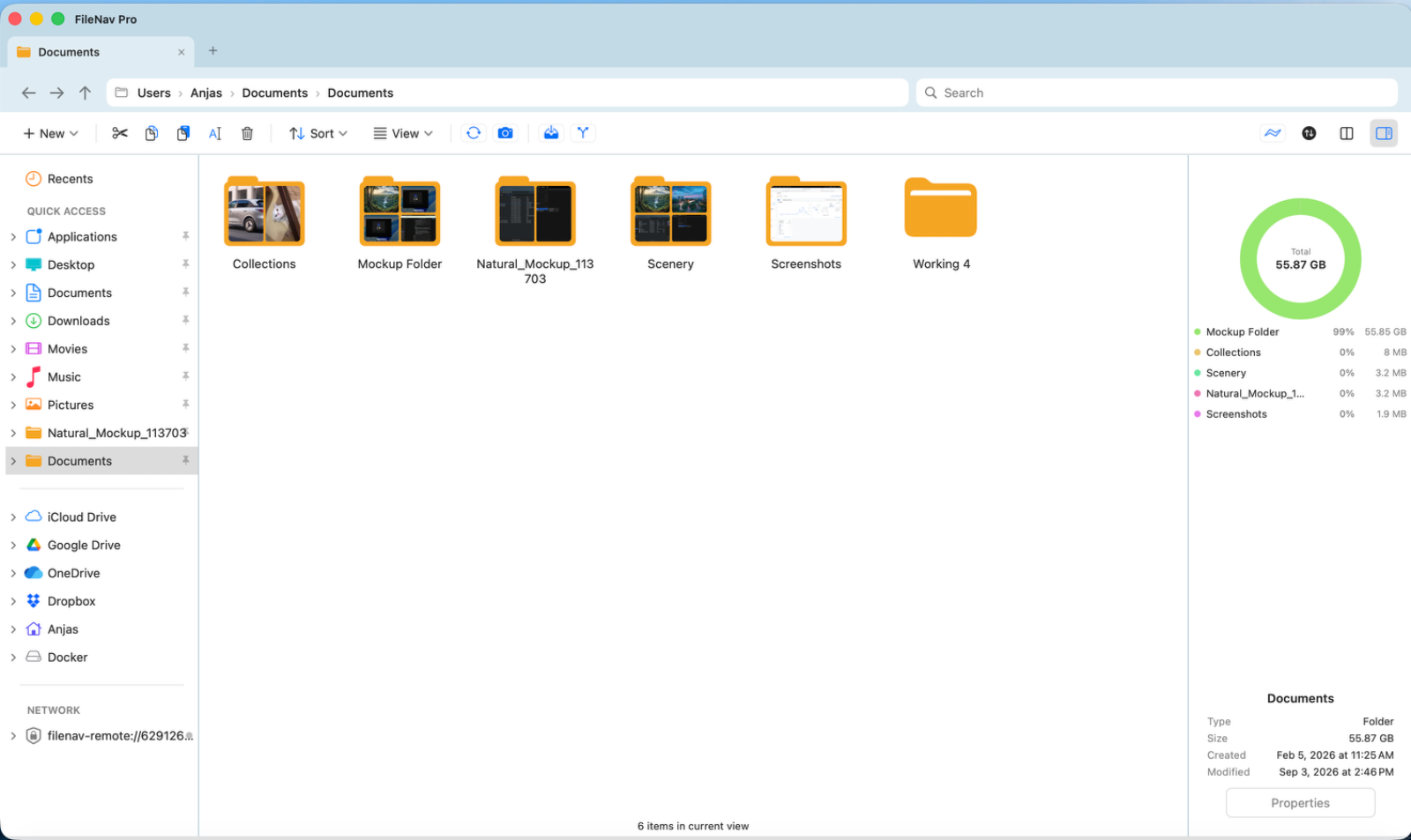
- An interactive disk-usage visualizer to find what's filling up your drive.
- Batch rename with patterns and numbering.
- Folder comparison and checksums.
- Deep search with wildcard and regex.
- Photo folders show a preview of their contents right on the folder, like Windows.
FileNav Pro adds a remote/cloud stack: browse and transfer over SFTP/FTP and inside Google Drive, OneDrive, and Dropbox, plus scheduled folder sync.
Pricing: free 14-day trial with everything unlocked, no account required. FileNav is $14.99 and FileNav Pro is $29.99 — both one-time purchases with free updates.
Requirements: macOS 12.4 or later. Universal binary (Apple Silicon & Intel). Notarized by Apple and signed with a Developer ID.
Website: https://www.filenav.app · Support: support@filenav.app











