
HushNotes: floating Mac notes, hidden from screen shares
Notes that float on top of every app and stay out of your screen shares. Save text from any app with one hotkey. Native macOS, no account. $9.99, pay once.
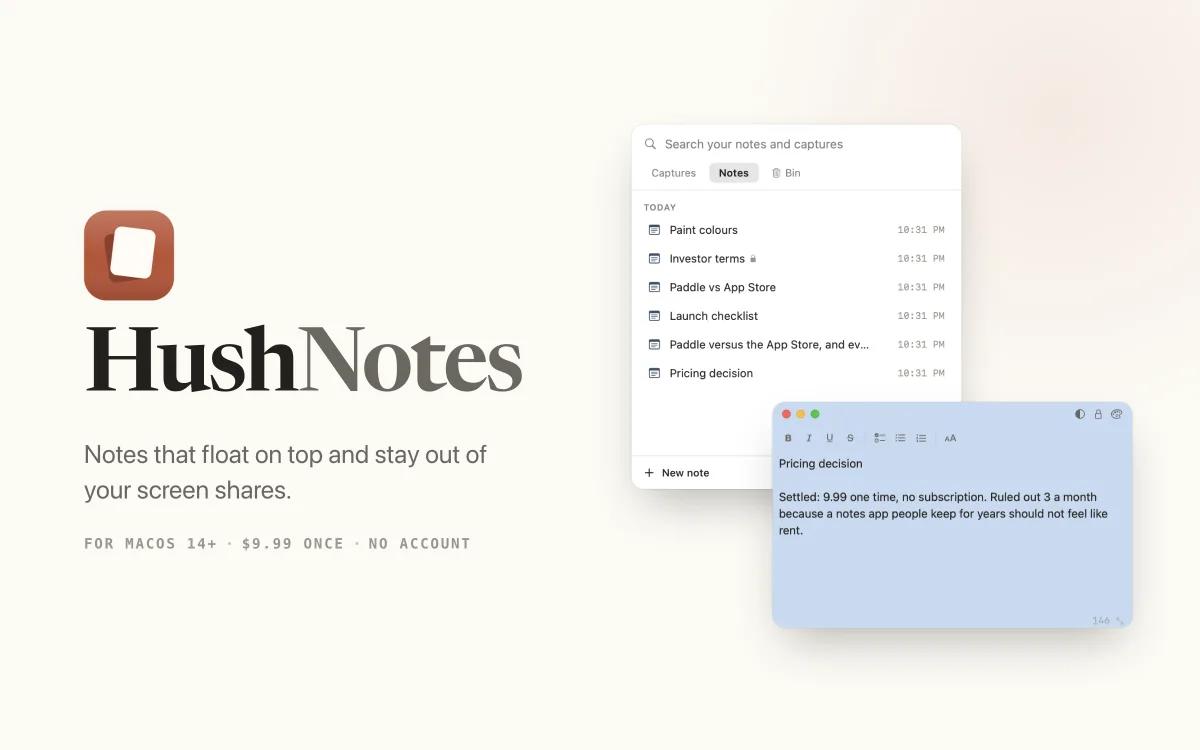
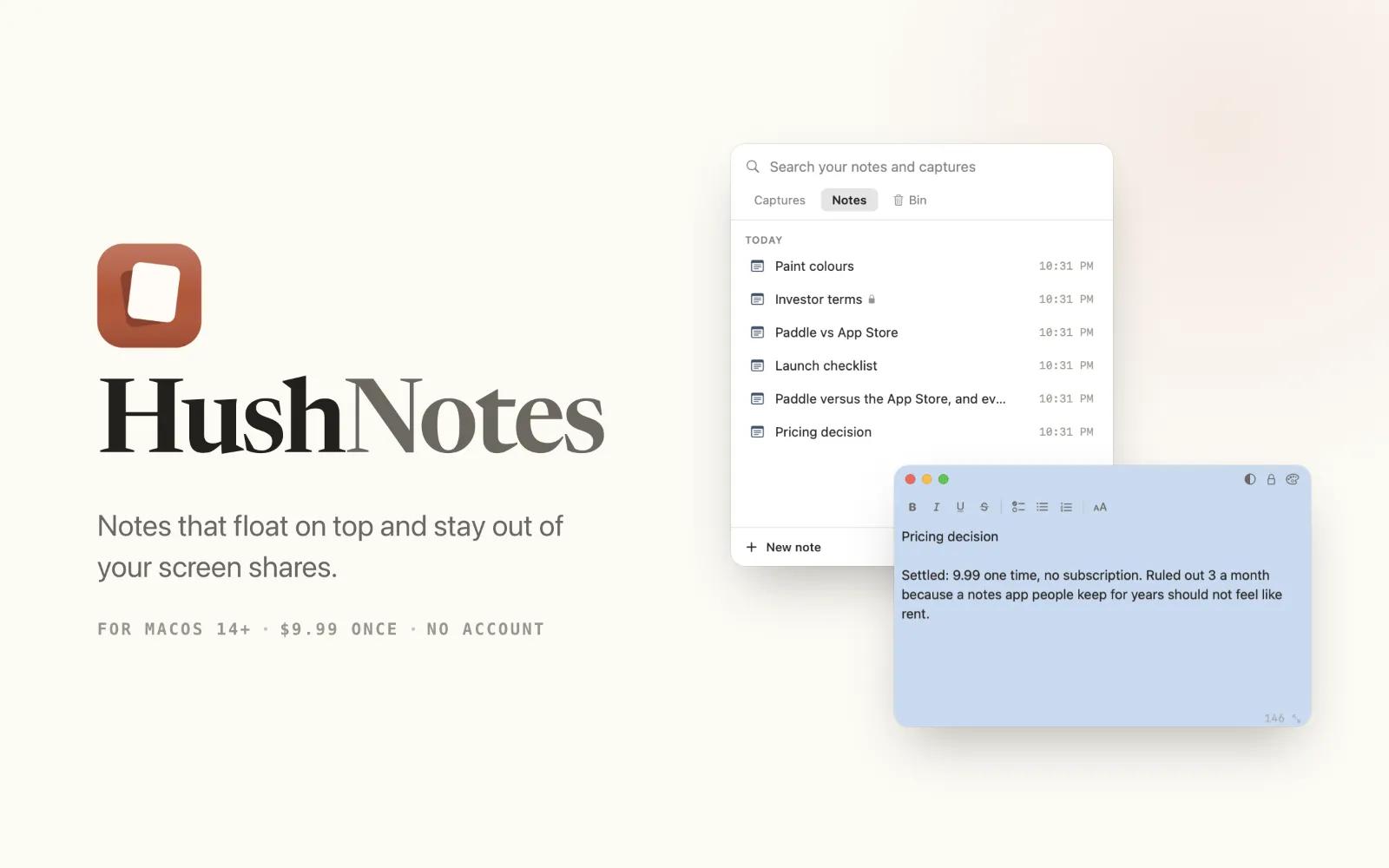

HushNotes is a native Mac notes app that lives in your menu bar, so you never have to switch away from what you are doing to write something down.
The problem: you keep notes open during calls and demos, and sharing your screen means hiding them or risking the wrong window going out. Saving a line of text usually means switching apps too.
What it does
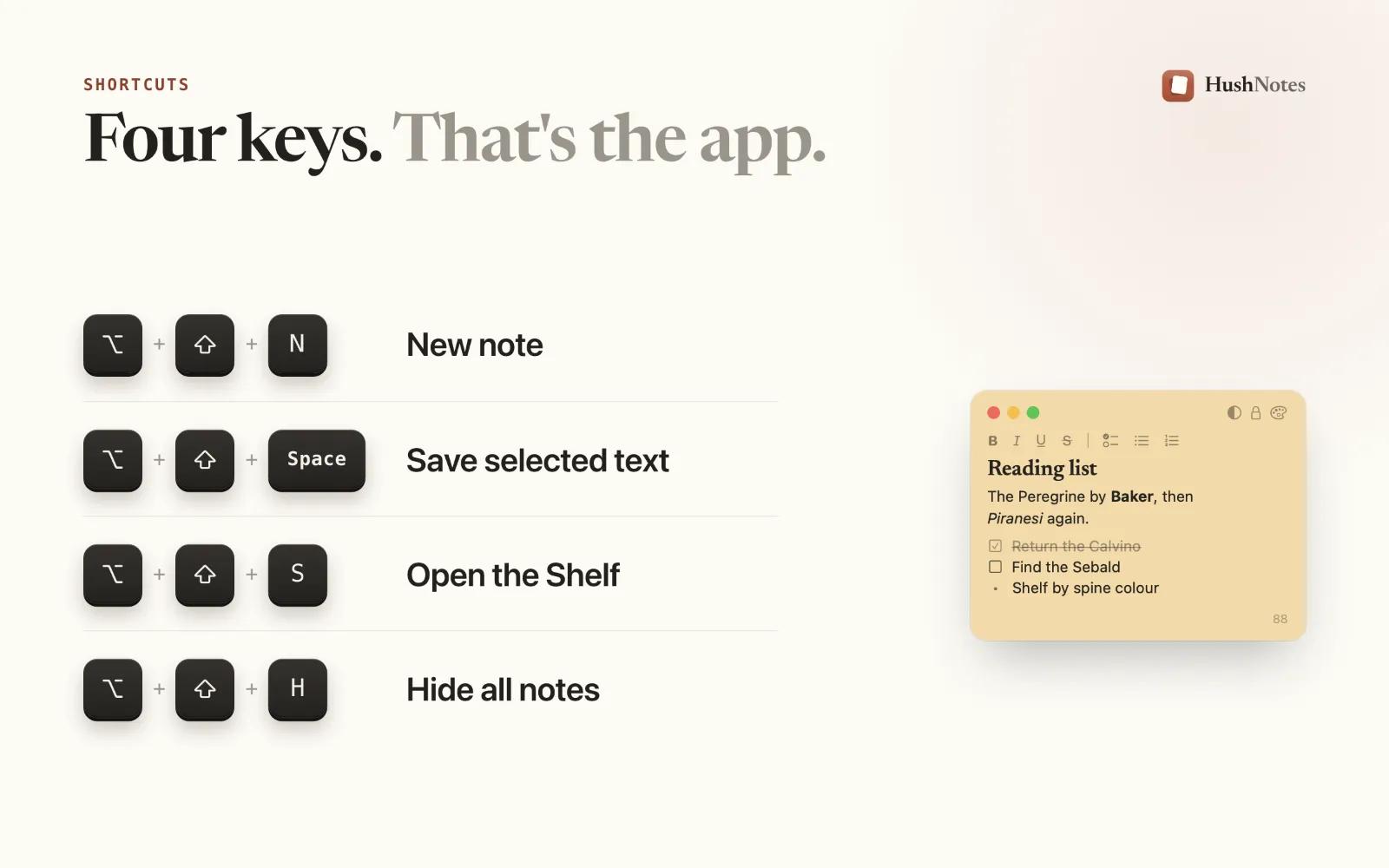
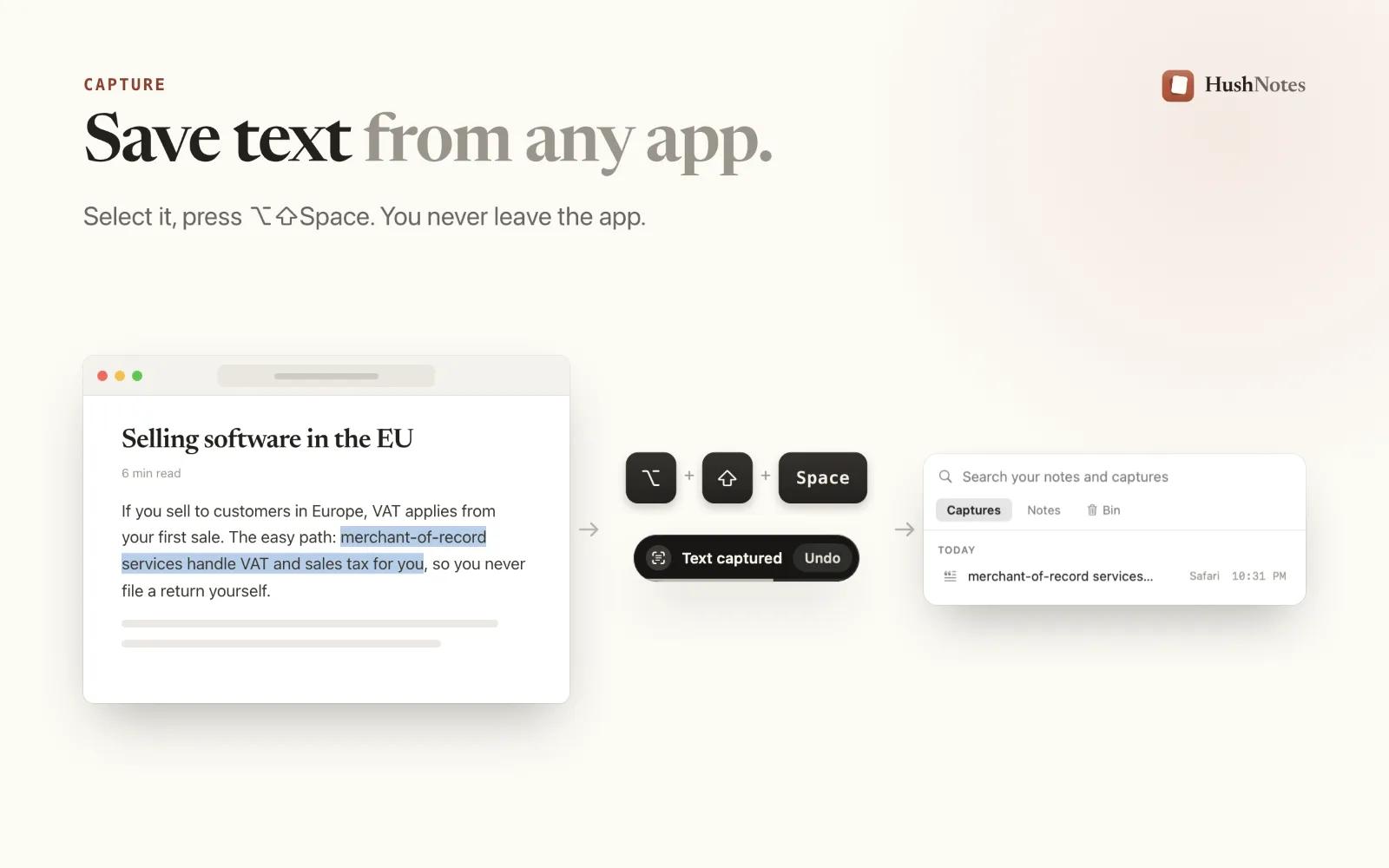
Save text from any app: select it and press Option + Shift + Space. It lands in your notes without leaving the app you are in.
Floating notes: keep a note above every window while you work.
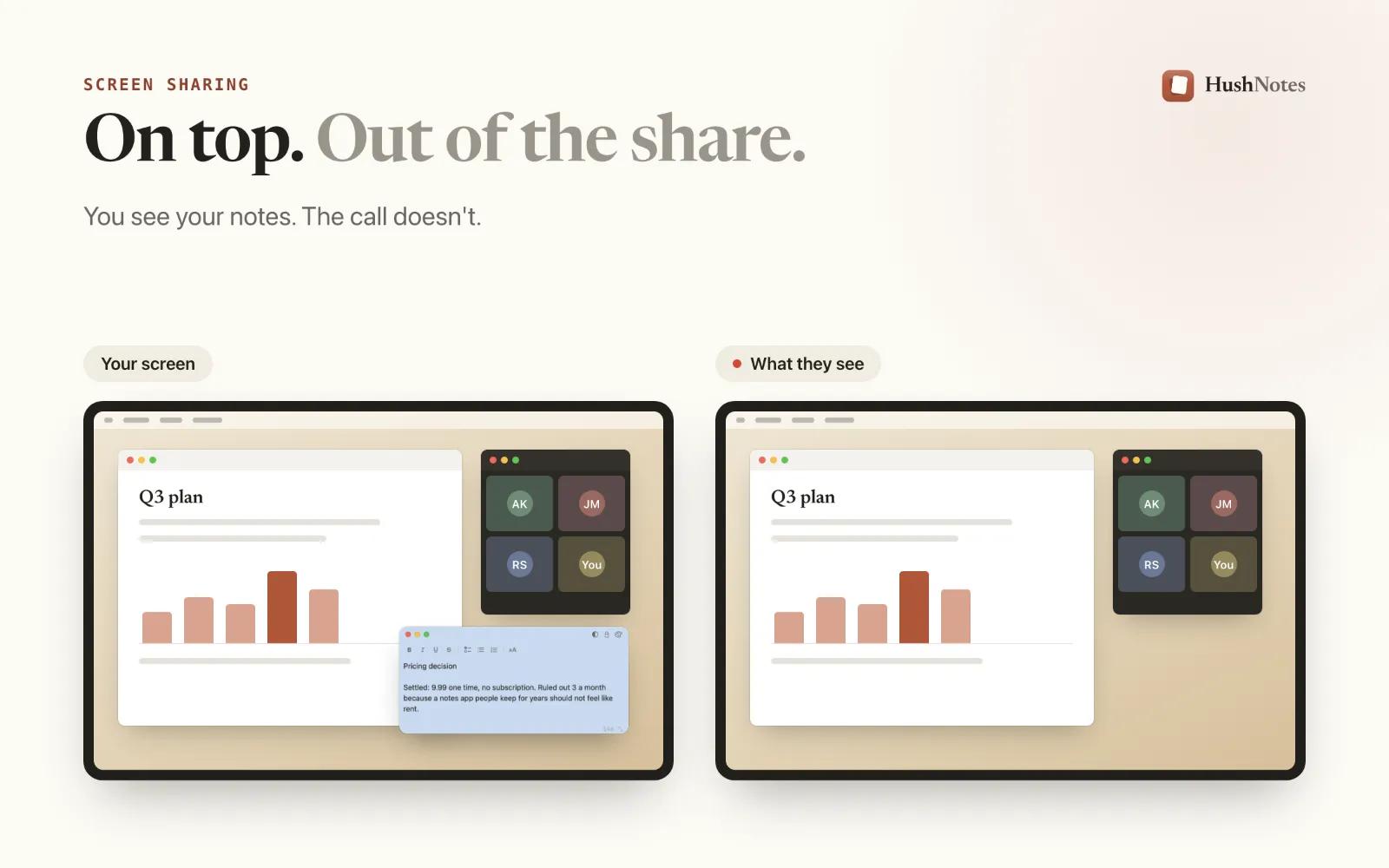
Hidden from screen shares: note windows use macOS’s own window-sharing setting, so they stay out of Zoom, Meet and Teams shares and recordings while you still see them.
Search and lock: find any note from the Shelf, and lock the private ones.
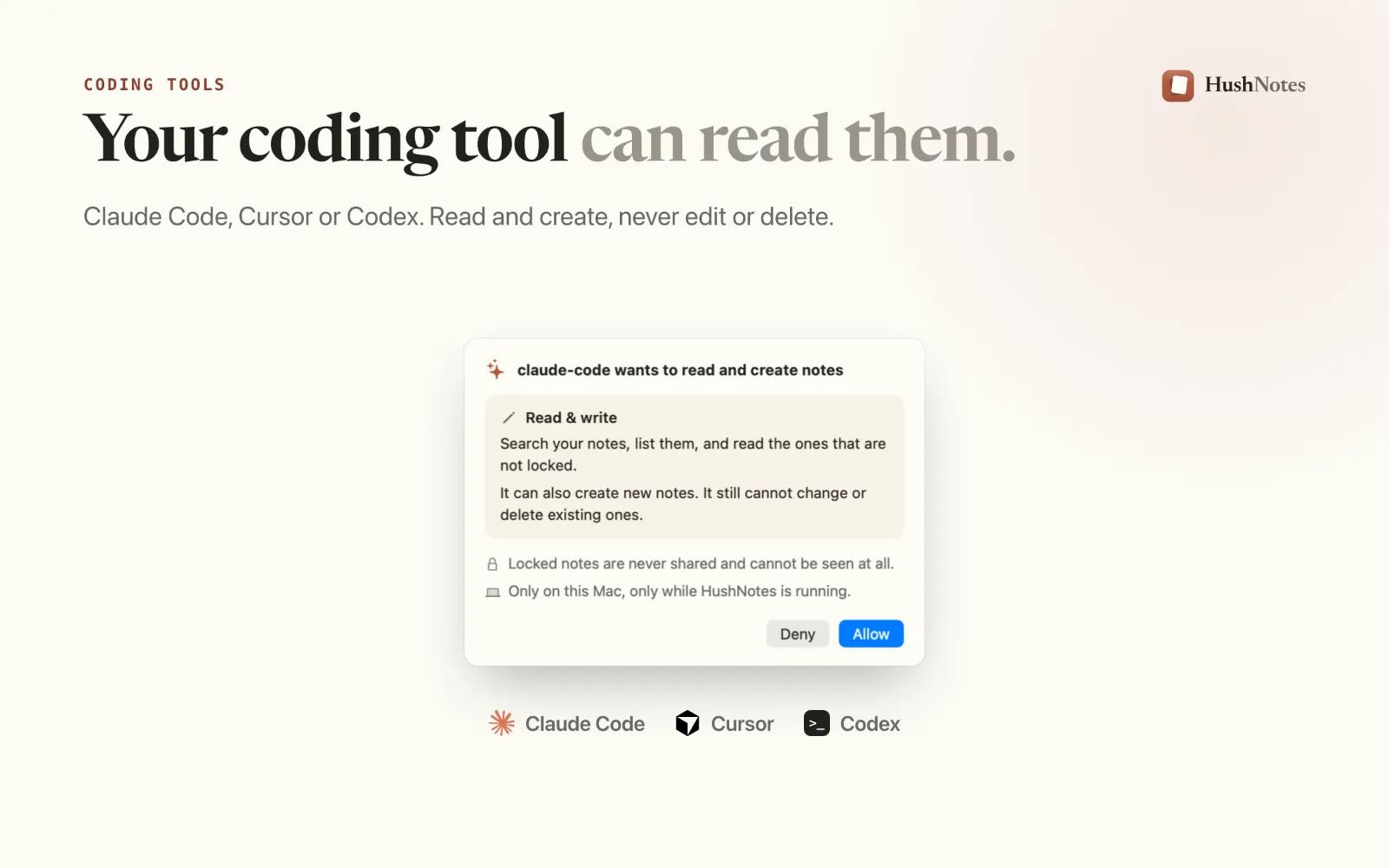
For developers: an optional local connection lets Claude Code, Cursor or Codex read your notes and create new ones, but never edit or delete them.
Who it’s for: anyone who presents, demos or takes notes on calls, and developers who want their notes within reach of their coding tool.
$9.99 once. No subscription, no account. Native Swift, macOS 14 or later, Apple silicon and Intel. Signed and notarized by Apple.










