Redact Guard
Blacks out secrets in your screenshots before you share
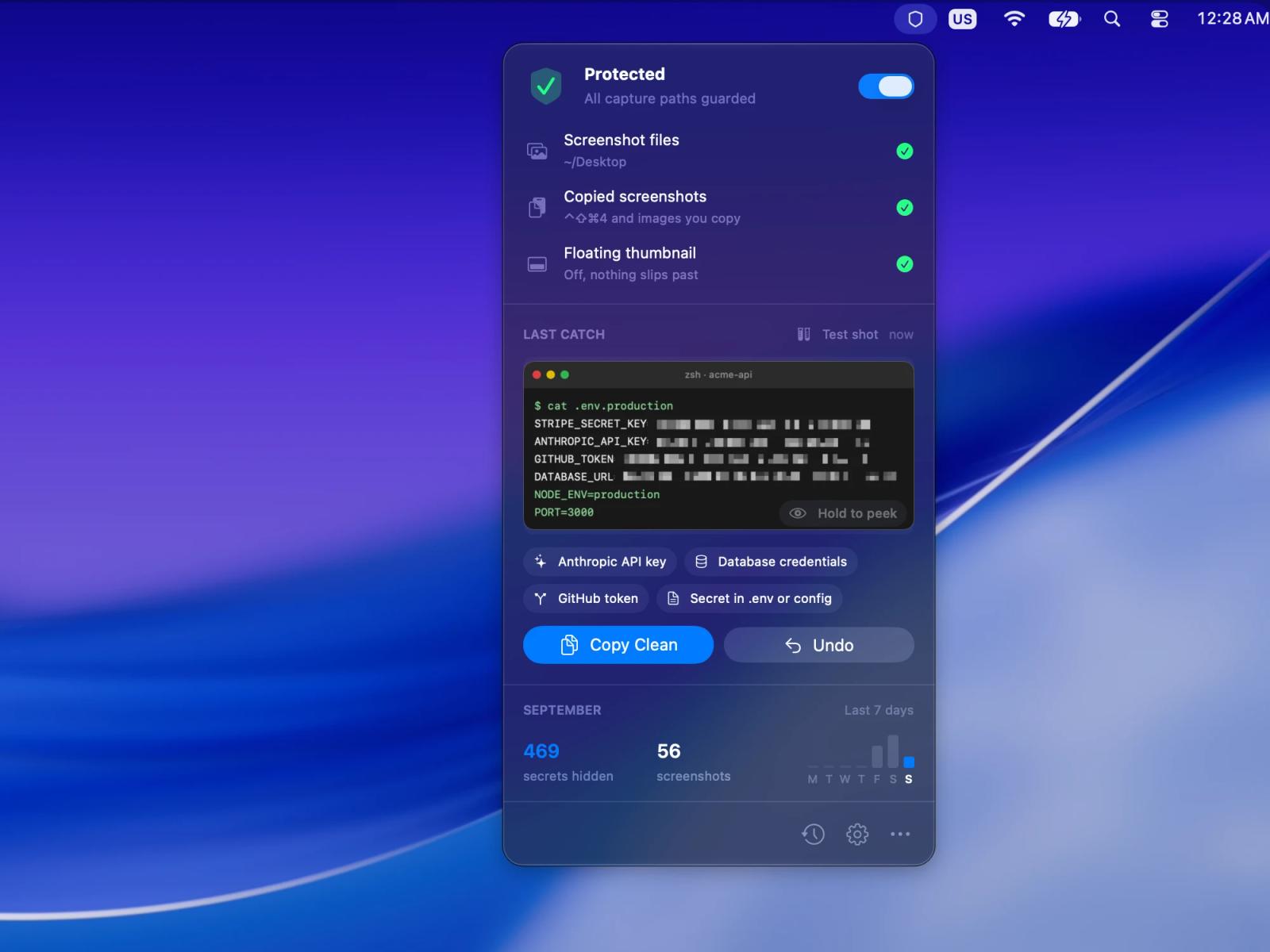
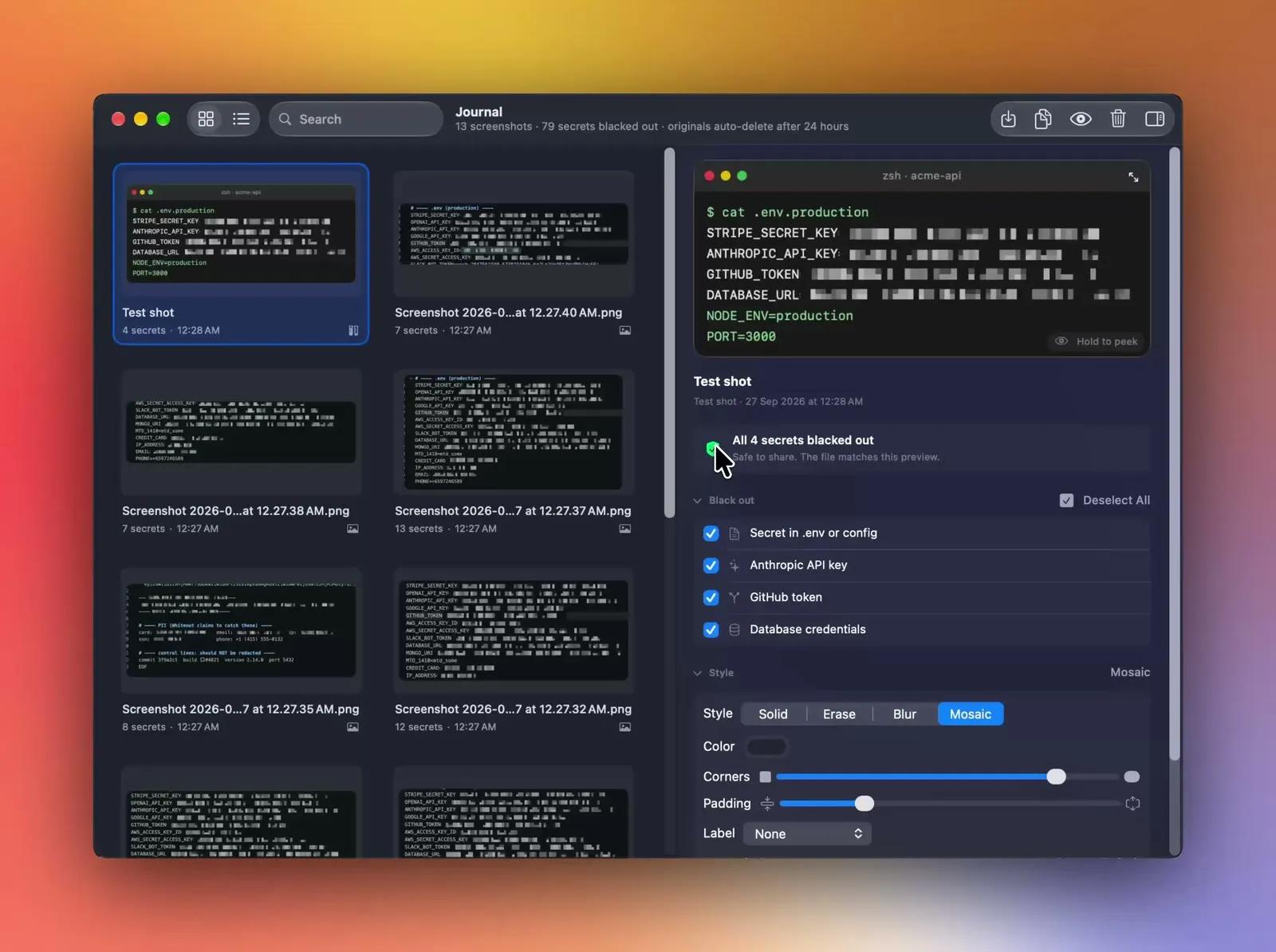
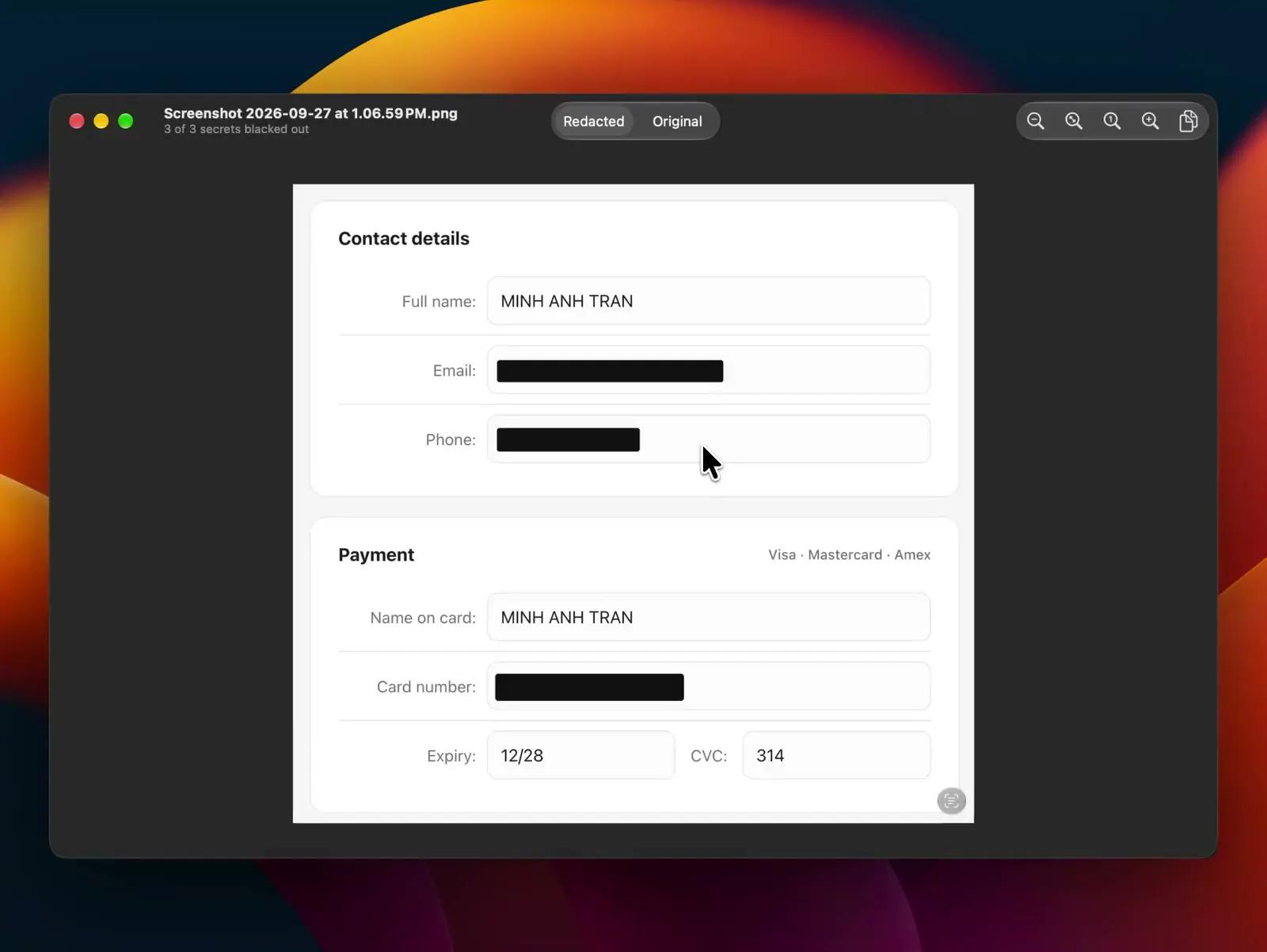
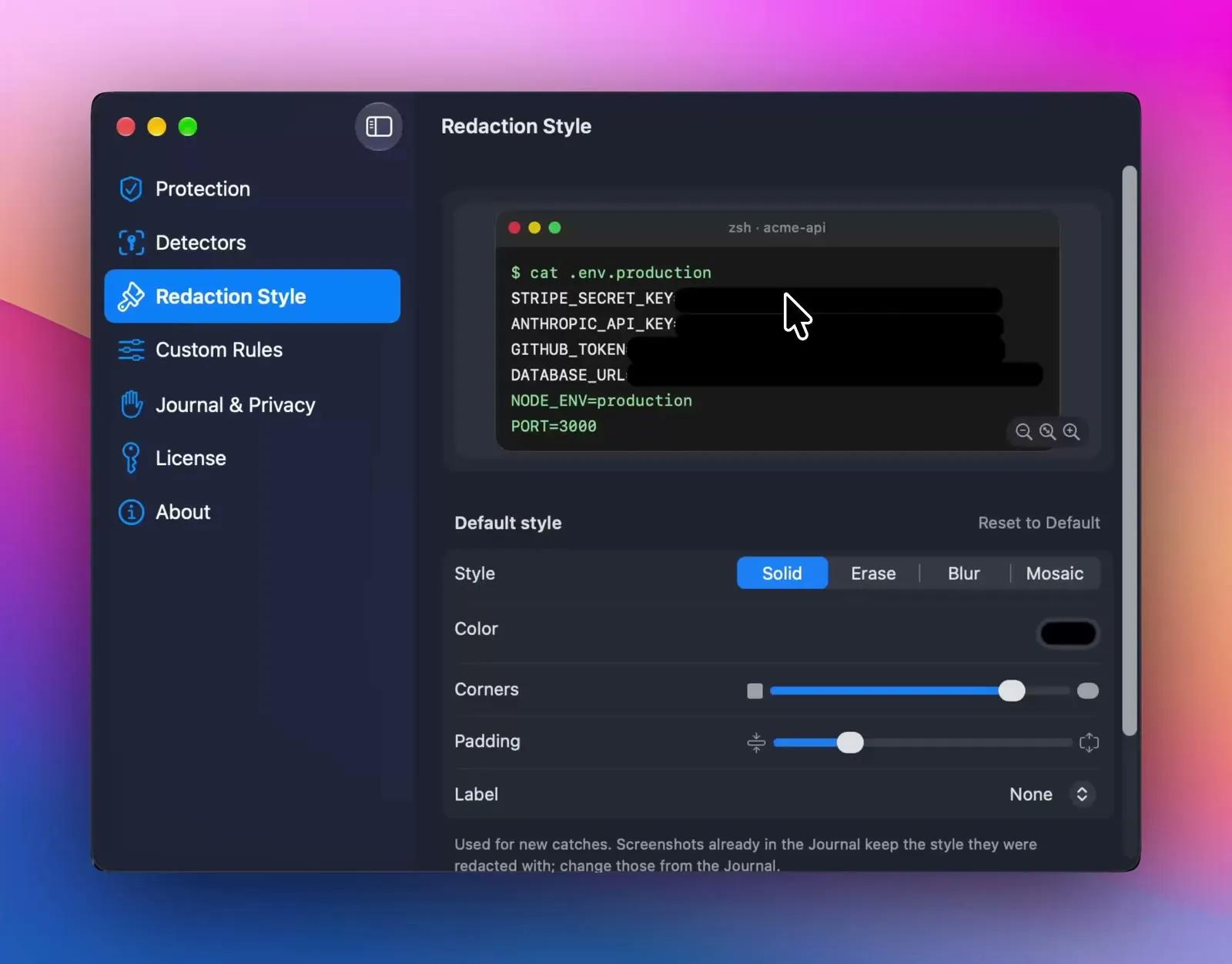
Most of us paste screenshots into Slack, GitHub or an AI chat without reading them first. Sooner or later one of them has a live API key, a password or a card number sitting in the corner.
Redact Guard lives in the menu bar and checks every new screenshot and every image you copy. When it finds something sensitive, it blacks it out right away, so the file on your Desktop and the image on your clipboard are already clean by the time you paste.
What it catches
More than 35 kinds of secrets out of the box: API keys from OpenAI, Anthropic, AWS, Stripe, GitHub and others, private keys, database URLs, .env values, card numbers, IBANs, emails and phone numbers. You can add your own rules in plain words, like "starts with cus_" or "looks like CUS-004213". Regular expressions work too, if you prefer them.
Where it looks
- Your screenshot folder, Downloads and any folder you pick
- ⌃⇧⌘4 captures and images copied from other apps, which never touch the disk
- Images you drop into the Journal yourself
Why the result is safe
Every style fills the secret with a solid box first. Blur and Mosaic are then drawn on top from made-up text, so there's nothing underneath to un-blur. Text recognition runs on your Mac, screenshots are never uploaded, and the app only goes online to check for updates and activate your license.
The original stays in a private Journal for 24 hours. If Redact Guard covers something you actually needed, uncover it with one click.
Built natively for macOS with SwiftUI, in 8 languages. $19 once for 2 Macs, with a 14-day free trial. No account, no subscription.