Keyty app icon

Keyty

Keyboard and mouse visualizer for macOS
Pricing

Open Source

Category

Updated

Clicks

46
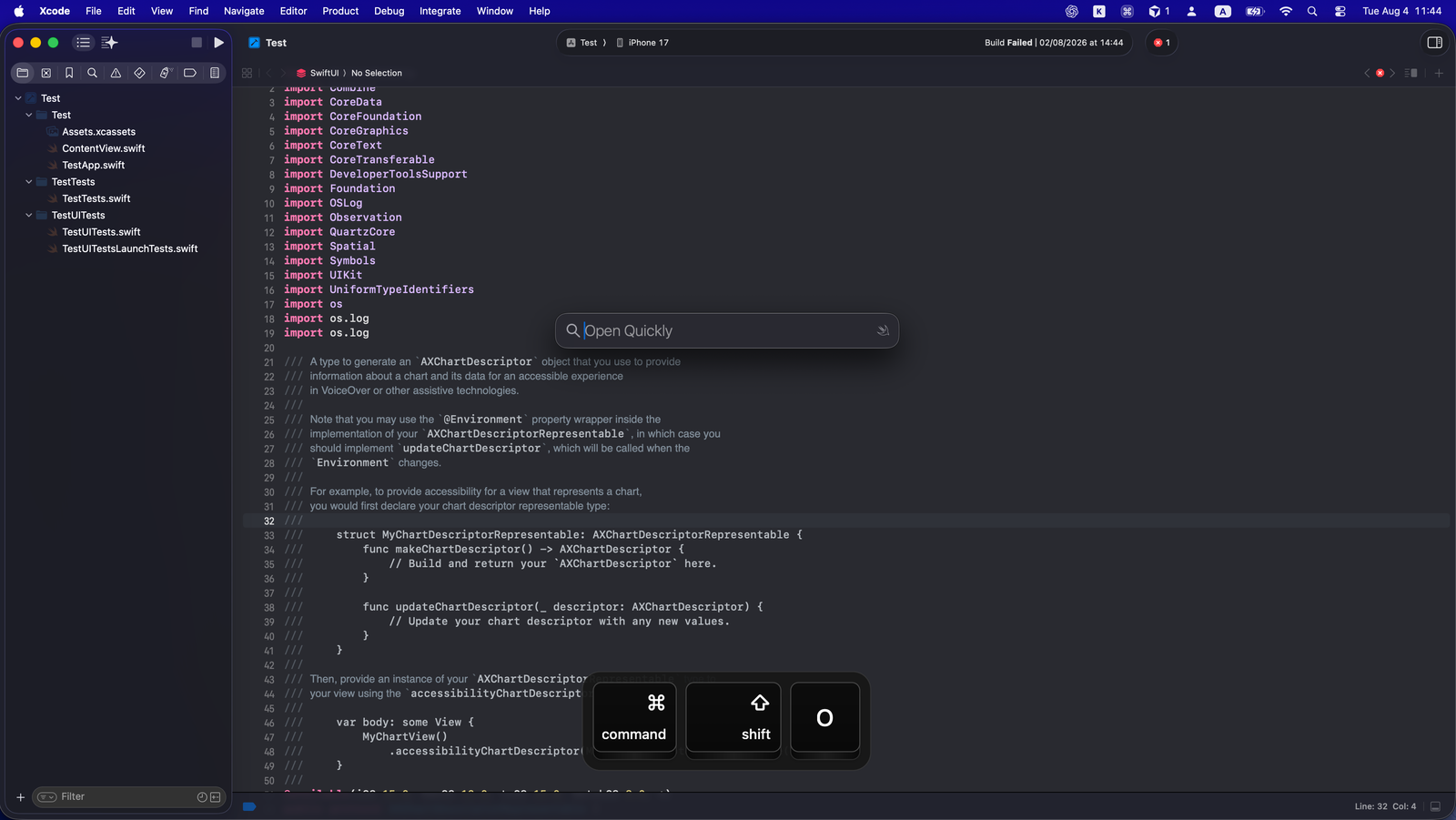
Keyty — image 1
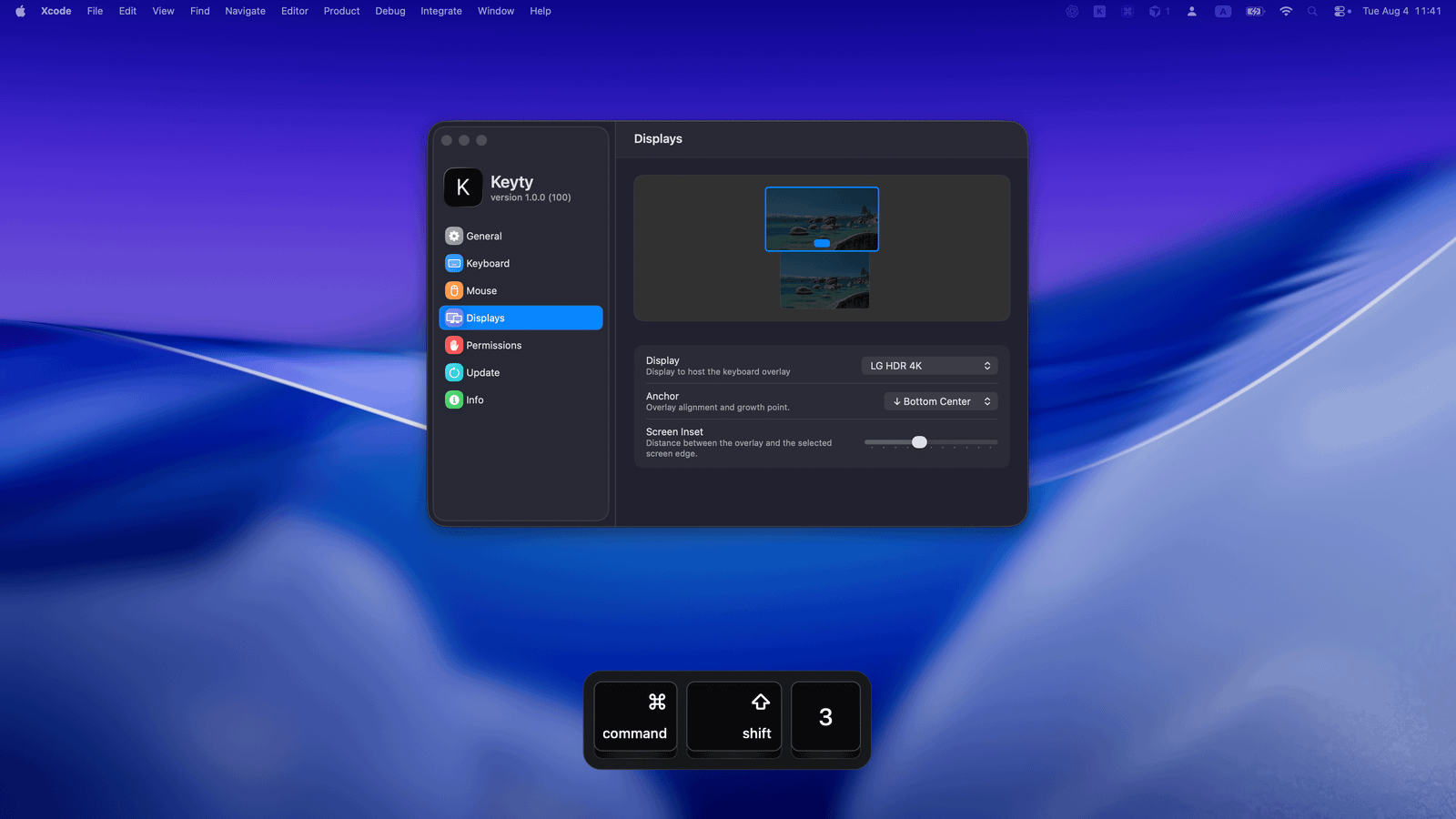
Keyty — image 2
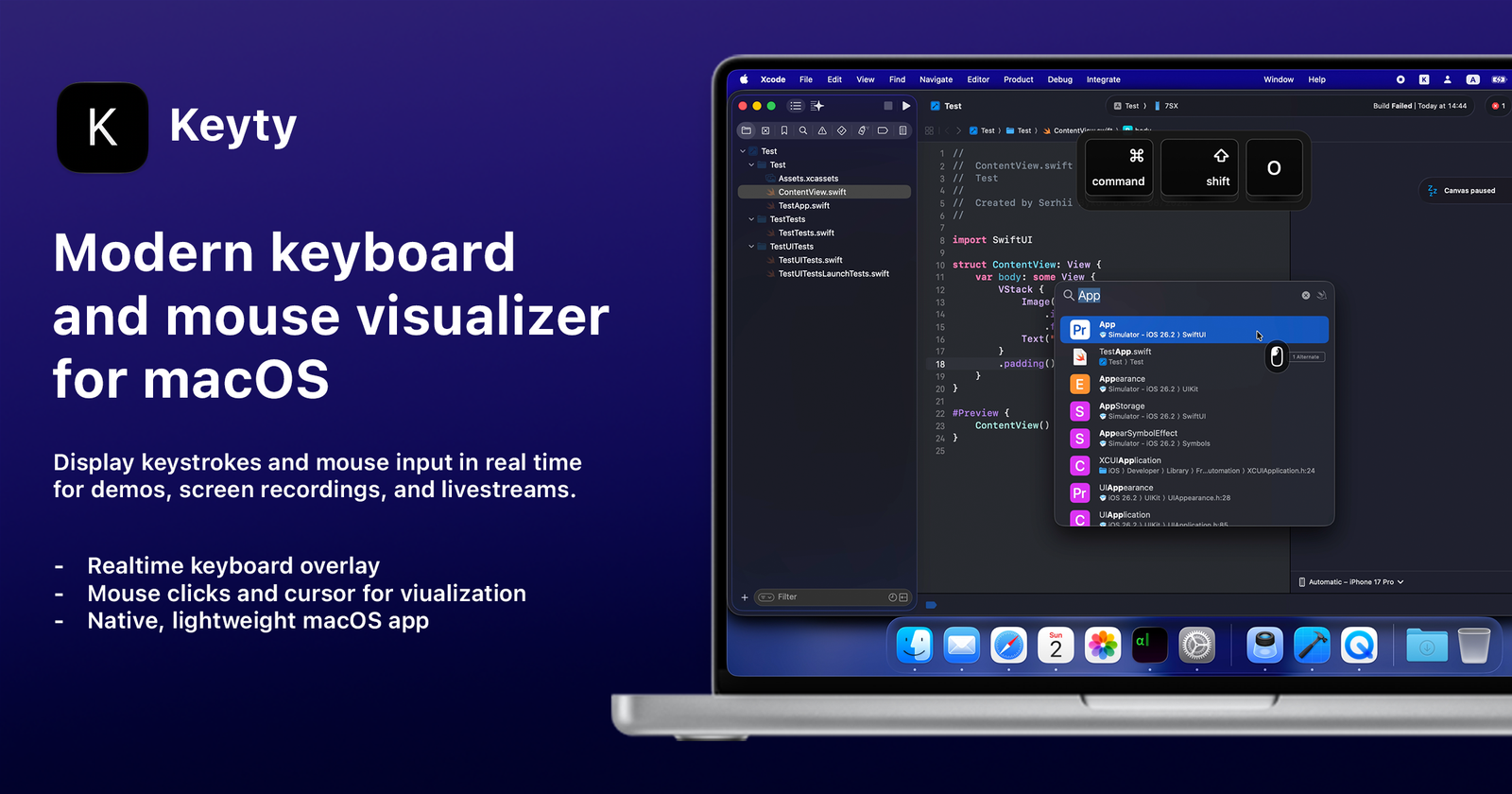
Keyty — image 3

Keyty

Keyty is a free, open-source keyboard and mouse visualizer for macOS.

It displays keystrokes, keyboard shortcuts, mouse clicks, and cursor activity in real time, making it useful for screen recordings, tutorials, presentations, livestreams, and product demos.

Features

  • Native macOS design
  • Real-time keyboard and mouse visualization
  • Customizable keycaps, colors, layout, and positioning
  • Mouse click and cursor indicators
  • Multi-display support
  • Click-through overlay mode
  • Lightweight and privacy-friendly
  • Free and open source

Keyty combines a polished native macOS experience with flexible keyboard and mouse visualization options, while remaining free and open source.


Website · GitHub

More in Utility

Shotbase app icon

Shotbase

Shotbase is a modern screen capture workspace for macOS.

DisplayBuddy app icon

DisplayBuddy

Control external displays without touching the buttons

Keelhaven app icon

Keelhaven

Privacy-first macOS menu-bar backup app powered by restic.

Folders app icon

Folders

A file manager with a folder tree for Windows switchers

Skud app icon

Skud

Menubar file delivery with your brand and tracking

Cosmil app icon

Cosmil

A fast, private, and aesthetic macOS Finder alternative.

Featured apps

ScreenPlace app icon

ScreenPlace

Effortlessly put every window in its place on your Mac.

Shotbase app icon

Shotbase

Shotbase is a modern screen capture workspace for macOS.

VidMage app icon

VidMage

Private AI face swapping for photos, videos and live calls

Hejour app icon

Hejour

A calm macOS notebook where every day is a page

Glance app icon

Glance

Native markdown editor for macOS

Screen Movie app icon

Screen Movie

Screen Recording & Motion Editor for macOS

Shortap app icon

Shortap

Quick tap gestures for your MacBook

Supaste app icon

Supaste

Clipboard and screenshot history

Cooldock app icon

Cooldock

Second Dock to your Mac with live widgets

DisplayBuddy app icon

DisplayBuddy

Control external displays without touching the buttons

Letterboxx app icon

Letterboxx

A dedicated reader for email newsletters.