TOMA app icon

TOMA

⇧⌘4, but for video. Record a region as MP4, HEVC or GIF.
Author

Pricing

Free

Category

Updated

—

Clicks

1
TOMA — image 1
TOMA — image 2
TOMA — image 3
TOMA — image 4

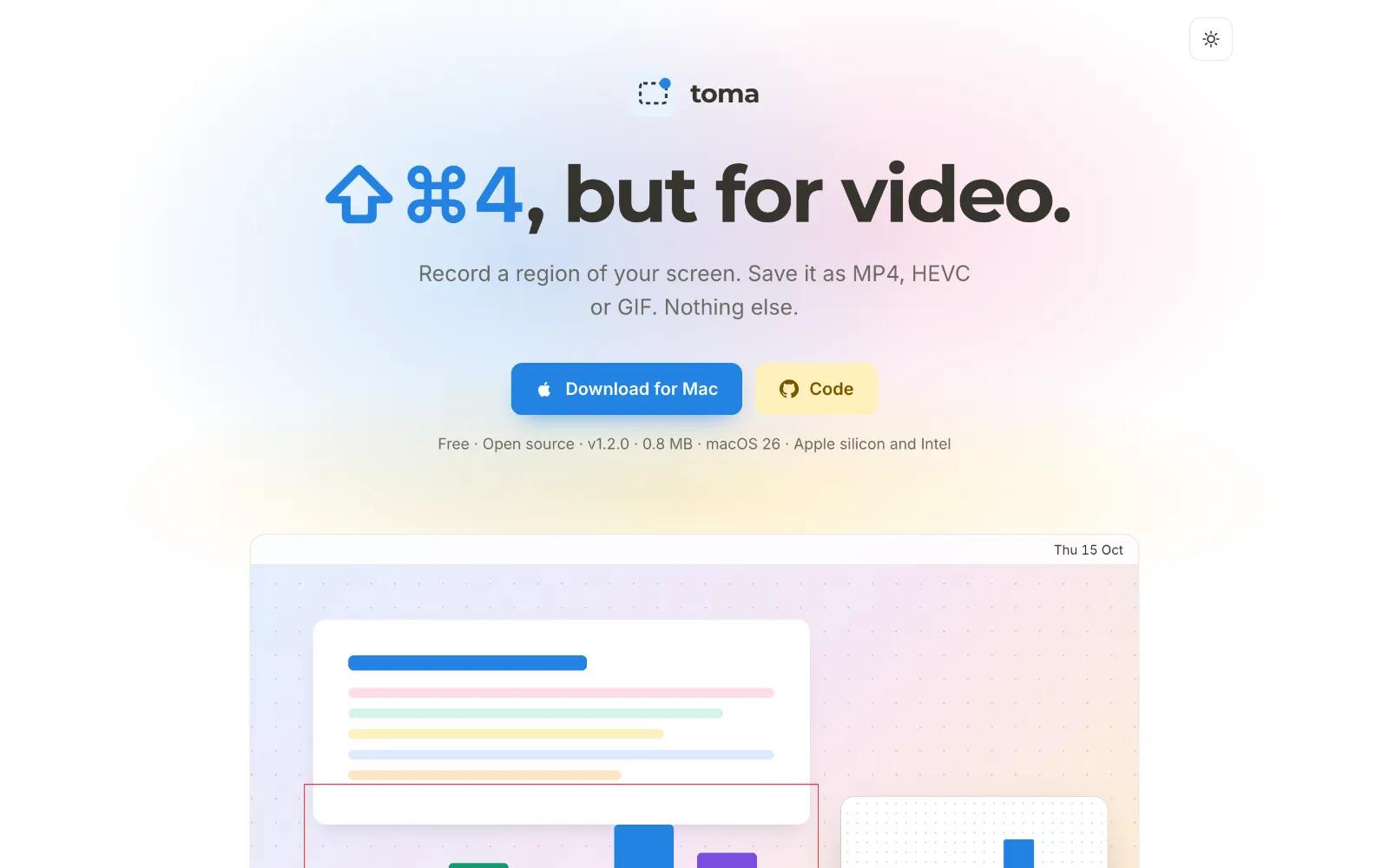
Toma is ⇧⌘4 for video. Press ⌥⇧⌘4, drag a rectangle, and it starts recording the moment you let go. Press the shortcut again to stop. There is no settings window, no account and no editor.

Decide when you see it

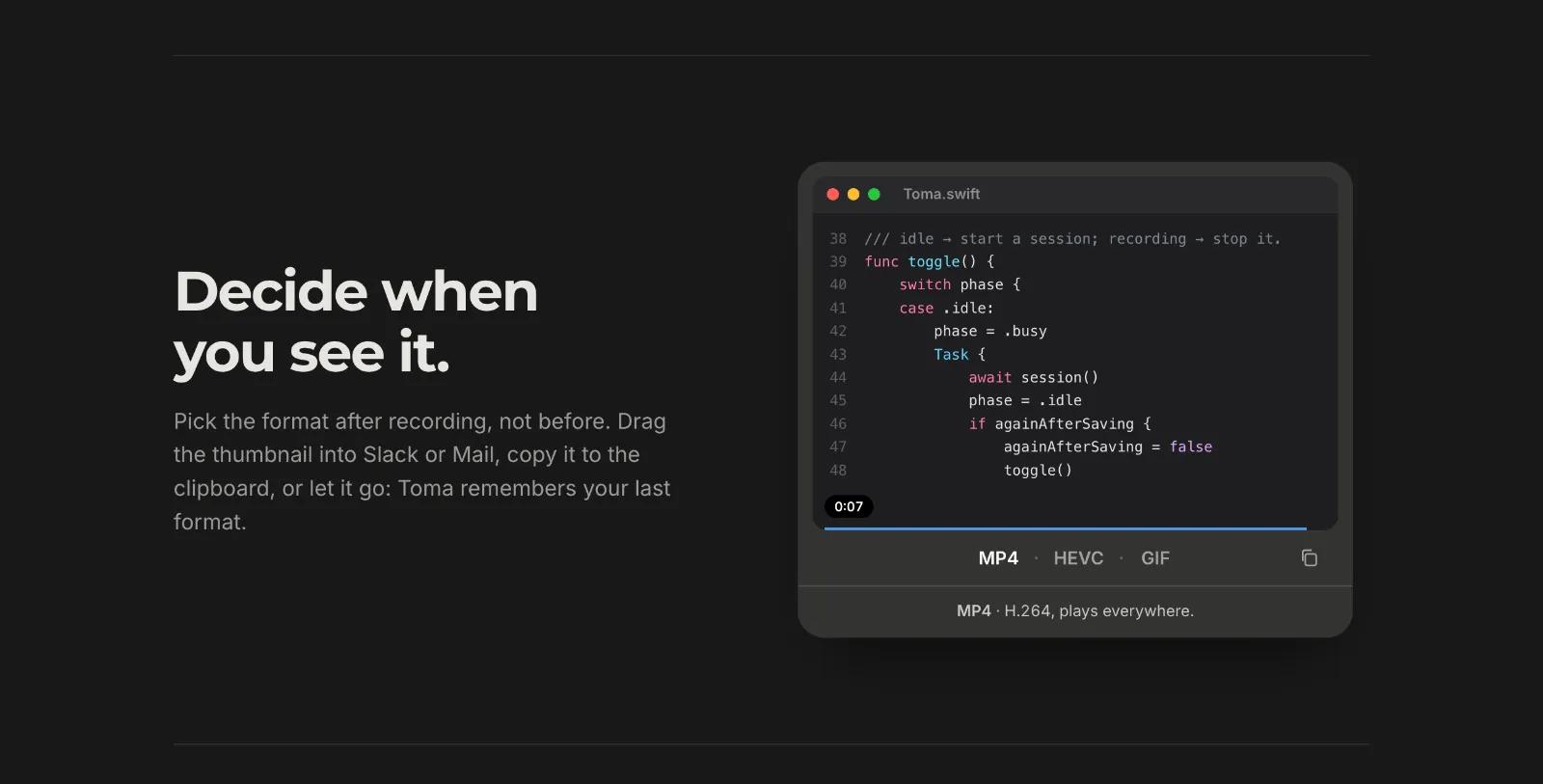
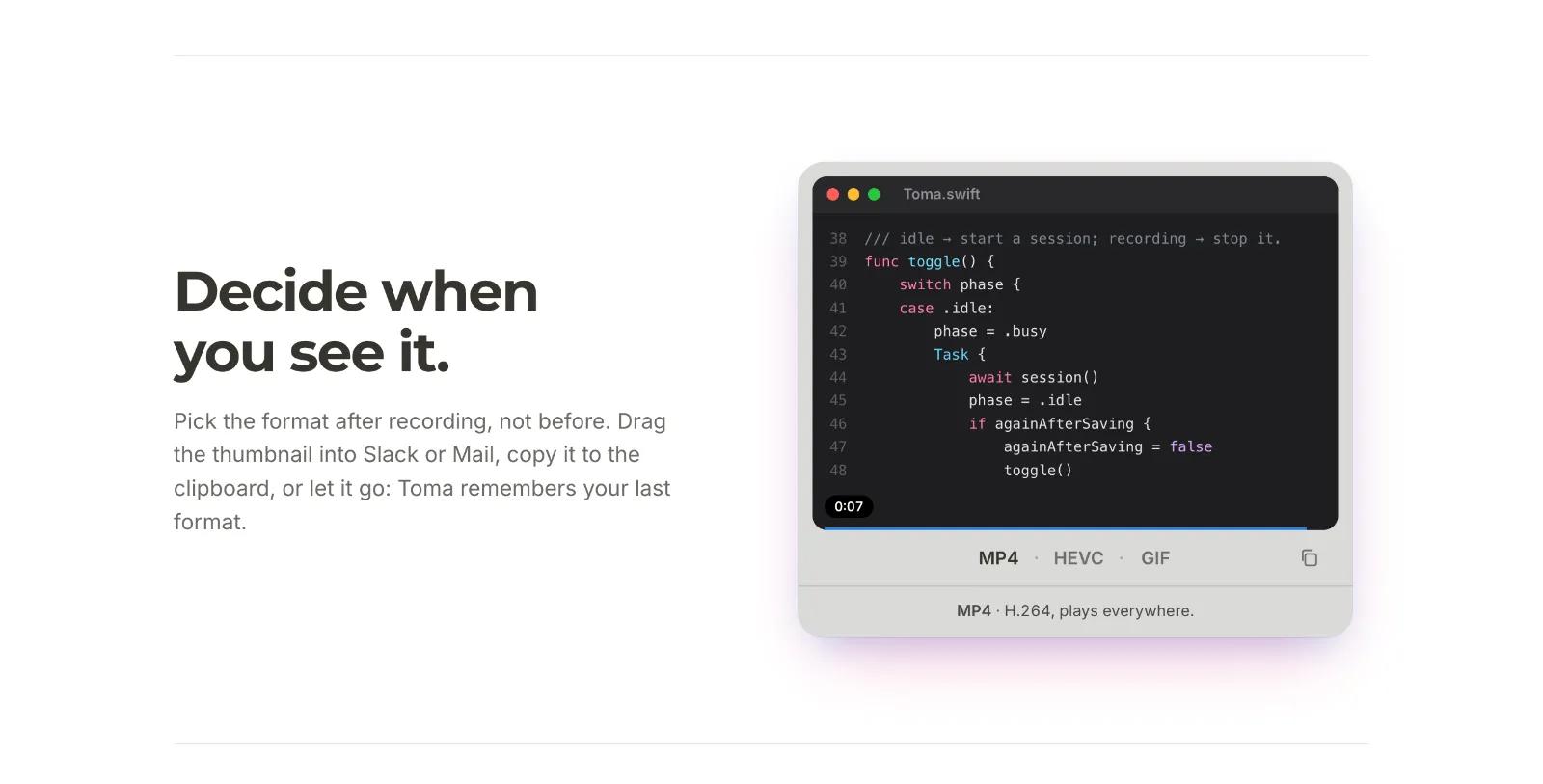
When the recording ends, a thumbnail appears at the bottom right, just like a screenshot, with the clip playing on a loop. Pick the format there:

  • MP4: H.264, plays everywhere.
  • HEVC: half the size, ideal on Apple devices and modern browsers.
  • GIF: no player needed, for READMEs, pull requests, chats and docs.

Drag the thumbnail into Slack or Mail, copy it to the clipboard, or do nothing and it saves in the format you used last.

Light, for real

Toma re-encodes every clip for quality rather than a fixed size, so text stays sharp and a still screen weighs almost nothing: 4 seconds of scrolling text at 1120 × 720 comes out at 0.46 MB as MP4 and 0.25 MB as HEVC. The GIF encoder is built for screens and only stores what changes between frames.

Small and private

  • Records the Mac's sound and, if you want, your microphone.
  • Works offline, with no analytics. Files stay in the folder you choose.
  • Native Swift on ScreenCaptureKit, under 1 MB, signed and notarized by Apple.
  • Free and open source under the MIT licence: github.com/felipebasurto/toma

Requires macOS 26 or later, on Apple silicon or Intel.

More in Utility

Shotbase app icon

Shotbase

Shotbase is a modern screen capture workspace for macOS.

DisplayBuddy app icon

DisplayBuddy

Control external displays without touching the buttons

Squeezo app icon

Squeezo

Squeezo shrinks, converts and edits photos, videos, GIFs and PDFs on your Mac. Fully offline, no account, one-time purchase.

Dropmute app icon

Dropmute

Free local image, video and document converter for Mac

Aide app icon

Aide

Menu bar load indicator with Pause and Kill

Ornix app icon

Ornix

Sorts any Mac folder into categories, automatically.

Featured apps

Trailback: Find, Organize & Tidy Files on Mac app icon

Trailback: Find, Organize & Tidy Files on Mac

Search your Mac the way you remember it, then sort and tidy

Screen Movie app icon

Screen Movie

Screen Recording & Motion Editor for macOS

ScreenPlace app icon

ScreenPlace

Effortlessly put every window in its place on your Mac.

Shotbase app icon

Shotbase

Shotbase is a modern screen capture workspace for macOS.

VidMage app icon

VidMage

Private AI face swapping for photos, videos and live calls

Hejour app icon

Hejour

A calm macOS notebook where every day is a page

Glance app icon

Glance

Native markdown editor for macOS

Shortap app icon

Shortap

Quick tap gestures for your MacBook

Supaste app icon

Supaste

Clipboard and screenshot history

Cooldock app icon

Cooldock

Second Dock to your Mac with live widgets

DisplayBuddy app icon

DisplayBuddy

Control external displays without touching the buttons

Letterboxx app icon

Letterboxx

A dedicated reader for email newsletters.