Mute
Automatic Do Not Disturb the moment a call starts
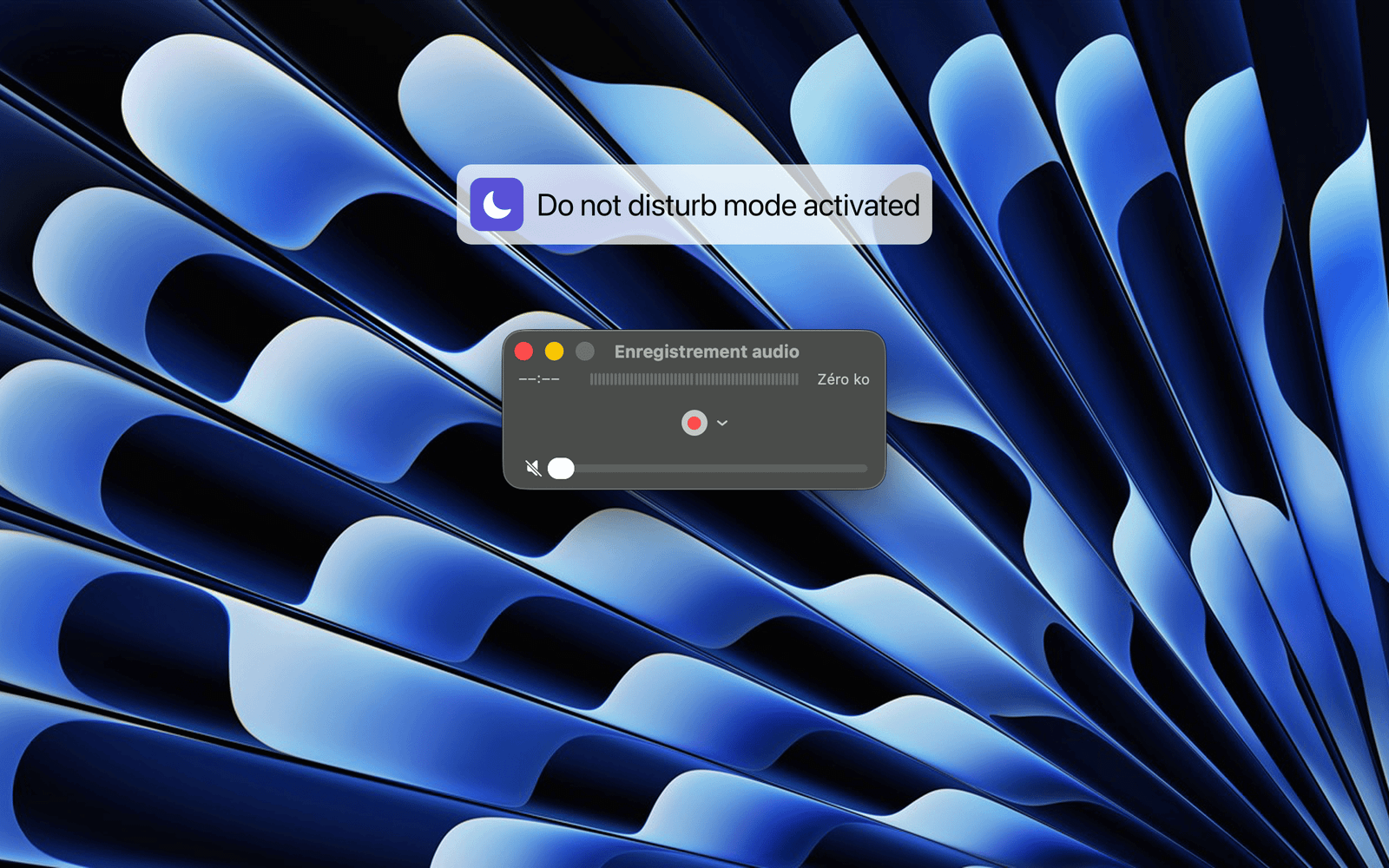
Mute automatically turns on Do Not Disturb the moment you're on a call — and turns it off when you hang up.
macOS Focus mode works, but only if you remember to switch it on before every call and off afterward. Miss it and notifications pop mid-meeting; forget it and you stay silent for hours. Mute ties Do Not Disturb directly to your mic and camera, so it just happens.
### How it works
- Microphone — reads CoreAudio's device-in-use signal (the same one behind the orange dot in your menu bar), the instant any app opens your mic.
- Camera — observes every connected camera via AVFoundation, built-in or external.
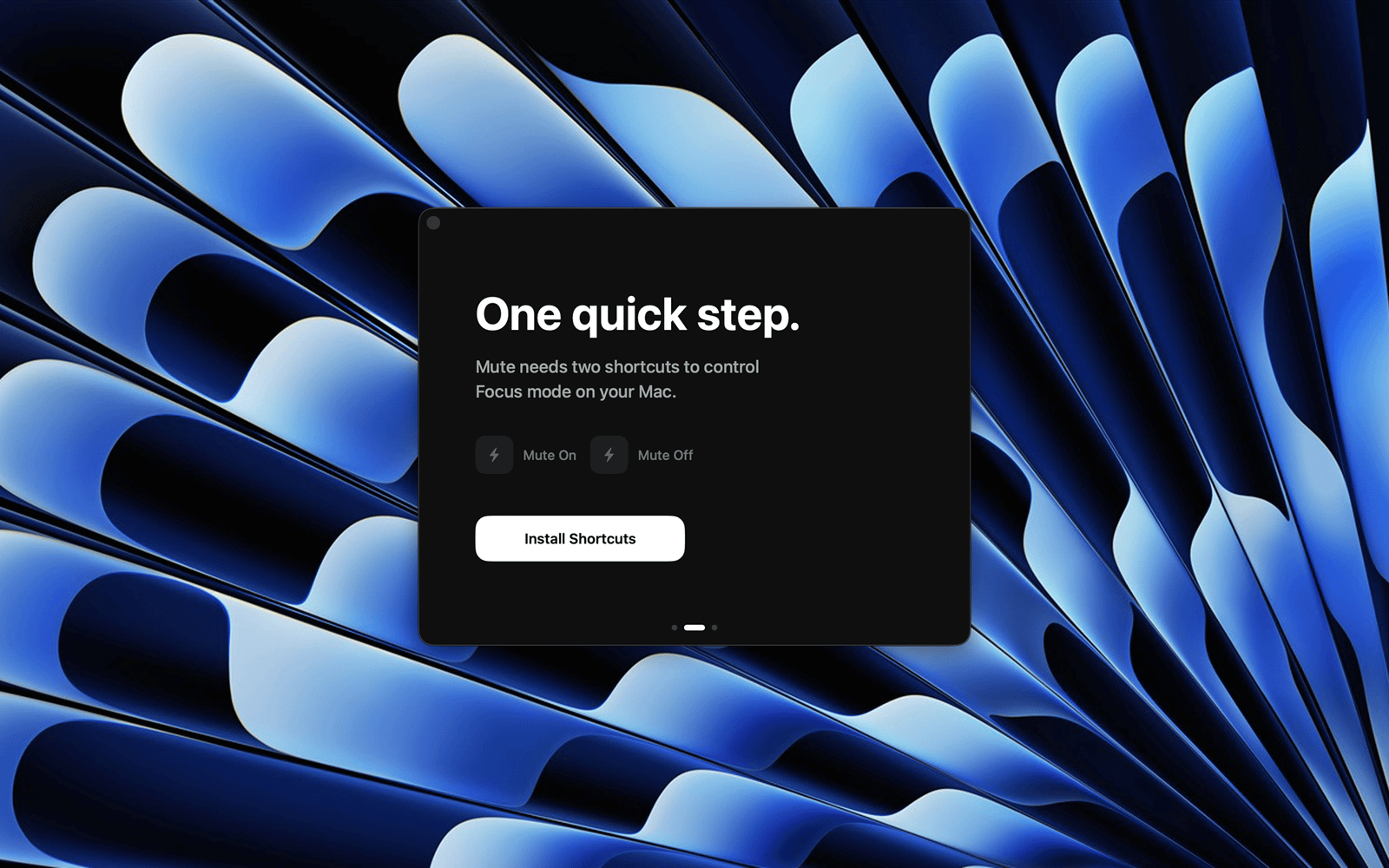
- Do Not Disturb — toggled through two bundled macOS Shortcuts calling the native Focus API. No private APIs, no accessibility permissions.
### Why you'll like it
- Zero configuration — lives in your menu bar, works out of the box.
- Works with everything — Zoom, Teams, Google Meet, FaceTime, Slack, Discord, WebEx, and any browser call. It reads a system signal, not per-app integrations.
- Choose your trigger — mic & camera, mic only, or camera only.
- Private by design — no data collected, no account, no network. It reads activity state only, never audio or video. Fully open source (MIT).
- Free.