
Purge
Reclaim disk space by clearing caches macOS leaves behind.
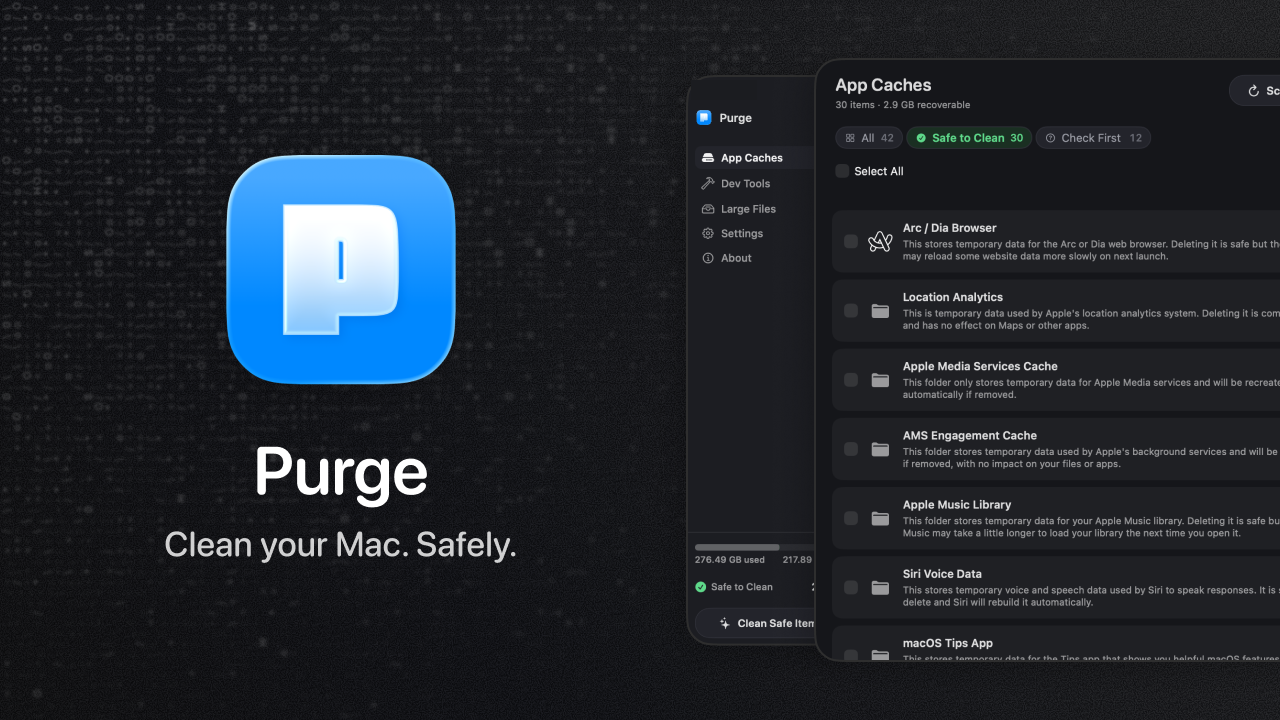
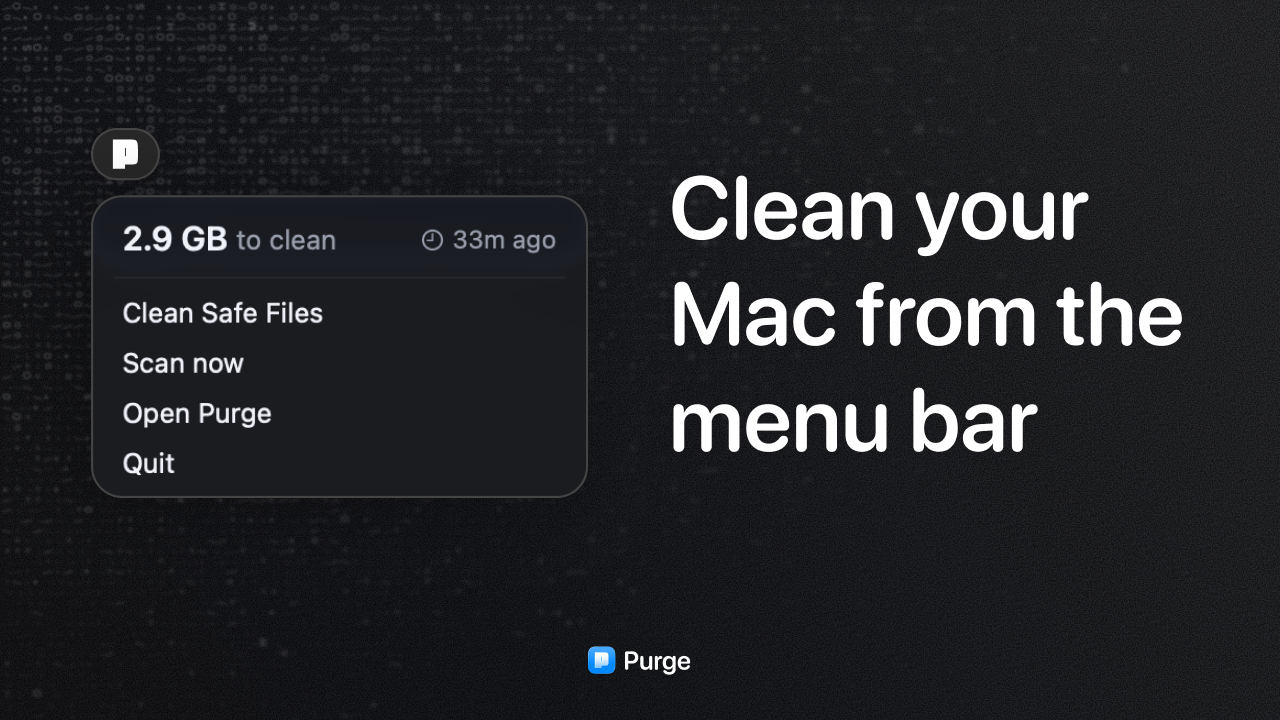
Purge is a free, open source cache cleaner for macOS. You open it, it scans, and it shows you how much space you can get back. One tap and it's gone.
Most cleaning tools ask you to become an expert first. Long lists of paths, warnings you can't evaluate, checkboxes you're not qualified to tick. Purge takes the opposite position: you shouldn't need to understand what a derived data folder is to get your disk space back.
What it cleans
Developer caches like Xcode derived data and build artifacts, package manager caches, browser caches, app caches, and the general junk that accumulates in Library folders.
How it stays safe
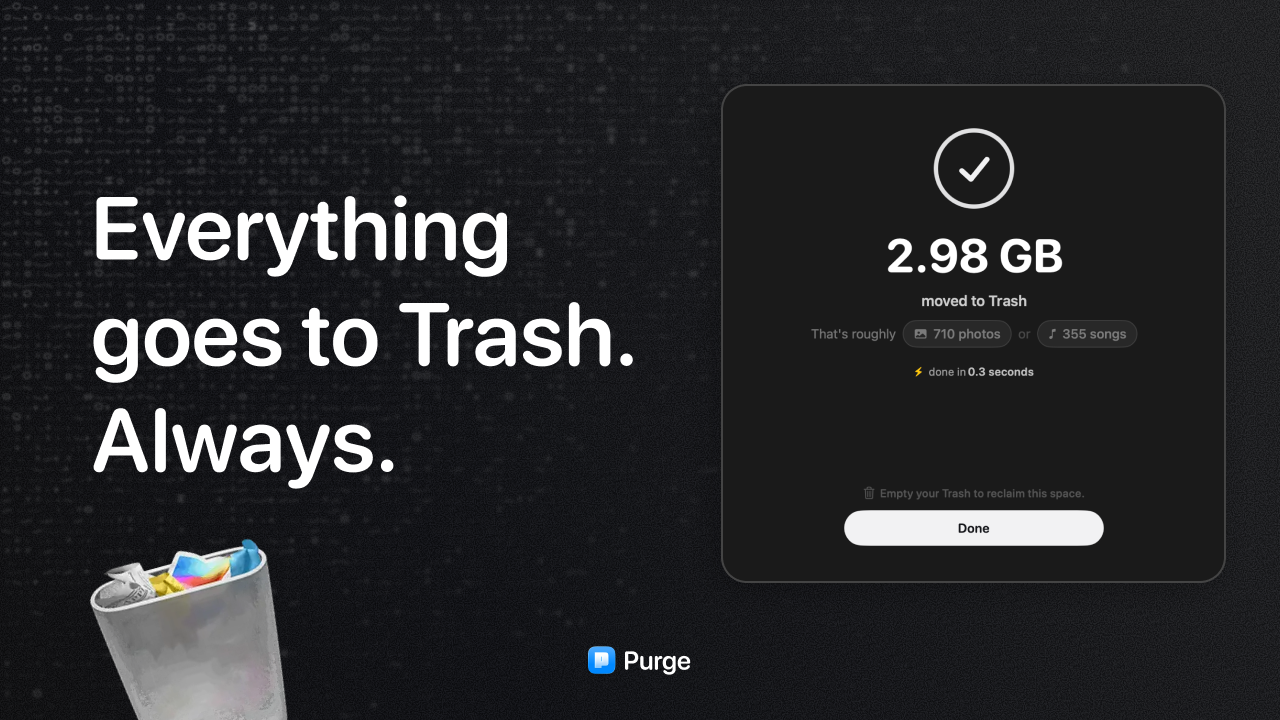
- Everything goes to the Trash. Purge never deletes permanently. If it takes something you wanted, drag it back.
- A strict allowlist governs what the app can touch. Anything outside that list is invisible to Purge. It cannot be talked into scanning somewhere it shouldn't.
- Two tiers only. Safe to Clean and Check First. There's no third category of dangerous items to be careful around, because those items never appear in results at all.
- Exclusions only subtract. You can tell Purge to skip something, but you can't tell it to reach further.
- No telemetry. No analytics, no accounts, no network calls except checking for updates.
Open source
The whole thing is on GitHub. Signed and notarized by Apple, distributed as a DMG or through Homebrew. If you want to know exactly what it does before you run it, you can read it.
Requires macOS 13 or later. Free, no upsell, no pro tier.