
Severn Planner
A free study planner with a menu bar timer and widgets
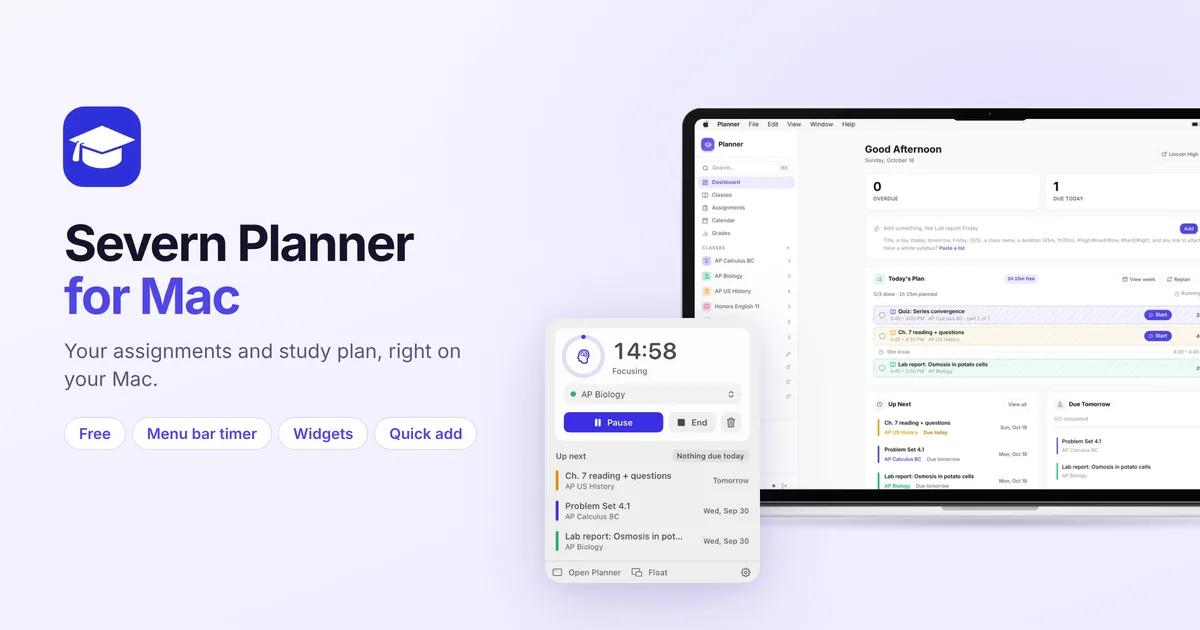
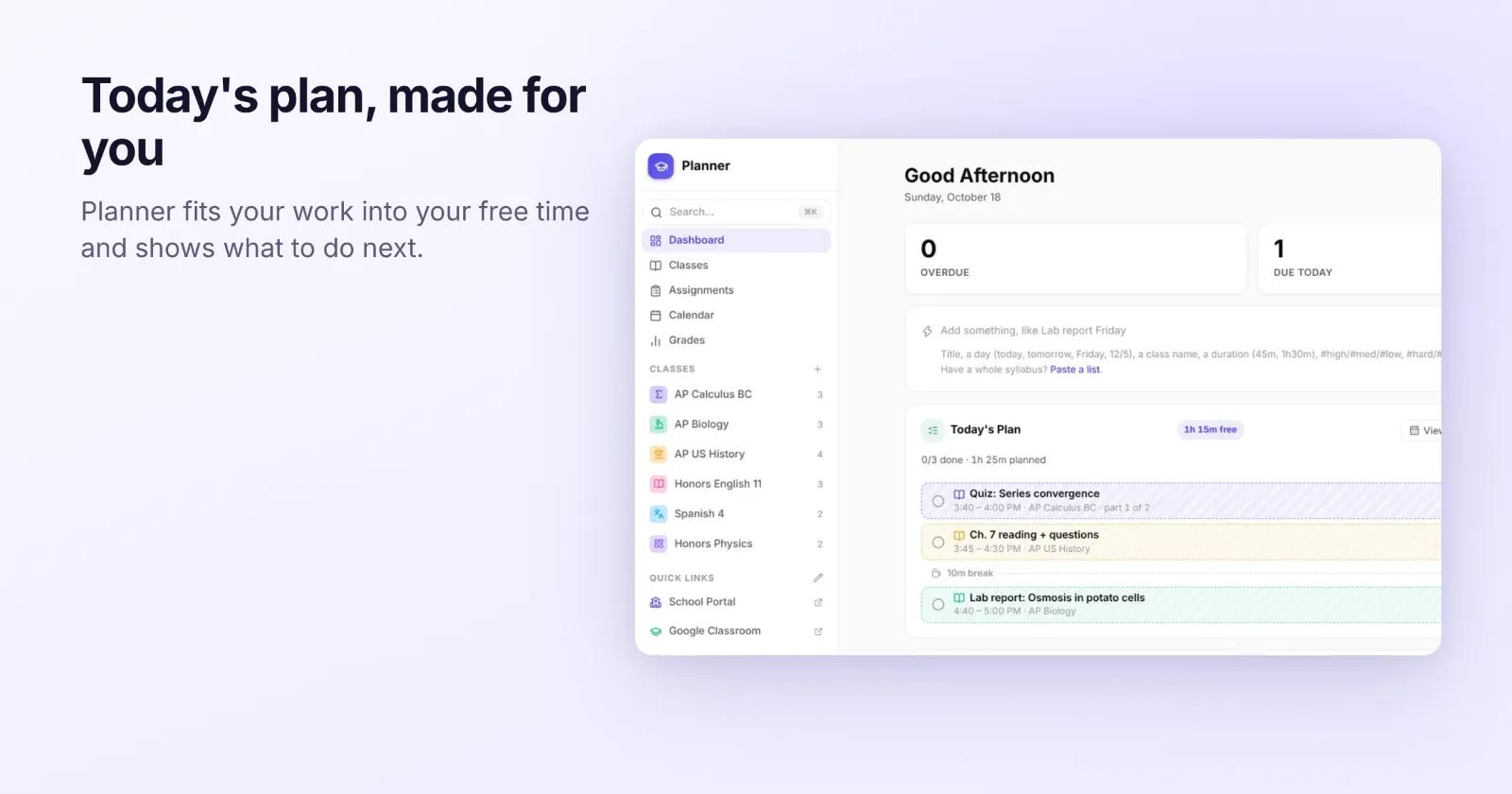
Severn Planner is a free planner for students. It keeps your classes, assignments and tests in one place, then builds a daily study plan around the time you actually have free.
The Mac app puts Planner in its own window and adds the things a browser tab can't do.
What the Mac app adds
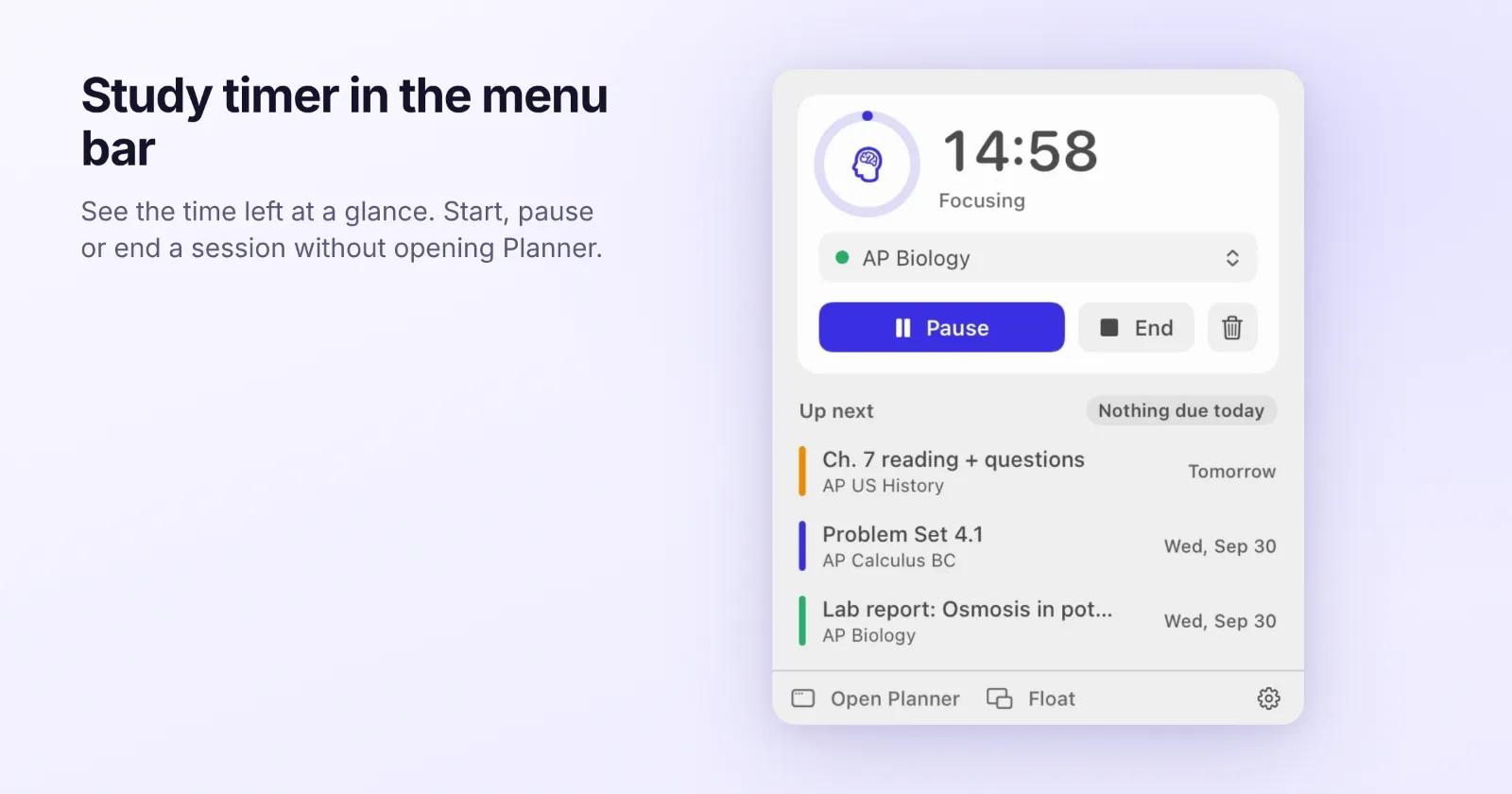
### Study timer in the menu bar
The time left shows in the menu bar. Start, pause or end a session and pick one of your presets without opening Planner. You can also keep a small floating timer on top of your other windows.
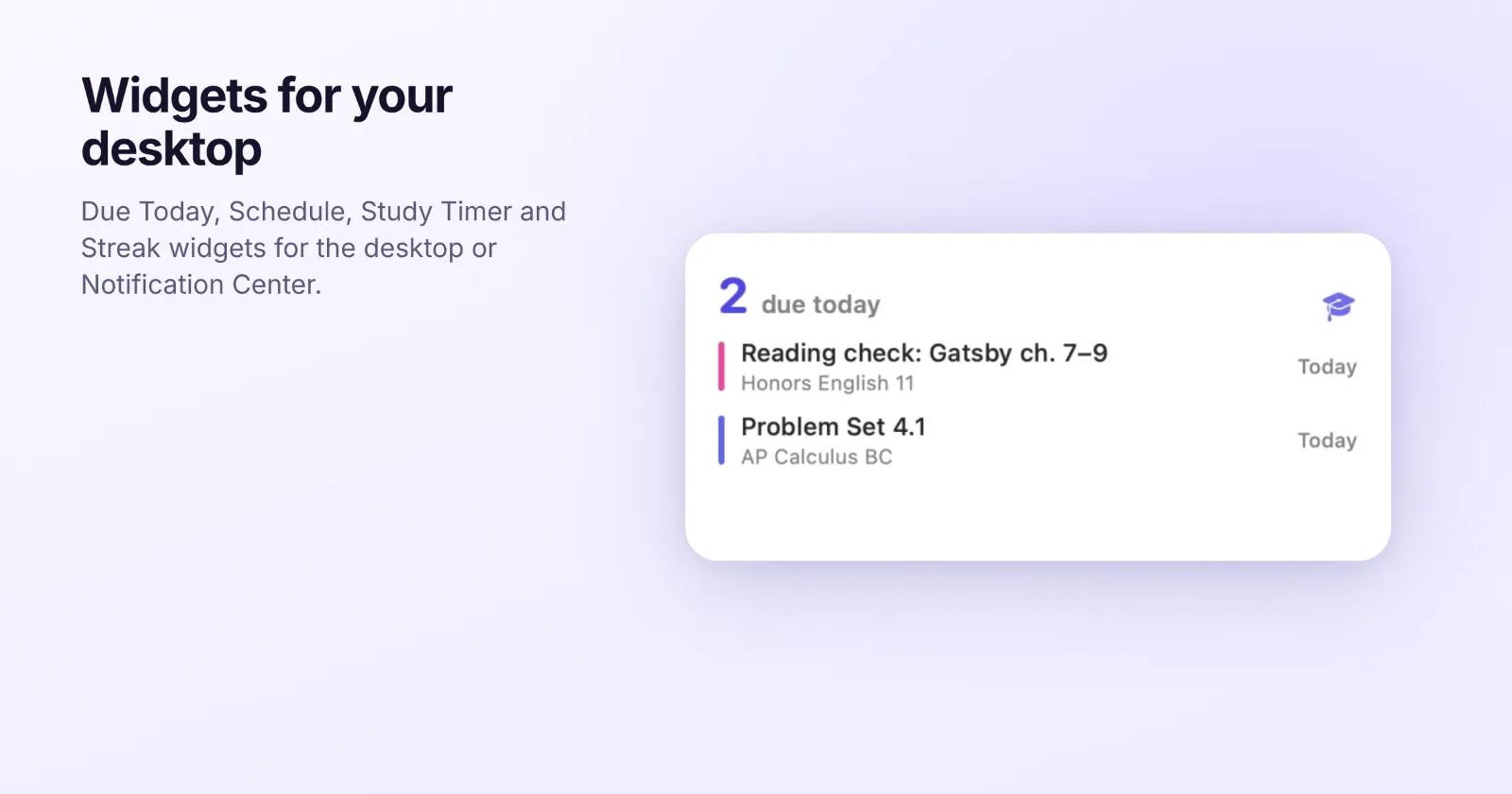
### Widgets
Add the Due Today, Schedule, Study Timer and Streak widgets to your desktop or Notification Center.
### Notifications with buttons
Planner reminds you before work is due and before each class. Mark an assignment done or snooze it right from the notification.
### Quick add from anywhere
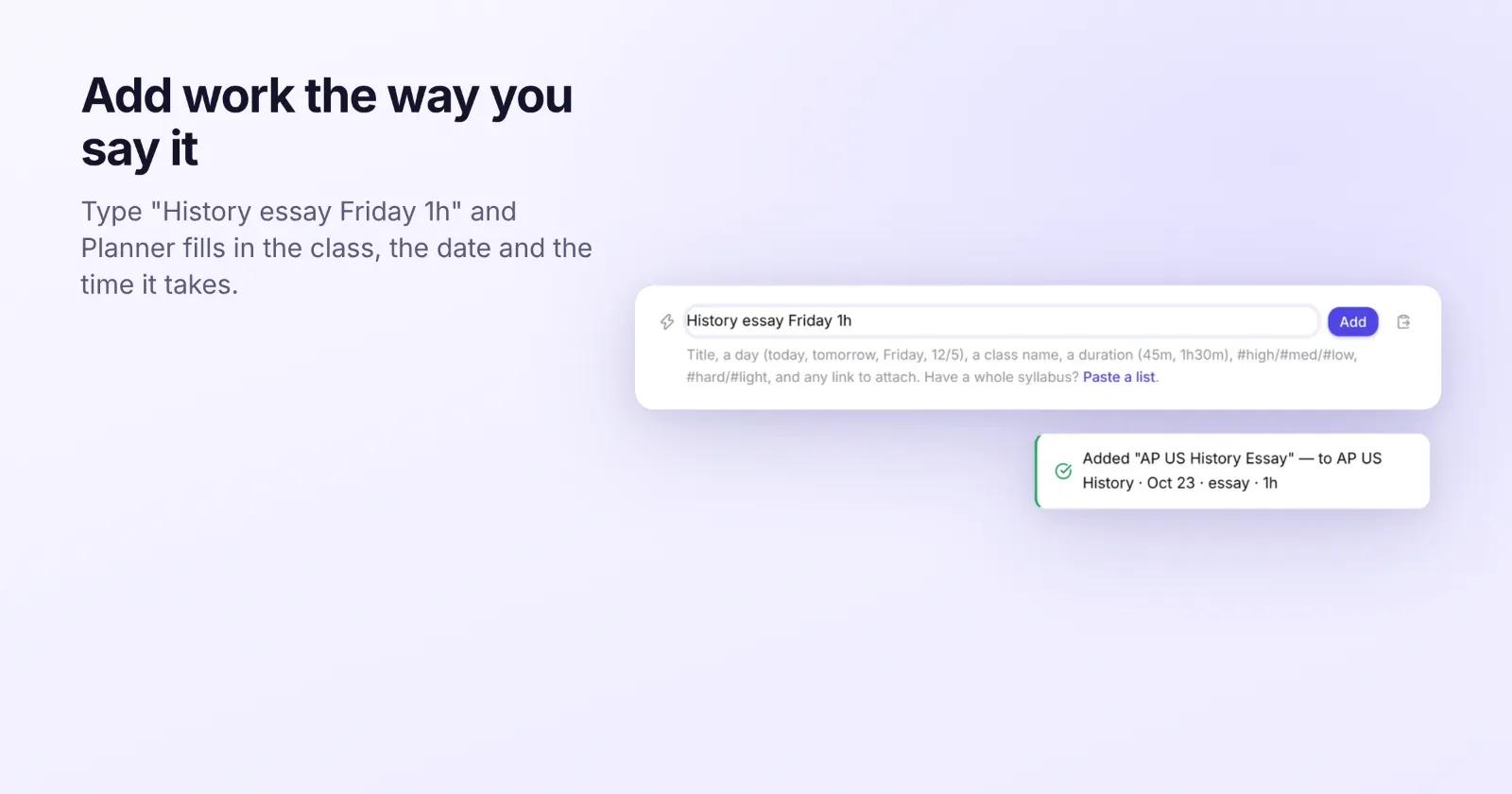
Press Control-Option-Space in any app, type something like Lab report Friday Chemistry 45m, and press Return.
### Add from other apps
Share a page from Safari, send selected text from the Services menu, or drop a PDF on the Dock icon to attach it to an assignment.
### Staying focused
Pick apps to hide while a focus timer runs. If you step away, the timer pauses and asks whether to count the time you were gone.
### Siri, Spotlight and Shortcuts
Search for assignments in Spotlight, ask Siri what's due, or start your next study session.
### Calendar and Reminders
Planner can copy your assignments into Apple Calendar or Reminders. This stays off until you turn it on.
## Also in Planner
- Plan My Week fits your work into your free time and moves things when your day changes.
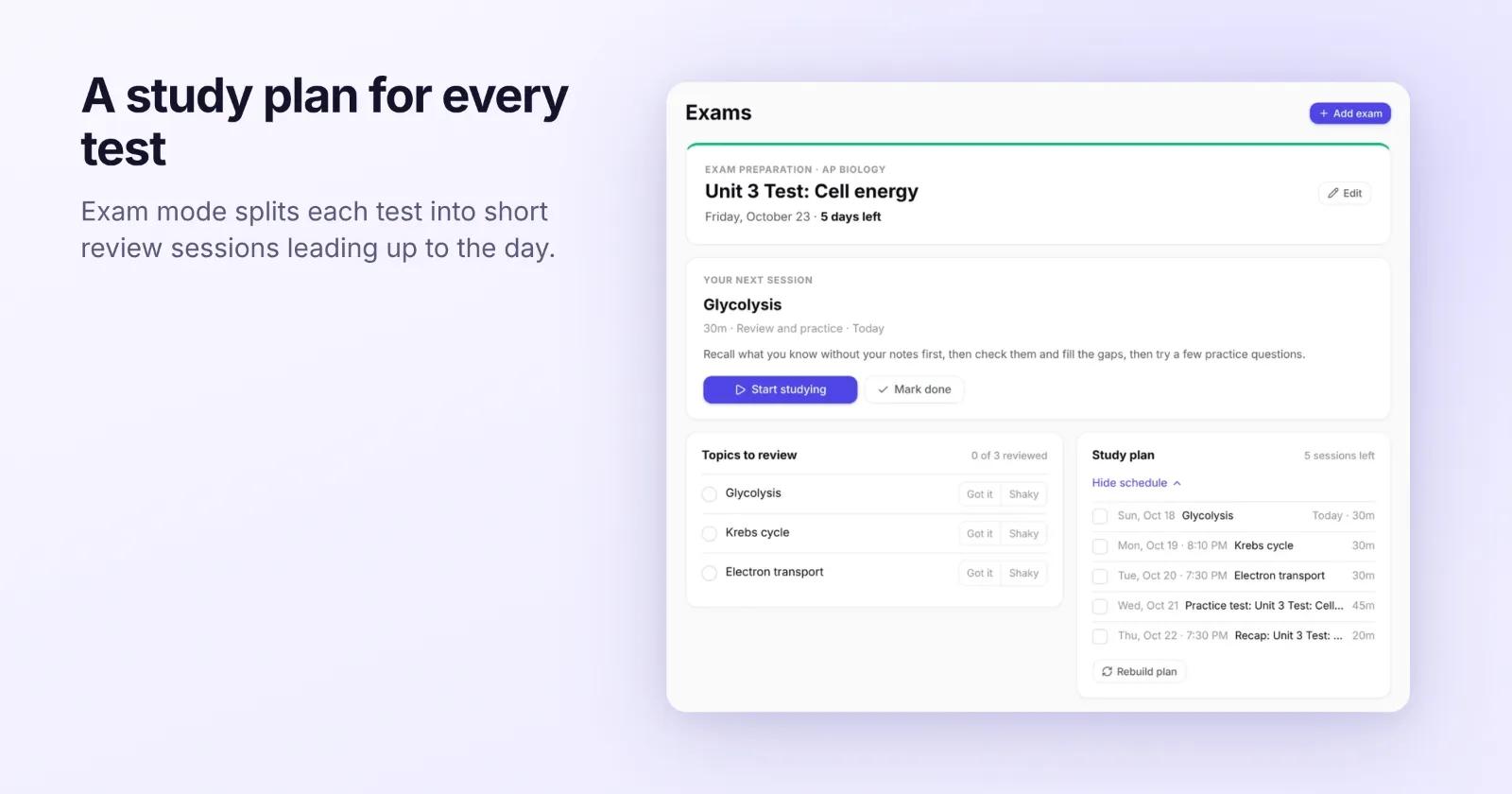
- Exam mode splits each test into short review sessions leading up to the day.
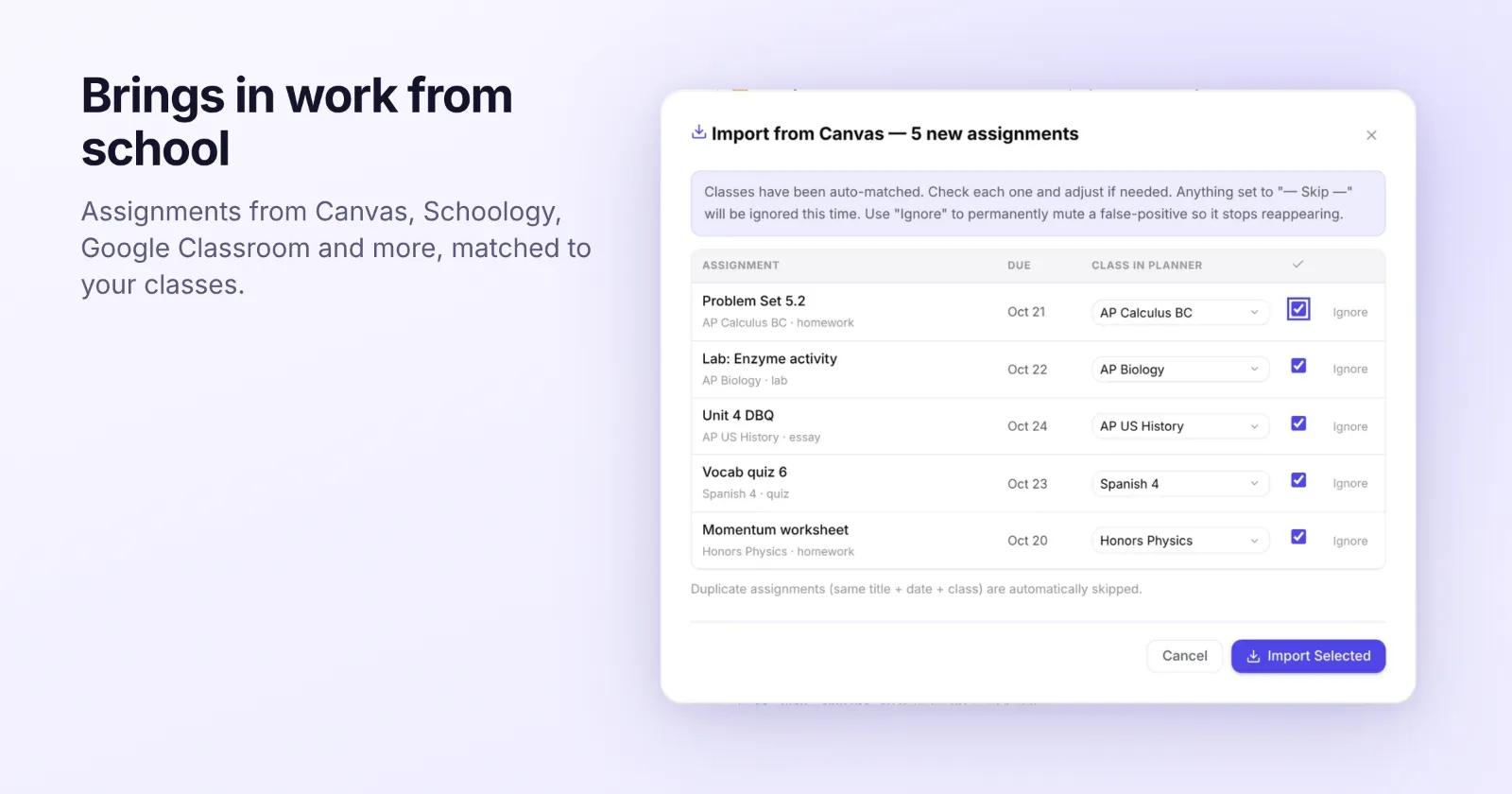
- School sync brings in assignments from Canvas, Schoology, Google Classroom and more.
- Grades and your GPA in one place.
## Details
- Free, for macOS 14 Sonoma or later.
- Signs in to the same account as the web app, so everything shows up in both.
- Updates itself, and only installs updates signed by Planner.











