Vibe in Color
200 original Codex themes, previewed and imported on Mac.
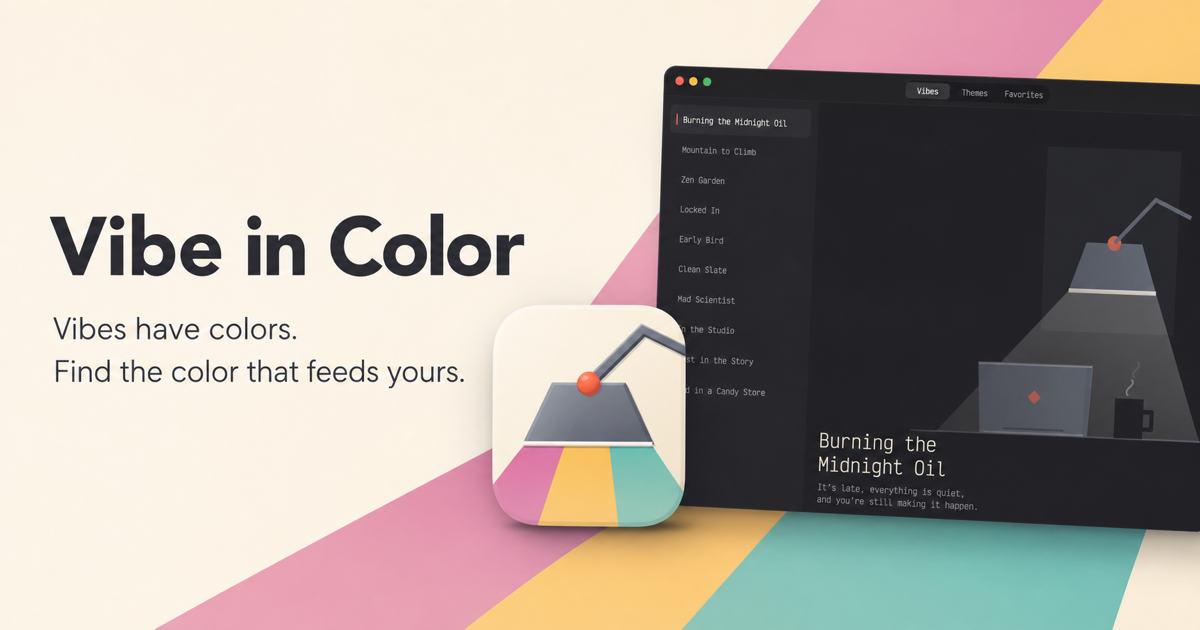
Vibe in Color is a free native macOS utility for people who spend a lot of time in the Codex app and want their workspace to feel a little more personal.
I originally built it for myself after discovering that “pick a theme and get back to work” was apparently not how this was going to go.
What it does
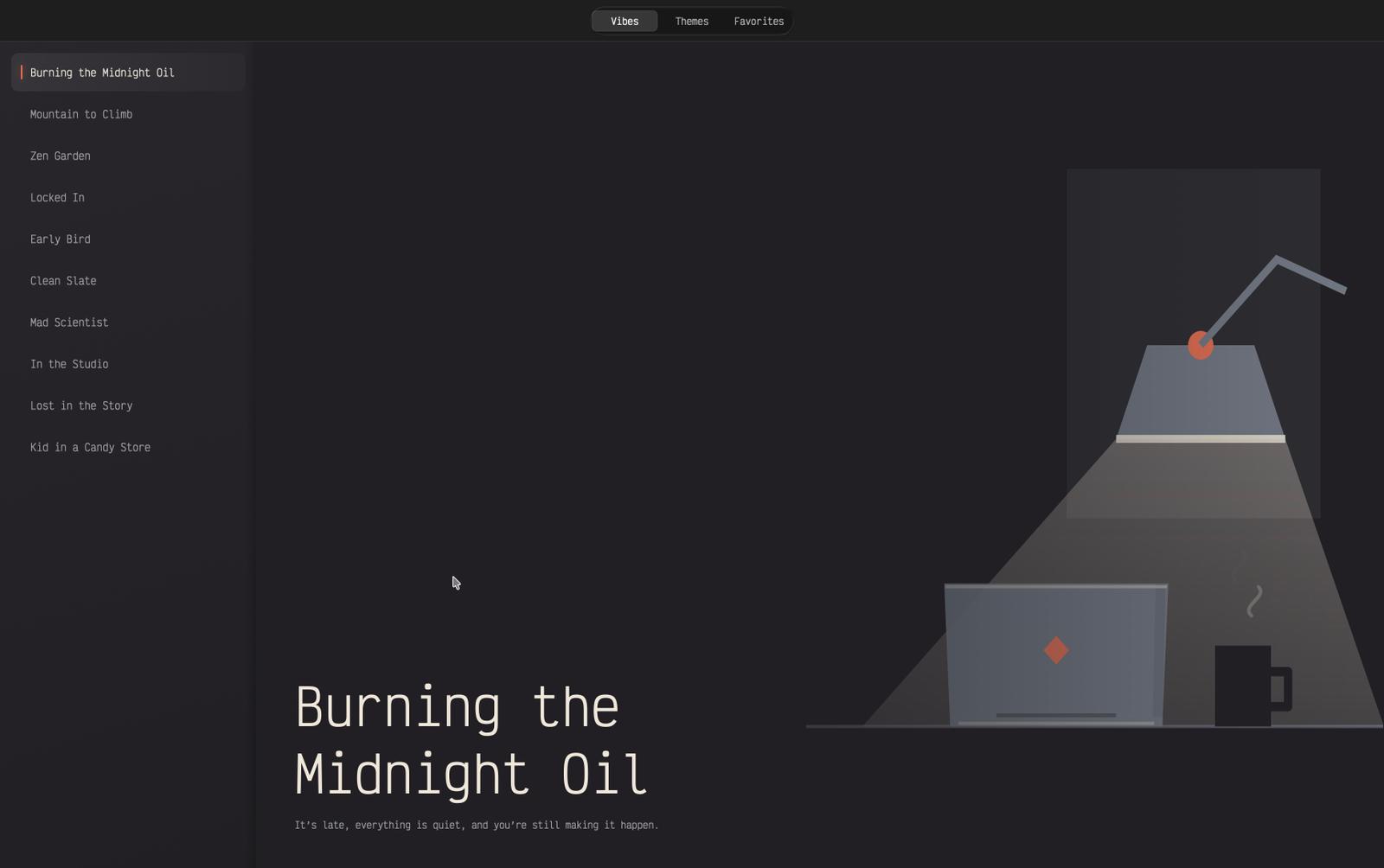
Vibe in Color contains 200 original themes, organised into 10 work vibes. Each vibe has 10 light and 10 dark themes, ranging from quiet, low-contrast palettes to considerably less quiet late-night colours.
You can:
- Browse themes by vibe or explore the complete collection
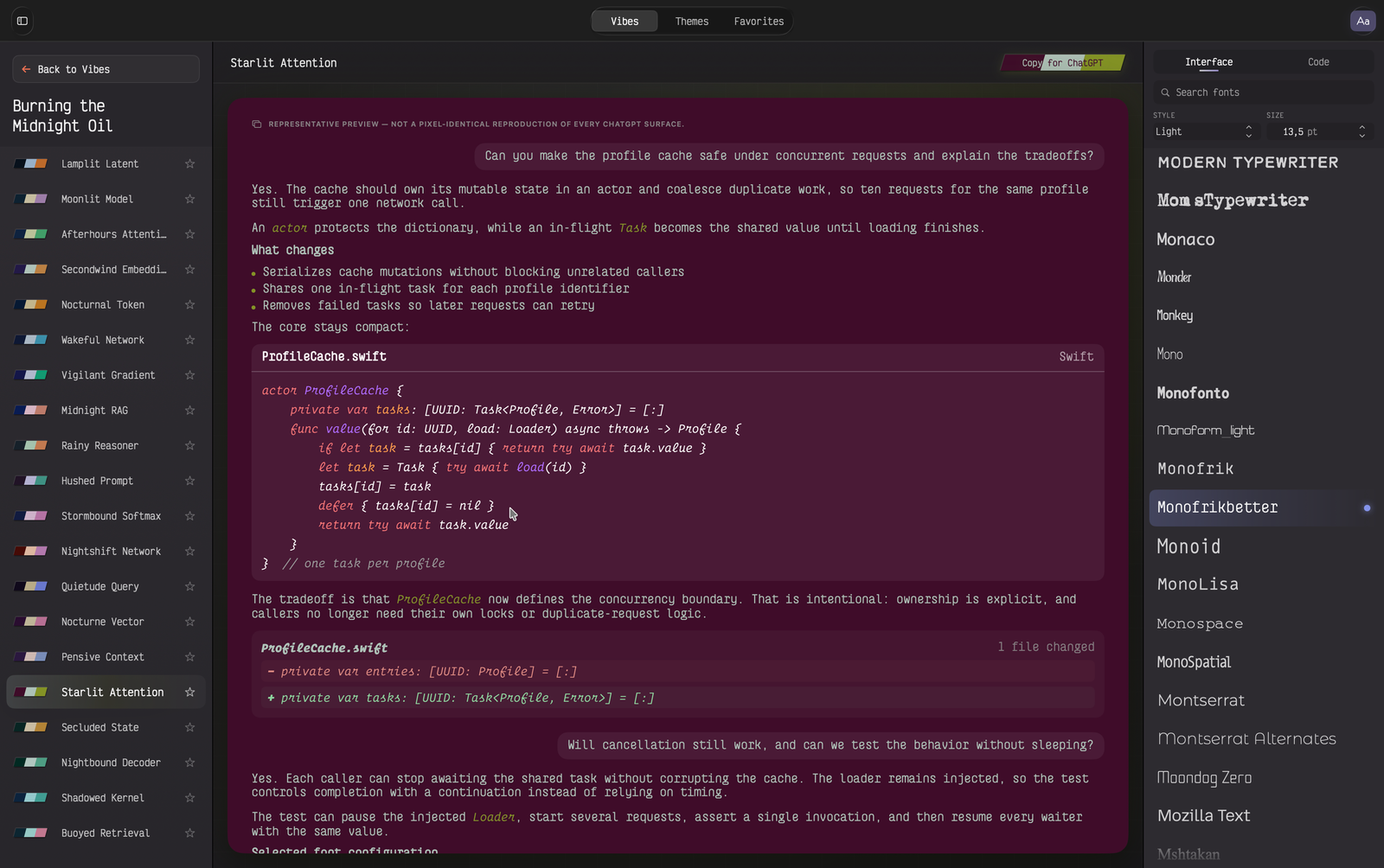
- Preview each theme against realistic chat, code and diff views
- Test themes with fonts already installed on your Mac
- Search the collection and save favourites
- Import your choice through Codex’s built-in theme importer
The previews are there because a colour palette can look lovely in isolation and become completely unusable the moment it meets a code diff.
Why it exists
Colour affects how I read, focus and settle into longer coding sessions. Sometimes I want something calm and nearly invisible; sometimes the correct answer is called Burning the Midnight Oil.
Vibe in Color makes it easy to explore those moods without manually editing theme files or repeatedly importing themes just to discover that one comment colour is impossible to read.
Privacy and requirements
- Completely free
- Apple-notarized
- No account
- No analytics
- No network access
- Built for Apple silicon
- Requires macOS 14 or later
It is a small utility I made for myself and decided to share with anyone else who might enjoy it.