
Folders
A file manager with a folder tree for Windows switchers
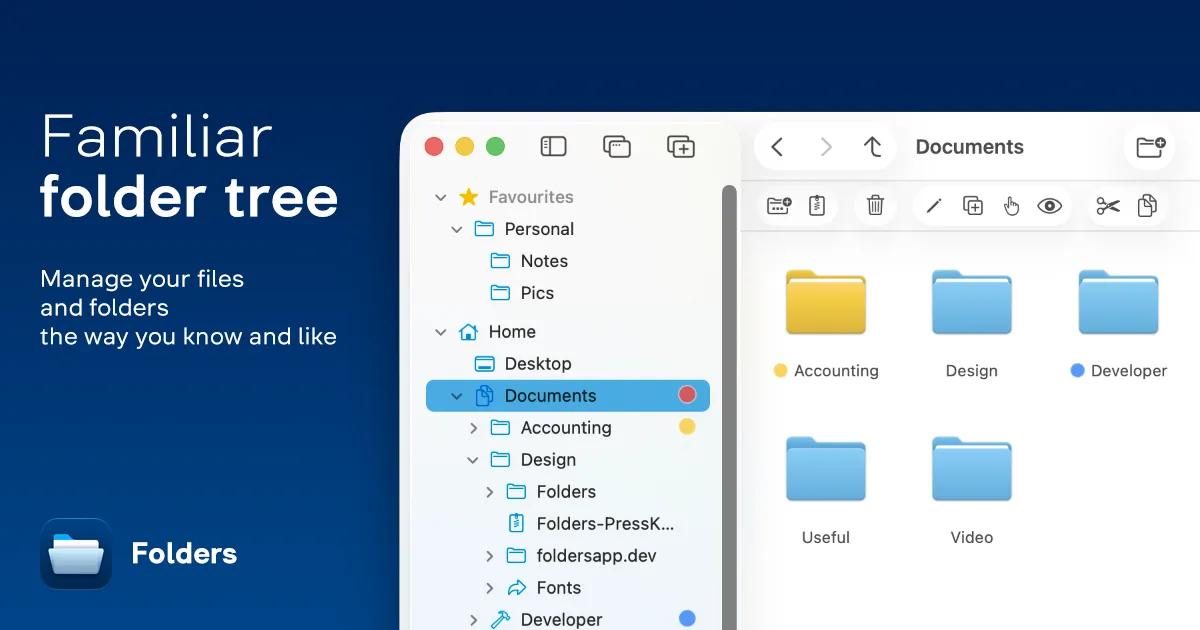
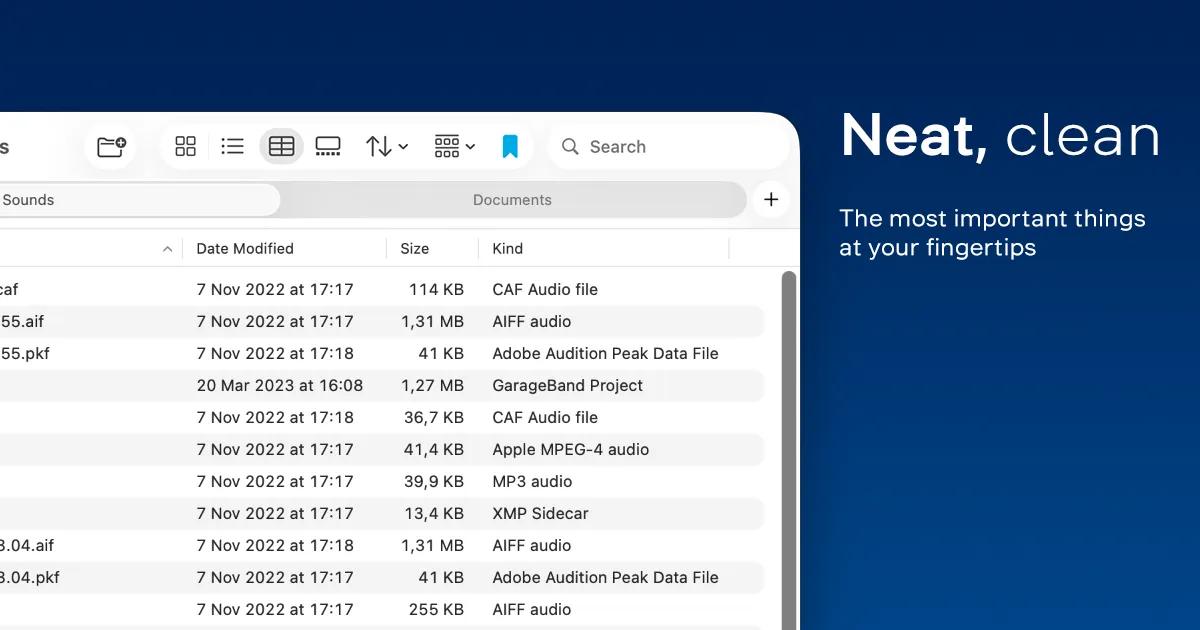
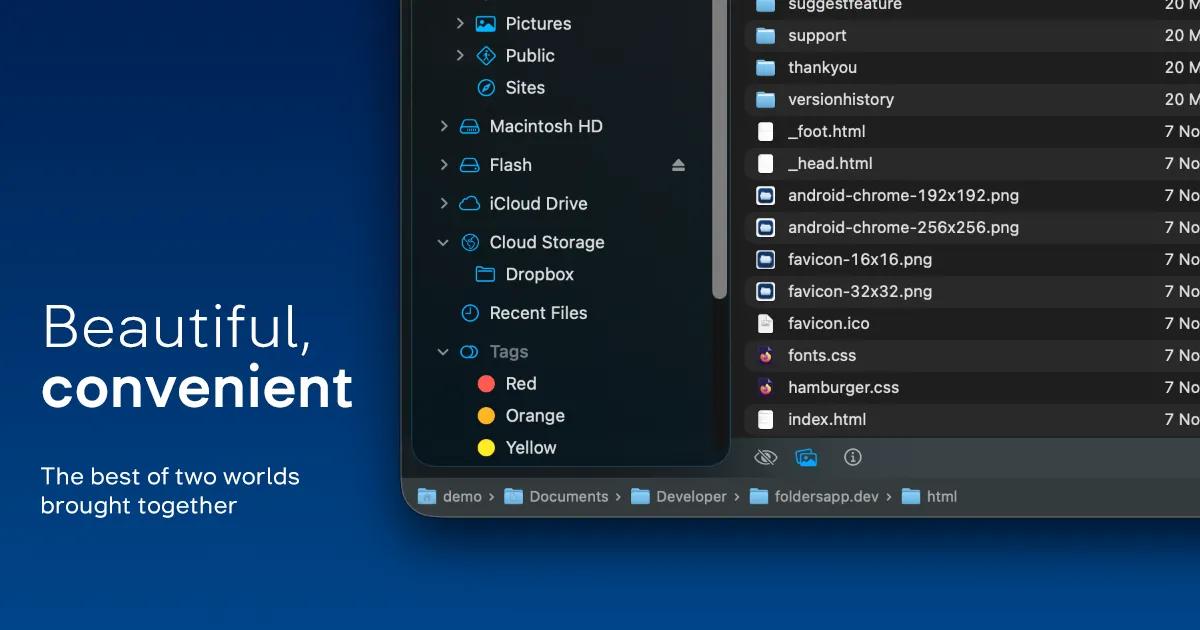

Folders is a native macOS file manager built around a persistent folder tree in the sidebar — hard drives, external and network drives, iCloud Drive, every connected cloud provider, tags, recents, and favorites, all in one expandable structure you order yourself. It's built for people who came from Windows and miss File Explorer's navigation model, and for long-time Mac users who never got along with Finder's bookmarks-only sidebar.
Folders ships as one app in two editions, built and updated together. Folders File Manager is the sandboxed edition on the Mac App Store; Folders Pro is a direct-distribution, unsandboxed edition for deeper system access. Existing App Store owners can transfer to Pro at a reduced price.
Highlights:
- Persistent, reorderable folder tree covering drives, network shares, cloud storage, tags, and favorites
- Four consistently behaving file views: Table, List, Icons, Gallery
- Comprehensive multi-step undo, including file replacements and folder mergers
- Explorer-style ⌘X cut, Return-to-open, and other Windows-familiar shortcuts
- Shelf: a staging area for collecting files from unrelated folders into one operation
- Built-in support for zip, 7z, rar, tar, and other archive formats
- Localized into 30+ languages
- Folders Pro adds Git status/stage/commit, iOS device browsing over USB, full Trash management, and custom shell/AppleScript actions
- One-time purchase with lifetime updates, no subscription
Folders turns macOS's hidden filesystem into a visible one — the tree Windows switchers expect, on the OS that never had it.
See the website for the full list of features.