
Inkline Text Editor
Open huge files in milliseconds and format them fast.
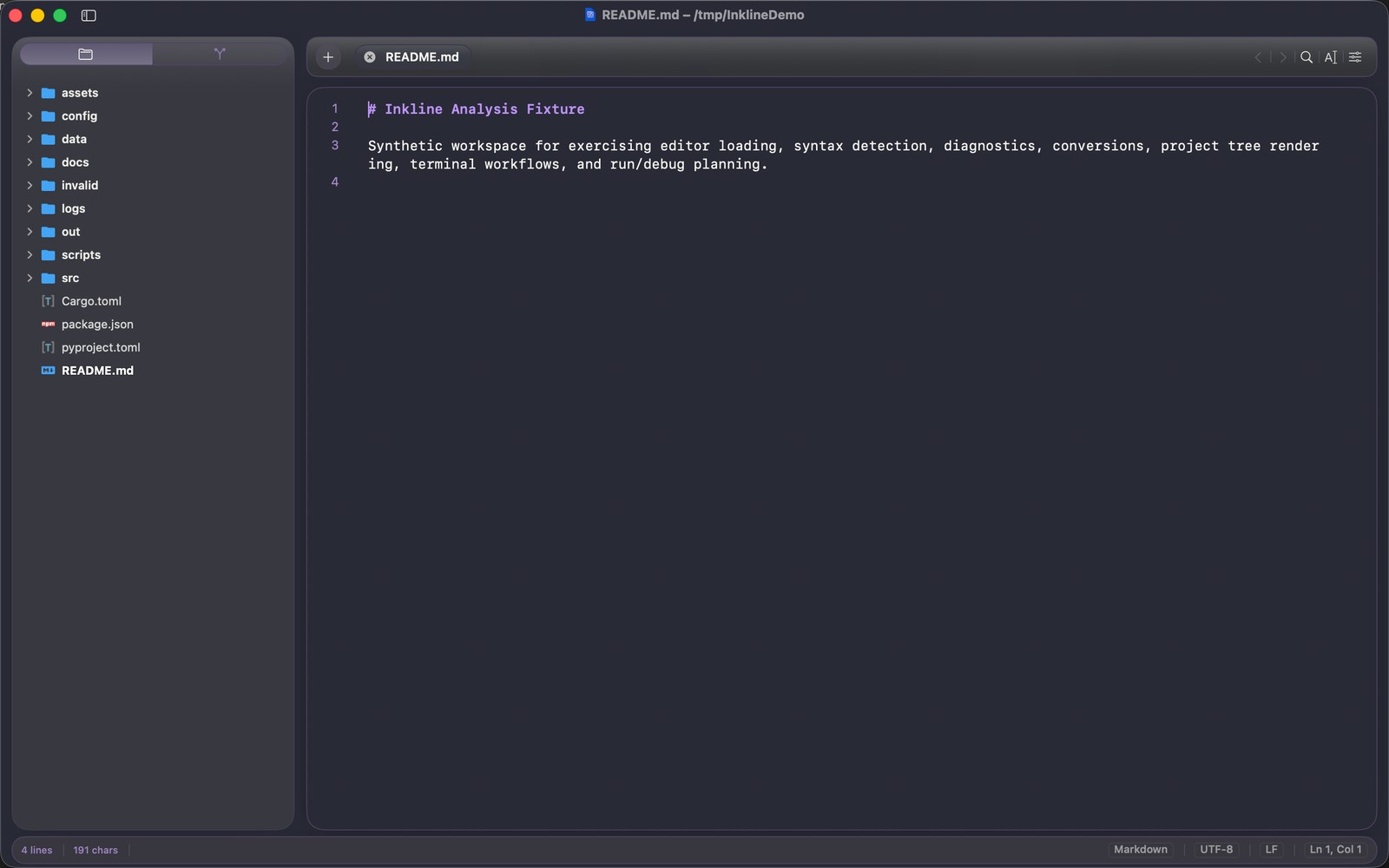
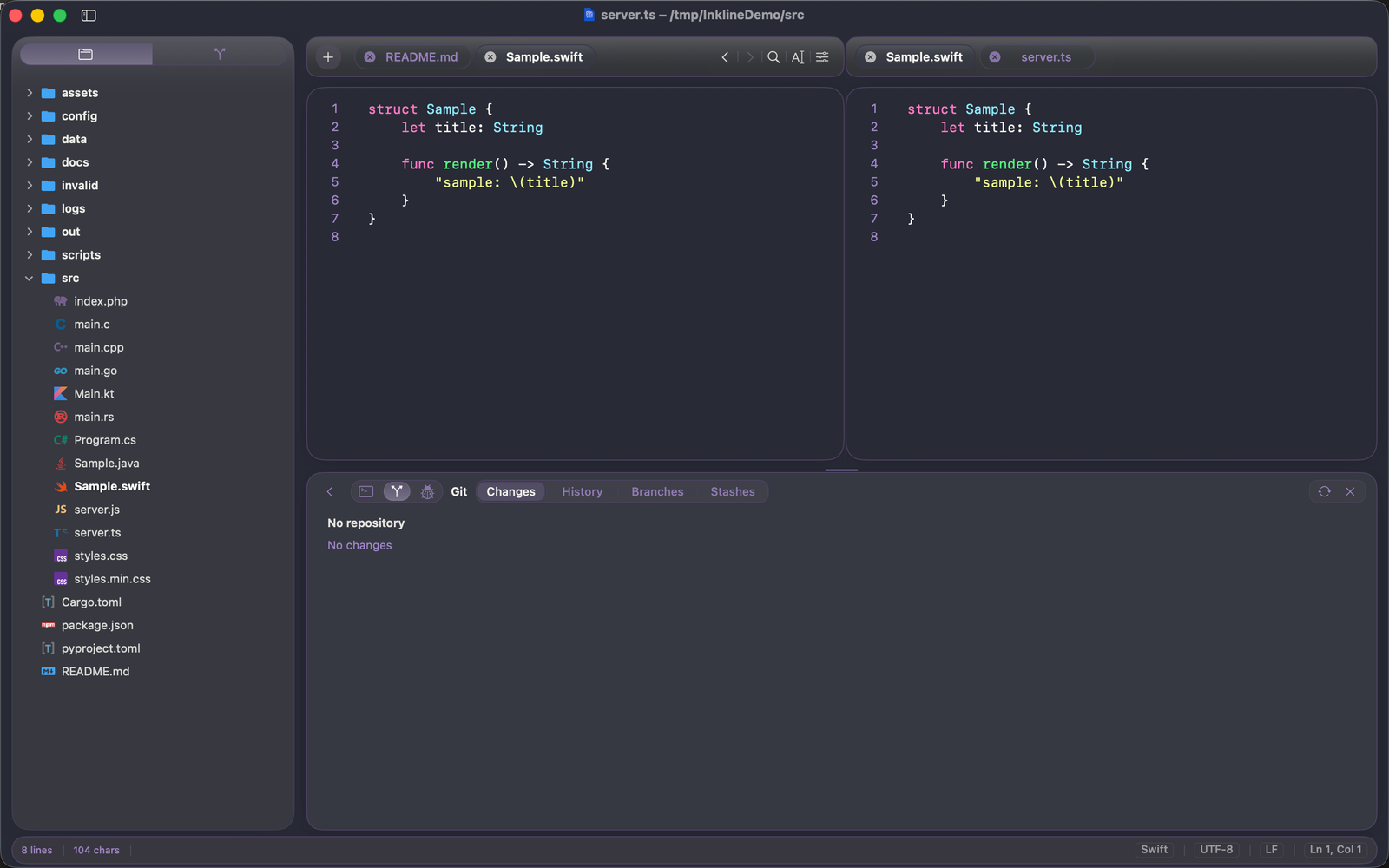
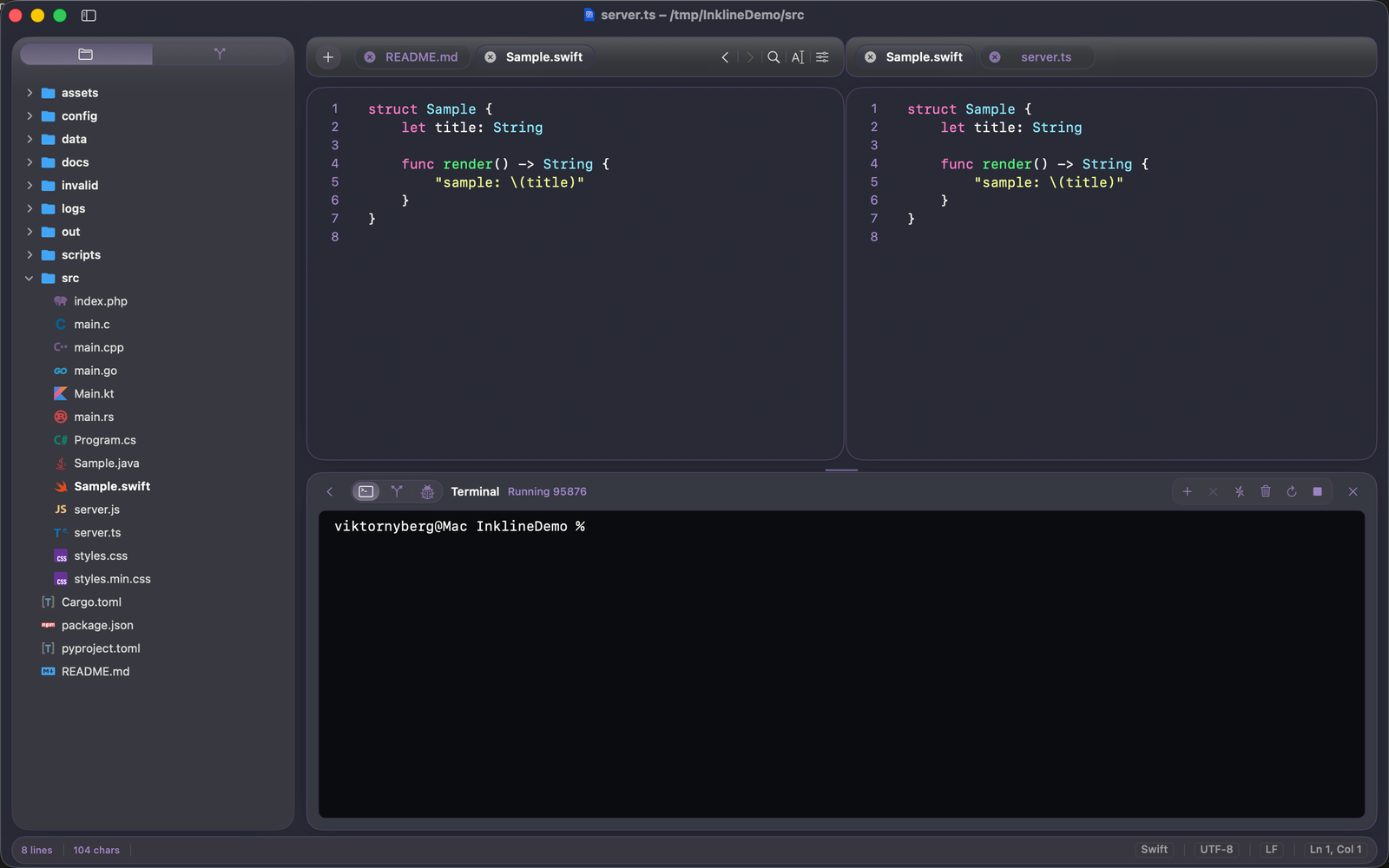
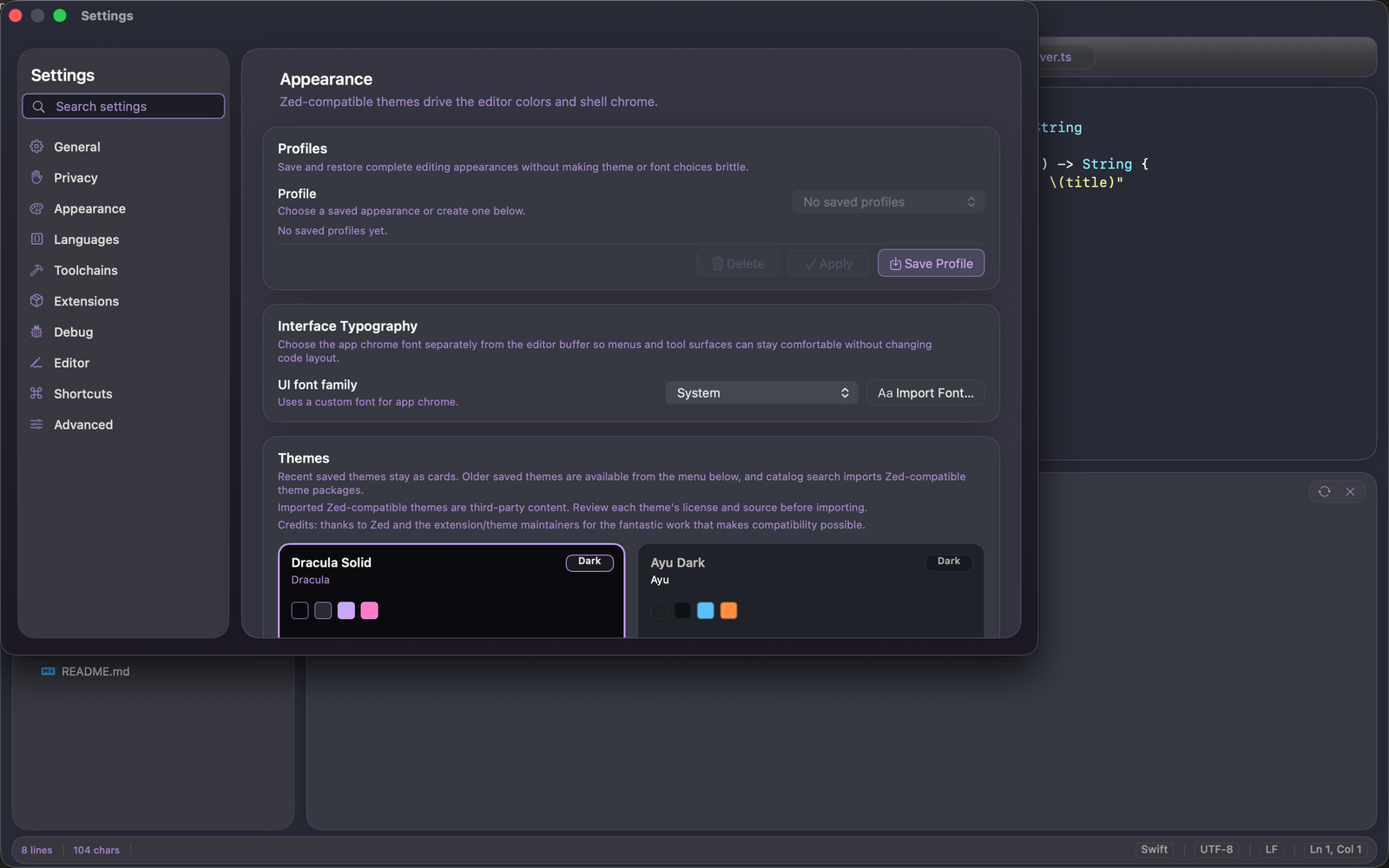
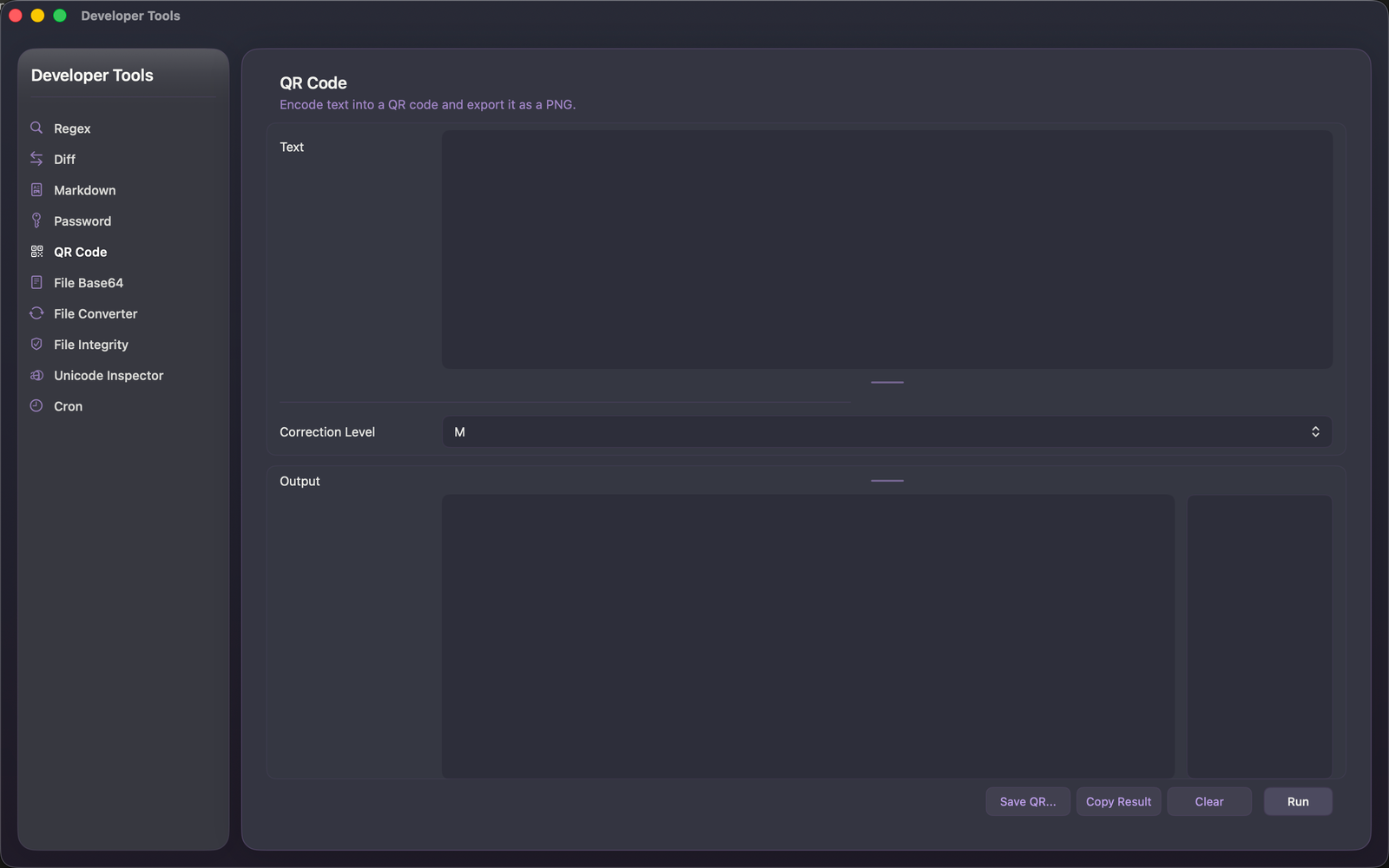
Inkline is a native macOS editor for code, configuration, notes, logs, and structured data. Built entirely in Swift with AppKit, it is quiet, responsive, and editor-first, not a web view inside a Mac window.
I originally built Inkline because my usual editors would freeze or crash when working with structured files in the 300–1000 MB range. Inkline can open huge files in milliseconds and format them without disrupting your workflow. On my entry-level M3 MacBook Pro, formatting a 300 MB+ JSON file takes around 20 seconds.
STRUCTURED DATA AND LARGE FILES
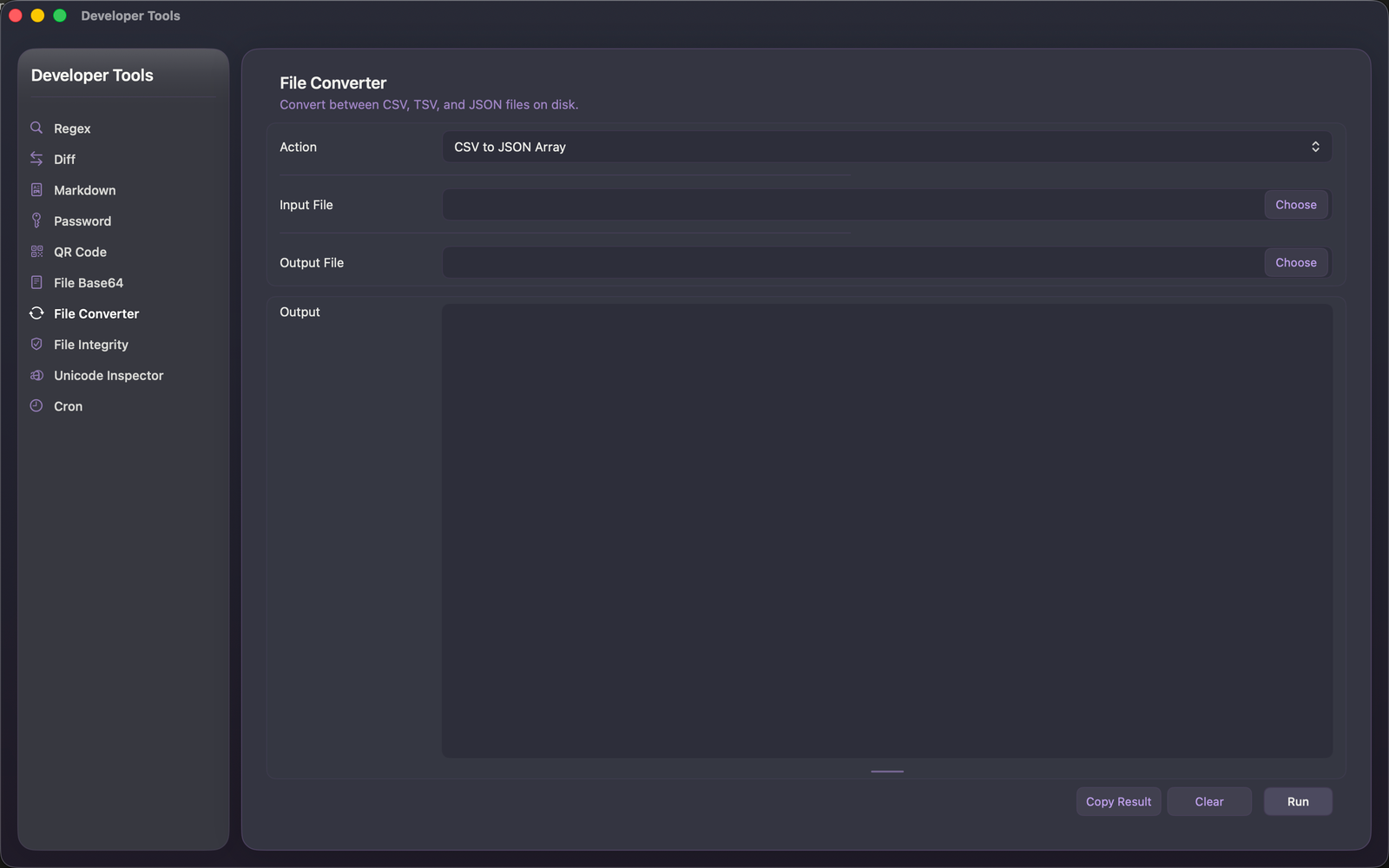
Pretty-print, minify, and reformat JSON, XML, and CSV. Convert between JSON, JSON Lines, CSV, and TSV directly inside the editor.
Inkline uses streaming formatting and a dedicated large-file mode to keep scrolling, searching, navigation, and syntax highlighting responsive with large datasets. Invalid input produces clear errors, while practical undo and redo make large formatting operations safer.
TEXT TOOLS
Inkline includes an extensive collection of Text Tools that can be applied to a selection or an entire document. Sort and clean lines, remove duplicates, normalize whitespace and line endings, convert letter cases, encode or decode Base64, inspect JWTs, generate hashes and UUIDs, transform structured data, format SQL, HTML, and CSS, and much more.
Favorite tools can be pinned for faster access, and every action is available through the Tools menu, context menu, command palette, or a custom keyboard shortcut.
DEVELOPER TOOLS
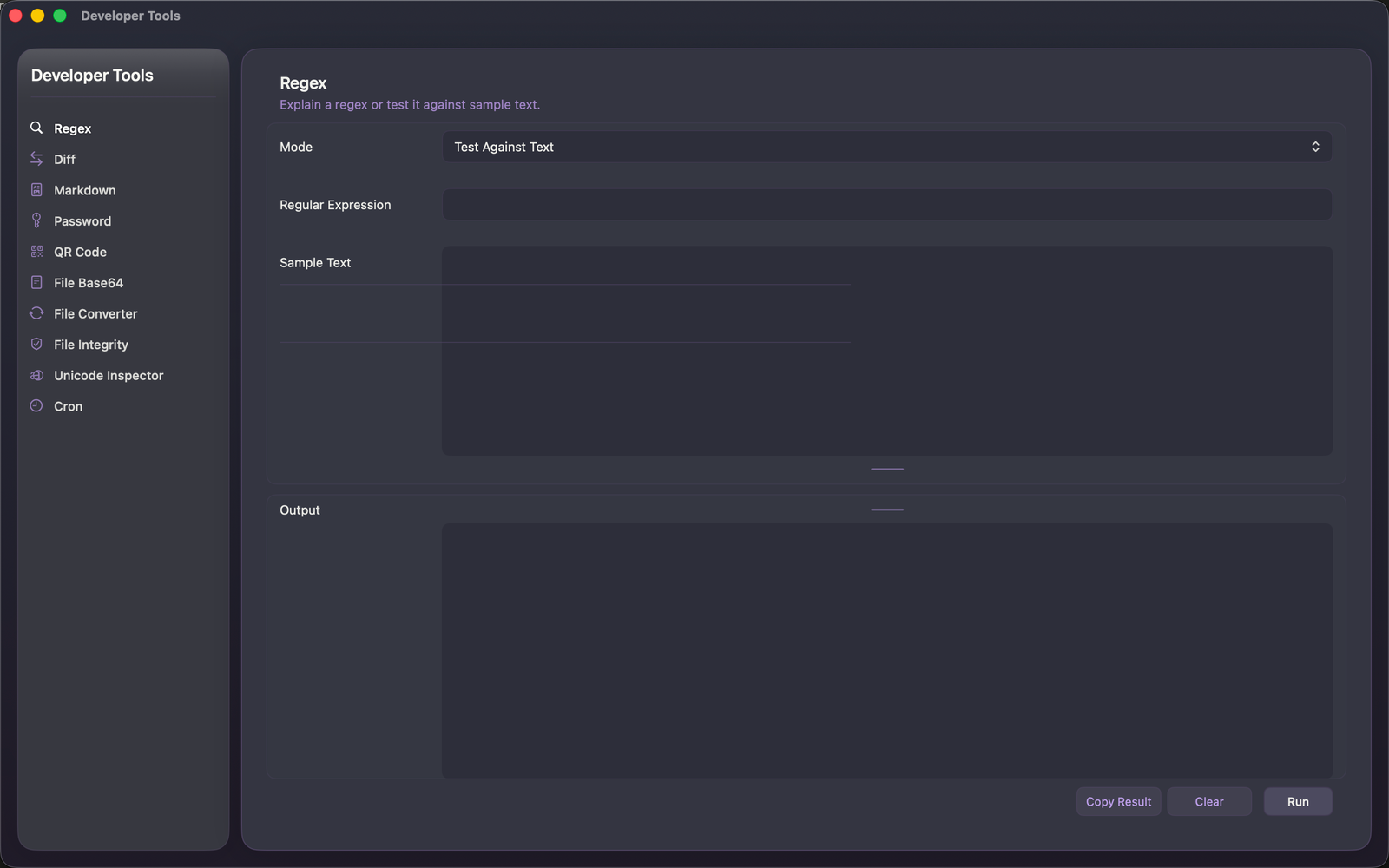
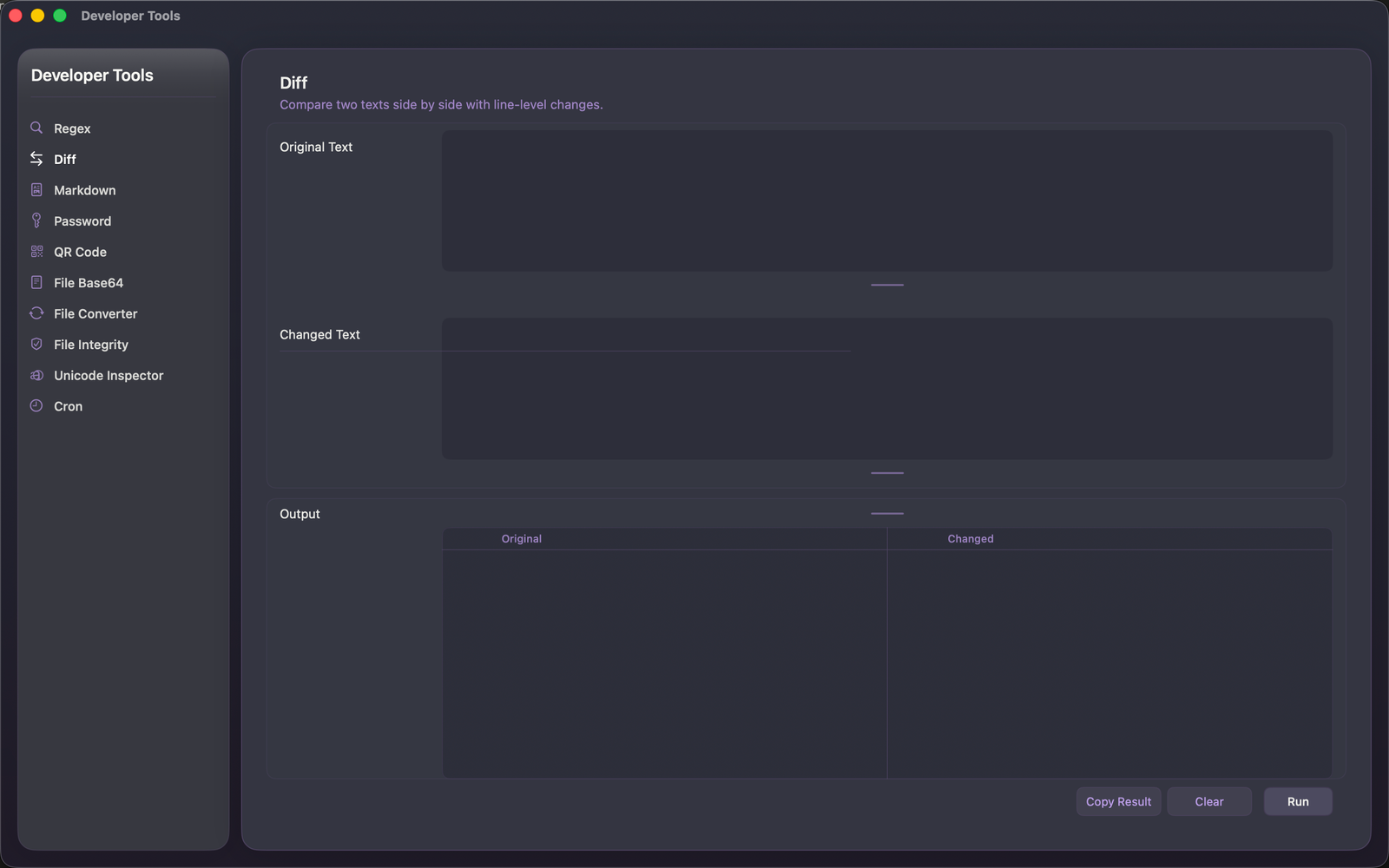
Inkline also includes 10 dedicated developer utilities for common everyday tasks, including a QR Code Generator, Regex Tester, Diff Checker, Markdown Preview, Password Generator, Base64 File Tool, File Converter, File Integrity Checker, Unicode Inspector, and Cron Expression Tool.
EDITING
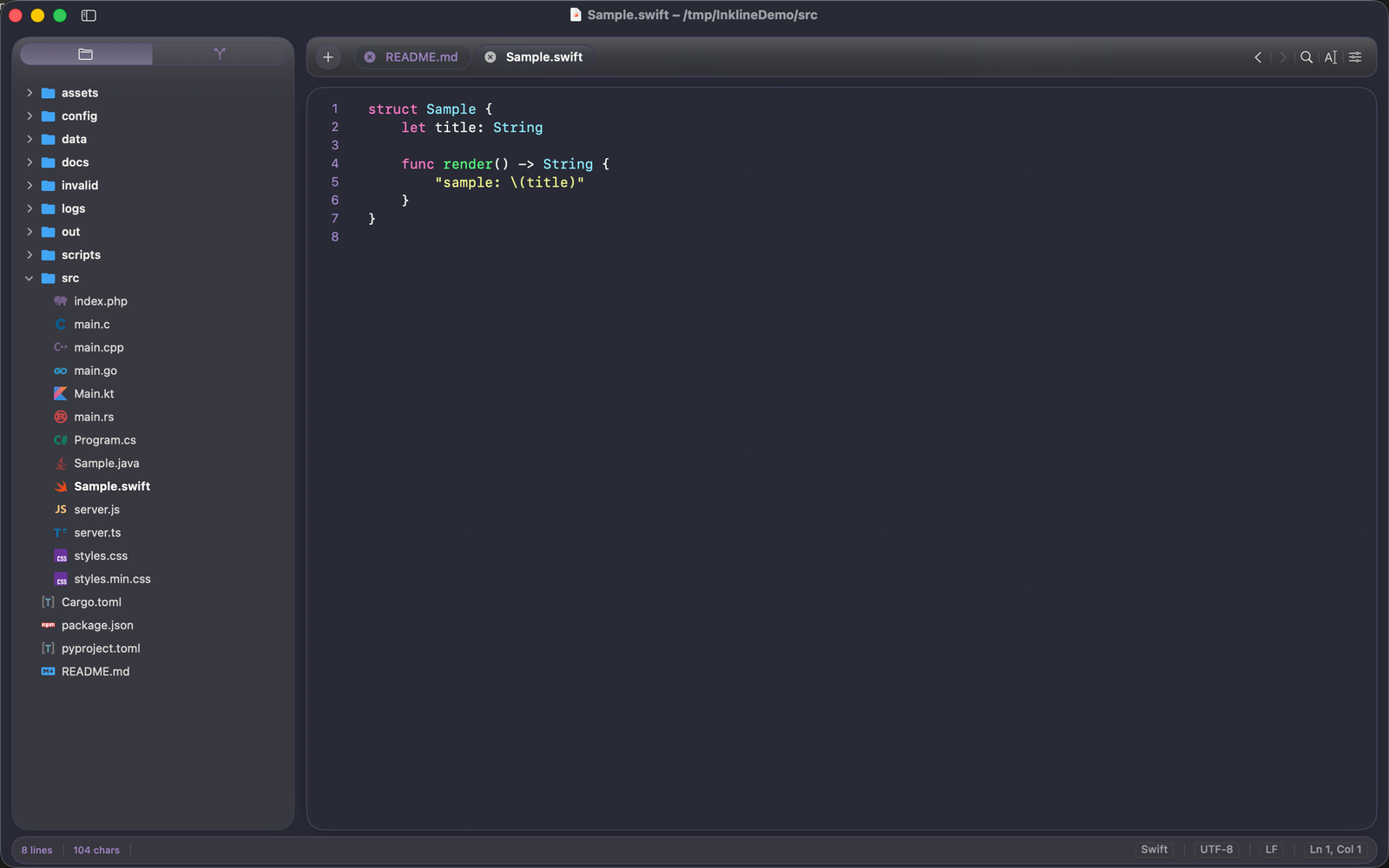
Inkline supports syntax highlighting for Swift, JavaScript, TypeScript, Java, Kotlin, C++, Shell, Markdown, JSON, YAML, XML, TOML, and many other languages.
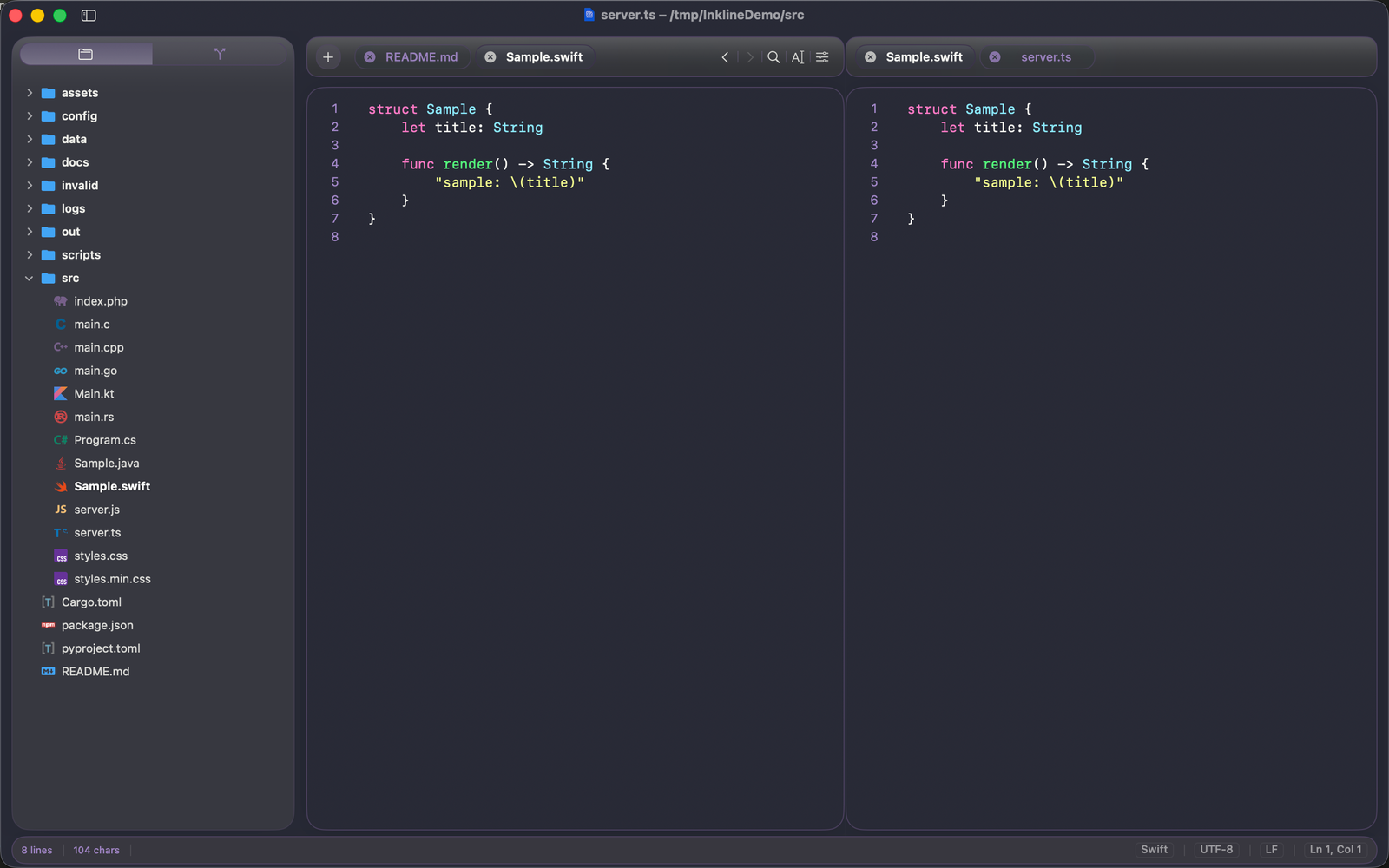
The editor includes find and replace, go to line, symbol navigation, bracket matching, split editing, minimap, word wrap, quick open, command palette, tabs, folder browsing, session restoration, themes, icon themes, and customizable shortcuts.
PROJECT WORKFLOWS
Open a folder and work across an entire project without leaving the editor. Inkline can detect and suggest run commands for SwiftPM, Node, Bun, Deno, Maven, Spring Boot, and other common project types.
Run the active file or a selected piece of code directly in the integrated terminal.
TERMINAL, GIT, AND DEBUGGING
The integrated terminal supports multiple tabs, search, and keyboard-friendly shell input. Inkline also includes a Git changes panel, debug launch profiles, and project launch configuration support.
The bottom panel can sit below the editor or expand across the full workspace. Switch between Terminal, Git, and Debug without losing your place.
DESIGNED FOR macOS
Inkline uses a native AppKit interface with restrained materials, smooth navigation, and a stable editor canvas. There is no decorative glass over your text and no browser-style interface competing for attention.
Menus, Text Tools, shortcuts, and the command palette all follow your configured key bindings.
PRIVATE BY DESIGN
Inkline has no analytics, telemetry, advertising, or crash reporting. Your files, code, structured data, Git status, and terminal output remain on your Mac. Network access is only used when you choose to fetch themes or extensions.
Inkline is made for developers, operators, writers, and power users who want a capable native Mac editor with fast structured-data formatting, large-file support, Text Tools, terminal, Git, and debugging, without accounts or browser friction.