MJSFX
MJSFX is a sounds and effects design studio.
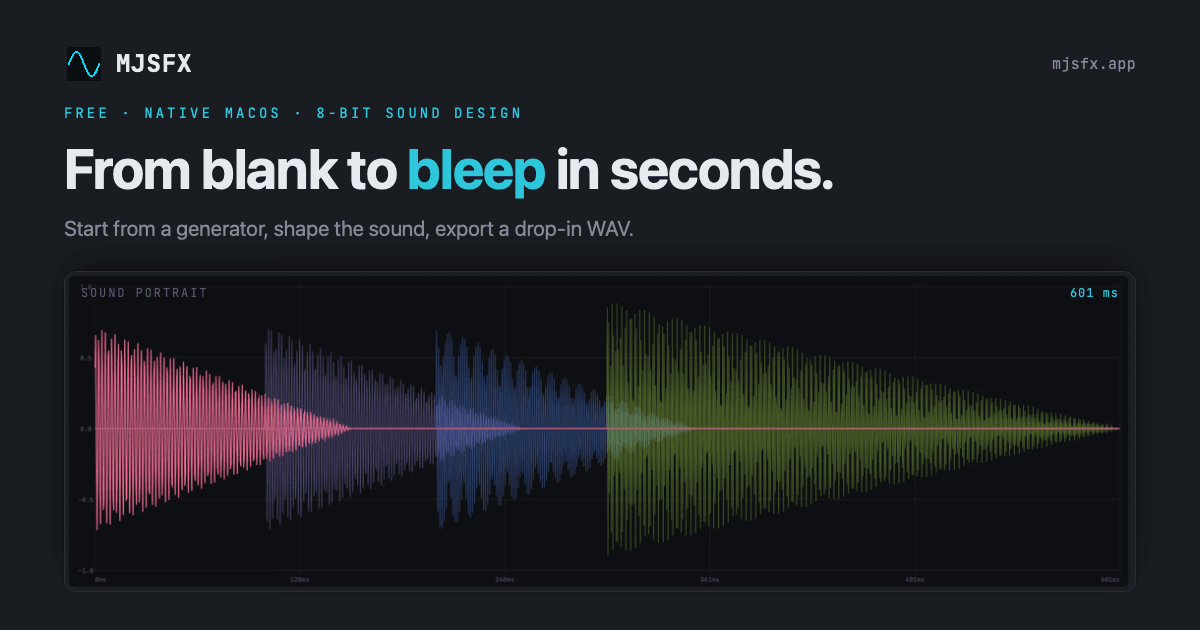
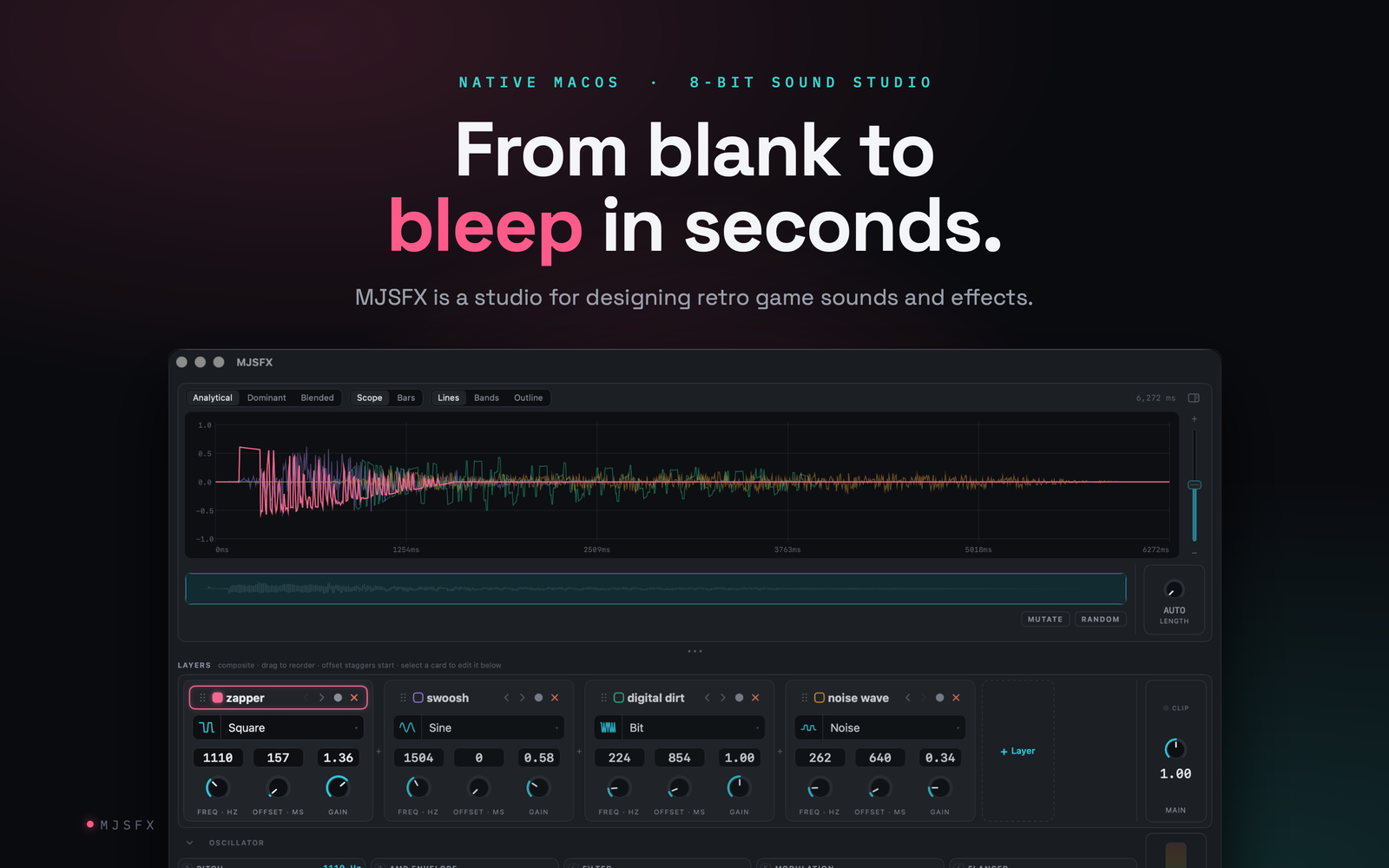
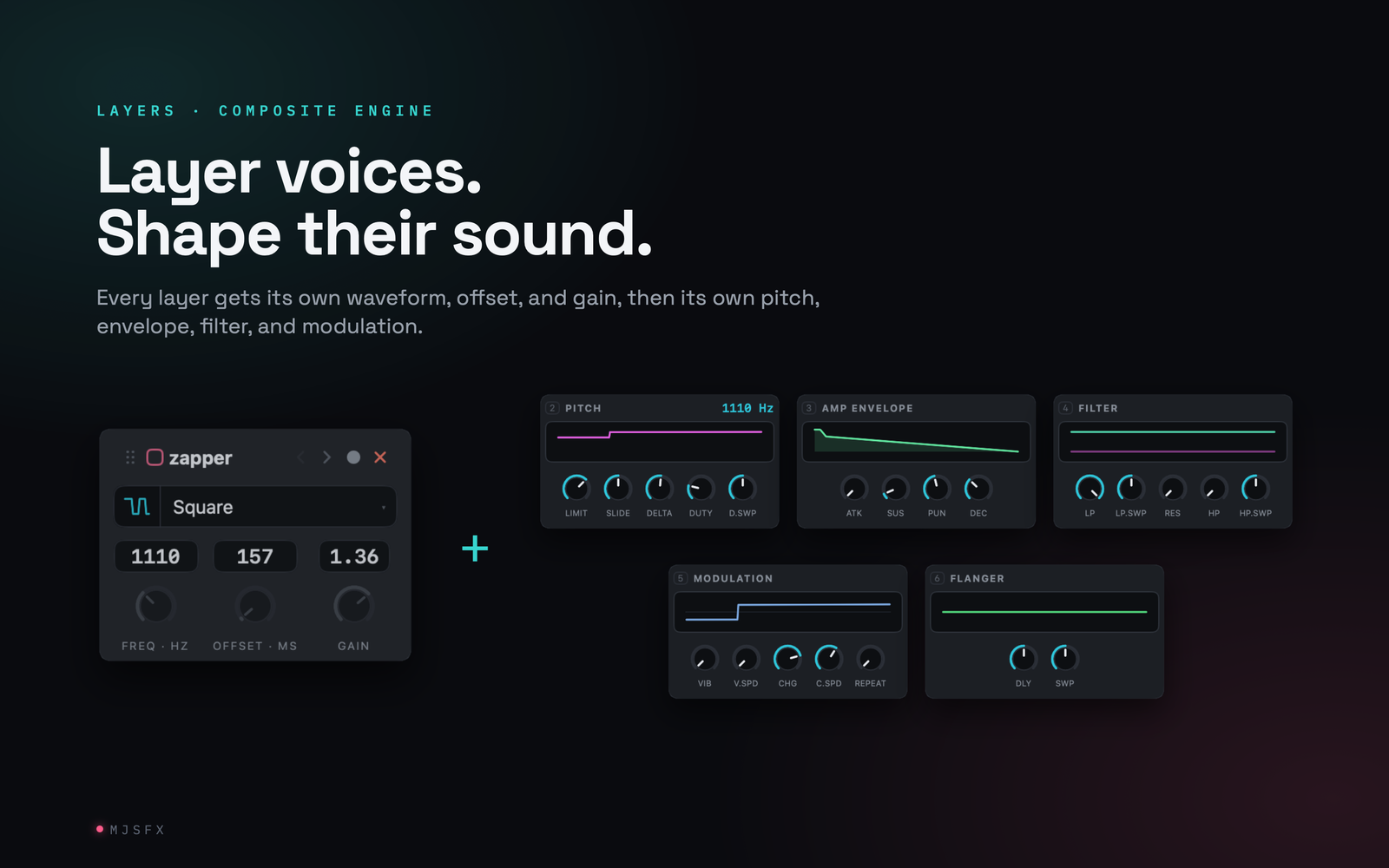
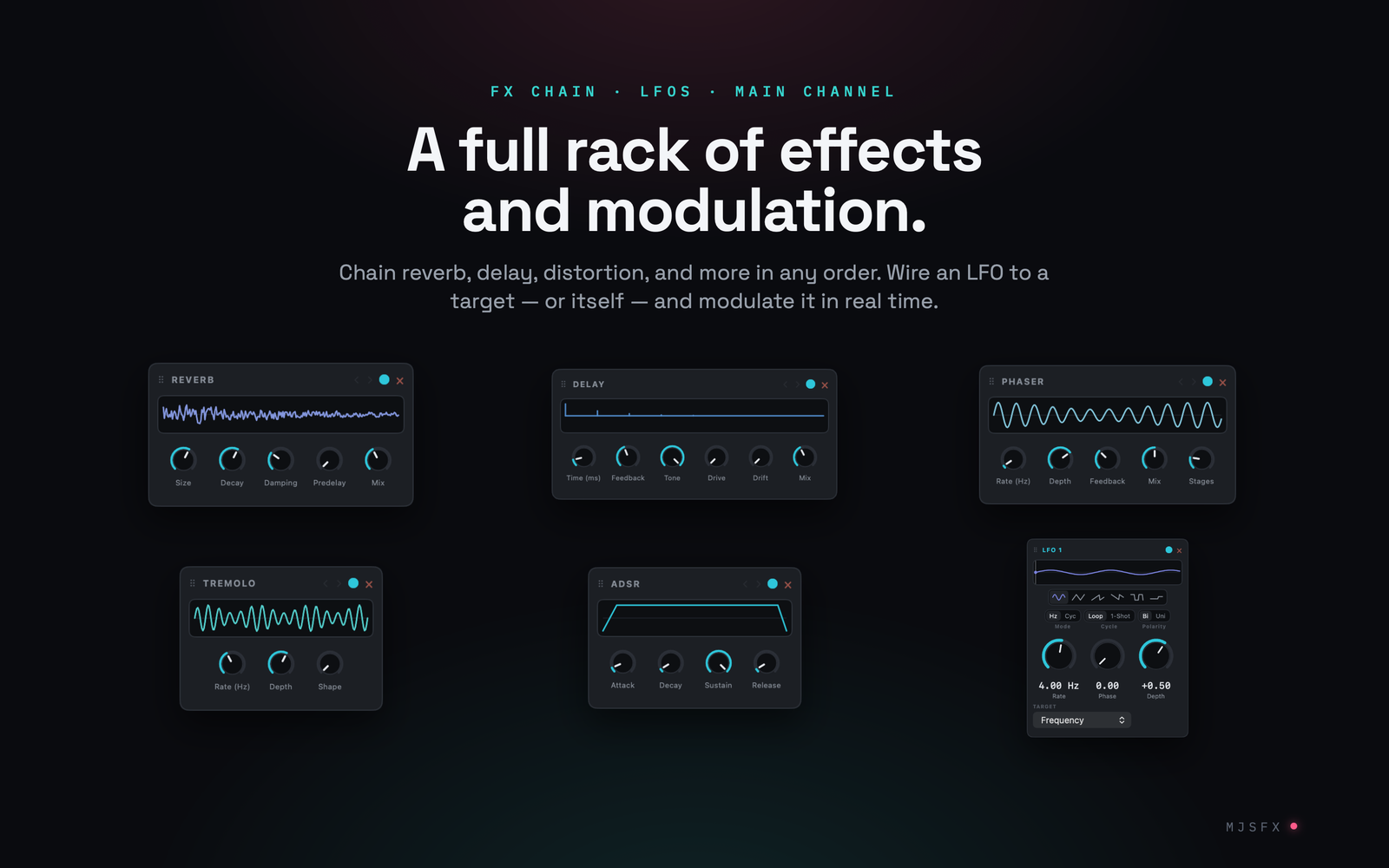
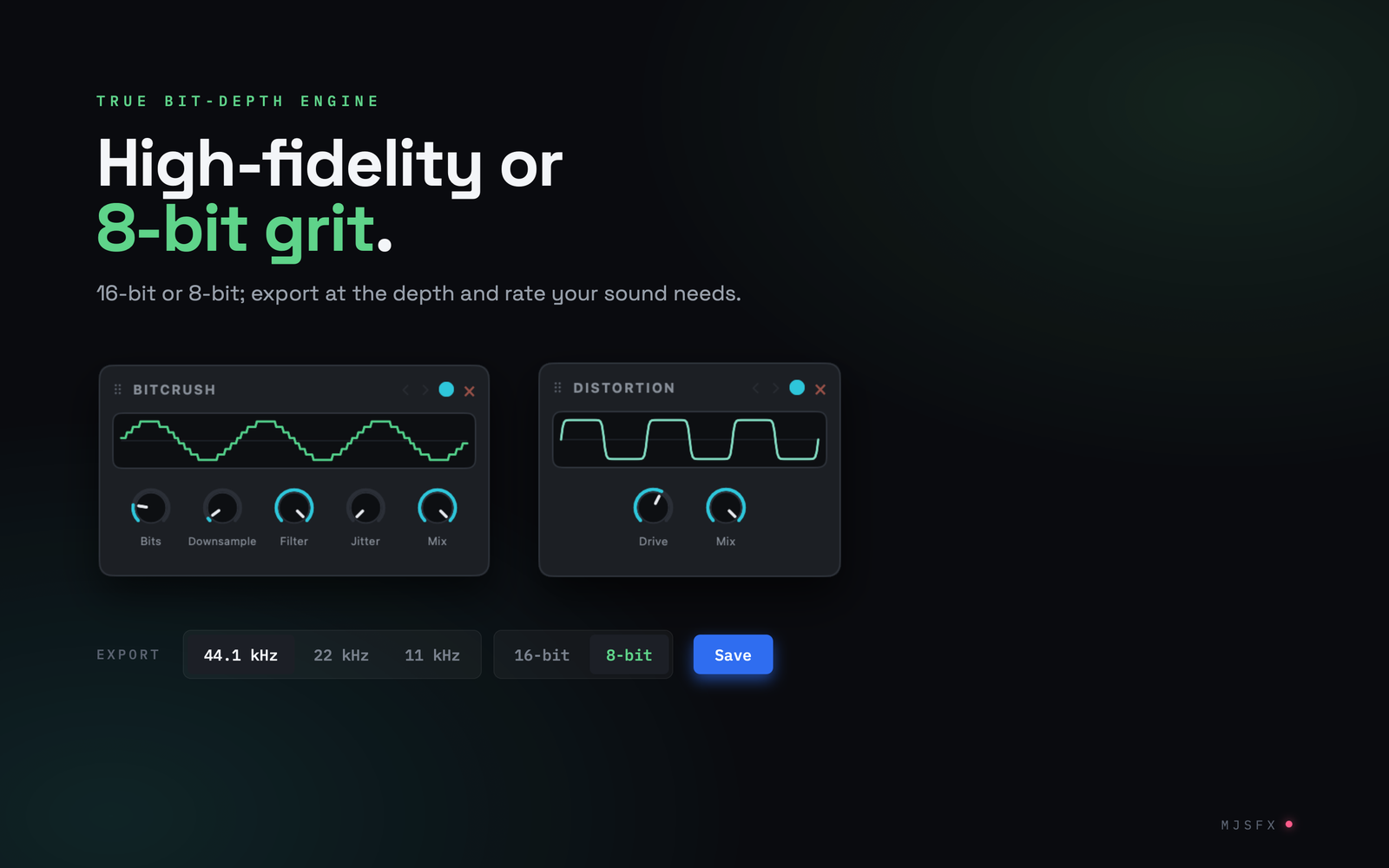
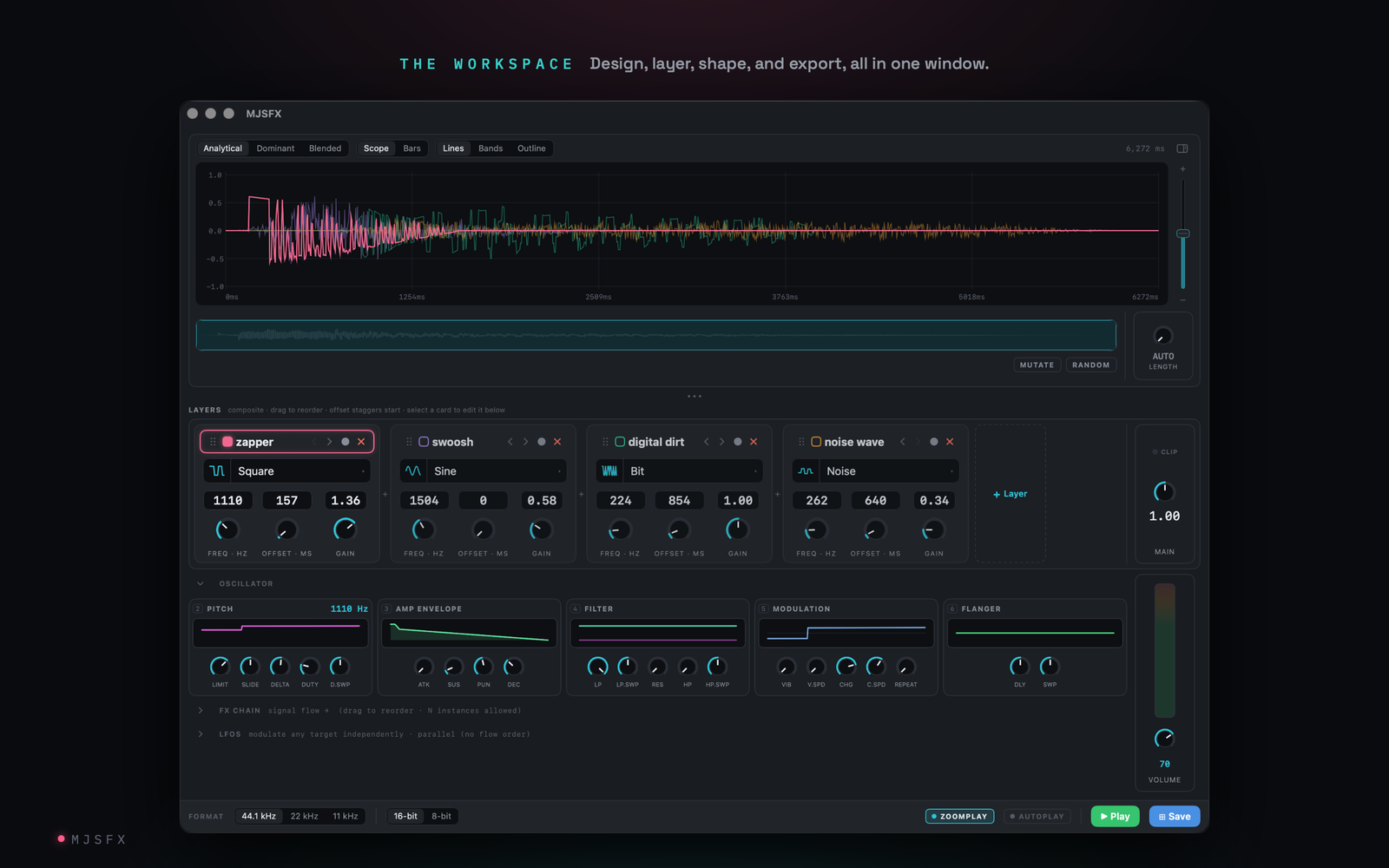
MJFX brings sounds and effects creation onto the macOS platform with a native Silicon app, curated starting points, layering, effects and modulation (LFOs), paired with MIDI hardware control, extensive keyboard shortcuts, and developer-friendly JSON files.
- Sound files (and all config files) are JSON
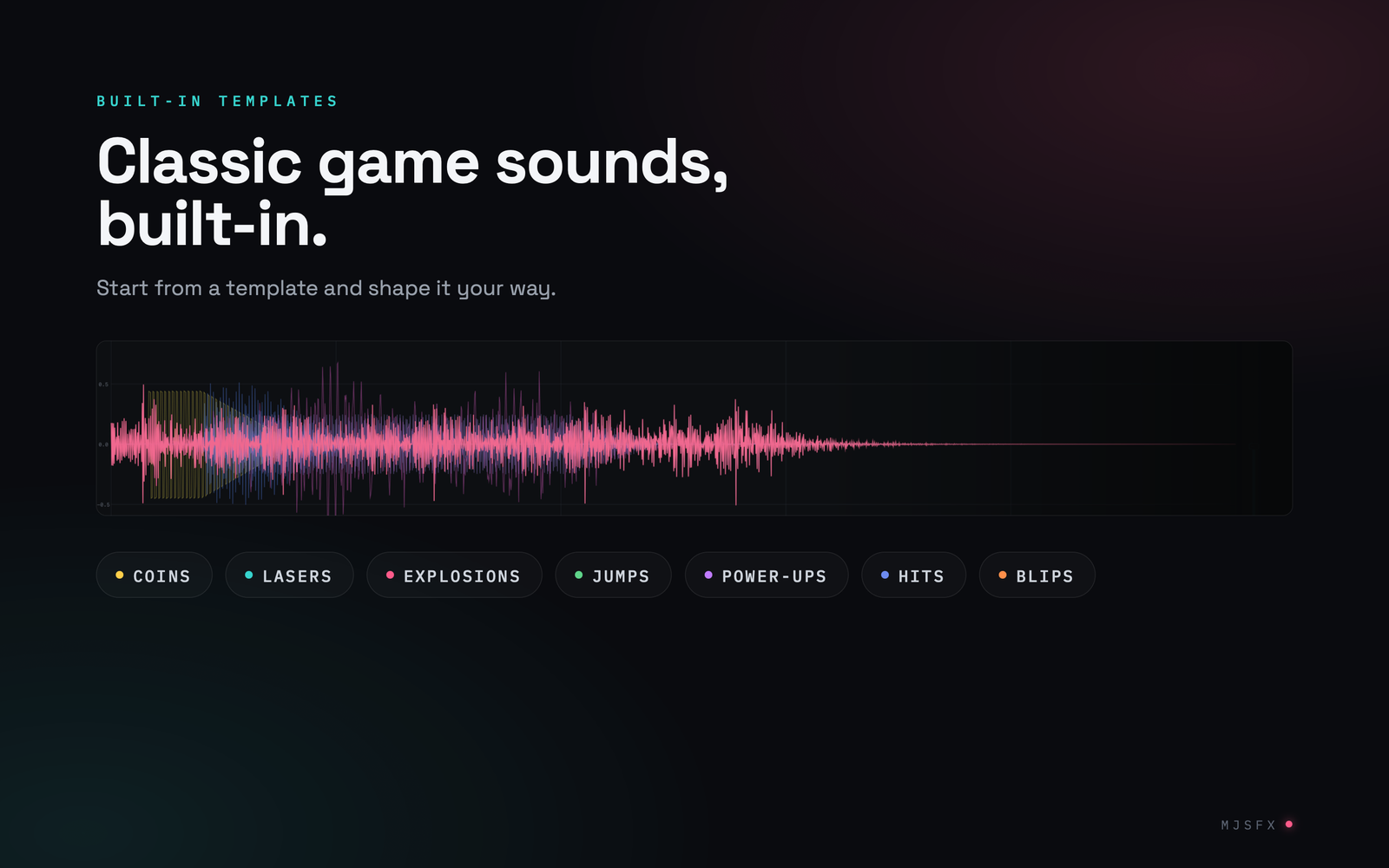
- Generators to get you started: pickups, lasers, explosions, jumps, hits, etc.
- Layer multiple voices, each with its own controls
- Per-layer and main sound effects chain
- LFOs that can modulate almost anything including itself and other LFOs
- Mutate or randomize; undo on everything
- WAV export at 44.1/22/11 kHz, 16 or 8-bit, plus per-layer stems
- Keyboard shortcuts for (almost) everything
- Custom MIDI controller support (create your own config)
- Themes: light, dark, and a theme builder on the site
- No in-app AI, but the direct download (and homebrew) version ships with an MCP server
Free. Fully offline. No accounts, no network access (except Sparkle updater), no telemetry, no ads.